
Best 17 Inch Laptop Backpacks in 2026: What to Look For
Disclosure: We may earn a commission when you buy through links on this page, at no extra cost to you. As an Amazon Associate I earn from qualifying purchases. Learn more

How to choose the best 17 inch laptop backpacks: true compartment fit, padding, strap comfort, weather protection and organization.
A 17 inch laptop is large and heavy, and an ordinary backpack either will not fit it or will let it bounce around. A good bag keeps the laptop protected and the load comfortable, while a bad one can strain your shoulders and damage your machine. This guide shows how to choose among the best 17 inch laptop backpacks by looking at what really matters.
The product table lists backpacks in different styles and prices. Read the sections below to decide which features suit your commute, your gear and your budget.
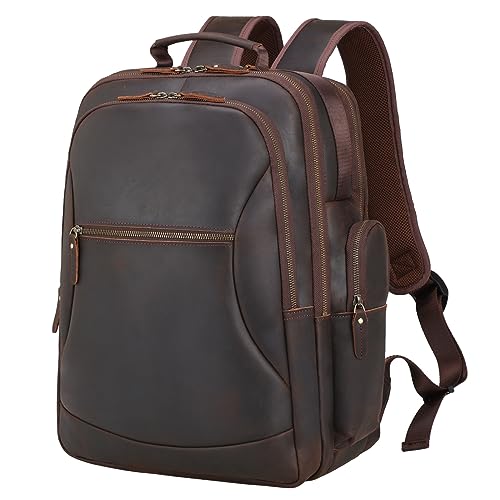

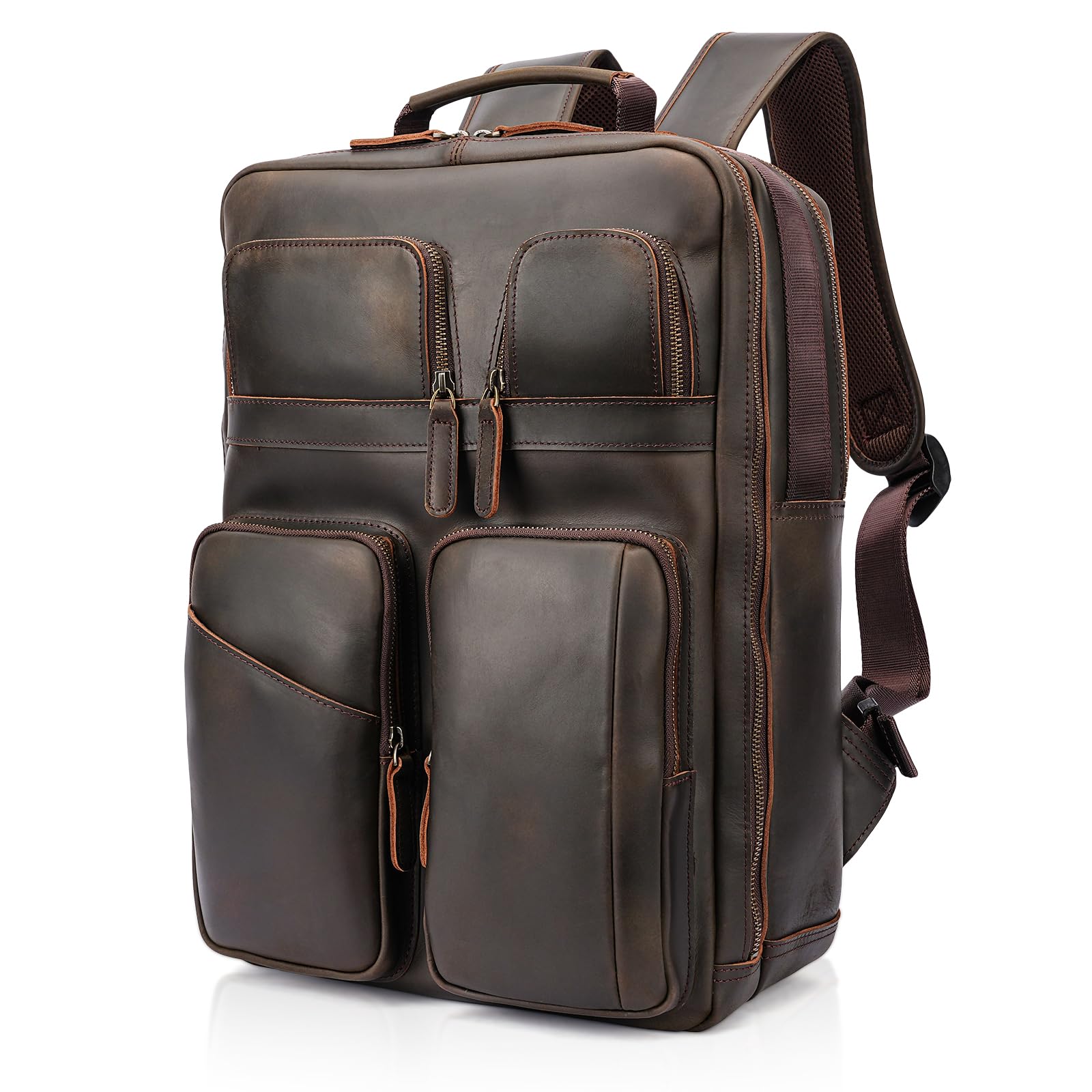


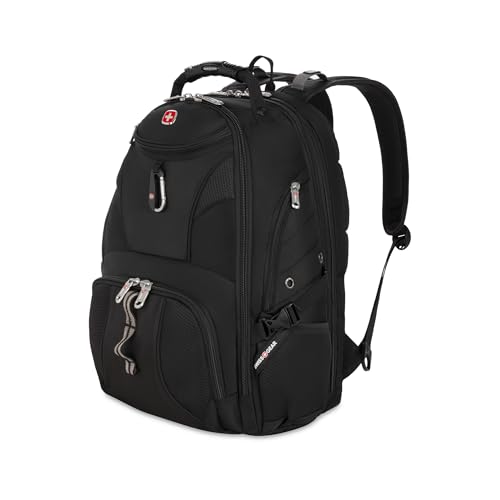


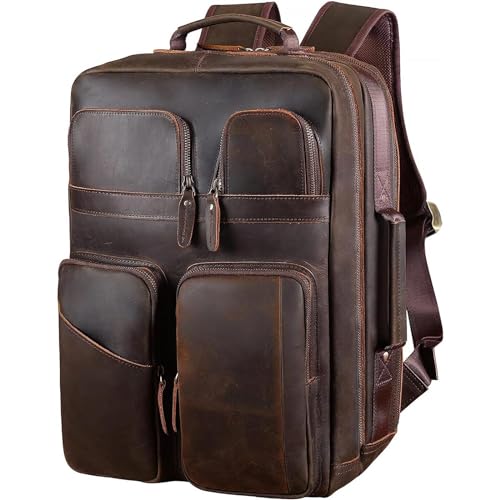
Check True Compartment Fit
A bag that says it fits 17 inch laptops should hold the machine without squeezing. Laptop sizes vary, and some 17 inch models are wider and thicker than others, especially gaming laptops. Check the internal dimensions in the listing, and compare them with your laptop's width, depth and thickness. Leave a little room for a sleeve or the corners of the case.
A dedicated laptop pocket that sits against the back panel keeps weight close to your spine. A padded floor, raised from the bottom of the bag, protects the laptop if you drop the pack. If your laptop is large, consider a bag with a clamshell opening, which lets you see everything inside.
Padding and Protection
Look for thick padding on the laptop compartment walls and the base. A soft lining prevents scratches, and a hard shell or reinforced back panel adds protection against bumps. Avoid bags that are soft all around, because they sag and let the laptop hit the ground at its corner.
Weather protection also matters. Water resistant fabric and zippers help during rain, and a rain cover is a cheap extra. If you ride a bike or walk long distances, consider a bag with sealed seams or a waterproof liner. Keep chargers and drives in a separate compartment so they do not press against the screen.
Straps, Back Panel and Weight Distribution
A laptop of this size can weigh several pounds before you add anything else, so comfort is crucial. Look for wide, padded shoulder straps and a chest strap that keeps the bag stable. A padded back panel with ventilation reduces sweat, and a waist belt shifts weight to your hips on longer walks.
Weight distribution matters more than total weight. Pack the laptop close to your back and heavier items low in the bag. A bag that sits too low pulls on the shoulders, while one that fits the length of your torso feels balanced.
Organization and Capacity
Think about what you carry beyond the laptop. A large charger, a mouse, a headset, notebooks, a water bottle and a jacket all need places. Pockets with dividers keep cables tidy, and a quick access pocket holds keys and a phone. A luggage strap lets you slide the bag over a rolling suitcase handle for travel.
Capacity is listed in liters. A bag of around twenty to thirty liters suits daily commuting with a 17 inch laptop, and larger bags suit travel. Do not buy a much larger bag than you need, since it tempts you to overpack.
Security and Style
Some backpacks include hidden pockets, lockable zippers and slash resistant fabric, which are useful in crowded places. A USB port on the side lets you connect a power bank inside the bag, though you still need your own battery. Style matters too: choose a design you will happily use at work, school or travel. Our guides to backpacks for 17 inch laptops and backpacks for 16 inch laptops offer more options, and the 17 inch screen laptops guide helps if you are still choosing the laptop.
Packing a Large Laptop Backpack Well
How you pack changes how the bag feels. Slide the laptop into its dedicated pocket and zip it fully before you add anything else. Place the charger and heavy items low and close to your back, and light items such as a jacket on the outside. Keep a rigid item, such as a notebook, between the laptop and the front of the bag to spread pressure if someone bumps you on a train.
Avoid stuffing the front pocket with heavy objects, because it pulls the bag away from your back. Tighten the straps so the bag sits high on your shoulders, with the bottom resting just above your hips. Use the chest strap on busy streets to stop the bag from swaying, and the waist belt on long walks.
Caring for the Bag and Laptop
Empty the bag regularly and shake out crumbs and dust, which can scratch a laptop over time. Spot clean fabric with a damp cloth and mild soap, and let it air dry. Check zippers and stitching at stress points, especially the shoulder strap attachments, and repair small tears before they spread. A rain cover and a small pouch for liquids reduce risks to your laptop.
If you carry a gaming laptop, remember that the charger is large and heavy. A separate pouch for the charger keeps cables from tangling and prevents it from denting the laptop. When you travel by air, take the laptop out of the bag if the security rules require it, and check that the pocket is easy to open.
Matching the Bag to Your Daily Routine
A student needs space for books and a water bottle, a commuter needs quick access to a transit card and a traveler needs a luggage pass through strap. A business user might prefer a sleek, structured bag that looks professional, and a creative professional may want extra padded compartments for cameras or drives. Think through a typical day and choose the bag whose layout matches it. A good bag becomes something you stop thinking about, which is the best sign you chose well.
Frequently Asked Questions
Will a 17 inch backpack fit my laptop?
Check the internal dimensions against your laptop. Gaming models are often thicker and wider.
Are leather backpacks good for laptops?
They look good and last a long time, but they are heavier and need care. Fabric bags are lighter.
How much padding do I need?
Thick padding on the sides and base protects against bumps, and a raised floor protects against drops.
Can I use a backpack as a carry on?
Many fit under an airplane seat. Check the airline's size limits and the bag's dimensions.
Final Thoughts
The best 17 inch laptop backpacks hold your laptop securely, spread the weight across your back and keep your gear organized. Check the internal dimensions, look for good padding and straps and compare styles in the product table. Choose a bag you will enjoy carrying every day.


