
Best 2x16GB RAM for 2026: DDR5 and DDR4 Kits Compared
Disclosure: We may earn a commission when you buy through links on this page, at no extra cost to you. As an Amazon Associate I earn from qualifying purchases. Learn more

The best 2x16gb ram kits explained: DDR4 versus DDR5, desktop versus laptop modules, speed and latency, and how to confirm a kit works with your motherboard.
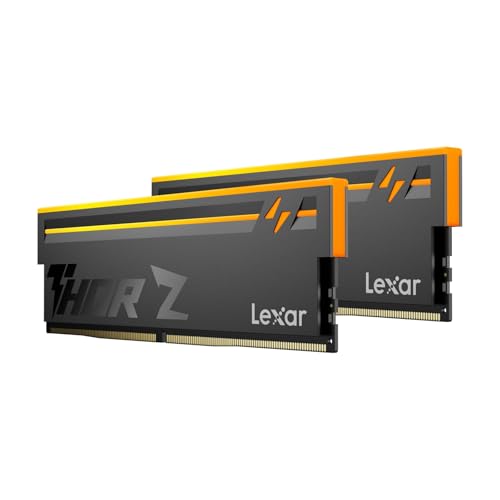
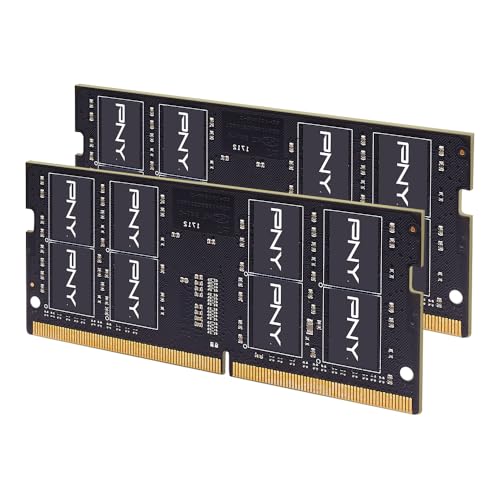
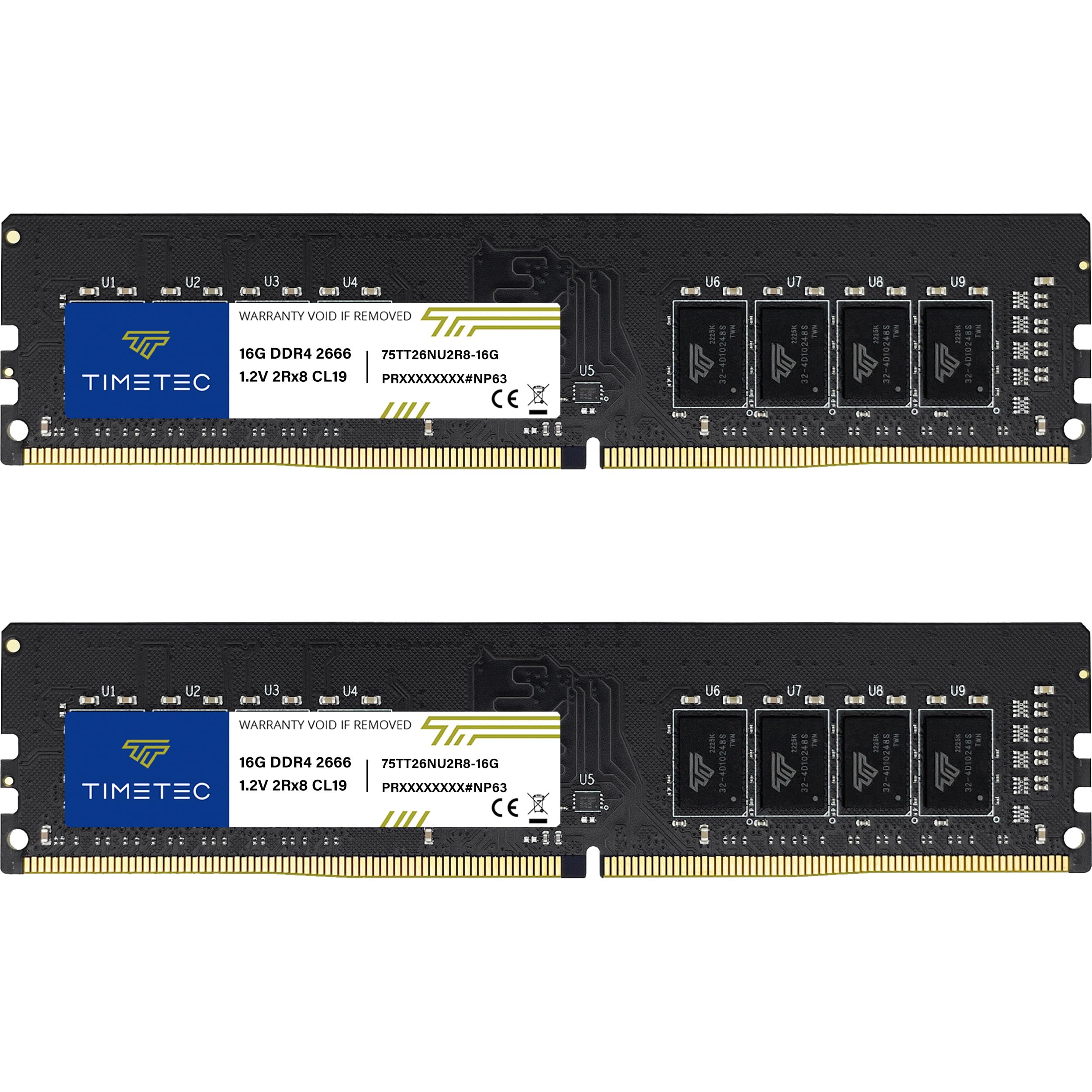
A 2x16GB kit is two 16GB memory sticks sold as a matched pair, giving you 32GB of total memory that runs in dual channel. The best 2x16gb ram are the easiest way to reach 32GB because the pair is tested together and works on almost any board with two or four slots. The product table lists desktop and laptop kits across DDR4 and DDR5.
This guide explains why two sticks beat one, how DDR4 and DDR5 differ, what speed and latency numbers really mean and how to confirm a kit will fit your computer before you order.




Why two 16GB sticks beat one 32GB stick
Memory works fastest when the processor can read from two channels at once. Two sticks fill both channels of a typical desktop board, which raises bandwidth compared with a single stick of the same total size. Integrated graphics benefit the most, because they borrow system memory, but games and creative apps also see smoother results.
A pair also leaves two slots free on a four slot board for a later upgrade, although mixing old and new sticks can force slower settings. If you think you will go beyond 32GB, a kit of two larger sticks may be the better long term choice. See 32GB vs 64GB RAM to decide how much you need.
DDR4 or DDR5?
The two generations are not interchangeable. The notches on the module sit in different places, so a DDR5 stick will not fit a DDR4 slot. Your motherboard decides the generation, and the processor and board together set the top supported speed.
- DDR5: the newer standard, with higher speeds and the platform for current desktop processors, at a higher price
- DDR4: older but mature and cheap, a sensible choice when you are upgrading an existing system
- Laptop modules: these use the shorter SODIMM format in both generations, so do not buy desktop sticks for a laptop
- Soldered memory: many thin laptops have no slots at all, so check before you buy
Our DDR4 vs DDR5 guide has the long version of this comparison.
Speed, latency and profiles
Speed is listed in megatransfers per second, and latency in timings such as CL30 or CL36. Higher speed helps, but the gains are modest in many games, and tight timings matter too. A kit with a high speed and loose timings can feel the same as a slower kit with tighter timings.
Most kits above the base speed rely on a stored profile called XMP on Intel boards or EXPO on AMD boards. You must switch the profile on in the BIOS to reach the advertised speed, otherwise the kit runs at a safe default. Picking a kit that lists your platform's profile makes this simple.
How to pick among the best 2x16gb ram kits
For gaming desktops
A mainstream speed with good latency is the sweet spot. Chasing the very fastest kits costs a lot and often yields a few extra frames at most. Choose a kit from a known brand, and check that the module height will fit under your CPU cooler if the sticks have tall heat spreaders or RGB light bars.
For work and creative PCs
Stability matters more than lighting. A plain heatsink or no heatsink at all is fine, and a lower profile helps in compact builds. Check the board vendor's list of tested memory when one is published.
For laptops and mini PCs
Buy SODIMM modules of the right generation and speed for your model. The laptop's maker usually lists the maximum supported speed, and a faster stick simply runs at that limit.
Checking compatibility
- Find your motherboard or laptop model and read its memory section
- Note the generation, the form factor (DIMM or SODIMM) and the top supported speed
- Check the number of slots and the maximum total capacity
- Look for the profile type (XMP or EXPO) that your platform supports
- Read the kit listing for voltage, timings and module height
If you run into boot trouble after installing, update the BIOS first, reseat the sticks firmly until both clips click and enable the profile one step at a time. Most issues come from a loose stick or an out of date BIOS rather than a faulty kit.
Heat spreaders, RGB and module height
Heat spreaders are the metal covers on many kits. At ordinary speeds they matter little for cooling and mostly add looks, but on very fast DDR5 kits they do help the chips shed heat. RGB light bars add cost and height. If you use a large tower air cooler, measure the clearance between the cooler and the first memory slot, since a tall module can block the fan or force you to raise it.
Smaller cases and low profile coolers often need slim modules. Plain kits without lighting are usually the shortest, and they remain the quiet, sensible pick for a work PC or a compact build.
How much does a 32GB kit cost?
Prices shift with the market, so use the table for current figures. DDR4 kits are generally the cheapest route to 32GB. DDR5 kits cost more, and the highest speed and RGB models carry the largest premium. A plain mid-speed kit from a reputable brand is usually the best value, because pricier kits add looks more than performance.
Memory ranks and why they sometimes matter
Some listings mention single rank or dual rank modules. A dual rank stick can give a small performance lift in some tasks but is harder on the memory controller, which sometimes limits top speed. For a plain 2x16GB kit most buyers never need to worry about this, but if you push a high speed profile and run into instability, a different kit with a gentler profile is the easy fix.
When to buy one kit now and add later
If you can afford the 64GB today, buy it in a single matched kit and keep the other slots empty. Mixing a second kit later can force slower speeds, and the extra sticks can make the controller work harder. If budget is tight, buying 32GB now and replacing it with a 64GB kit later is cleaner than adding unmatched sticks. You can resell the old pair or keep it as a spare.
Protecting small speakers
Dash locations sit under direct sun and can reach high temperatures in summer. Choose a speaker with a durable cone and surround, and avoid pushing it with very high volume from a weak amplifier, because a clipped signal is the usual cause of damaged tweeters. Grilles or covers protect the cone from dust and sunlight, and a water resistant material helps in convertibles and open vehicles.
FAQ
Can I mix a 2x16GB kit with my current RAM?
It can work, but mixed sticks run at the slowest common speed and may be unstable. A single matched kit is the safer route.
Is 32GB enough for gaming?
Yes, for current games it is plenty and leaves room for background apps. Our best RAM for gaming page covers the faster options.
Do I need heat spreaders?
They help dissipate heat on fast kits, but many everyday kits run fine without anything fancy.
Will a 2x16GB kit fit my board?
If the generation, form factor and speed support match, yes. Always check the slot count.
Final thoughts
The best 2x16gb ram give you 32GB in dual channel without the guesswork of mixing sticks. Match the generation and form factor to your board, enable the XMP or EXPO profile, and pick a kit with sensible timings from a brand you trust. Compare current prices in the table.
Prices and availability can change, so check the product page before ordering.


