
Anker vs Ugreen Docking Station Comparison: Which Is Better in 2026?
Disclosure: We may earn a commission when you buy through links on this page, at no extra cost to you. As an Amazon Associate I earn from qualifying purchases. Learn more

Anker vs Ugreen docking station: a clear comparison of ports, displays, charging power and value for laptop owners.
Anker and Ugreen both sell dozens of docks at friendly prices, which makes picking one confusing. This Anker vs Ugreen docking station guide cuts through the model names and explains how the two brands differ on display support, charging, speed and everyday polish.
The product table above gathers recent docks from both brands, from tiny USB-C hubs to Thunderbolt models. Prices move often, so check the table before you buy and use the sections below to decide which kind of dock you need.



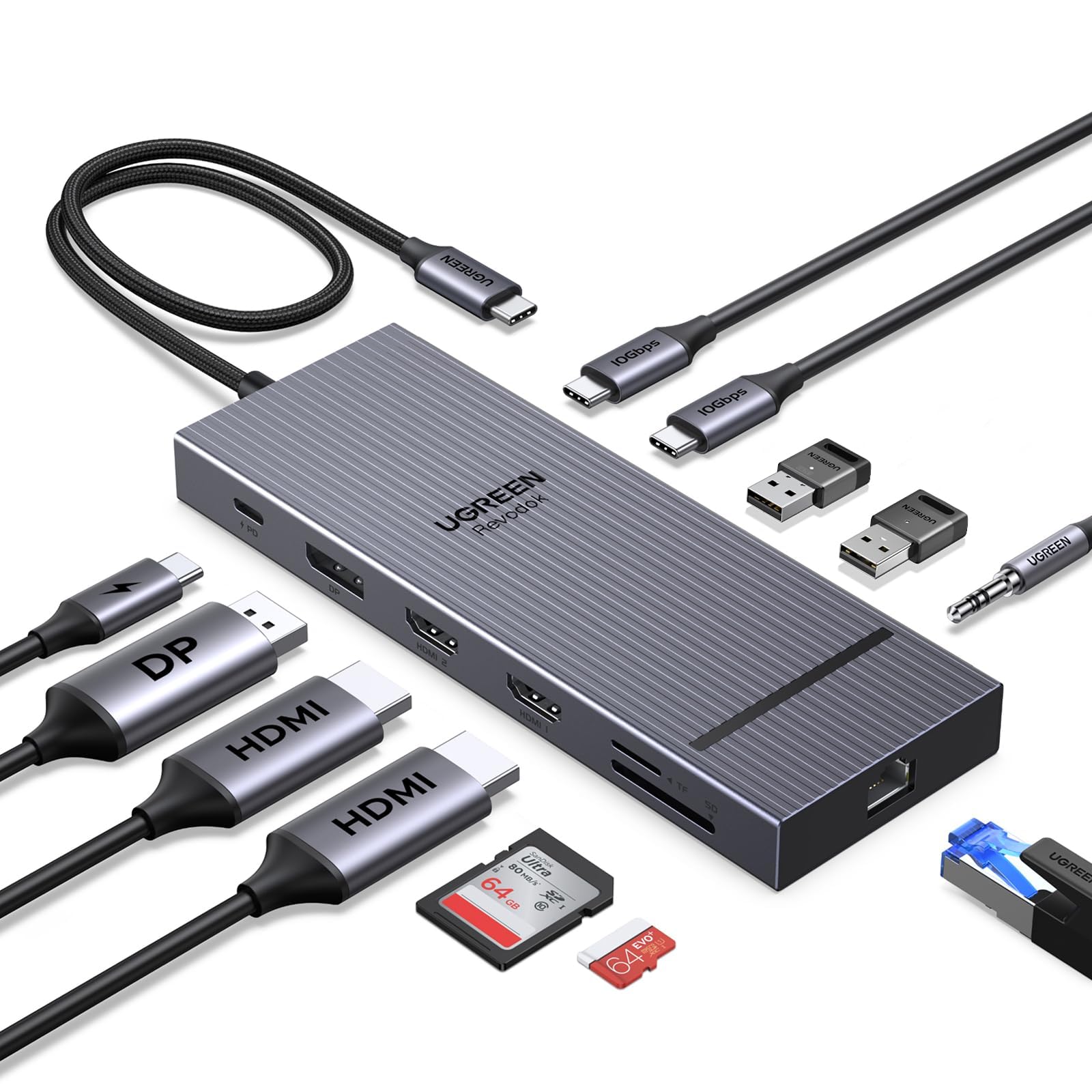
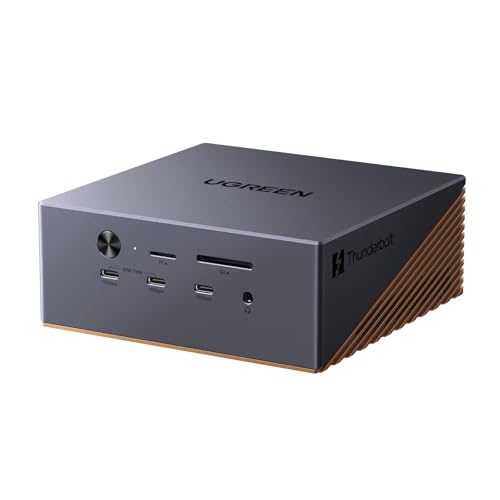
Two Brands, Similar Strategy
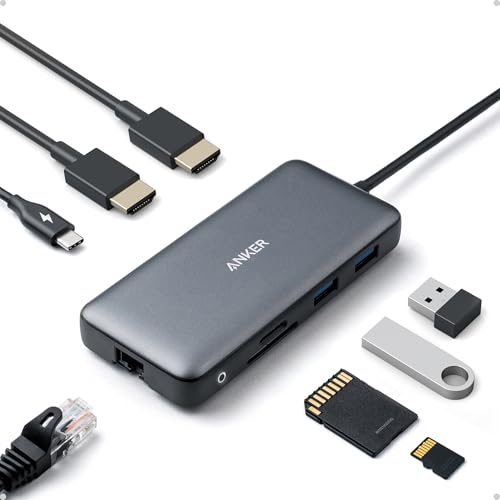
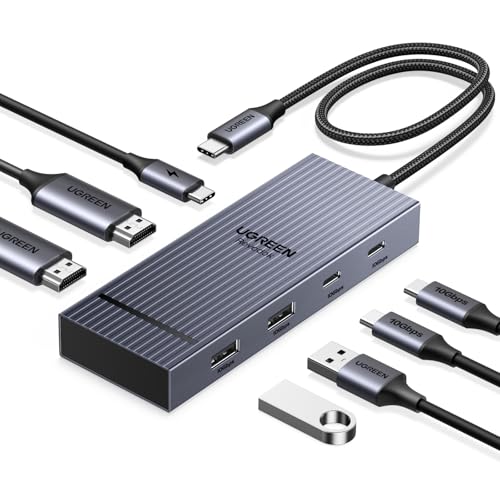
Both companies grew from phone chargers and cables, and both sell docks that undercut specialist brands. Anker leans on a recognizable name and a premium Prime line. Ugreen leans on lots of variants, including aluminum docks with an NVMe slot and newer Thunderbolt 4 and Thunderbolt 5 models.
For most people the right question is not which brand is better, but which product class you need: a basic USB-C hub, a multi-display dock or a full Thunderbolt dock.
USB-C Hubs Versus Thunderbolt Docks
A budget USB-C dock is fine for one or two monitors, a keyboard, a mouse and a drive. A Thunderbolt dock costs several times more, but it supports faster storage, more displays and higher charging power.
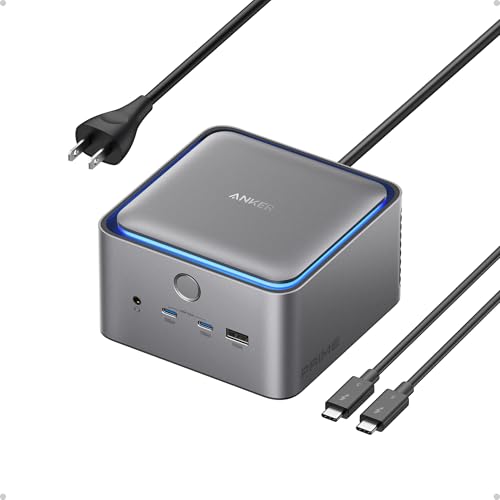
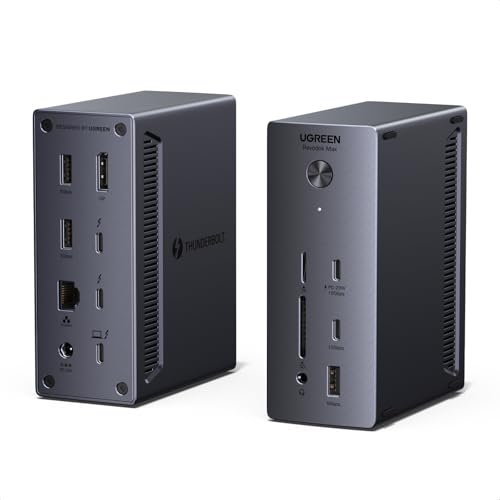
Ugreen has pushed hard into Thunderbolt with models that include several Thunderbolt ports and an NVMe bay. Anker's Thunderbolt 5 Prime dock sits at the premium end. If you have a Thunderbolt laptop and fast external SSDs, this is the tier to compare.
Monitors and Mac Limits
Docks advertise dual or triple 4K output, but your laptop decides what really works. Entry-level Macs support few external screens without special tricks, and some Windows laptops split bandwidth between ports. Match the dock to the laptop's limits first.
DisplayLink docks can add monitors beyond those limits, but they require a driver and are less ideal for gaming and video. Both Anker and Ugreen sell DisplayLink models, so read the title carefully.
Charging and Heat
Look at the laptop charging wattage, and compare it to the wattage of your original charger. A 65W dock will not keep a performance laptop topped up under load. Metal bodies keep heat in check, which is a common reason buyers prefer Ugreen's aluminum shells and Anker's Prime docks.
Extras That Matter
- Card readers help photographers and drone owners.
- Gigabit or 2.5G Ethernet suits video calls and large downloads.
- An NVMe slot lets the dock double as external storage.
- Detachable cables and a vertical stand keep the desk tidy.
Reliability and Returns
Both brands have wide distribution and straightforward returns, which counts for a lot with accessories that depend on your laptop's firmware. Buy from a seller you trust, keep the box, and check your dock with all monitors on the first day while you can still send it back easily.
Where to Look Next
Comparing against high-end options is useful. Our best docking station guide covers the broader field, and the CalDigit TS4 review and CalDigit TS5 Plus review show what premium Thunderbolt docks add. For a compact option, see the CalDigit Element Hub review.
Anker vs Ugreen Docking Station: Which Is Better for You
Choose Anker if you want a trusted name, a compact travel hub or a Prime dock with strong charging. Choose Ugreen if you want feature-rich docks with NVMe bays and Thunderbolt at a keen price. If a model has fewer than a handful of reviews or an unusual port mix, lean toward the safer, more established listing.
Choosing by Use Case
Home office users with one or two monitors rarely need more than a basic USB-C dock, and spending more is wasted. Video editors and photographers benefit from fast ports, card readers and Thunderbolt storage. Gamers using a handheld PC or a laptop often care most about HDMI output and passthrough charging.
Students and travelers should prefer a small, light hub that fits in a bag. Anker's pocket hubs and Ugreen's compact docks both fit that need, and the price difference is usually small.
Setup Tips That Prevent Problems
Install the latest laptop firmware before connecting a new dock, and use the cable that came with it. If a display flickers, change the cable or port before blaming the dock. Plug in the power supply first when the dock has its own adapter, since some models misbehave when started from laptop power only.
Test every port in the first week: monitors, Ethernet, USB drives and the audio jack. Any defect shows up early, and the return window is your safety net.
Price Tiers to Expect
Hubs with a few ports are cheap, multi-display docks cost more, and Thunderbolt models are the expensive tier. The two brands are close on price in most classes, so use the product table to find current deals rather than assuming one brand is always cheaper.
A Note on Cables and Power Supplies
Many dock problems trace back to the cable or the power brick. Use the cable supplied with the dock, keep the power supply plugged into a wall socket rather than a crowded strip, and avoid long extension cables for video. A short, certified cable makes the difference between a stable display and one that blinks off during calls.
FAQs
Which brand has better monitor support?
It depends on the model. Check the exact dock, the number of displays and your laptop's limits rather than relying on the brand.
Do I need Thunderbolt?
Only if you plan to use fast external storage, several high-resolution displays or high charging power. Otherwise a good USB-C dock saves money.
Will these docks work with a MacBook?
Most do, but display limits on base Macs are strict. Read the listing's Mac notes before buying.
Can I use a dock with a gaming handheld?
Yes, many compact docks suit handheld PCs, though charging wattage and video output vary by model.
Final Verdict
The Anker vs Ugreen docking station decision comes down to the tier you want. Anker is the polished all-rounder with a strong premium line, while Ugreen offers more features per dollar, especially with NVMe and Thunderbolt models. Use the product table to compare current prices, and pick the dock that matches your laptop's ports, monitors and charging needs. If this anker vs ugreen docking station comparison still leaves you torn, shortlist your favorite and rely on the return window.
Prices and availability can change, so check the product page before ordering.


