
AOC 24G42HE Review for 2026: 24-Inch 200Hz Budget Gaming Monitor
Disclosure: We may earn a commission when you buy through links on this page, at no extra cost to you. As an Amazon Associate I earn from qualifying purchases. Learn more

AOC 24G42HE review of the 24-inch FHD 200Hz IPS monitor: response time, color, console use, stand and alternatives.
An AOC 24G42HE review is worth reading if you want a small, quick Full HD gaming monitor without paying for features you will not use. This is the current 24-inch AOC gaming model that is easy to buy new, and it takes the role of the older 24G15N for shoppers who want a 24-inch screen with a high refresh rate.
The table above puts it next to other 24-inch and 25-inch monitors, so you can compare prices and refresh rates at a glance.
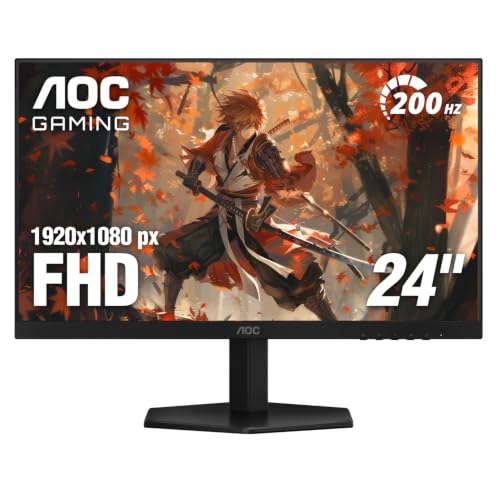


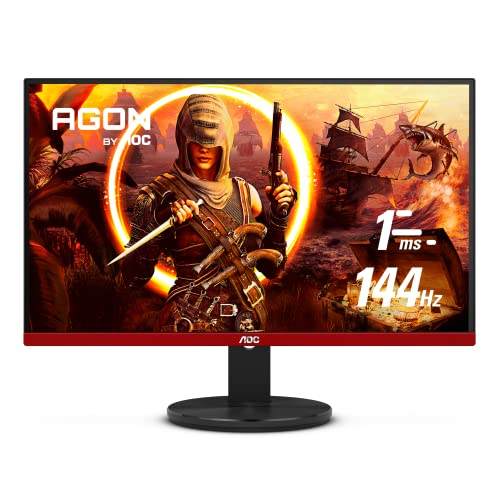
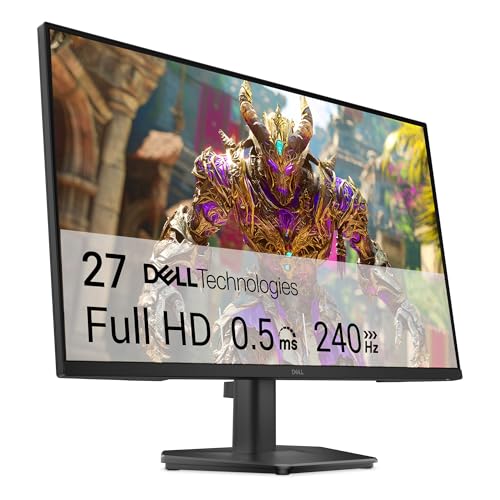
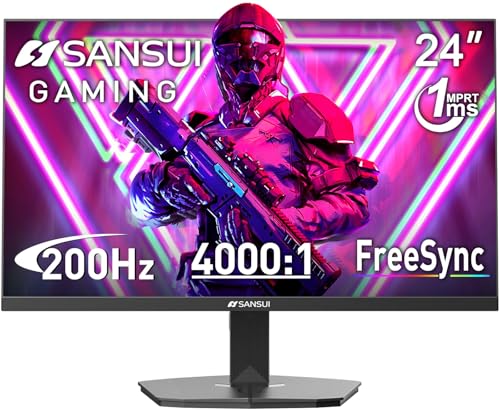
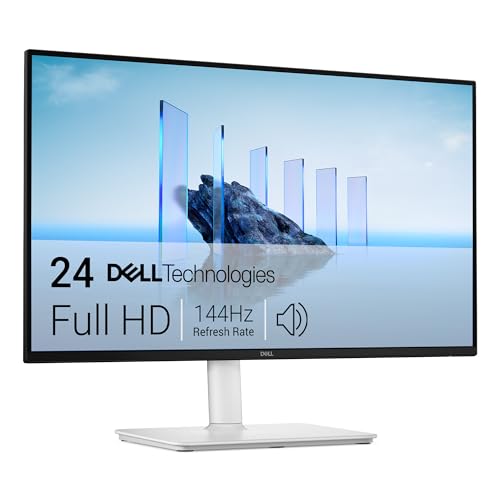

What the 24G42HE Offers
The listing describes a 24-inch class panel with 23.8 inches viewable, a 1920 x 1080 resolution, an IPS panel and a 200Hz refresh rate. Response is rated at 0.3ms, with 1ms MPRT, and it is G-SYNC Compatible with Adaptive-Sync. Color coverage is listed at 116 percent sRGB, and HDR10 is mentioned as HDR ready, which should be treated as a bonus rather than a headline feature at this price.
There is an earphone output, a VESA mount, a frameless design on three sides, and a three-year warranty. Together, that is a complete package for a desk where the monitor is the only screen or one of a matched pair.
Who a 24-Inch 1080p Screen Suits
A 24-inch Full HD monitor looks sharp at normal desk distance, and it asks for much less from your graphics card than a QHD or 4K screen. That is why esports players, first-time PC builders and parents shopping for a first gaming setup keep choosing this size. Frame rates are easier to keep high, so the 200Hz refresh rate becomes useful in real games.
- Fast shooters and battle royale games reward high frame rates more than extra pixels.
- Budget builds with an older or mid-range graphics card get the most from this resolution.
- Dual monitor desks are easy because the frame is thin and the screen is compact.
Console Use
The listing says it supports up to 120Hz on consoles, with a low input lag mode. That is useful for a PlayStation or Xbox that supports 120Hz output at 1080p, though many console games will not reach that frame rate. If you mostly play on console at 4K, a larger or higher-resolution screen is a better match.
Color and Picture
An IPS panel gives wider viewing angles and better color than most cheaper VA panels, which suits a desk where you sit a bit off to one side. VA panels can look deeper in dark scenes, so if you play in a very dark room, the VA alternatives in the table may please you more. For most players, the IPS look is the more natural, balanced choice.
HDR on an entry-level monitor is limited by brightness and local dimming, so do not expect a big change when you switch it on. Treat it as a bonus and leave it off if the picture looks washed out.
Setting It Up
Use DisplayPort if your graphics card has it, and set the refresh rate to the maximum in the operating system settings, because many monitors default to 60Hz until you change it. Turn on Adaptive-Sync in your graphics driver and check the response time setting in the on-screen menu, as higher overdrive levels can cause ghosting.
Stand and Mounting
Budget monitor stands are often basic, and a basic stand means tilt and a small height range. If your desk is low or you use a laptop beside it, consider a monitor arm and use the VESA mount points the listing mentions. The three-year warranty is a plus, and the frameless edges make it look tidy beside other screens.
How It Compares
Other AOC models in the table add QHD resolution, a curved panel or an even higher refresh rate, and monitors from Dell and Sansui offer similar features at close prices. The 24G42HE is not the cheapest 24-inch screen, but it hits a good balance of speed, color and warranty. If you want more sharpness, step up to a 24-inch or 27-inch QHD model.
AOC 24G42HE Review: Is It Worth Buying
For a player who wants smooth motion on a limited budget, yes. Pair it with a graphics card that can keep the frame rate high at 1080p, and it will serve well for years. Pick another model if you want QHD, a curved screen or an OLED panel.
Our best gaming monitor guide and the AOC Q27G3XMN review cover bigger and sharper options.
Picking the Right Refresh Rate for Your PC
A 200Hz screen only helps when your computer produces enough frames. Check what frame rate your games reach at 1080p before you pay for more speed. A card that holds 100 to 140 frames per second sees most of the benefit from a 144Hz or 165Hz monitor, while a stronger card can use the full 200Hz in light esports titles.
If your frame rates are lower, spend on a better graphics card or a QHD model instead. If you play mostly slower games, even a 100Hz or 144Hz monitor from the table feels smooth and costs less. The key is matching the monitor to the games you actually play, not to the biggest number on the box.
Also remember that the refresh rate must be selected in the operating system after you plug the monitor in, or it may stay at 60Hz.
FAQs
Is the 24G42HE a 1080p monitor?
Yes. It has a 1920 x 1080 panel with a 200Hz refresh rate.
Is it IPS or VA?
The listing says IPS.
Does it work with NVIDIA and AMD cards?
It is listed as G-SYNC Compatible with Adaptive-Sync, so both are supported.
Does it include speakers?
No speakers are listed, only an earphone output.
Final Verdict
In short, this AOC 24G42HE review points to a quick, colorful and well-supported monitor that fits small desks and tight budgets. Compare the table, check recent buyer comments for panel quality, and choose a higher resolution model only if your graphics card can drive it.
Check the product page for current price and stock before you order.


