
APC BX1500M Review for 2026: Is This UPS Worth It?
Disclosure: We may earn a commission when you buy through links on this page, at no extra cost to you. As an Amazon Associate I earn from qualifying purchases. Learn more

Our apc bx1500m review explains runtime, outlets, battery replacement and where this popular 1500VA battery backup fits.
A power cut that lasts two seconds can still corrupt a file, crash a game server or drop a video call, and a battery backup is the cheap insurance against all three. This APC BX1500M review looks at one of the best-selling consumer UPS units, explains what it protects well, and shows where a different model makes more sense.
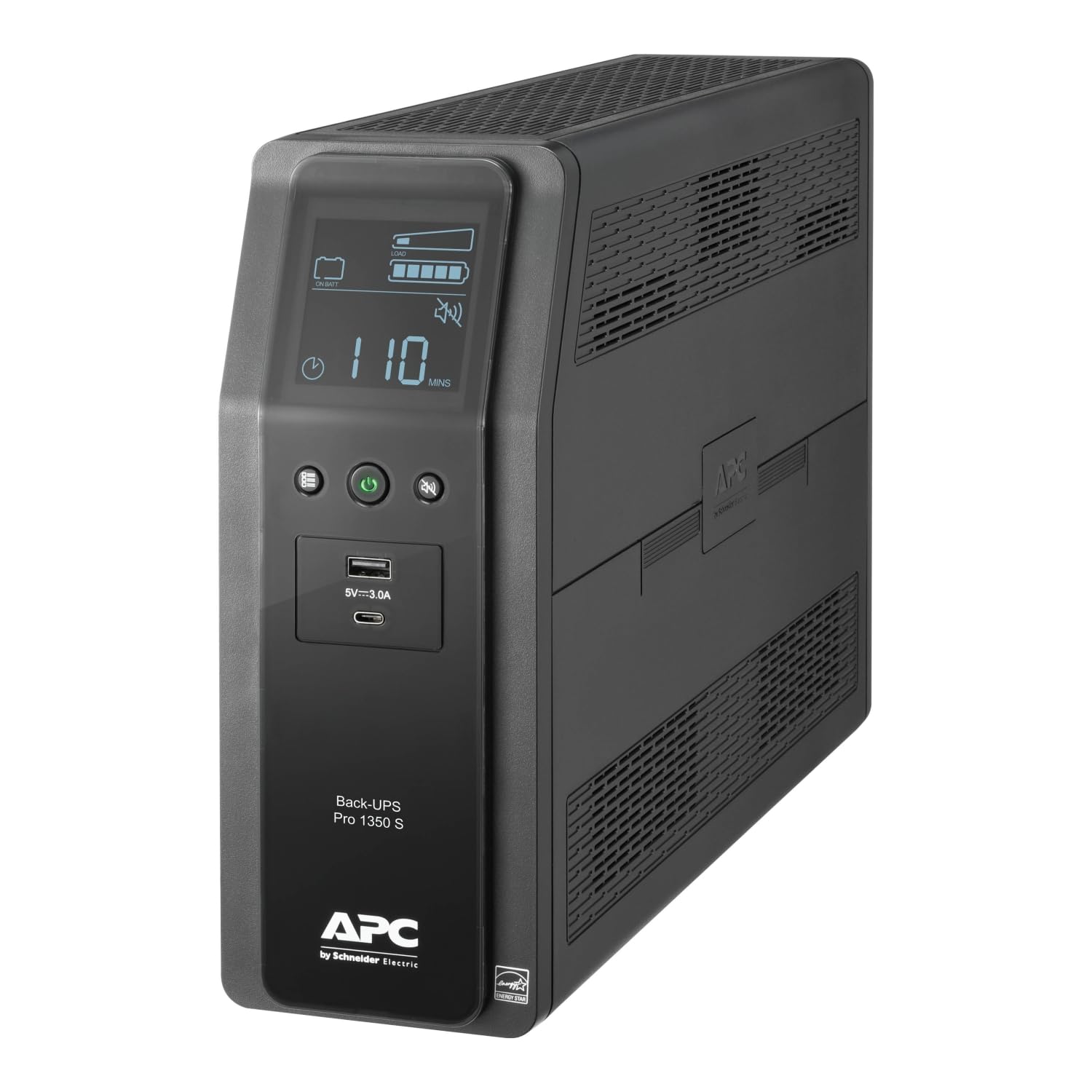
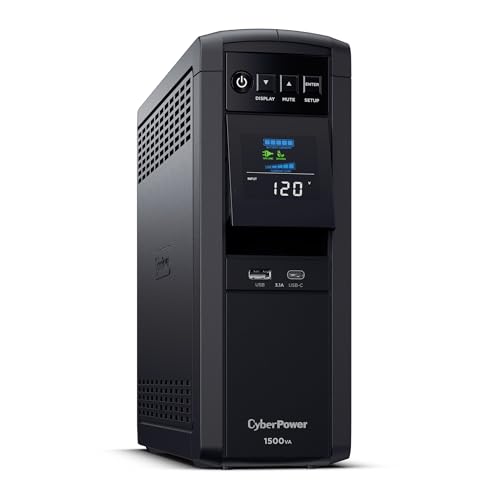
The product table above compares the BX1500M with other 1500VA-class units from APC, CyberPower and others. Prices move often, so use the table for the latest figures and read on to decide whether this class of UPS fits your desk.




What the BX1500M Is
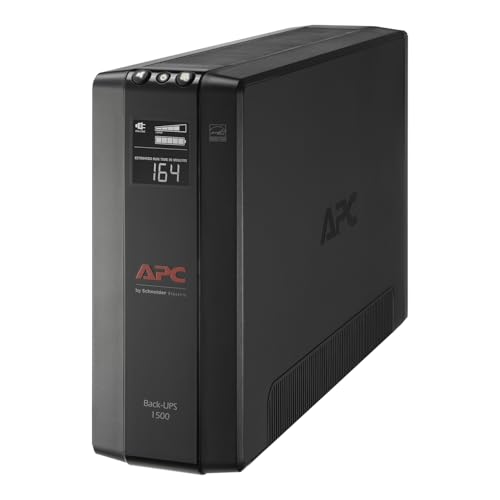
The BX1500M belongs to APC's Back-UPS line, aimed at home offices and small desktop setups. It combines a battery, surge protection and automatic voltage regulation in one box, with a mix of outlets that are battery-backed and others that are surge-only. The idea is simple: when the mains fails, the battery takes over so you can save work and shut down cleanly.
It is not designed to run a computer for an hour. Think of the runtime as a few minutes for a typical desktop, which is enough to finish a save and power off in order.
VA, Watts and What You Can Plug In
The 1500VA figure in the name is the apparent power rating, and the real power a UPS can deliver is lower, expressed in watts. Add up the wattage of the devices you plan to attach to the battery outlets and keep the total well below the watt rating on the listing. A tower PC and one monitor are fine, while a power-hungry gaming rig with several screens may need a larger or sine-wave model.
Do not plug laser printers, space heaters or other high-draw appliances into the battery outlets. Use the surge-only outlets for items that do not need to stay on during an outage.
Waveform and Power Supplies
Back-UPS units like this one output a stepped approximation of a sine wave on battery. Almost all modern computer power supplies handle it without trouble, but some active PFC power supplies can complain, so check your PSU's manual if you have a high-end model.
If you have audio gear, a gaming PC with an active PFC supply or very sensitive electronics, a pure sine wave UPS such as the APC BR1500MS2 or CyberPower CP1500PFCLCD is worth the extra money.
Battery Life and Replacement
UPS batteries wear out. Expect to replace the battery every few years, depending on heat and how often the unit discharges. The BX1500M uses a replaceable battery cartridge sold as the APC RBC124, which saves you from buying a whole new unit. Swap it when the unit beeps for a failed self-check or when runtime drops sharply.
Keep the unit somewhere cool and ventilated, because heat shortens battery life more than anything else.
Alerts, Display and Software
The unit includes a status display and audible alarms for battery use and overload. A USB data port lets the computer read the battery level and shut itself down automatically, which is the feature that makes a UPS useful when you are away from the desk.
Install the manufacturer's software or use your operating system's built-in battery settings, and set the computer to hibernate or shut down with a margin before the battery runs flat.
Setting It Up Properly
Place the unit on a hard surface with space around the vents, plug it straight into a wall outlet rather than another power strip, and let it charge for several hours before you rely on it. Connect your computer and monitor to the battery outlets, and keep the modem, router and any network storage on the battery side too, so the network does not drop at the first flicker.
Connect the USB cable between the UPS and the computer and make sure the operating system sees it as a battery. In Windows or macOS you can then choose what happens at a low battery warning. A safe choice is to hibernate when about a third of the charge is left.
Maintenance Habits That Pay Off
Run a self-check every few months and listen for the alarm that signals a weak battery. Dust the vents with a dry cloth, keep the unit out of direct sun and away from radiators, and never cover it. If the unit sits in a closet, leave the door open or add airflow.
When you replace the battery, follow the maker's instructions and recycle the old cartridge at a proper drop-off point. Batteries are a common cause of unit failure, so keep a note of the purchase date so you know when to expect a swap.
Is a UPS Worth It for a Home Office?
If you work from home, lose power occasionally or live in a storm-prone area, the answer is usually yes. Lost work and a possible corrupted drive cost far more than the unit. If you only use a laptop with a healthy battery, you are already protected against blackouts and may need only a good surge protector.
APC BX1500M Pros and Cons
The pros are a strong brand, widely available replacement batteries, automatic voltage regulation, plenty of outlets and a sensible price. The cons are a stepped waveform, a tower footprint that needs floor or shelf space, and fan or relay clicks that you may notice at night.
How It Compares
CyberPower's CP1500 range is the main rival, with pure sine wave versions that suit gaming PCs. Our CyberPower CP1500PFCLCD review looks at that model, and the best UPS battery backup guide covers the wider market. If you need bigger backup for a whole room, the EcoFlow River 3 review explains the portable power station route.
Who Should Buy It
Buy this model if you want a trusted mid-size UPS for a home PC, a modem and router, or a small network closet. Skip it if you need long runtime, run a power-hungry gaming rig, or want a pure sine wave output.
FAQs
How long will it run my computer?
Runtime depends on the load. A light desktop load can last several minutes, while a heavy gaming load lasts much less. The listing includes a runtime chart.
Can I plug a printer into it?
Plug inkjet printers into surge-only outlets and avoid laser printers entirely, since they draw heavy bursts of power.
How often should I replace the battery?
Most owners replace it every three to five years, and sooner in warm rooms. The unit alerts you when a self-check fails.
Does it work with a gaming PC?
Many gaming PCs work fine, but sensitive PFC power supplies sometimes prefer a pure sine wave UPS. Check the PSU manual.
Final Verdict
Our APC BX1500M review verdict: it is a dependable, easy-to-service UPS for everyday computers, with a replaceable battery and a brand that is easy to support. If your PC is power-hungry or sensitive, step up to a sine wave unit. Compare the models in the product table and choose the VA and watt rating that comfortably exceed your actual load. If anything in this apc bx1500m review still leaves you unsure, the return window is your safety net.
Prices and availability can change, so check the product page before ordering.


