
APC P11VNT3 Review for 2026: 11-Outlet Surge Protector Guide
Disclosure: We may earn a commission when you buy through links on this page, at no extra cost to you. As an Amazon Associate I earn from qualifying purchases. Learn more

APC P11VNT3 review covering 11 outlets, 3020 joules, phone, Ethernet and coax protection, cord length and how it compares.
This APC P11VNT3 review covers an 11-outlet surge protector that protects more than power: it also guards a phone line, an Ethernet line and a coaxial cable. It is the current APC 11-outlet strip you can buy new, which makes it the model to look at now that the older P11U2 is gone from new stock.
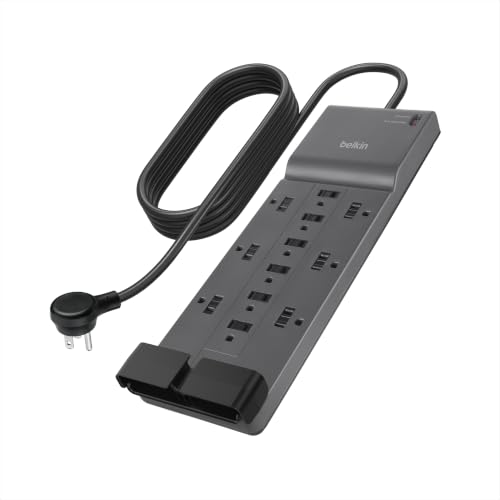
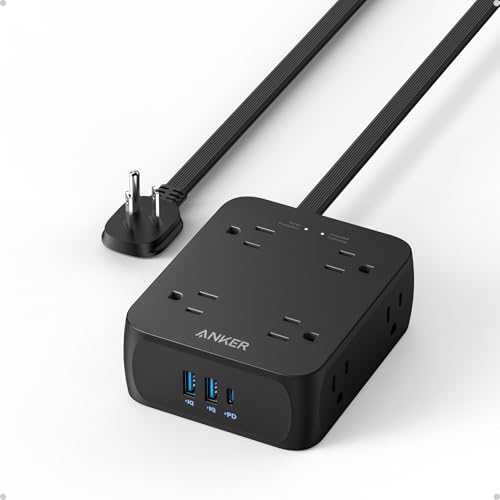
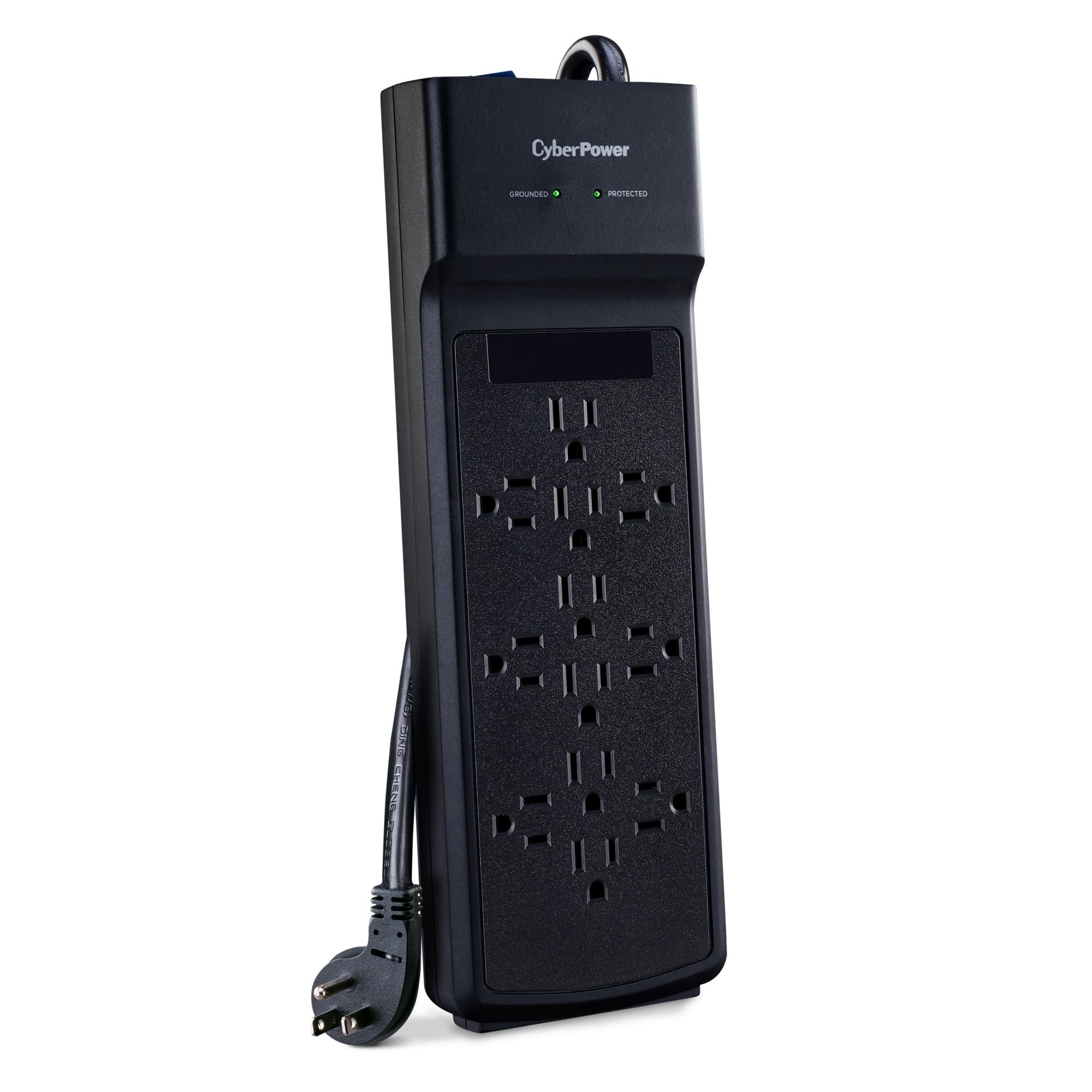
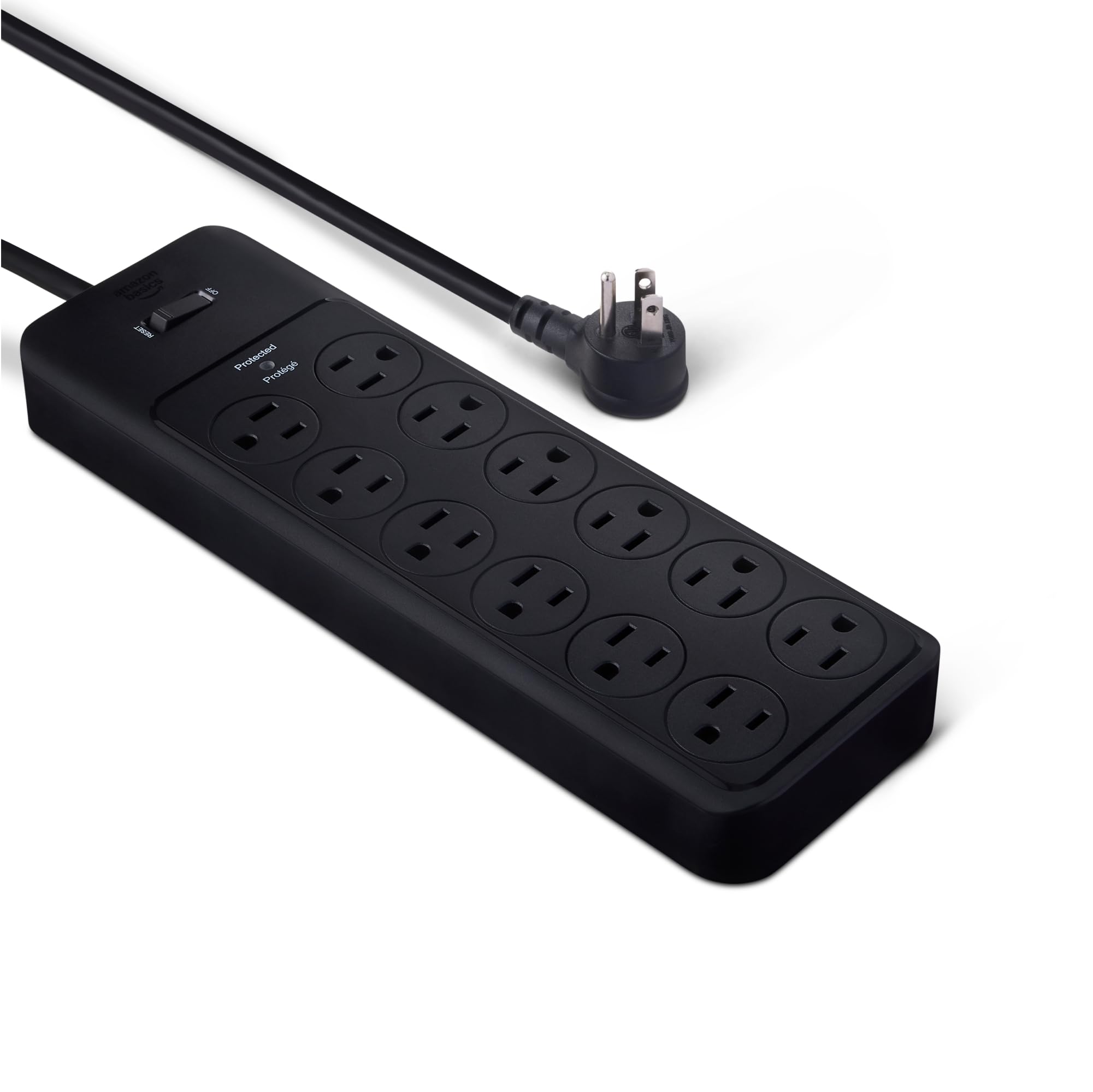
The table above shows it beside similar strips and a small battery backup, so you can compare outlet counts, cords and surge ratings.



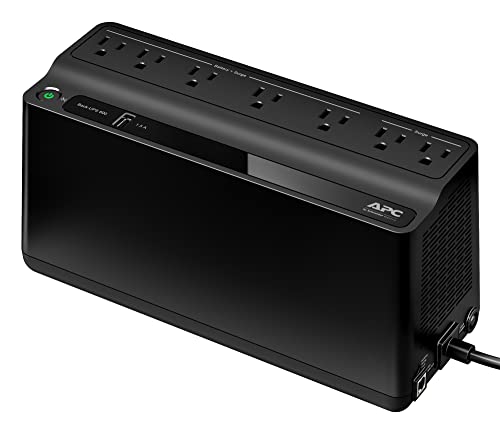
What the P11VNT3 Offers
The listing gives a 3020 joule rating with 11 outlets in total. Sliding safety shutters cover the outlets, and six of the 11 are block spaced so larger power adapters do not crowd their neighbors. The cord is 8 feet long, with a 180 degree rotating, right angle plug that sits flat against a wall and keeps the strip close to the outlet.
The protection list is the main difference from a basic power strip. The listing names an analog phone line for phone, fax, modem or DSL with an RJ-11 connector, a 10/100 Base-T Ethernet network line with RJ-45 connectors, and a coaxial line for cable TV, satellite or modem and audio-video gear.
Why Data Line Protection Matters
A power surge can enter a home through a cable or a phone line as easily as through the wall socket. A strip that protects only the power outlets leaves the network path open. If your modem, router and TV box connect through coax or Ethernet, routing them through this strip protects the whole signal path.
That benefit is most visible at a home entertainment center, where a TV, a streaming box, a game console and a cable box all share a cable feed. It is also useful at a desk with a modem and a computer.
Outlet Layout
Having 11 outlets is useful, but the layout matters more than the count. Chunky power bricks can cover two outlets on a normal strip, and the block spaced outlets here are made for them. Plan which devices go in which outlets before you plug in, and put the largest adapters in the spaced ones.
- Put adapters and chargers in the six block spaced outlets.
- Keep plain plugs in the remaining outlets.
- Leave a spare outlet or two for future devices.
What the Listing Does Not Mention
The listing does not mention USB charging ports, so a strip with USB ports is a better choice if you want to charge phones from it. It is a surge protector and not a battery backup, which means it will not keep a computer running when the power cuts out. The small UPS in the table does that job for a router or a desktop.
Warranty and Protection Policy
APC lists a lifetime warranty and a 100,000 dollar equipment protection policy. Read the conditions on the APC page before relying on them, since policies usually require that the equipment was connected properly and that the surge protector took the damage. Treat the warranty as a plus, not a reason to skip common sense.
Surge Ratings in Plain Terms
Joules show how much energy the strip can absorb before it wears out. A higher number means a longer life and a greater margin, and 3020 is a sensible level for a home theater or a computer desk. Surge protectors wear out over time, and many have an indicator light that tells you when protection is gone, so replace the strip after a major storm or if the light goes off.
APC P11VNT3 Review: How It Compares
Other strips in the table offer 12 outlets, USB ports or very low prices, and they protect power only. The P11VNT3 stands out for data line protection and APC's warranty. If you need only extra outlets for a desk, a cheaper strip with USB ports may be enough, and if you need power to stay on for a short while, a UPS fits better.
Our best surge protector guide and Furman PST-8D review cover more advanced and professional options.
Where to Use It
- A TV cabinet with cable, console and streaming gear.
- A home office desk with a modem, router and computer.
- A workbench or hobby corner with many adapters.
Avoid plugging heaters, space heaters and large appliances into any surge protector, and follow the manufacturer's instructions on the strip's label.
Installing and Maintaining the Strip
Plug the strip directly into a wall outlet, never into another strip or an extension cord, because chaining strips defeats the protection and can overload the circuit. Connect the coax, network and phone lines through the protected jacks so they run through the device on the way to your equipment.
Check the indicator light once in a while. A protection light that turns off means the surge components are used up and the strip is now acting as a basic extension. Replace it at that point and after any major electrical storm or power event.
Keep the strip in an open area where it can shed heat, away from blankets and curtains. Tidy the cables with ties so the cord is not pulled tight, and label each plug so you know what is connected when you need to remove a device.
If you are unsure how many outlets you need, count every device now, including chargers and adapters, then add two for future gear. Buying a strip with a few spare outlets is cheaper than adding a second strip later.
FAQs
Does the APC P11VNT3 have USB ports?
The listing does not mention USB ports.
How long is the cord?
8 feet, with a right angle plug that rotates 180 degrees.
What data lines does it protect?
An analog phone line, a 10/100 Ethernet line and a coaxial cable line.
Is it a UPS?
No. It protects against surges but does not provide battery power.
Final Verdict
This APC P11VNT3 review sums up a solid, well-guarded power strip for a home theater or office desk. Check which lines you need protected, compare the cords and outlet counts in the table, and replace the strip if its protection light goes out.
Prices and warranty terms can change, so check the product page before you order.


