
Apple MacBook Pro M5 Pro Review for 2026: Is the 14-Inch Worth It?
Disclosure: We may earn a commission when you buy through links on this page, at no extra cost to you. As an Amazon Associate I earn from qualifying purchases. Learn more

An apple macbook pro m5 pro review for professionals: what the 14 inch model offers, who should pick Max or Air, and which memory to choose.
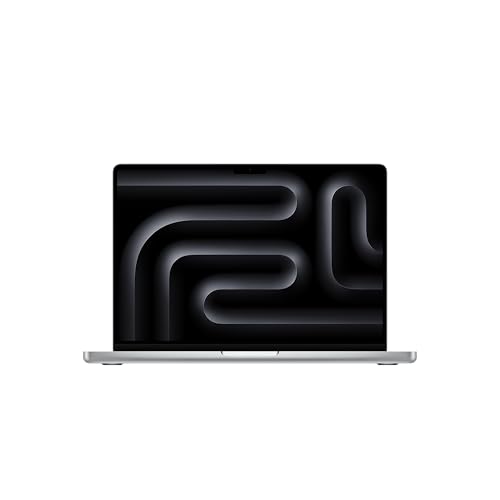
Anyone who edits video, compiles large codebases or runs local AI models will land on the same question sooner or later: is the middle chip of the lineup enough? This apple macbook pro m5 pro review answers it for the 14 inch laptop in the product table, the current Pro model that replaces the older M4 Pro generation, and explains who should step up to Max or drop down to a plain M5 or a MacBook Air.
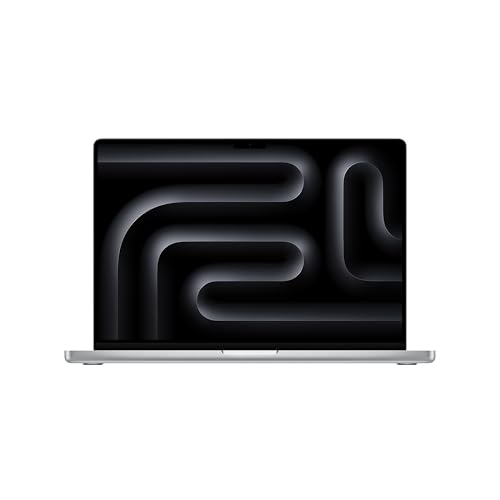
The model in the table pairs the M5 Pro chip (15 core CPU, 16 core GPU) with 24GB of unified memory, a 1TB SSD and Wi-Fi 7. That configuration is the sweet spot for most working professionals, and the sections below explain why.
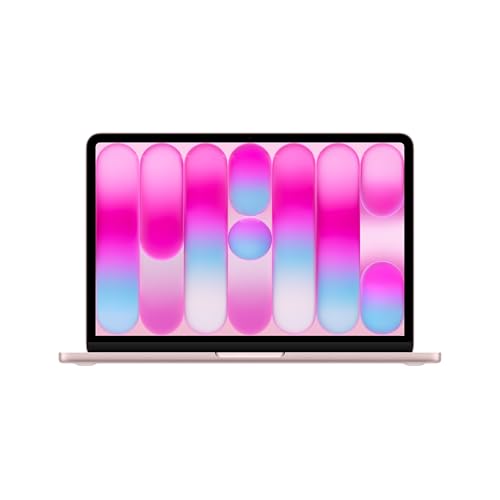
Apple MacBook Pro M5 Pro Review: What You Get
The listing describes a 14.2 inch Liquid Retina XDR display, a 12MP Center Stage camera, three studio quality microphones and a six speaker system with Spatial Audio and Dolby Atmos support. Apple also says the M5 Pro and M5 Max machines start with double the storage of the previous generation and use storage that is up to twice as fast.
Put simply, this is a full professional laptop rather than a thin everyday notebook. It is built around sustained work, so the chip, the screen and the speakers are all tuned for people who spend hours inside heavy apps.
The M5 Pro Chip in Everyday Work
Each GPU core in the M5 Pro and M5 Max carries a Neural Accelerator, which Apple positions as a boost for on-device AI work such as running language models or training small ones. For editors, the practical gain is smoother timelines, faster exports and less waiting on effects that used to need a render pass.
Developers feel the extra cores during builds and while running containers or simulators next to an editor and a browser. If your day is mostly documents, email and web apps, this chip is more power than you need and a cheaper Mac will feel just as quick.
Display and Camera
The Liquid Retina XDR panel is the main reason to pick a Pro over an Air. The listing quotes 1600 nits of peak brightness, 1000 nits sustained and a 1,000,000:1 contrast ratio. Bright highlights and deep shadows in the same frame make HDR video and RAW photo work far easier to judge.
Outside, the high sustained brightness keeps the screen readable near a window. The Center Stage camera keeps you framed on calls, which is a small but daily improvement for remote teams.
Battery Life and Portability
Apple advertises all day battery life and the same performance on battery as when plugged in. In practice, heavy rendering or compiling drains any laptop quickly, so carry the charger on shoot days. For writing, spreadsheets and browsing, a full workday on one charge is realistic.
At 14 inches, the machine fits in a normal backpack and on a coach tray table, which the 16 inch version does not do as gracefully.
14 Inch or 16 Inch
Both sizes offer the M5 Pro. The 16 inch model in the table has an 18 core CPU and a 20 core GPU, which is a step up in raw power and a larger canvas for timelines, but it weighs more and costs more. Choose 14 inch if you travel or work on the sofa. Choose 16 inch if the laptop is a desk machine connected to power most of the time.
M5 Pro, M5 Max or Plain M5
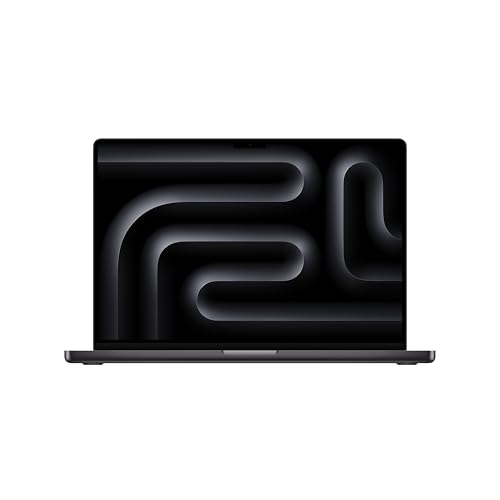
- Plain M5 (14 inch): the table lists it with a 10 core CPU and 10 core GPU. It suits students, writers and light editing, at a noticeably lower price.
- M5 Pro: the balanced choice for 4K video, music production, development and photo batches.
- M5 Max: worth the premium only for heavy 3D, large video projects or big local AI models, where more GPU cores and memory bandwidth save real hours.
Memory and Storage Choices
Unified memory cannot be upgraded later, so buy for the work you will do in three years. The 24GB configuration here is comfortable for most editing and coding. Large local models or very heavy multitrack projects benefit from more. Storage is also fixed, so a 1TB drive plus an external SSD for archives is a sensible split.
Alternatives Worth a Look
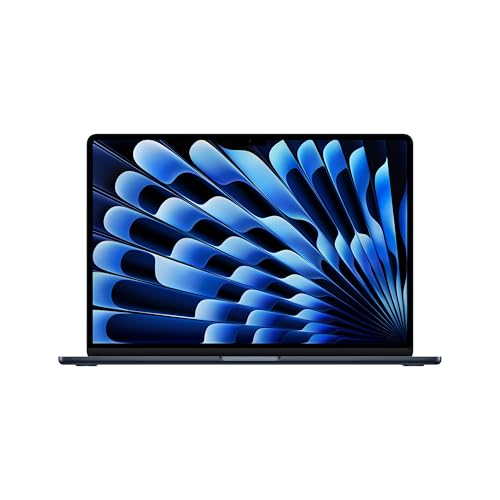
If you do not need Pro features, the MacBook Air in the table is thinner and quieter with a lower price. The MacBook Neo is a much cheaper entry Mac with the A18 Pro chip for school and everyday tasks. Windows users who want a comparable ultraportable can start with the best laptop guide, the ASUS Zenbook A14 review or the HP OmniBook 5 review.
Buying Tips
- Match the chip first, then memory, then storage. Do not overpay for color before you settle those.
- Check that the listing is sold and shipped as new by a seller you recognize.
- Add an external drive and a good USB-C hub rather than choosing the largest internal SSD on price alone.
- Keep the box and receipt for the return window and for AppleCare questions.
Frequently Asked Questions
Is the M5 Pro MacBook Pro worth it over the Air?
If you work in video, audio, 3D or large codebases, yes: the display, speakers, cooling and chip are built for it. For general office use the Air is enough.
Does the M5 Pro support Wi-Fi 7?
The listing for the model in the table states Wi-Fi 7, so you need a Wi-Fi 7 router to benefit from it.
Should I buy 24GB or more memory?
24GB handles most creative and development work. Choose more only for large AI models or very heavy projects, since memory cannot be added later.
Is the 14 inch screen big enough for editing?
Yes for most people, especially with an external monitor at the desk. The 16 inch size is better if the laptop is your only screen.
Is the older M4 Pro generation still worth buying?
It remains capable, but the current M5 Pro generation is the version listed new, so it is the safer choice for resale value and software support.
Final Verdict
The apple macbook pro m5 pro review verdict is simple: this 14 inch laptop is the right balance for professionals who need real power without paying for the Max chip. Pick the 24GB, 1TB configuration if your work is demanding, step down to the plain M5 or the Air if it is not, and compare the options in the product table before you order. Prices and availability change, so check the product page before buying.


