
Apple Magic Mouse Alternative for 2026: Comfortable Mac Mice
Disclosure: We may earn a commission when you buy through links on this page, at no extra cost to you. As an Amazon Associate I earn from qualifying purchases. Learn more

Mac users who find the Magic Mouse uncomfortable can compare an apple magic mouse alternative by grip, buttons and charging.
The Magic Mouse looks great, but many people search for an apple magic mouse alternative after a week of use. The flat shell is hard to grip for long sessions, and the charging port sits on the underside, so the mouse cannot be used while it charges. A good alternative fixes one of those problems without losing Mac compatibility.
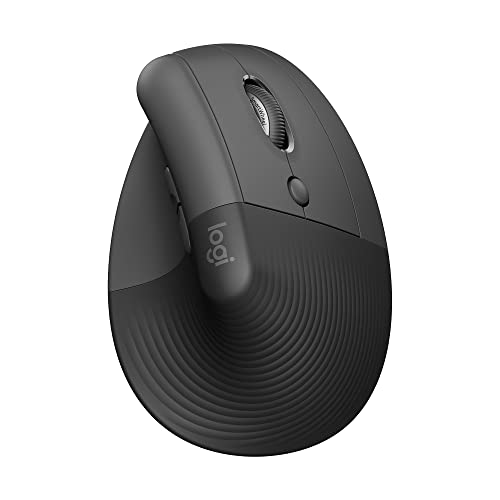
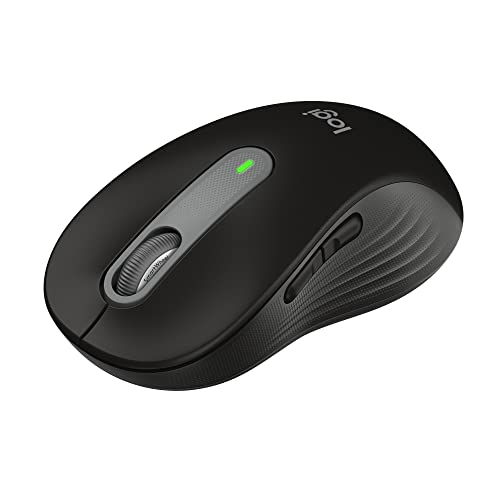
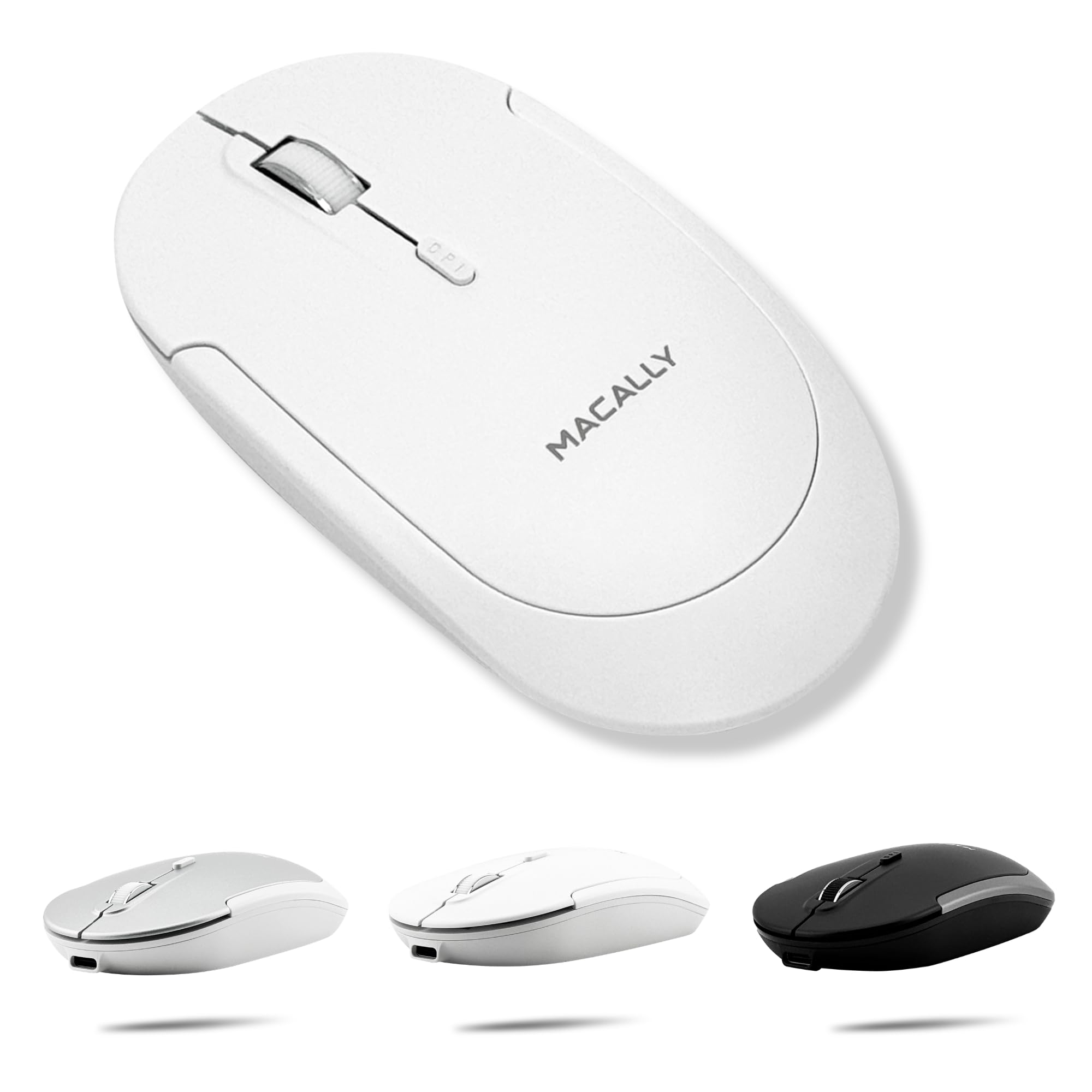
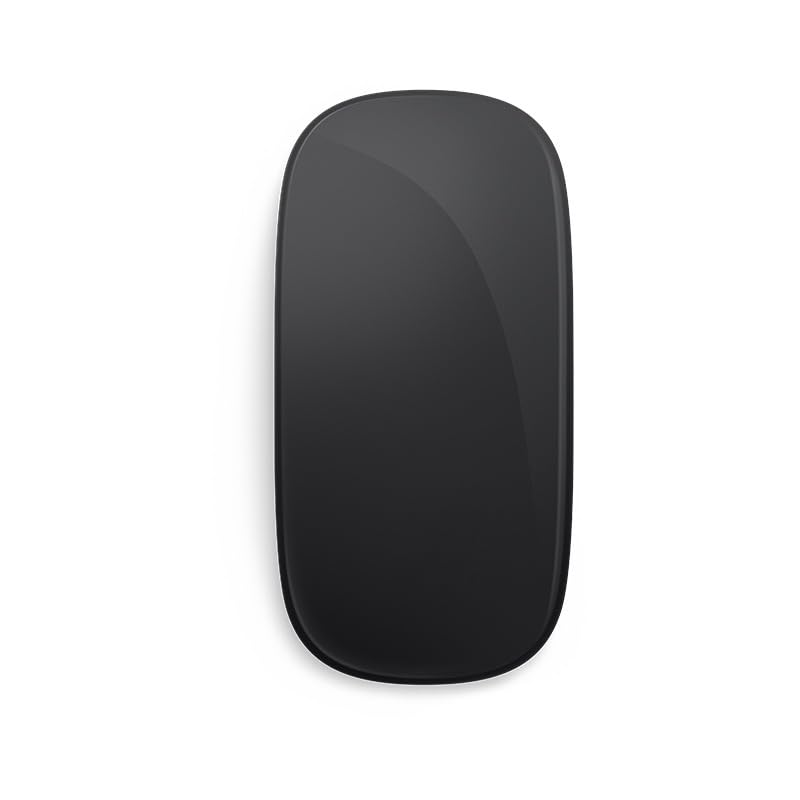
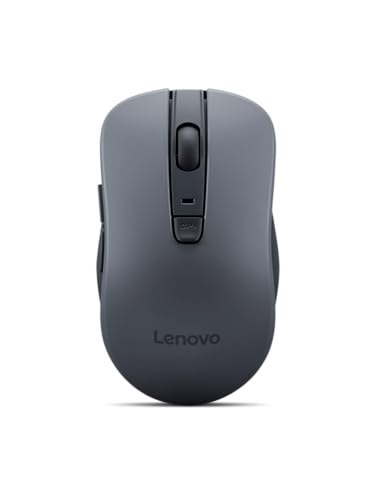
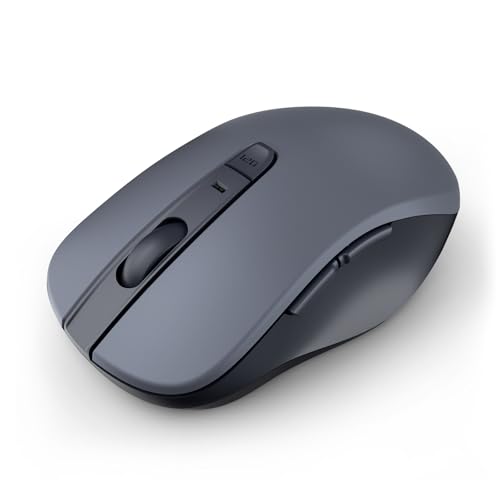
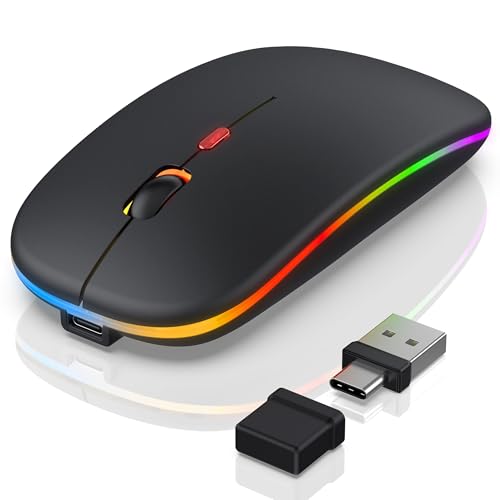
The product table right after this intro lists wireless and wired mice that work well with a Mac, from small travel mice to vertical designs. Use it to compare price and style, then read below to decide what to prioritize.



Why People Look for an Apple Magic Mouse Alternative
The first reason is comfort. The Magic Mouse is low and symmetrical, so your fingers have little to rest against, and heavy users report tired hands. The second reason is the charging design: the Lightning or USB-C port is on the bottom, so you cannot work and charge at once.
The third reason is features. The touch surface handles swiping and scrolling nicely, but there is no thumb button, no side wheel and no way to remap buttons without extra software. If you do a lot of browsing, spreadsheets or editing, a mouse with more controls saves time.
What to Look for in a Mac Mouse
Connection
Bluetooth is the cleanest choice on a Mac, since it needs no dongle and does not use a USB port. A 2.4 GHz receiver can be more stable for gaming but needs a free port, which matters on thin laptops that only have USB-C.
Shape and Grip
Match the shape to your hand. Compact mice travel well but can cramp larger hands. A sculpted mouse with a thumb rest suits long workdays. A vertical mouse holds the wrist in a handshake position, which some users prefer if they feel strain from a flat mouse.
Scrolling and Gestures
macOS leans on swipes and smooth scrolling. A mouse with a free-spinning or magnetic wheel and a gesture button can recreate much of the Magic Mouse feel. If you love the touch surface itself, there are a few multi-touch style mice, but their build quality varies, so check recent buyer feedback.
Types of Alternatives Worth Considering
Compact Travel Mice
These are small, light and quiet. They work well in a bag and on a laptop stand, and they are the closest in spirit to the Apple design. The trade-off is fewer buttons and less comfort for large hands.
Full-Size Productivity Mice
A sculpted mouse with a thumb wheel, side buttons and programmable controls is the best fit for office work. Many of these pair with several computers at once and switch with a button, which helps if you use a Mac and a work PC.
Vertical and Trackball Options
Vertical mice reduce forearm twist, and trackballs let you move the pointer without moving your arm. Both take a few days to get used to, so give them a fair trial before judging them.
Wired Mice
A wired USB-C mouse never needs charging and has no wireless delay. It is a sensible pick for a desk setup where the cable is out of the way, and it costs very little.
Matching an Alternative to Your Use
- For office work and shortcuts, choose a mouse with a thumb button and programmable keys.
- For travel, choose a compact mouse that charges over USB-C and pairs by Bluetooth.
- For wrist comfort, try a vertical shape or a trackball.
- For the lowest cost, a plain wired or basic Bluetooth mouse does the job.
Whatever you choose, remember that macOS tracking speed and scroll direction are set in System Settings, so a new mouse often feels different until you adjust them. Give it a day or two before you decide.
Things to Check Before Buying
Confirm that the listing says it works with macOS and the connection type you want. Check what powers it: a rechargeable cell is convenient, but a pair of AA batteries can last for a long time. Read the return window, since mouse comfort is personal and what fits one hand may not fit another.
Setup Tips on macOS
After pairing, open Mouse settings and adjust tracking speed first, because a mouse with a different sensor will feel faster or slower than the Magic Mouse. Then set the scroll direction to match what you are used to, and decide whether you want the secondary click on the right or left button.
If the mouse has extra buttons, install the maker's app once and map the thumb button to something you use constantly, such as switching desktops or opening Mission Control. That one change often makes a basic mouse feel better than the Apple design for daily work.
Mixing a Mouse With a Trackpad
Many Mac users keep a trackpad for gestures and add a mouse only for precision work. If you do that, pick a mouse that does not fight the trackpad for attention: a simple, quiet model with a smooth wheel is plenty. Turning on the option to ignore the built-in trackpad when a mouse is connected stops accidental touches.
Noise, Battery and Travel
Quiet clicks matter in shared spaces, so look for that on the listing if you work in an open office or study late. For batteries, rechargeable models usually run for weeks, and some can be used while plugged in, which removes the biggest annoyance of the Apple mouse. A compact mouse with a small carry pouch is the easiest to throw in a laptop bag.
FAQs
Can I use a regular Bluetooth mouse with a Mac?
Yes. Any Bluetooth mouse pairs through the Bluetooth settings. Extra buttons may need the maker's app to be useful on macOS.
Is there a mouse with the Magic Mouse touch surface?
A few budget mice copy the touch surface. They give basic swipe and scroll gestures but usually lack the polish and tracking of Apple's mouse, so read recent feedback first.
Why does my Magic Mouse hurt my hand?
The low, flat shell forces a claw grip for many people. A taller shape with a thumb rest spreads the load across the whole hand.
Do I need special software?
No, but the maker's app unlocks button mapping and gesture options, which makes a feature-rich mouse far more useful on a Mac.
Final Verdict
The best apple magic mouse alternative is the one that fixes your own complaint, whether that is grip comfort, charging while working or missing buttons. Use the table to narrow the shape and price, confirm Mac compatibility, and keep the packaging until you are sure it feels right in your hand.


