
Apple Pro Display XDR Alternative for 2026: 6K and 5K Monitors
Disclosure: We may earn a commission when you buy through links on this page, at no extra cost to you. As an Amazon Associate I earn from qualifying purchases. Learn more

Compare a 6K or 5K apple pro display xdr alternative for photo, design and video work without the reference monitor price.
The Pro Display XDR is a reference class monitor built for colorists and video finishing, and its price puts it out of reach for most people. If you want a sharp, color accurate screen for a Mac without that cost, an apple pro display xdr alternative from another maker can cover most of the same work for a fraction of the money.
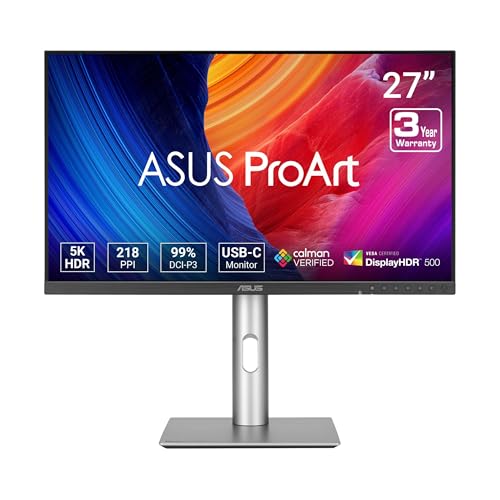
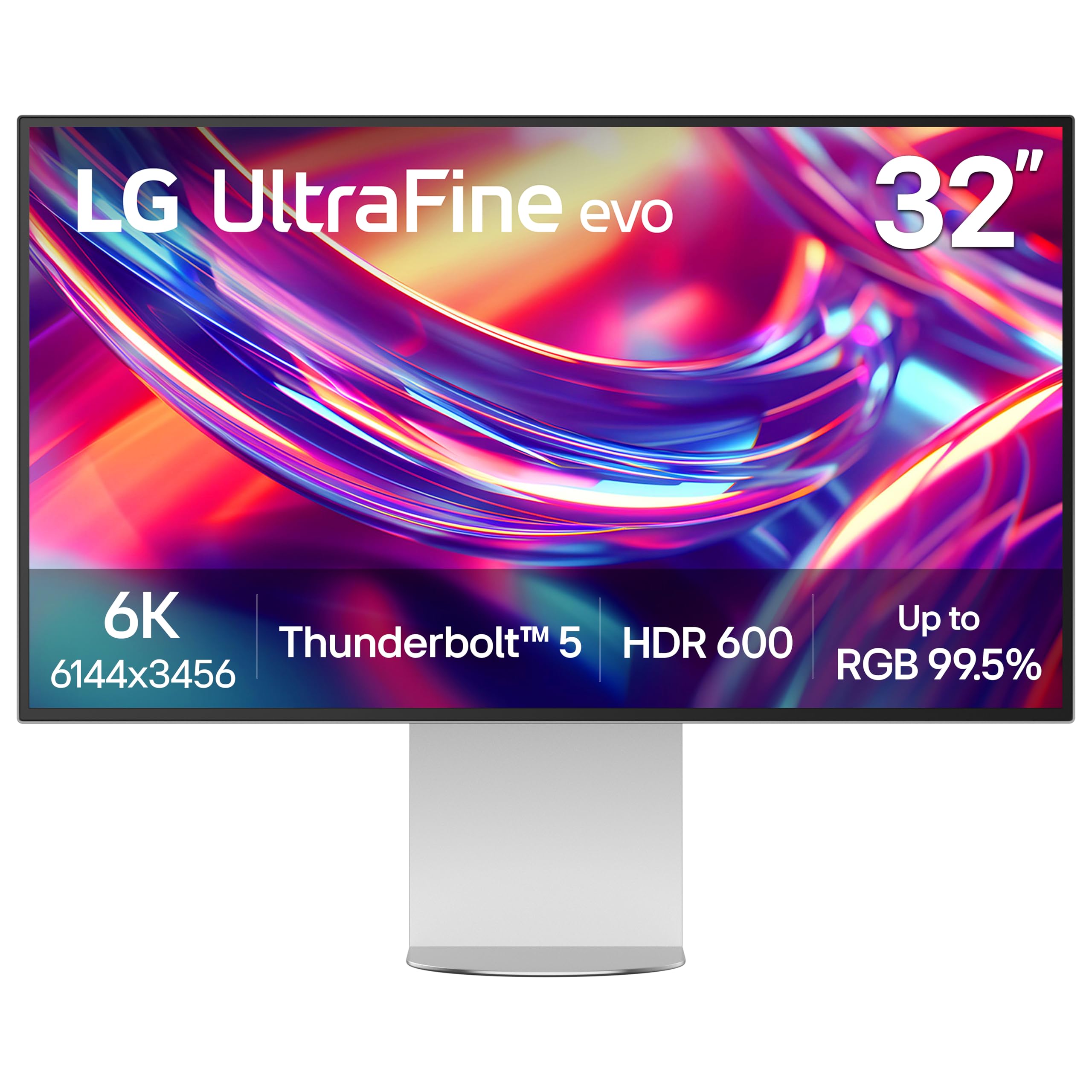
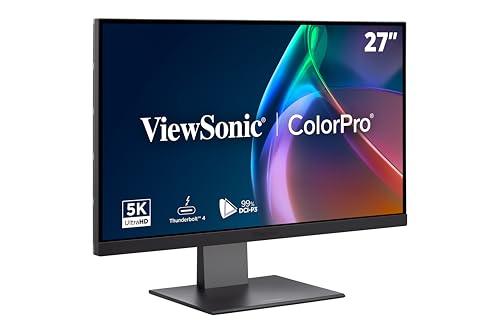
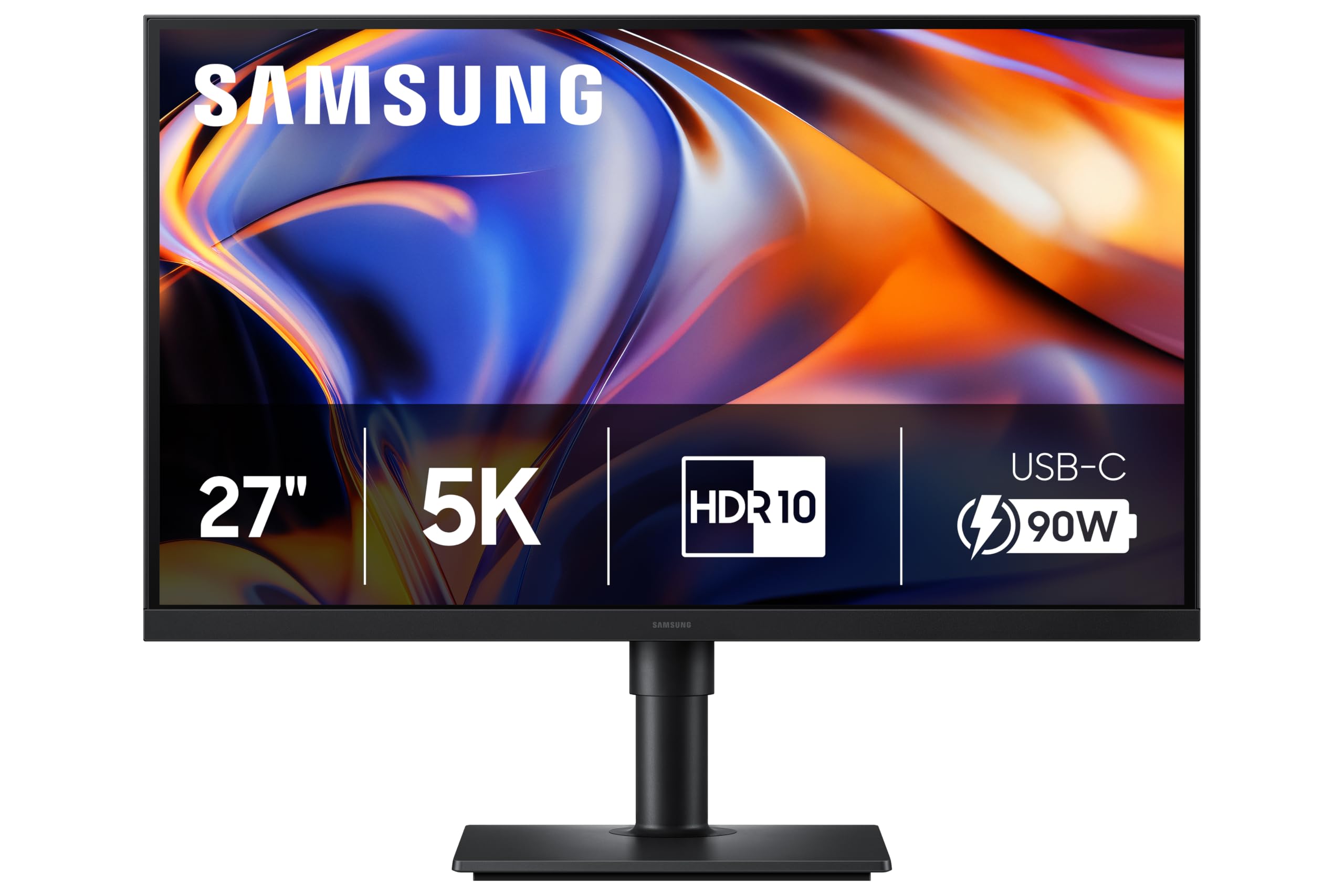
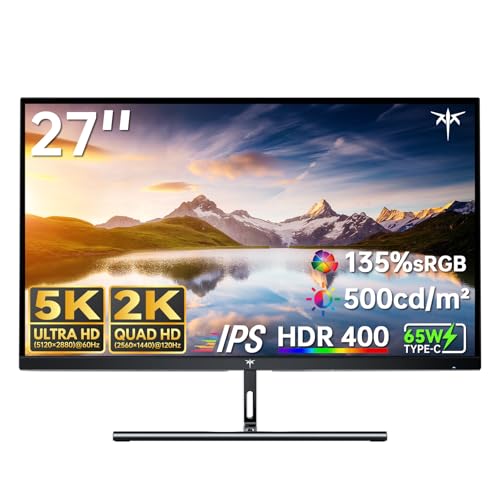
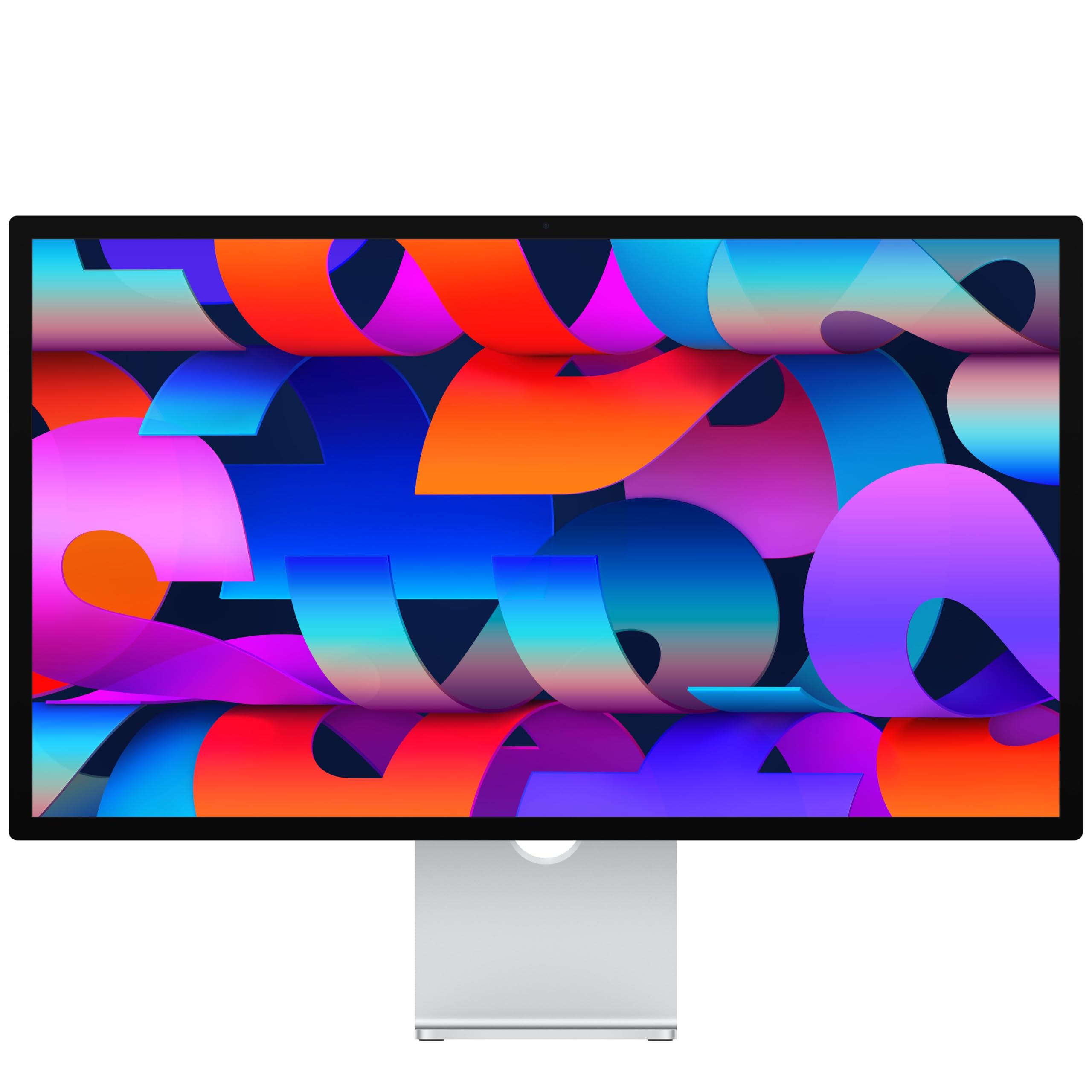
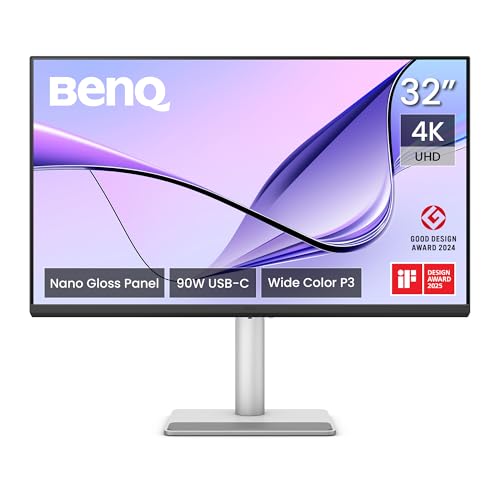
The product table right after this intro lists high resolution displays, including 6K and 5K models and a few 4K professional monitors, so you can compare price, size and connection before reading the buying advice below.



What Makes the Pro Display XDR Special
Three things define it: a very large, extremely sharp panel, a backlight system aimed at high dynamic range work, and a factory calibration that lets editors trust the colors they see. It is used in post-production suites where the monitor has to match a client's reference.
Most home and small studio users never need that last step. They want a big, sharp display with good color for photo editing, design and general work, and a single cable to a Mac. That is where alternatives shine.
What to Match in an Apple Pro Display XDR Alternative
Resolution and Size
A 6K monitor is the closest in sharpness and works well with macOS scaling, which is tuned for high pixel density. A 5K monitor at 27 inches gives a similar crisp look in a smaller body, and a 4K display at 32 inches is a sensible step down if budget matters. Anything below that will look soft next to a Retina screen.
Color Accuracy
For photo and design work, look for wide gamut coverage, an advertised factory calibration and a report in the box. Some professional monitors list a Calman verified claim, which is a sign the maker checks each unit. For video work, check support for the color spaces you deliver in.
Connection
A Thunderbolt or USB-C port lets one cable carry video, power for a laptop and a hub for accessories. Look for enough power delivery to run your MacBook, and ports on the monitor for a keyboard, drive or webcam. Daisy-chaining is a bonus if you plan to add a second display.
Brightness and HDR
The Pro Display XDR is in a class of its own for brightness. Alternatives with an HDR label help with video previews, but treat them as a convenience rather than a grading tool unless the listing says otherwise.
Types of Alternatives
6K Professional Monitors
These bring the closest sharpness and are usually priced well below the Apple display. They are the right choice if you want a large canvas for editing and plan to keep the monitor for years.
5K 27 Inch Mac Monitors
These match the pixel density of Apple's own 27 inch screens and cost far less than a 6K display. They suit photo, design and developer work where a sharp text rendering matters.
4K Professional Monitors
A 4K monitor designed for creative work, with good calibration and USB-C power delivery, is a sensible budget route. Text is less crisp than on 5K or 6K, but color work is just as reliable.
Apple's Own Cheaper Display
If you want to stay in the Apple family, the lower priced Studio Display covers the sharpness and Mac integration at a lower cost, but it does not match the Pro Display XDR for brightness or color work.
Buying Checklist
- Decide your budget first, then choose the highest resolution that fits inside it.
- Confirm the monitor works with your Mac's ports and gives enough charging power.
- Check for a height adjustable stand or a VESA mount, since a fixed stand wastes the big screen.
- If you grade video, ask the seller about color certification before paying for a premium panel.
Also check the warranty terms and the pixel policy, because big panels sometimes arrive with a stuck pixel and the return window is your safety net.
Things to Know About macOS Scaling
macOS looks best on displays with the pixel density it was designed for, which is why 5K and 6K screens look so sharp. On a 4K monitor larger than 27 inches, the default scaled setting can look slightly soft, so check the size and resolution together.
It is also wise to check the cable and port choice early: a poor cable can limit refresh rate or power delivery, so use the one in the box when possible.
Budget Planning and Value
Total cost matters more than the price on the box. A monitor that ships with a stand, a Thunderbolt cable and a hood saves money compared with one that needs those parts bought separately. Add a good arm if you plan to use the screen in portrait or share a desk.
Think about how long you will keep it. A professional monitor often lasts through two or three computers, so spending a little more now on a better panel and a stronger warranty is usually cheaper than replacing a weak display in two years.
When to Pay for More
Pay for a higher tier when your income depends on color accuracy, when you edit in HDR, or when you work for clients who send you reference files. Pay for less when the monitor is mostly for coding, documents, photo hobby work and video calls, because the extra precision will go unused.
Matte or Glossy Finish
Some professional monitors use a matte or nano-texture coating to cut reflections, which helps in bright rooms. A glossy panel gives deeper looking blacks but shows reflections from lamps and windows. Choose by the light in your room, not just the brochure.
Warranty and Support
Look at how the maker handles a bad pixel or a color shift, and note whether the warranty covers shipping both ways. A monitor of this size is awkward to send back, so clear terms matter.
FAQs
Is a 5K monitor good enough for photo editing?
Yes, a 5K monitor with wide gamut coverage and a calibration report is excellent for photo editing. It only falls short on the largest dynamic range reference tasks.
Do I need Thunderbolt?
No. USB-C with video and power delivery is enough for most uses. Thunderbolt adds daisy-chaining and higher bandwidth, which helps with a second display and fast drives.
Can a Windows monitor work with a Mac?
Yes, as long as it has a port your Mac supports. Mac-ready monitors add conveniences such as brightness control from the keyboard.
Is the Pro Display XDR still worth it?
Only for professionals who need its exact color and brightness behavior. Most buyers get more value from a cheaper, high quality monitor.
Final Verdict
The right apple pro display xdr alternative depends on how sharp you want the text and how much color precision you actually need. A 6K or 5K Mac-ready monitor gets very close for most creative work. Compare the table, confirm ports and stand options, and check the product page for current pricing.


