Apple Vision Pro Alternative for 2026: Cheaper VR and Mixed Reality
Disclosure: We may earn a commission when you buy through links on this page, at no extra cost to you. As an Amazon Associate I earn from qualifying purchases. Learn more

Looking past the price? An apple vision pro alternative guide to standalone and PC headsets for gaming, movies and mixed reality.
The Vision Pro is a remarkable headset, but its price puts it out of reach for most buyers, and its software library is still small next to what gamers and fitness fans can already do in VR. If you want mixed reality, big virtual screens or serious gaming for far less, an apple vision pro alternative may fit better.
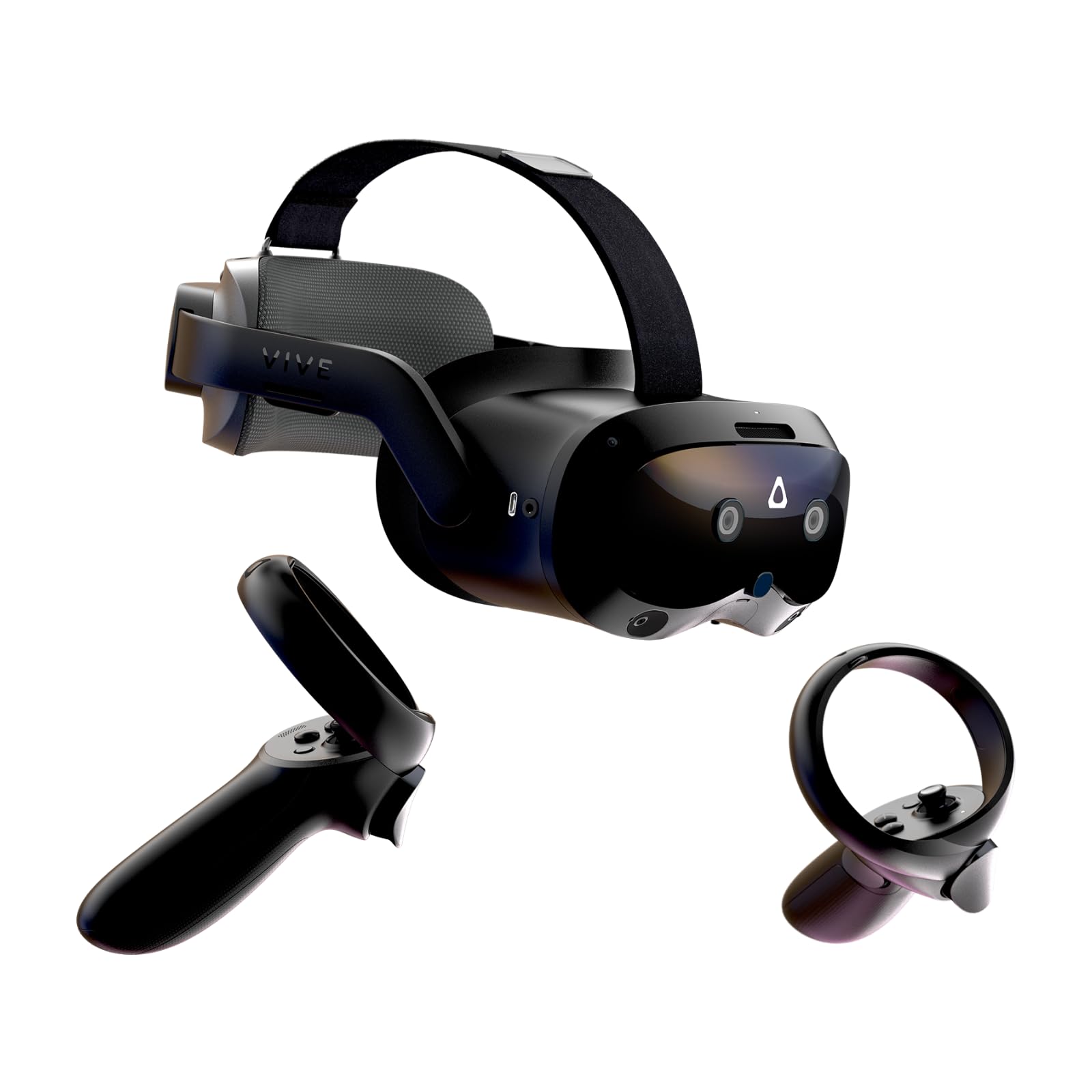
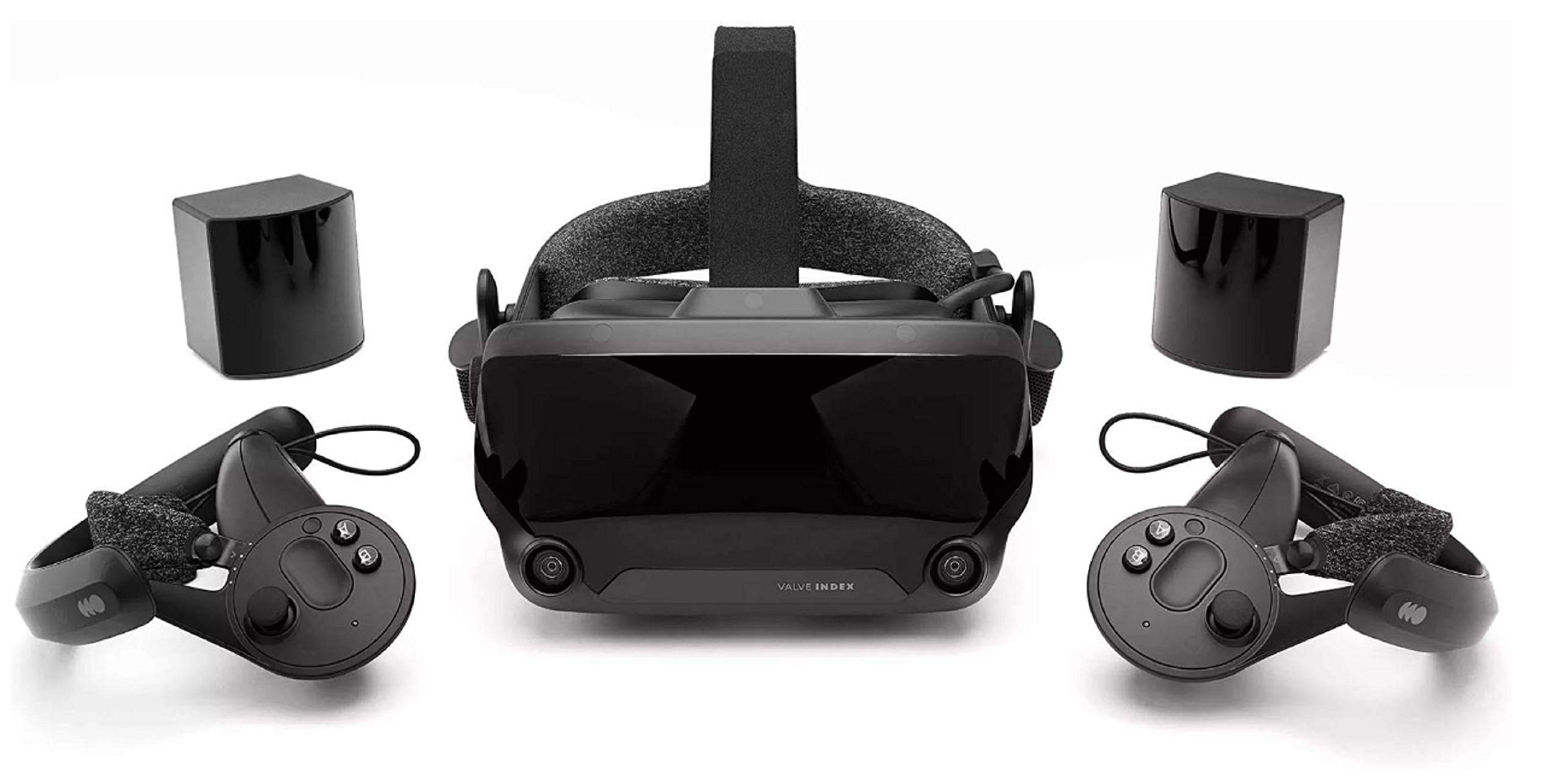
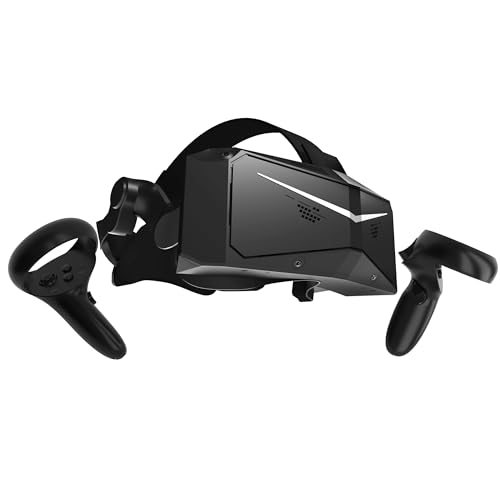
The product table right after this intro lists standalone and PC capable headsets at several price levels, so you can compare cost and type before you read the guide.

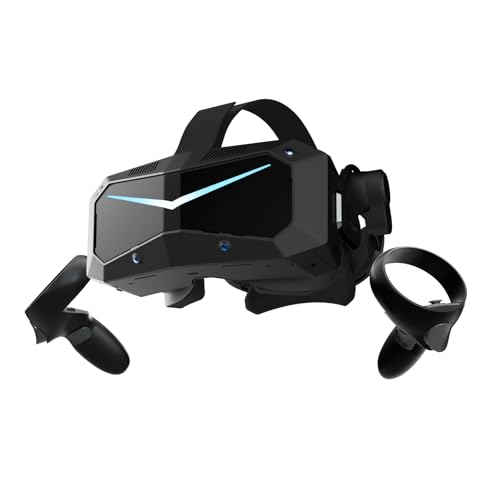

What You Give Up and What You Gain
The Vision Pro leads on screen sharpness, hand and eye control and polish. What it lacks is a broad game library, controllers for fast action games and a price most people can justify for entertainment. Alternatives trade some sharpness for far lower prices, controllers and a deep library of games and fitness apps.
For many buyers the better question is not which headset is the best, but what you want to do with it: play, work, watch movies or explore.
Picking an Apple Vision Pro Alternative by Use
For Gaming
Choose a headset with proper controllers and a large game store. Standalone headsets run games on their own, with no PC or cables, and a number of them also connect to a gaming PC for higher-end titles. If you want the best picture and tracking for PC games, a PC-focused headset with external tracking is the stronger pick, though it costs more and needs a capable computer.
For Mixed Reality
Several current headsets show the real room through color cameras and place virtual objects in it, so you can pin a screen to a wall or play a game on your coffee table. The effect is not as sharp as the Vision Pro, but it is convincing and costs a fraction as much.
For Work and Virtual Monitors
If you want a large virtual screen for productivity, look at sharpness, comfort and how well the headset connects to your computer. Text clarity depends on the lenses and display, so read recent feedback about readability before you buy.
For Fitness and Fun
Standalone headsets with controllers have a huge library of rhythm, sports and exercise apps. They are the best value for families and for anyone who wants to try VR without a big investment.
Standalone or PC Headset?
A standalone headset needs nothing else. It is portable, easy to share and simple to set up, but its graphics are limited by the chip inside. A PC headset relies on your computer, so the picture can be much better, but you need a strong graphics card and room for cables or a wireless setup.
Hybrid Models
Many standalone headsets can also connect to a PC by cable or wirelessly, giving you both options in one device. That flexibility is a good reason to choose a hybrid headset if you are not sure how you will use it.
Comfort, Fit and Glasses
Weight and balance decide whether you can wear a headset for an hour. Look for a strap that spreads the weight, and consider an upgraded strap with a battery counterweight for longer sessions. If you wear glasses, check for spacers or lens inserts, because wearing glasses inside a headset can scratch the lenses.
Buying Checklist
- Decide your budget and whether you want PC support.
- Check the game and app library for the type of content you like.
- Look at controller quality and tracking.
- Check comfort accessories and your glasses fit.
- Plan the play space, since you need clear floor room.
Also think about the account and store the headset uses, because that decides where your purchases live and which apps you can run later.
Space, Safety and Setup
Every headset needs clear room. Set a play boundary in the setup screen, move low tables and pets out of the area, and keep cables off the floor if you use a wired PC connection. Sit for the first few sessions, because motion can feel strange until your eyes adjust.
Take breaks every half hour at first. Lens fogging, warm foam and tired eyes are normal early on, and they usually ease as you learn to adjust the fit. If you feel unwell, stop and rest. Anyone with a health condition that affects balance or vision should check with a doctor before extended use, and parents should follow the maker's age guidance.
Accessories That Help
A better head strap, a facial interface with a softer cover, a charging dock and a travel case turn a standard headset into something you can use daily. These accessories cost little compared with the headset and often make the difference between using it weekly and leaving it in a drawer.
Subscriptions and Content Costs
Think about the full cost, not just the headset. Games, fitness apps and streaming services add up, and some headsets work best with a paid subscription. A cheaper headset with a large library of low cost or free apps can be a better value than a premium one with expensive content.
Resale and Future Proofing
VR hardware changes quickly. A well known headset with a large user base keeps its resale value better and gets longer software support, while niche models can become hard to use when the maker stops updating them. Favor popular models unless you have a specific need.
FAQs
Is there a cheaper headset with mixed reality?
Yes. Several standalone headsets include color passthrough and cost far less than the Vision Pro.
Can an alternative replace a monitor?
For short sessions, yes. For a full workday, a physical monitor is still more comfortable.
Do I need a powerful PC?
Only for PC-focused headsets. Standalone ones work on their own.
Are used headsets a good idea?
A used one can save money, but check the lenses, the controllers and the return policy first.
Final Verdict
The right apple vision pro alternative depends on whether you value gaming, mixed reality or a big virtual screen. Compare the options in the table, think about comfort and your play space, and check the product page for current pricing.