
Arctic P12 Pro Review for 2026: High Pressure 120mm Fan
Disclosure: We may earn a commission when you buy through links on this page, at no extra cost to you. As an Amazon Associate I earn from qualifying purchases. Learn more

An arctic p12 pro review on airflow, noise, variants and where this 120mm fan works best.
The P12 Pro is the upgraded version of one of the most popular budget case fans ever sold. This arctic p12 pro review covers how the fan is built, how its variants differ, how to set it up for quiet running and where it makes the most sense in a PC.
The product table right after this intro lists P12 Pro packs and variants along with other Arctic 120 mm fans, so you can compare price per fan before you read on.

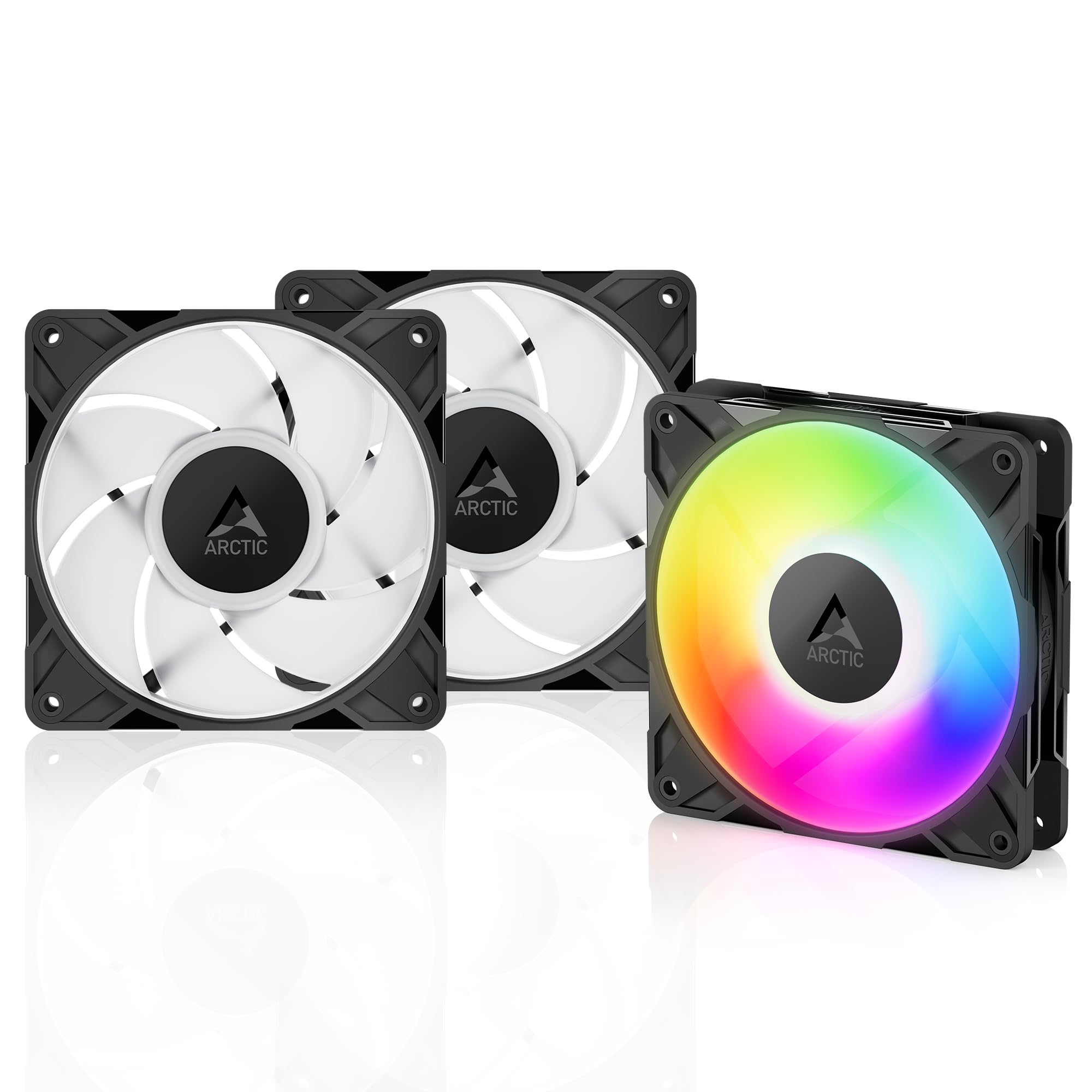


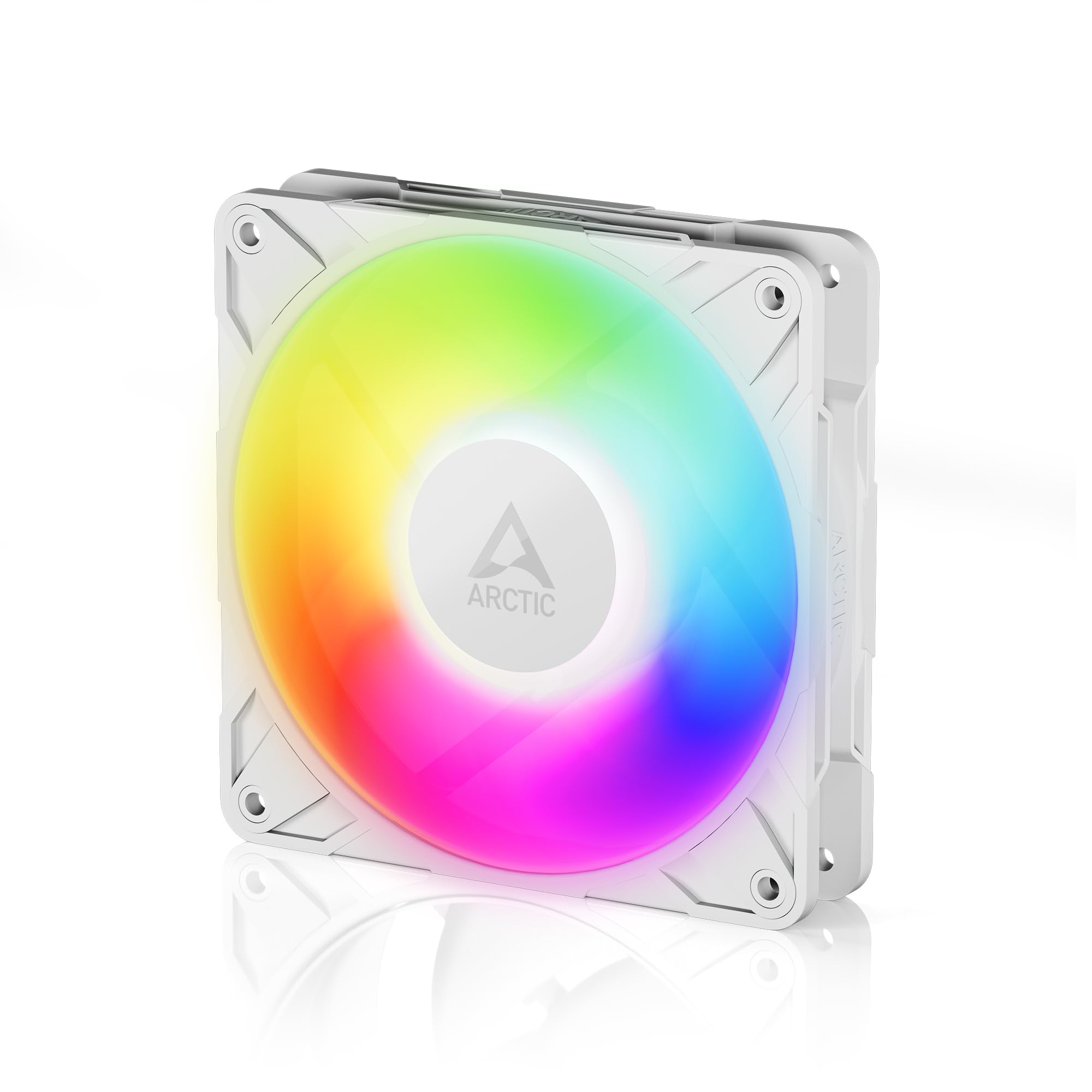


What Is Different About the P12 Pro
The listing highlights high static pressure, which means the fan keeps pushing air even when something blocks it, such as a dense radiator, a perforated panel or a mesh front. It adds PWM control over a wide speed range, a fluid dynamic bearing that is self-lubricating and quiet, and a new blade design the maker says balances performance and low noise, especially at low speeds.
The maker also describes precise manufacturing with minimal gaps and automatic balancing, which reduces vibration. In practice this means less buzz in a thin case panel and a smoother tone as the fan changes speed.
Speed Range and Zero RPM
The fan covers a wide range, from a slow idle up to a very fast maximum, and it stops completely below a low PWM level. That zero RPM feature means the fan can stay off at idle if your motherboard is set to allow it, which makes a quiet PC even quieter. When a fan stops, make sure it restarts reliably with the curve you set.
Setting a Fan Curve
Use the motherboard's fan control to keep the fans slow while the processor is cool and ramp up only when load rises. A gentle slope sounds better than a sharp jump, and it is easy to adjust in the BIOS or with the control software.
Variants of the P12 Pro
Standard and PST
The plain version is a single fan. The PST packs include a Y-cable splitter for sharing a single header, which suits a case with several fans on one controller. Multi-packs lower the price per fan.
A-RGB
The A-RGB fans add addressable lighting you can sync with the motherboard. They cost a little more and suit a showpiece build.
LN and Reverse
Low noise versions run at lower maximum speeds for a quieter profile, and reverse airflow versions suit cases where the fans are mounted on the other side of the radiator. Check the label before ordering, because the airflow direction matters.
Where to Use It
- As radiator fans on an all in one cooler, where static pressure matters.
- As front intake fans behind a mesh panel.
- As top and rear exhaust fans for a steady flow.
- As a replacement for noisy stock fans in a prebuilt PC.
Do not mix many different fans in one airflow path if you can avoid it, because matching models give a more even tone and flow.
Noise and Comfort
At low speeds, the fan is quiet, with a soft airy tone. At high speeds, any fan gets loud, so rely on a good curve and decent case airflow to avoid running them at full speed. Rubber pads on the corners reduce vibration against the case, and you can add them if your case panel resonates.
Planning Airflow With Several Fans
A simple, effective layout is a pair of intake fans at the front, one exhaust fan at the rear and one or two exhausts at the top. This creates positive or neutral pressure, which keeps dust down when you use filters on the intake side. If you add a top radiator, make the top fans exhaust through the radiator or intake through it depending on whether you value the processor or the graphics card more.
Count how many headers your motherboard offers before buying a multi-pack. A splitter lets several fans share one header, but all of them will follow the same curve, so keep fans of the same kind together.
Mounting Tips
Use all four screws, and avoid overtightening them against a thin panel. Rubber corner pads can reduce vibration noise, and cable ties keep the leads away from the blades. Point the cable exit toward the cable routing path of your case to make a neat build.
Cleaning and Lifespan
A soft brush and compressed air clear dust from the blades. Hold the rotor still while you blow air, so the bearing does not spin too fast. A fluid dynamic bearing is designed for long life, and it often keeps running quietly for many years in normal conditions.
Versus Other 120 mm Fans
Premium fans from boutique brands cost much more and may run a little quieter at the same airflow. The P12 Pro sits in a sweet spot of performance and price, which is why it is a default recommendation for budget and midrange builds. If your build is already quiet and cool, there is no need to change fans, but if you are replacing noisy stock fans, this is an easy upgrade.
Who Should Buy It
It suits builders who want strong airflow for a low price, who use mesh fronts or radiators and who like to set a fan curve. If you want silence above everything, a low noise version or a larger 140 mm fan at a lower speed may suit you better. See our arctic p14 review for the larger cousin and the best case fans guide for rivals.
FAQs
Do I need the Y-cable splitter?
Only if you want to share one header between fans. Many motherboards have enough headers for several fans.
Which direction does air flow?
Air normally flows from the side with the frame struts to the side with the label. Check the arrows on the frame.
Is the A-RGB version louder?
No. The lighting does not change the fan sound.
Can I use them on a radiator?
Yes. High static pressure makes them a good radiator fan.
Final Verdict
Our arctic p12 pro review finds a strong, quiet and inexpensive fan with a wide speed range that suits radiators, mesh fronts and general case airflow. Compare the variants in the table, and check the product page for current pricing.


