
Are Standing Desks Worth It? Benefits, Drawbacks and Buying Tips
Disclosure: We may earn a commission when you buy through links on this page, at no extra cost to you. As an Amazon Associate I earn from qualifying purchases. Learn more

Are standing desks worth it? A balanced look at benefits, drawbacks, stability, cost and how to use one well.
For many people the answer to are standing desks worth it is yes, with a caveat: a standing desk is worth it if you use it, adjust it properly and keep moving. Buying one does not change your habits on its own, and the cost, space and setup matter as much as the desk.
The product table right after this intro lists electric standing desks and desk frames at several sizes and prices, so you can compare while reading the guide.

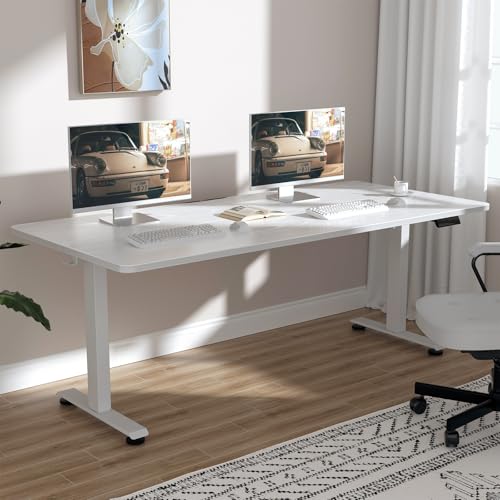
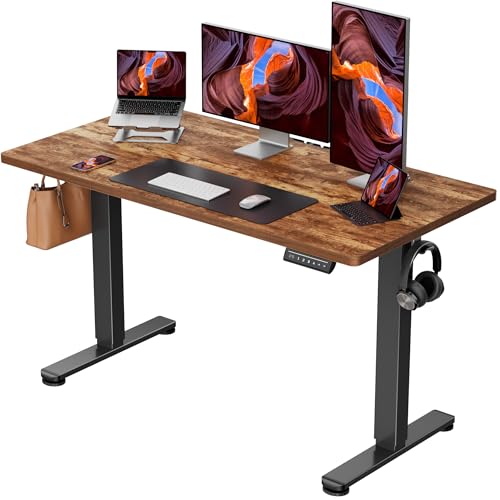
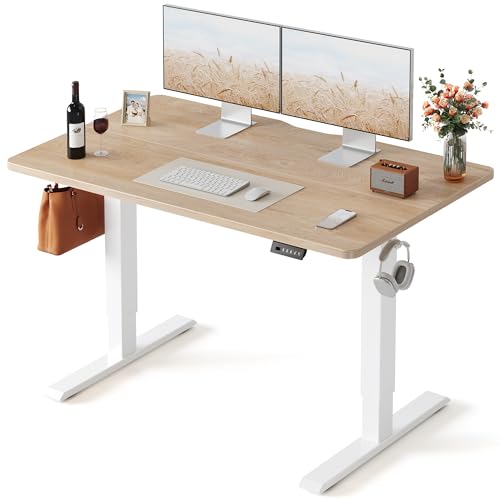
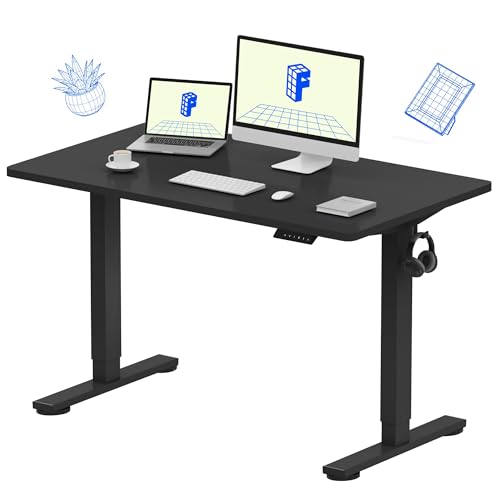
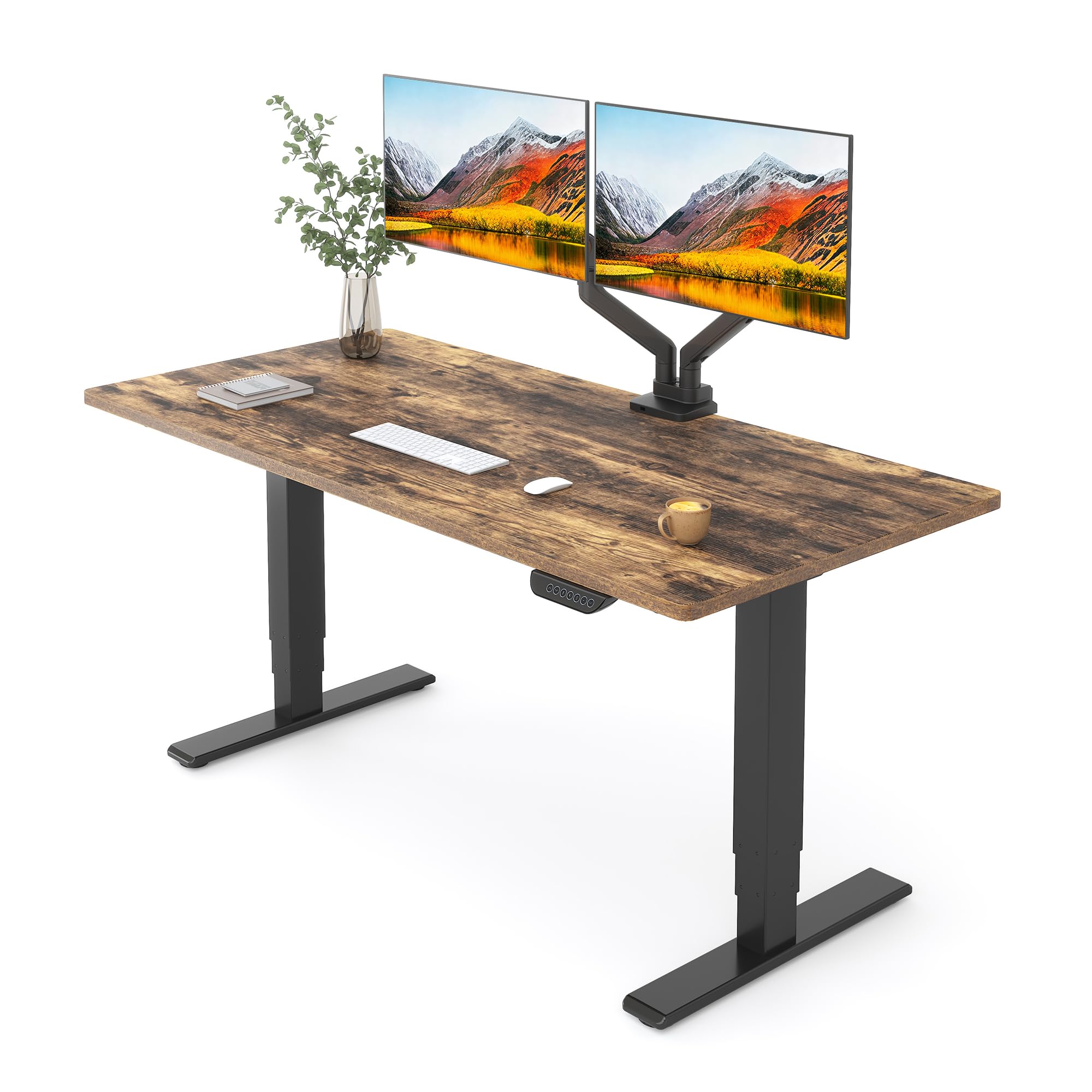

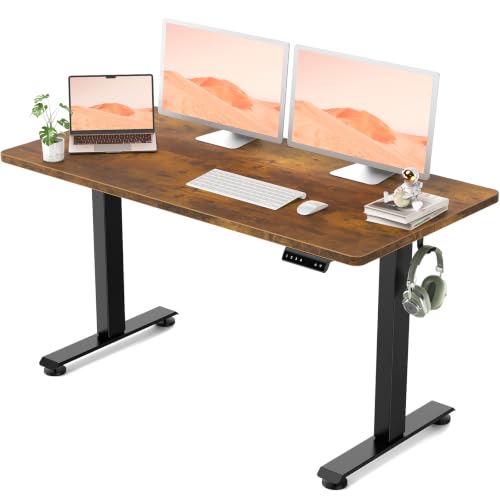

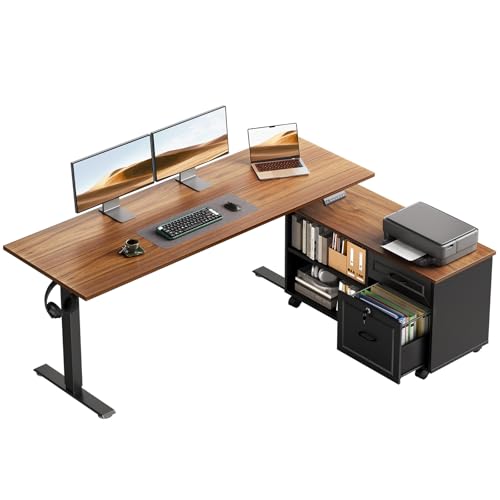
Are Standing Desks Worth It? What You Actually Get
A standing desk lets you change position during the day, from sitting to standing and back. That variety can make long work sessions more comfortable and give you an easy way to break up sitting. It does not turn your day into exercise, and standing all day brings its own aches, so the goal is to alternate.
The benefits that most users notice are comfort, energy and flexibility, rather than anything dramatic. If you have a health condition or back pain, ask your doctor about what is suitable for you.
Benefits Most Users Report
Less Sitting
Raising the desk is a simple reminder to move. Many people find they stand for part of each hour without effort, and that adds up across a week.
Better Focus for Some
Some users feel more alert while standing, particularly after lunch. Others prefer to sit for deep work and stand for calls and email. The desk gives you the choice.
Flexible Workspace
A height adjustable desk also suits households where different people use the same desk, and it can raise the surface to a good height for gaming, drawing or standing projects.
Drawbacks to Consider
Standing for too long can tire your legs and feet, and some people find it harder to concentrate on detailed tasks. Electric desks need a power outlet and add a little weight and cost. Cheap models can wobble at standing height, and the controller can fail over time.
Space and Setup
Check the room for the full height of the desk plus your monitor, and note how cables will move as the desk rises. Cable management is easy to ignore until the first time a cable gets pulled.
What to Look for in a Standing Desk
- Frame stability: a dual motor frame with a wide stance wobbles less.
- Height range: make sure it reaches your seated and standing heights.
- Desktop size and material: pick a surface big enough for your monitors and gear.
- Memory presets: let you switch positions with one button.
- Weight capacity: leave room for monitors, a PC and accessories.
- Warranty: long coverage for the motor and electronics.
Desktop Converters
If you do not want to replace your desk, a converter sits on top and lifts your keyboard and monitor. It is cheaper but takes up space and may not suit large setups.
How to Use a Standing Desk Well
Alternate between sitting and standing, and avoid long stretches in either. Keep your monitor at eye level when you stand and your elbows at a comfortable angle. Wear supportive shoes or use an anti-fatigue mat. If your feet or legs ache, sit down.
See our guides on how to use a standing desk correctly and how long you should stand at a standing desk for more.
Cost and Return on Investment
Standing desks range from budget frames with a basic top to premium dual motor models with solid wood tops. The price buys stability, smooth motors and warranty. A cheap desk may do the job, but expect a little wobble at full height and a shorter service life.
Think about cost per year. A desk that lasts ten years and is used daily costs little per day, while a desk that sits at one height costs the same as an expensive table. The honest test is whether you will press the button.
Build It Yourself
Many desks ship as a frame and a top you assemble in an hour. Check the instructions and tools, ask a helper for the heavy lift and make sure the top is attached firmly. A properly assembled desk is quiet and steady, while loose bolts cause rattles.
Electric Controls and Safety
Look for a controller with memory presets and, if you have children or pets, an anti-collision feature that stops the desk when it meets resistance. Keep cables clear of the lift columns and leave slack so they do not pull when the desk rises.
Standing Desk Alternatives
If a full desk is too much, consider a desktop riser that lifts your monitor and keyboard, or a high table you can use for part of the day. A walking pad under a standing desk is another option for people who want light movement, though it needs extra space and care. A good chair and regular breaks can offer many of the same benefits for people who prefer to sit.
Who Should Skip It
If you rarely feel uncomfortable sitting and have a good chair, a standing desk may not add much. If your budget is tight, a good chair and regular breaks may serve you better. If you will not change positions, the money is wasted.
Making It Stick
Set a reminder on your phone or computer to change position, and pick a trigger such as a phone call or a new task. After a few weeks, the habit sticks, and you will notice when you have been in one position too long.
FAQs
How long should I stand each day?
There is no single rule. Many people alternate every half hour or so. Listen to your body.
Do standing desks wobble?
Cheaper or taller setups can. A stable frame helps.
Is an electric desk better than a manual one?
Electric desks adjust easily, which makes you more likely to use them.
Do I need a mat?
An anti-fatigue mat can make standing more comfortable.
Final Verdict
So, are standing desks worth it? They are worth it if you will use the height changes and you pick a stable model. Compare the table, check the size and the frame, and check the product page for current pricing.


