
Arzopa Z1FC Review for 2026: 144Hz Portable Gaming Monitor
Disclosure: We may earn a commission when you buy through links on this page, at no extra cost to you. As an Amazon Associate I earn from qualifying purchases. Learn more

This arzopa z1fc review covers the 16.1 inch 144 Hz portable monitor, its 106 percent sRGB panel, ports and how it suits consoles and handhelds.
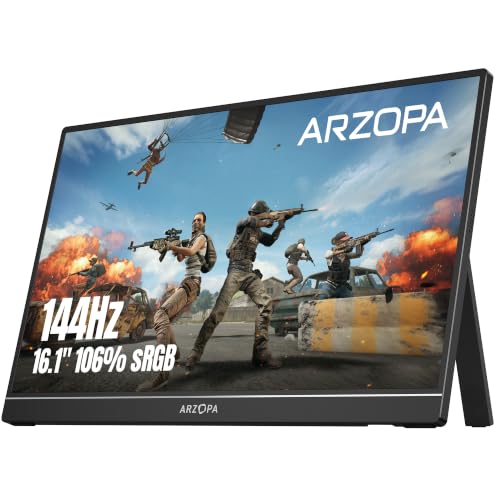
Gamers who want a screen they can carry will notice the 144 Hz figure first, and this arzopa z1fc review explains what that and the rest of the listing actually mean. The Z1FC is Arzopa's 16.1 inch portable gaming monitor with a 1080p IPS panel, 106 percent sRGB color and a built in kickstand. It sits between the basic A1 and the higher resolution models, and it costs about $110.
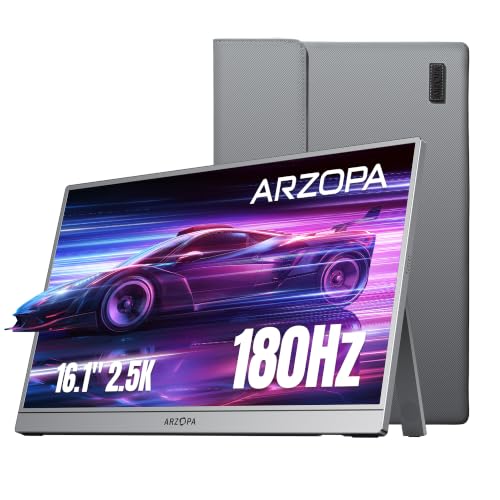
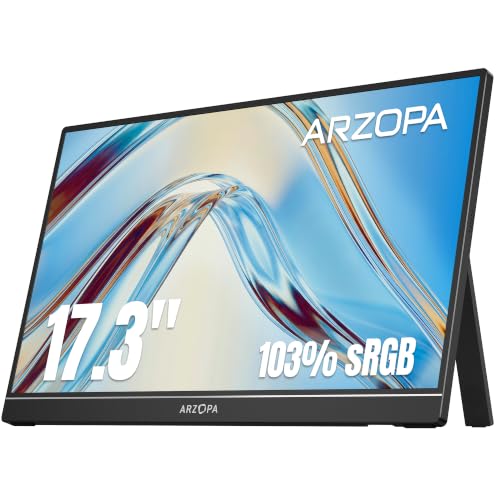
The product table shows the Z1FC alongside sister models and rivals so you can compare refresh rate, size and price.
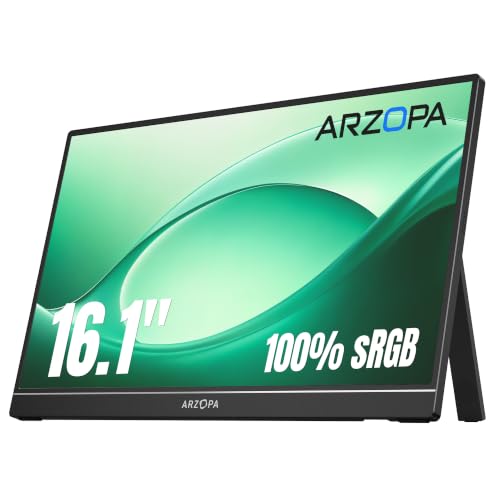

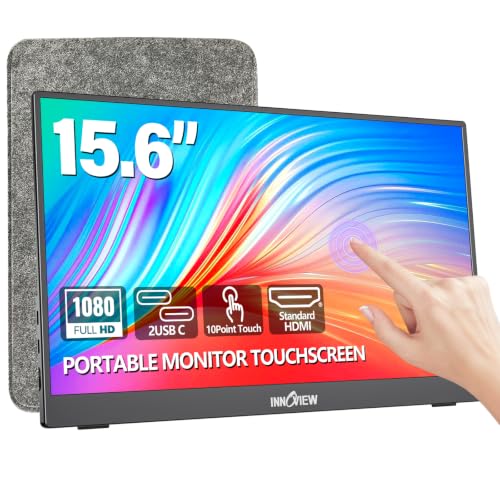
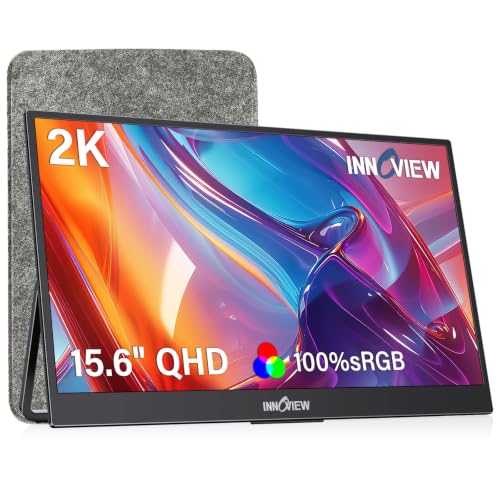
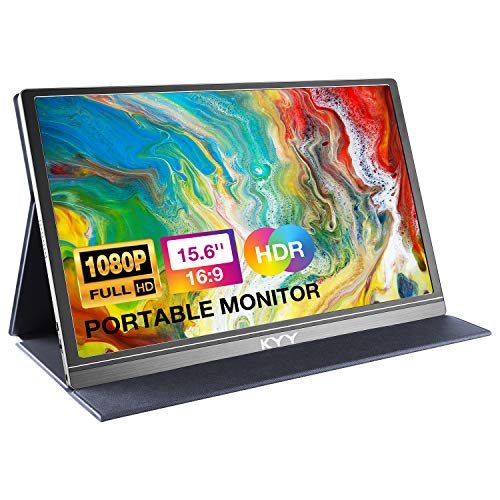
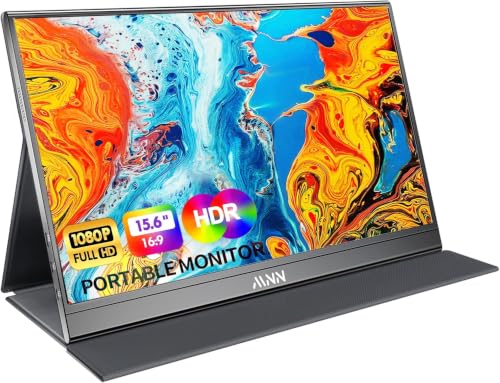
Arzopa Z1FC Review: Key Features
The listing describes a 16.1 inch display with a 144 Hz refresh rate, 1080p resolution and 106 percent sRGB color gamut. HDR support and an eye care feature are mentioned as well. A built in kickstand lets you tilt the screen without extra accessories.
Ports include two full function USB C connections and a mini HDMI port. That mix covers laptops, phones, consoles and handheld PCs such as the Steam Deck, which the listing names directly. No setup or software download is needed.
Why 144 Hz Matters
A higher refresh rate shows more frames per second, which makes motion look smoother and reduces blur. The effect is easiest to see in fast shooters and racing games, and also when you move a mouse cursor across the screen. If your device only outputs 60 Hz, you will not see a benefit until you connect a more powerful source.
Check the output of the device before buying. A console or handheld PC must support 120 or 144 Hz over its port, and the cable must handle the bandwidth. Otherwise the monitor falls back to a lower rate.
Response and input lag
A gaming oriented portable monitor aims for low latency, but exact figures depend on the mode. Use game mode if the monitor offers one, and avoid extra processing such as heavy color filters. These small steps help most in competitive titles.
Picture Quality and Eye Care
106 percent sRGB gives vivid, accurate colors for games, video and general work. The IPS panel keeps color and brightness steady from wide angles. It is not a professional color grading display, but it is a clear step up from basic office screens.
Eye care features reduce flicker and blue light, which can be more comfortable during long sessions. If you sit near the screen, lower the brightness to match the room.
Portability and Setup
The Z1FC is slim and light enough to carry with a laptop. The kickstand is built in, so a flat surface is all you need. Because the screen is 16.1 inches, it is a little larger than the common 15.6 inch portables.
Plan for power. Many portable monitors draw power over USB C, which can drain a laptop or phone quickly. Use a wall adapter or a power bank if you plan long sessions.
Console and Handheld Use
The Z1FC pairs well with a Steam Deck or a handheld PC when you want a bigger screen at a hotel or friend's house. It also works with consoles through the mini HDMI port. Bring the right cable, and check the package contents on the listing.
For a phone, you need video output over USB C, so check that your model supports it before relying on the screen.
How It Compares With the Rest of the Range
The A1 is cheaper and runs at a standard refresh rate, which is fine for office work. The Z1C offers a 16.1 inch panel with 100 percent sRGB but no 144 Hz. Our Arzopa A1 review covers the basic model.
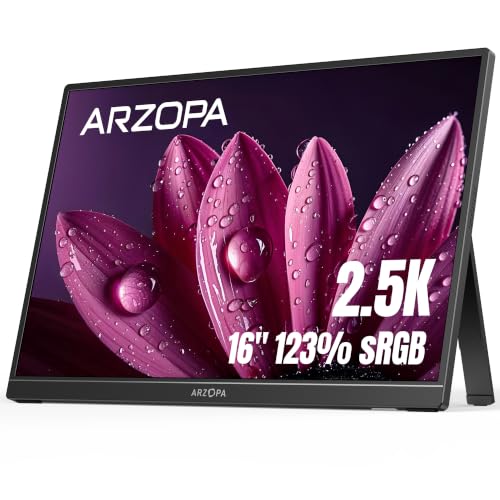
Higher resolution models, such as the 16 inch 2.5K version and the Z3FC, are better for sharp text and creative work. For brand comparisons, see the best portable monitor guide and the ASUS ZenScreen MB16AHG review.
Tips for Getting the Most From 144 Hz
Open your device display settings and confirm that the monitor is set to its top refresh rate. Many systems default to a lower rate, and you will not notice the difference until you change it. After switching, move a window around the desktop to see the smoother motion.
Use a high quality cable that supports the full bandwidth. A cheap cable can cause flicker or limit the refresh rate. Keep the cable short and avoid sharp bends near the ports.
Adjust the brightness to the room. A portable panel at full brightness in a dark room is tiring, and a dimmer setting also saves power when you run from a battery.
Who Should Pick the Z1FC
Handheld PC owners, console players who travel and laptop gamers who want a second screen are the best match. Remote workers who also game after hours will enjoy it too. If you only edit documents, a cheaper model gives the same office experience.
Care and Carrying
Carry the monitor in a padded sleeve, because the screen is the weak point of any portable display. Do not stack heavy items on top of it in a bag. Wipe the panel with a dry microfiber cloth and avoid pressing on it with your fingers.
Frequently Asked Questions
Is the Arzopa Z1FC good for gaming?
Yes, the 144 Hz panel is aimed at gaming, and it works with consoles, handhelds and PCs.
Does it support HDR?
The listing mentions HDR, but a portable panel is not as bright as a premium HDR display.
What ports does it have?
Two USB C ports with full function and one mini HDMI port.
Will it run at 144 Hz on a console?
Only if the console supports that rate over its output. Check the device settings.
Is it worth the extra over the A1?
Yes, if you play fast games or want a bigger screen. For documents and video, the A1 is enough.
Final Verdict
This arzopa z1fc review finds a well rounded portable gaming monitor: a smooth 144 Hz panel, vivid colors, a built in stand and useful ports at a fair price. Choose it if you game on a handheld or laptop and want a bigger screen. Check the product table for the other models, and match the refresh rate to the device you own.
Prices and availability can change, so check the product page before ordering.


