
Asus Chromebook Plus CX34 Review for 2026: 14-Inch Laptop
Disclosure: We may earn a commission when you buy through links on this page, at no extra cost to you. As an Amazon Associate I earn from qualifying purchases. Learn more

This asus chromebook plus cx34 review covers the 14 inch touchscreen, Intel Core options, Chrome OS limits, update support and rival Chromebook Plus laptops.
Chromebooks have moved well beyond basic web browsing, and this asus chromebook plus cx34 review looks at one of the more capable 14 inch models. The CX34 pairs an Intel Core processor with a touchscreen, a thin body and Chrome OS, and it sells for roughly $480 to $600 depending on the configuration. Several sellers list different versions, so reading the details matters as much as the model name.
The product table lists CX34 configurations with rival Chromebook Plus laptops, so you can compare price and hardware side by side.

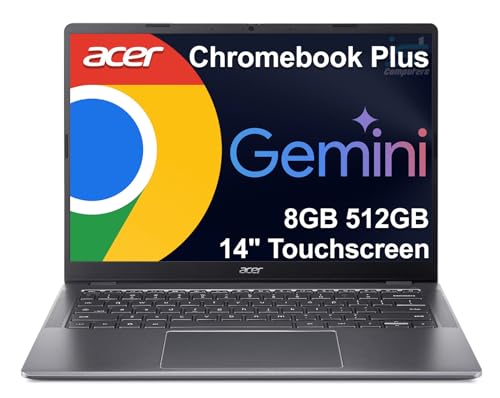

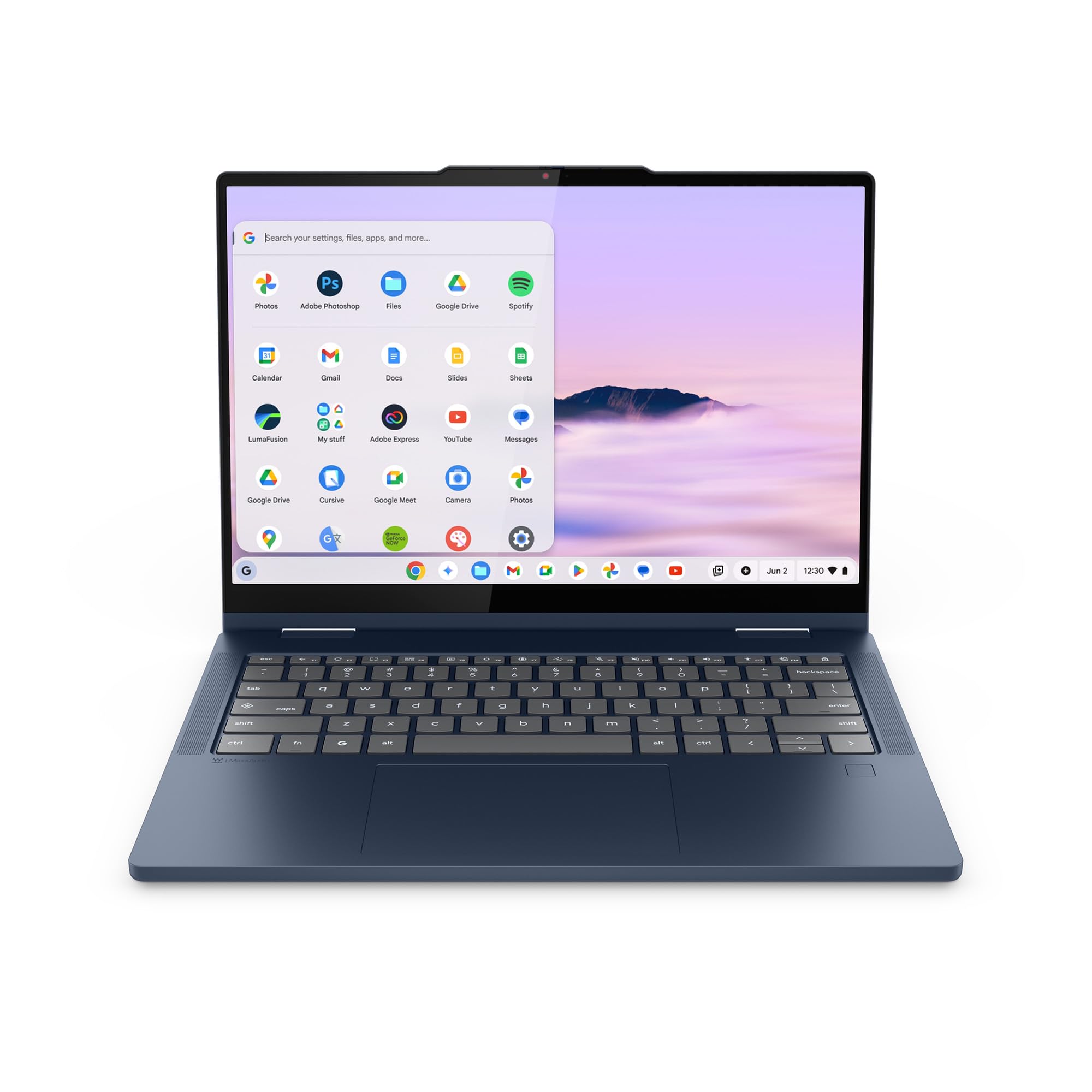
Asus Chromebook Plus CX34 Review: Hardware
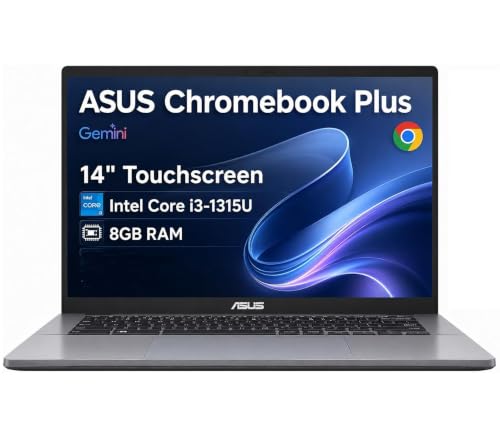
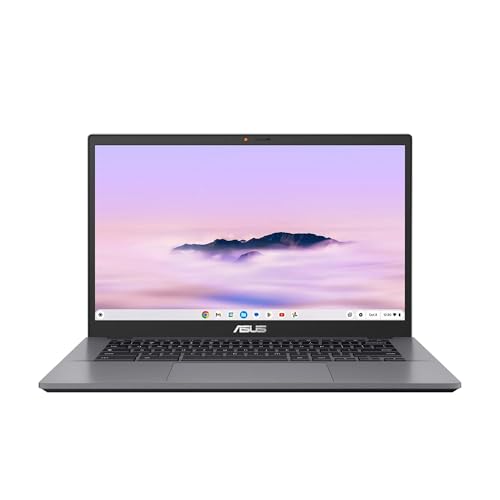
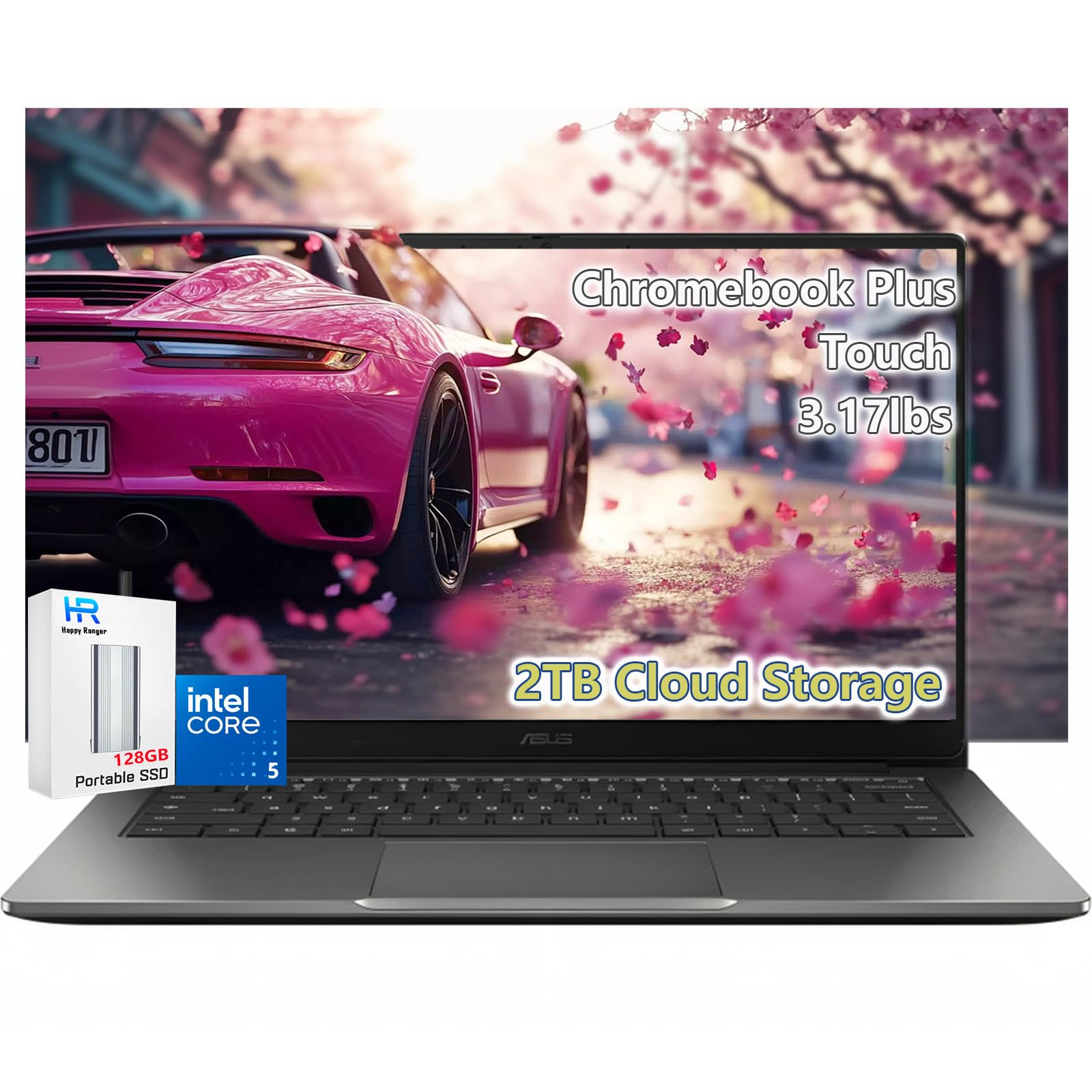
The CX34 uses a 14 inch Full HD IPS touchscreen with an anti glare coating. Listings show Intel Core i3 and i5 processors, with a 6 core i3 chip and 8 GB of RAM in the common configuration. Storage varies, from 128 GB of flash to combinations that add a memory card.
The body weighs about 3.17 lbs and meets MIL STD 810H durability standards according to the listing. Ports include two USB C, two USB A, HDMI and a headphone jack. Wi-Fi 6E and Bluetooth 5.4 handle wireless connections, and the screen supports up to three external monitors.
What Chromebook Plus Means
Chromebook Plus is a Google badge for models that meet higher hardware minimums, such as a faster processor, more memory and a better screen and camera. It adds AI tools from Google, and the listing mentions Gemini and Adobe features. These tools help with writing, image editing and organizing work.
For students and office workers, the benefit is smoother multitasking with many tabs open. The experience is much better than on entry level Chromebooks that struggle once a few documents are running.
Chrome OS limits
Chrome OS runs web apps, Android apps and some Linux tools, but not full Windows software. Check that your key programs work in a browser or have an Android version. If you rely on desktop Windows apps, a Windows laptop is the safer choice.
Everyday Performance
The Core i3 and i5 processors are fast enough for browsing, video calls, documents and streaming. The 8 GB of memory keeps many tabs responsive. Intel UHD graphics handle video and light photo editing, but they are not meant for demanding games.
Battery life depends on the version and use, so check the listing details and reviews from other buyers. The thin body makes the laptop easy to carry, and a compact charger fits in most school bags.
Updates, Support and Seller Notes
Chromebooks receive automatic updates until a stated expiration date, and the listing for the CX34 gives that date. Check the date on the exact listing, because it affects how long the laptop stays supported. A longer update window is a big plus for a device you intend to keep.
Some third party sellers list configurations with expanded storage and their own one year warranty. Read the product details carefully, because the warranty comes from the seller and not from the maker. If you want maker support, look for listings sold directly by ASUS or a well known retailer.
Choosing Between i3 and i5 Versions
The CX34 appears with Core i3 and Core i5 processors, and the price gap between them is often modest. The i3 handles web work, documents and video calls comfortably. The i5 adds headroom for heavy multitasking, Android apps and Linux tools running alongside the browser.
If you plan to keep the laptop for many years, the faster chip gives you more room as websites grow heavier. If the laptop is for a younger student with light needs, the i3 version saves money without a noticeable difference.
Storage and memory
Chrome OS stores most files in the cloud, so 128 GB is enough for many users. Offline work, downloaded media and Linux projects use more. A memory card slot or external drive extends the space cheaply.
Display, Camera and Everyday Comfort
The anti glare screen helps in bright classrooms and offices, where a glossy panel would pick up reflections. Touch input is handy for scrolling pages and tapping buttons, but most people still use the keyboard and touchpad for long work. Check the keyboard feel in reviews, since typing comfort matters more than any spec for a daily laptop.
Video calls are central to modern school and work, so look at what other buyers say about the webcam and microphones. Good lighting in front of you improves the picture more than any hardware change.
Who Should Buy the CX34
Students, teachers and office workers who live in a browser will get the most from it. It also suits families that want a secure, simple laptop for homework and streaming. The touchscreen helps with note taking and quick navigation.
It is a weaker choice for gamers, video editors and people who need Windows only software. Those users should consider a standard laptop with a stronger processor and a dedicated graphics chip.
Comparing With Other Chromebook Plus Models
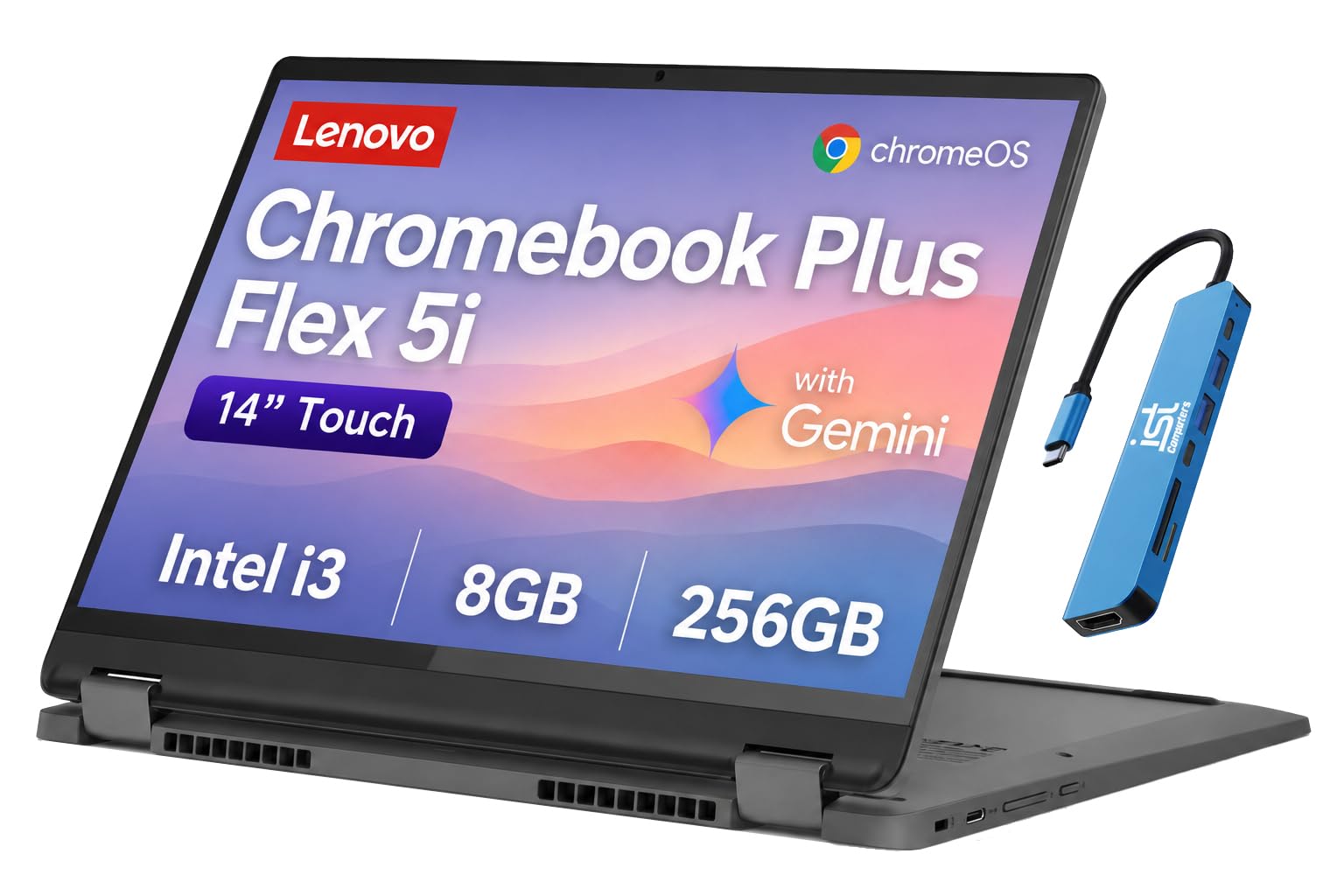
Rival Chromebook Plus laptops from other makers offer similar processors and screens at similar prices. Some are convertibles that fold into tablets, while the CX34 is a standard clamshell with a touchscreen. For a closer look, read the Acer Chromebook Plus 515 review and the Lenovo Chromebook Plus 14 review, or browse the best Chromebook guide.
Frequently Asked Questions
Is the ASUS Chromebook Plus CX34 good for students?
Yes, the touchscreen, thin body and strong performance suit schoolwork.
Does it run Windows programs?
No. It uses Chrome OS, so it runs web apps, Android apps and some Linux tools.
How much storage does it have?
Listings vary, with 128 GB or more of storage. Check the exact configuration.
Does it have a touchscreen?
Yes, a 14 inch Full HD IPS touchscreen with an anti glare coating.
How long will it receive updates?
The listing states an auto update expiration date. Confirm it before you buy.
Final Verdict
This asus chromebook plus cx34 review finds a capable, durable Chromebook that suits students and office workers. Choose the configuration with the processor and storage you need, check who sells it and compare rival models in the product table. If you need Windows apps, pick a different laptop.
Prices and availability can change, so check the product page before ordering.


