
Asus ROG Azoth Extreme Review for 2026: Premium 75% Keyboard
Disclosure: We may earn a commission when you buy through links on this page, at no extra cost to you. As an Amazon Associate I earn from qualifying purchases. Learn more

This asus rog azoth extreme review covers the aluminum 75 percent keyboard, its gasket mount, OLED screen, linear switches and price compared with rivals.
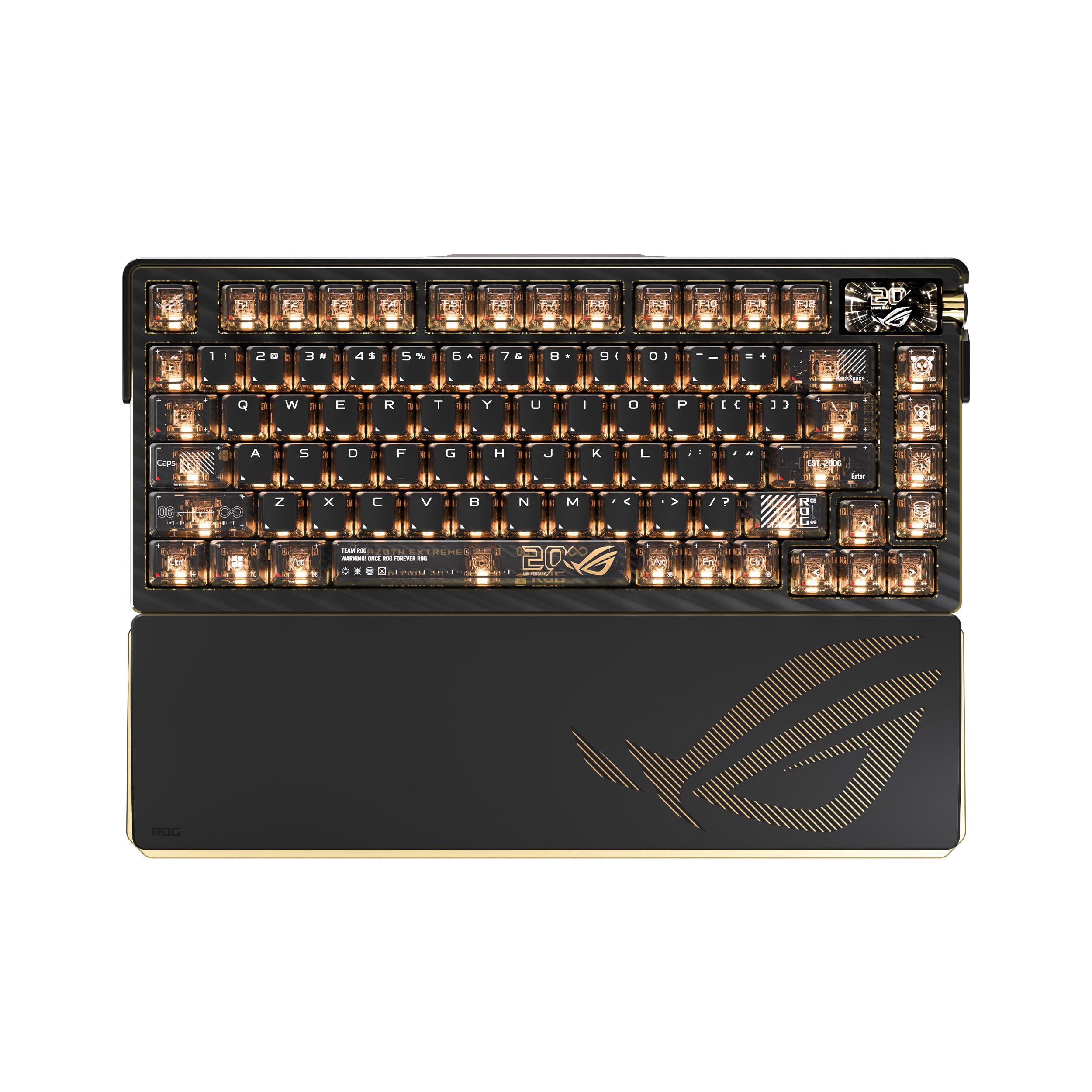
Premium mechanical keyboards are a niche that ASUS entered with force, and this asus rog azoth extreme review looks at its most luxurious board. The Azoth Extreme is a wireless 75 percent keyboard with an aluminum chassis, carbon fiber details, a gasket mounted switch plate and a color OLED screen. At roughly $400 it asks a lot, so the question is who gets real value from it.
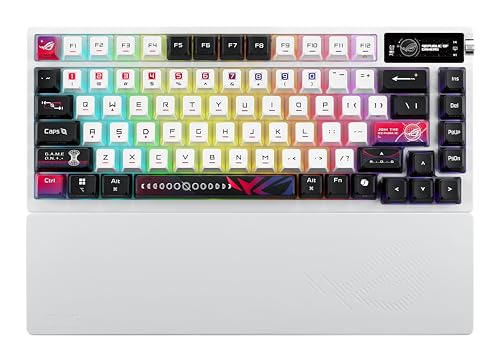
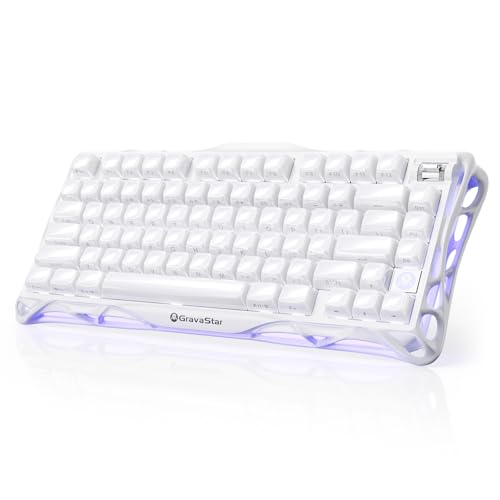
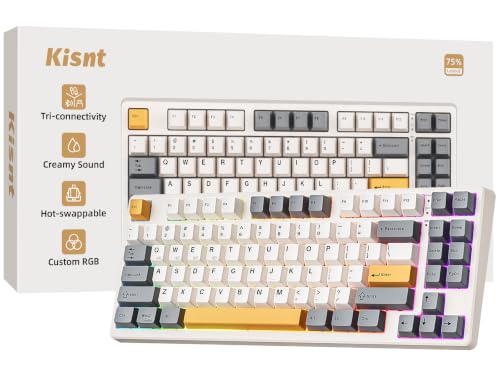
The product table lists the Azoth Extreme beside lower priced Azoth models and rival 75 percent keyboards, so you can see how much each feature costs.




Asus Rog Azoth Extreme Review: Build and Layout
The listing describes a 75 percent TKL layout, which keeps the arrow keys and function row in a compact frame. The case is aluminum with carbon fiber elements, and the design uses a gasket mount for a softer, more cushioned typing feel. PBT keycaps resist shine and wear better than the ABS caps found on cheaper boards.
A color OLED screen sits on the top right. It shows status, volume and custom images, and it is controlled through the ROG software. For some people it is a gimmick, and for others it is the feature that makes the keyboard feel special.
Switches and Typing Feel
The listings show ROG NX Snow linear switches on one version and ROG NX Storm on another. Linear switches press smoothly with no bump or click, which many gamers prefer for fast repeated presses. The gasket mount and the sound dampening reduce the hollow noise that cheaper aluminum boards make.
Wireless gaming keyboards at this tier often offer hot swappable switches. Check the listing for this detail, because it lets you try other switches later without soldering. If you like to experiment, a hot swap board gives you much more life out of the purchase.
Why gasket mount matters
A gasket mounted plate floats on soft strips instead of being bolted rigidly to the case. That gives the keys a bit of flex and absorbs the hard bottom out feeling. The result is a sound and feel that enthusiasts describe as more refined.
Wireless and Connectivity
The keyboard supports multiple connection modes, including a low latency 2.4 GHz link and Bluetooth, along with a wired USB connection. For gaming, use the 2.4 GHz dongle or the cable, because Bluetooth adds a small delay. For work and travel, Bluetooth saves a port.
PC and Mac support is listed, and the software lets you set macros and lighting. Update the firmware when you first connect the keyboard, since early releases sometimes have bug fixes.
Is It Worth the Price?
At $400 the Azoth Extreme costs several times more than a good mid range board. You are paying for materials, the OLED screen and the tuned typing feel. If you spend many hours a day at a keyboard and care about sound and finish, the price is easier to defend.
For most gamers, a cheaper keyboard performs just as well in a match. The lower priced Azoth models keep much of the design with fewer luxury touches, and rival 75 percent keyboards from other makers cost even less.
Who Should Buy It
Enthusiasts who enjoy the feel and sound of premium keyboards, and who want a showpiece on their desk, are the target. Streamers and creators who like the OLED display for status and branding also benefit. It is not the best choice for competitive players on a budget.
Consider the weight too. Aluminum boards are heavy, which is great for stability and less great for travel.
Software, Lighting and Customization
The ROG software controls lighting, macros and the OLED screen. You can show a custom image, a clock or system information, and you can assign different profiles to different games. Spend a few minutes setting a profile for each game you play, and the keyboard will switch automatically.
Lighting is per key, so you can paint a layout that highlights important keys. Keep the brightness lower when you use the keyboard wirelessly, since the lights are the main drain on the battery.
Living With an Aluminum Board
A metal case feels great but shows fingerprints, so keep a microfiber cloth nearby. Remove keycaps with a keycap puller when you clean, and brush out the dust with a soft brush. Do not use harsh cleaners, which can damage the finish or the printed legends.
Because the board is heavy, it stays put on a desk, and it is easy to type on without the keyboard sliding. Use a wrist rest that matches the height to keep your wrists neutral.
Battery and charging
The keyboard charges over USB C. Wireless battery life depends heavily on lighting and the OLED, so switch off the effects you do not use. Plug in during long sessions, and unplug for travel.
Alternatives to Consider
If the price is too high, look at other premium 75 percent boards or at the lower tier Azoth models. The best gaming keyboard guide covers boards at every price. For a very different approach, the Wooting 80HE review and the Keychron K2 HE review explore magnetic switch keyboards.
Frequently Asked Questions
Is the ROG Azoth Extreme wireless?
Yes, it supports wireless connection plus a wired option.
What layout does it use?
A 75 percent TKL layout with arrow keys and a function row.
Does it have an OLED screen?
Yes, a color OLED screen is part of the design.
Which switches does it use?
ROG NX Snow or ROG NX Storm linear switches, depending on the version.
Is it good for gaming?
Yes, though it is priced as a premium product and cheaper keyboards also game well.
Final Verdict
This asus rog azoth extreme review concludes that the keyboard is a beautiful, well tuned luxury board. Buy it if you love the feel and finish and can afford the price. Otherwise compare cheaper options in the product table, since a mid range board will serve most players just as well.
Prices and availability can change, so check the product page before ordering.


