
ASUS ROG Strix G16 vs ASUS TUF Gaming A16: Which Is Better in 2026?
Disclosure: We may earn a commission when you buy through links on this page, at no extra cost to you. As an Amazon Associate I earn from qualifying purchases. Learn more
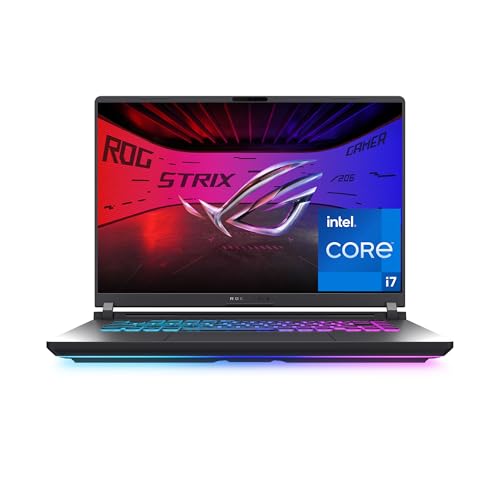
Asus rog strix g16 vs asus tuf gaming a16 compared on processors, graphics, displays, cooling and price, with advice for each buyer.
Two 16 inch gaming laptops from the same brand look similar on a shelf, and the asus rog strix g16 vs asus tuf gaming a16 question is really about price tier and platform. The Strix G16 sits higher in the lineup with Intel processors and premium touches, while the TUF Gaming A16 is the value minded model built around AMD Ryzen chips. Both use a 16:10 screen, so the choice is about processor, graphics and budget.
The product table lists configurations of both laptops with a few rivals, so you can compare current prices.
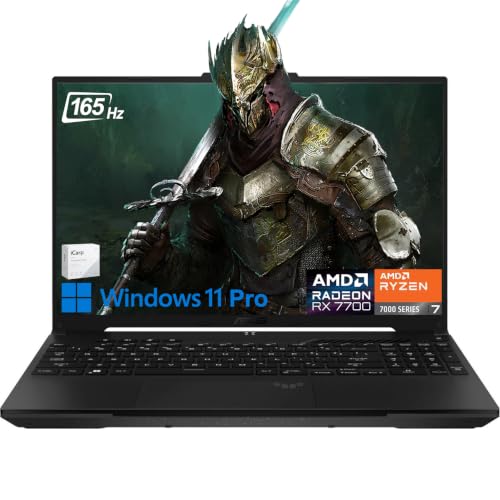


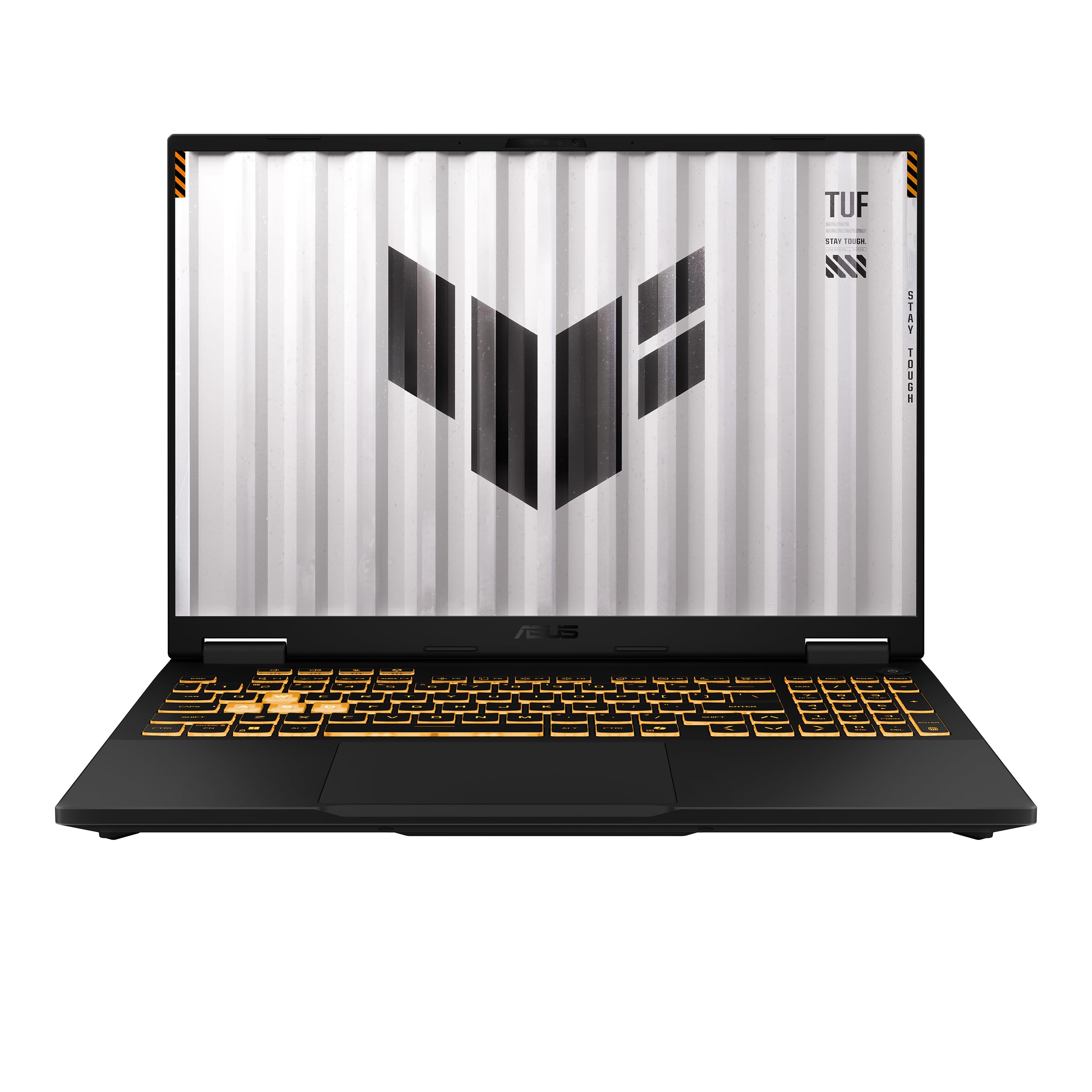
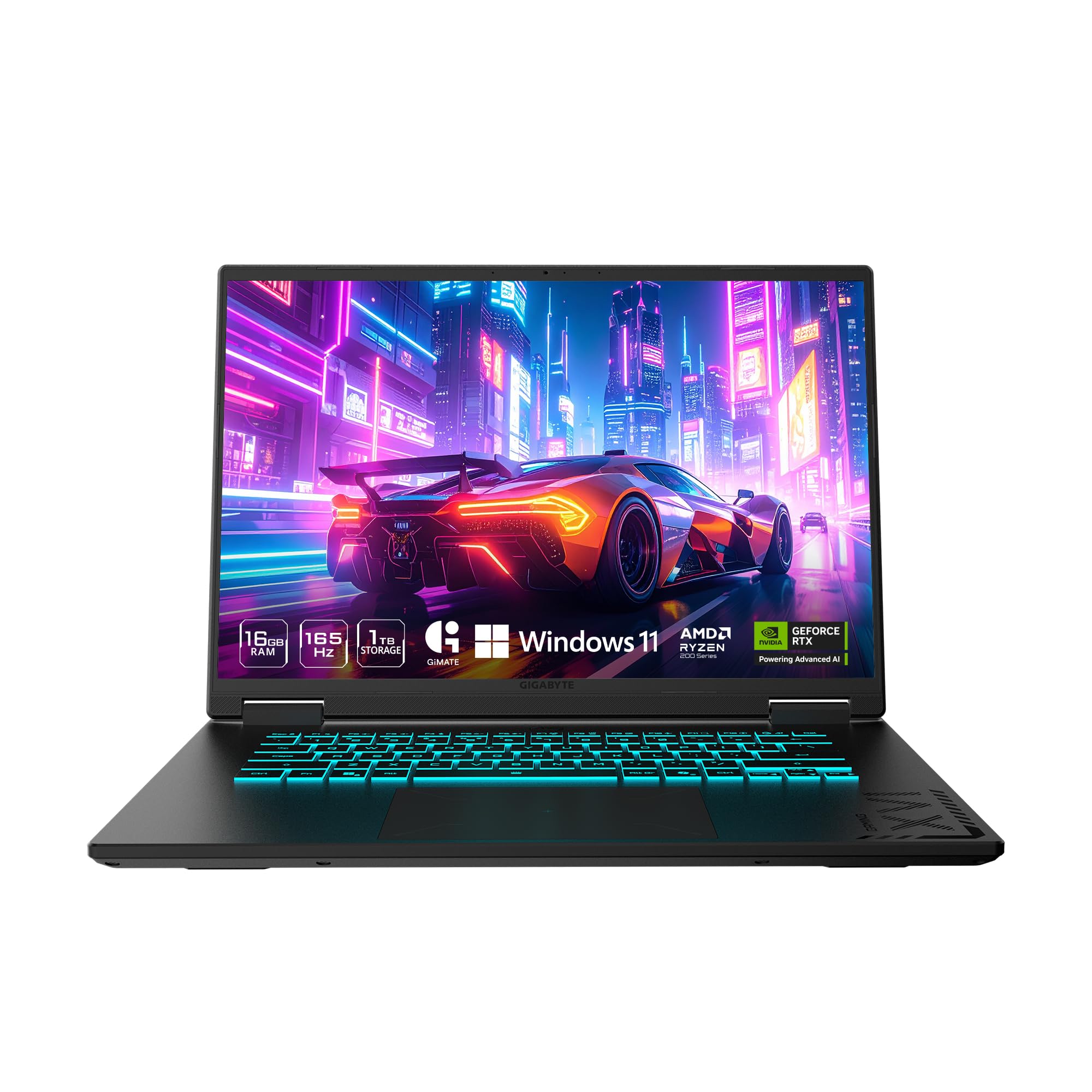
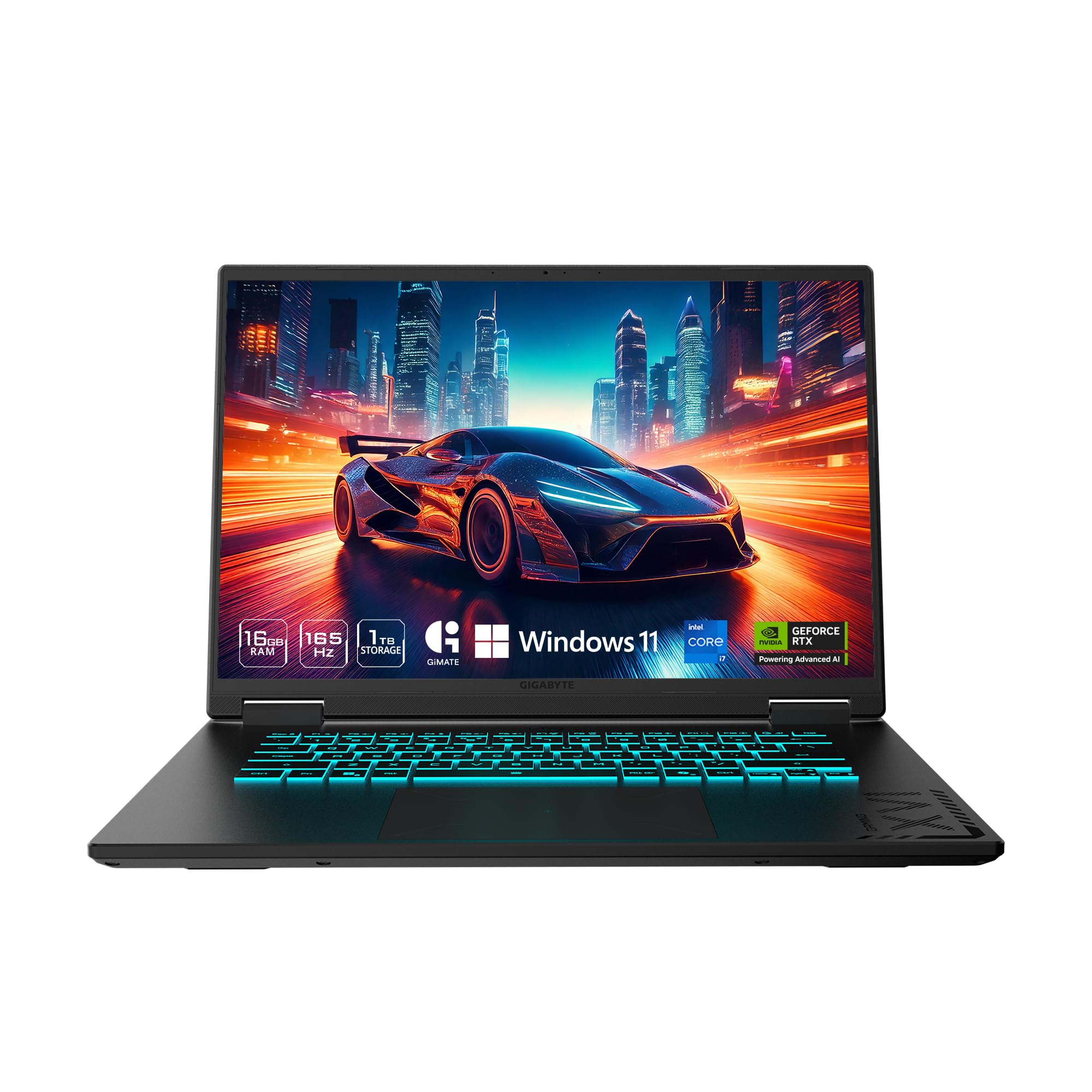
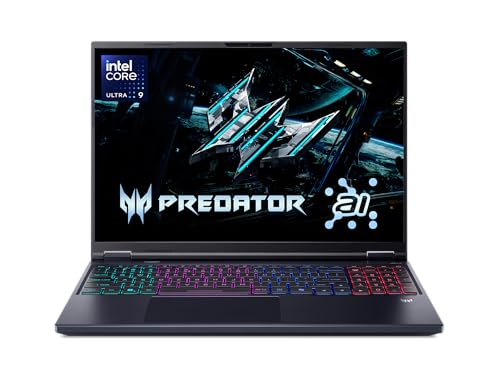
Asus Rog Strix G16 vs Asus Tuf Gaming A16: Quick Verdict
Choose the TUF A16 if price and battery life matter most. Choose the Strix G16 if you want stronger graphics options, Intel HX class processors and a more striking design. Most Full HD gamers will be happy with either.
The gap between them is narrower at the low end and wider at the top. The TUF tops out at mid range graphics, while the G16 climbs into expensive, high end configurations.
Processors and Platform
The TUF Gaming A16 listings show AMD Ryzen 7 chips, including 8 core and 6 core versions, with 16 GB or 32 GB of memory. The Strix G16 entry version uses an Intel Core i7 14650HX, a high power processor aimed at gaming. Higher G16 versions step up to even stronger chips.
AMD chips tend to be efficient, which helps battery life and heat. Intel HX chips deliver strong raw performance in games and heavy tasks, at the cost of more power use.
Graphics options
The G16 entry model uses an RTX 5060 laptop graphics chip and rises from there. TUF configurations vary, with some listing AMD Radeon graphics and others NVIDIA cards. Read each listing carefully, because the graphics chip decides game performance more than any other part.
Display and Build
Both laptops use 16 inch 16:10 screens. The TUF listings show a WUXGA panel at 144 Hz or 165 Hz with 100 percent sRGB, and the G16 offers a 165 Hz FHD+ panel or a 2.5K 240 Hz Nebula panel on higher versions. The G16 adds a surround light bar and a metal heavy design that feels more premium.
The TUF line is known for a tougher, more utilitarian build and often a large battery. Check the battery size in the listing if you plan to work away from a socket.
Cooling and Noise
The G16 uses a vapor chamber and liquid metal on the processor. The TUF uses Arc Flow fans and a full width heatsink, according to its listing. Both are built for sustained gaming, and both get loud under full load.
The higher the processor power, the more noise. A TUF with an efficient AMD chip may run quieter than a G16 with a high power Intel chip in the same game.
Price and Value
TUF A16 configurations in the table cost from about $1,260 to $1,580. The G16 starts at about $1,670 and climbs to $3,600 or more. The TUF saves money for a similar screen size, while the G16 gives you more headroom.
If you only play at Full HD, the TUF is often the better value. If you want to play at higher resolutions or create content, the G16 offers more options.
Memory, Storage and Upgrades
TUF listings show 16 GB and 32 GB of DDR5 memory with 512 GB or 1 TB drives, and the G16 entry version shows 16 GB with a 1 TB drive. Memory is the cheapest performance boost for creative work, so look for 32 GB if you edit video or run many apps. Storage fills quickly with modern games.
Check whether the listing says the memory is upgradeable. Some laptops use slots, while others solder part of it. A laptop with a free drive slot lets you add storage later without replacing the main drive.
Everyday Use Beyond Gaming
Both laptops work as study and office machines. The TUF has a reputation for toughness and a large battery, which helps in lectures and on trips. The G16 has a more refined display and a Stealth Mode that turns off the lights for a professional look.
Webcams, speakers and keyboards are similar in quality, so they rarely decide the purchase. Consider the weight and the charger size, since both are full size gaming laptops that you will carry to class or a friend's house.
Warranty and support
Check who sells the exact configuration, because third party sellers may offer their own warranty. A laptop with a clear warranty from a known seller is easier to repair or replace. Keep the receipt and register the product if the maker offers it.
Which One for Which Buyer
- Students and budget gamers: the TUF A16.
- Players who want the strongest graphics: the Strix G16.
- Travelers who need battery life: check the TUF's battery listing.
- Buyers who like a bold design: the G16.
Read the ASUS ROG Strix G16 review, the Lenovo Legion 5i review and the best gaming laptop guide for more context.
Keyboard, Ports and Daily Comfort
Both keyboards are full size with a number pad on most versions, and both offer per key or zone lighting. Typing feel is similar, so try to read buyer comments on key travel. Ports include USB, HDMI and a wired network jack on most configurations, so check the listing if you need Thunderbolt for a dock.
Frequently Asked Questions
Which is faster, the G16 or the TUF A16?
The G16 reaches higher performance, while the TUF is aimed at the middle of the market.
Which has better battery life?
The TUF listings highlight a large battery and efficient AMD chips. Check each listing.
Are the screens similar?
Both use 16 inch 16:10 panels, with the G16 offering higher end options.
Which is cheaper?
The TUF A16 in most configurations.
Which one should I buy for Full HD gaming?
Either works. The TUF saves money.
Final Verdict
In the asus rog strix g16 vs asus tuf gaming a16 comparison, the TUF wins on value and the Strix on options and design. Compare configurations in the product table and buy the one that fits your budget and your games. A cheaper TUF with a strong graphics chip is hard to beat for most players.
Prices and availability can change, so check the product page before ordering.


