
ASUS ROG Swift OLED PG27UCDM Review for 2026: 4K 240Hz QD-OLED
Disclosure: We may earn a commission when you buy through links on this page, at no extra cost to you. As an Amazon Associate I earn from qualifying purchases. Learn more

This asus rog swift oled pg27ucdm review explains the 26.5-inch 4K 240Hz QD-OLED panel, OLED Care Pro, DisplayPort 2.1 and who should pay for it.
The ASUS ROG Swift OLED PG27UCDM is a compact 4K gaming monitor that uses a QD-OLED panel and runs at 240Hz. This asus rog swift oled pg27ucdm review explains what the display does, how ASUS handles the burn-in question, and who should spend this much on a 27-inch screen.
The model is sold as the ROG PG27UCDM. Swift is ROG's premium monitor line, so you will see both names used together on guides and spec sheets.
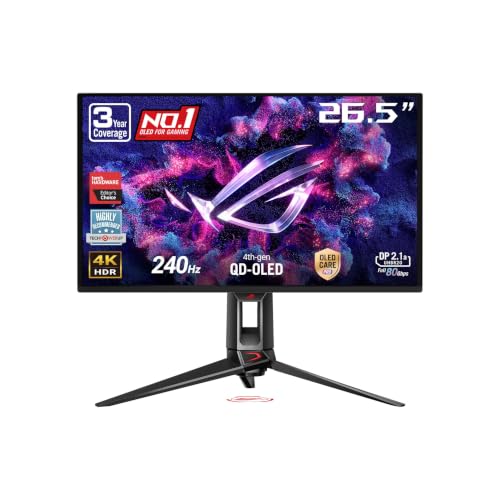
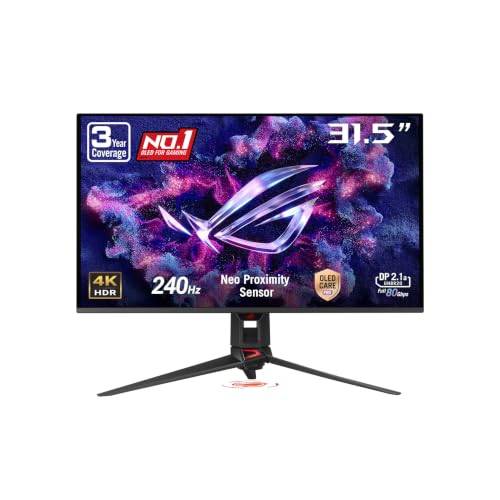
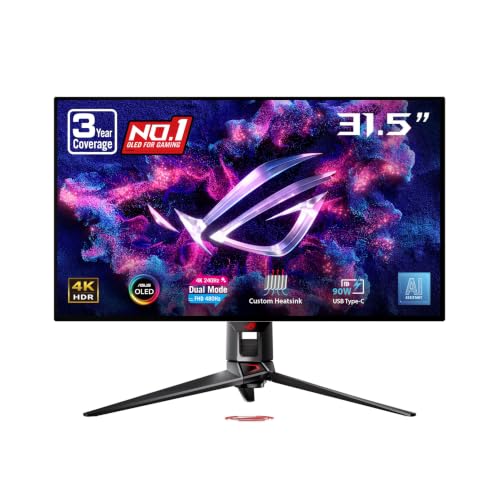
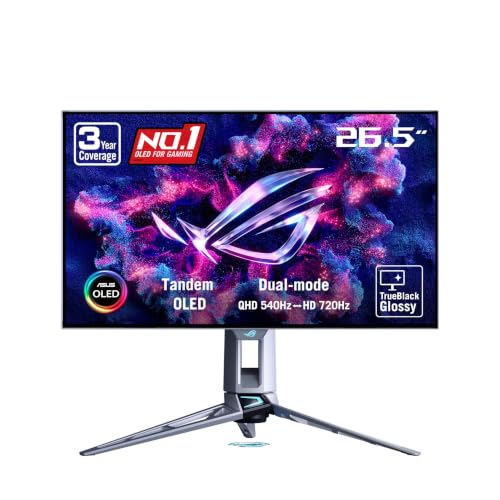

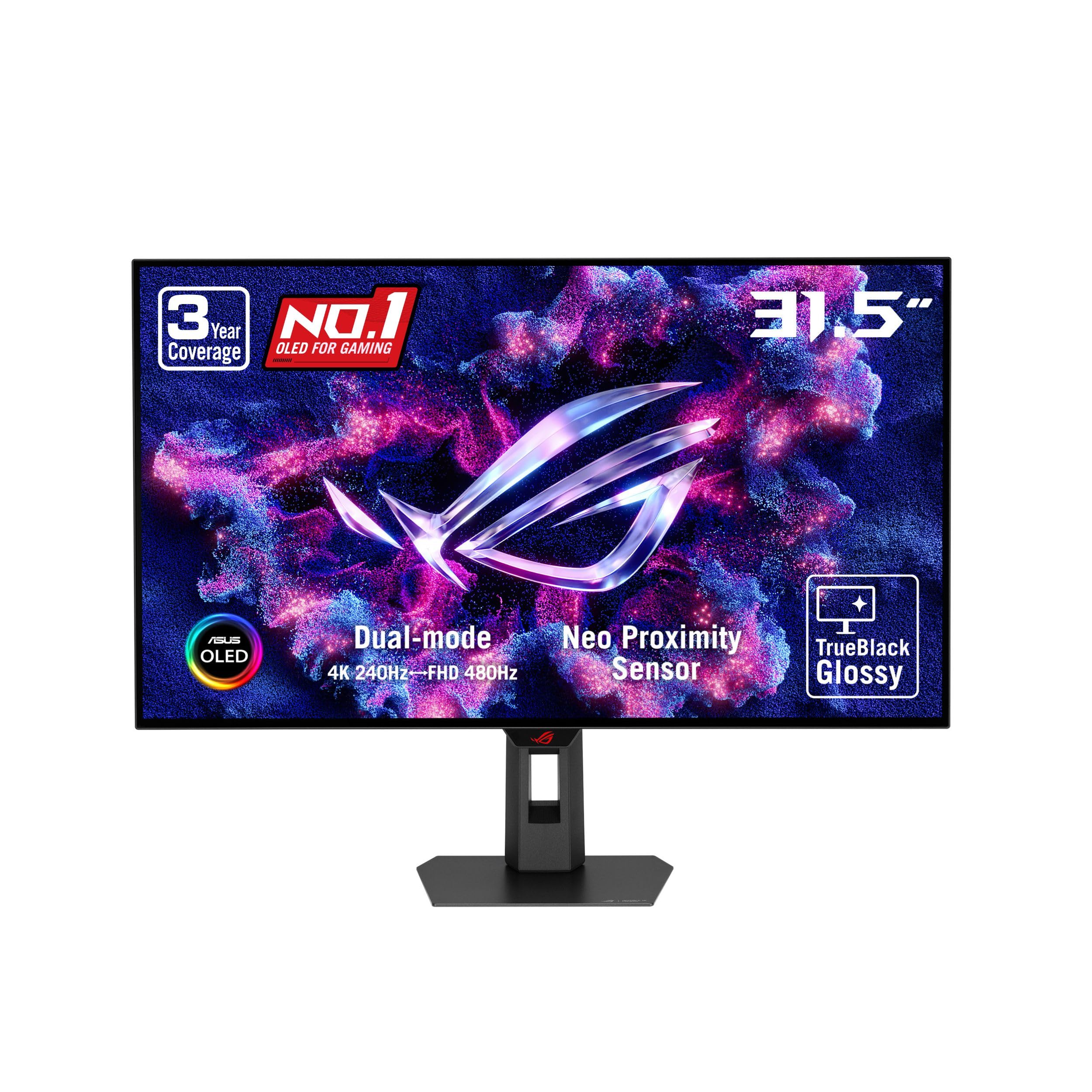
A 26.5-Inch 4K QD-OLED Panel
The panel measures 26.5 inches and has a 3840 x 2160 resolution, which puts pixel density well above a 27-inch 1440p screen. ASUS lists a 240Hz refresh rate and a 0.03ms response time. On an OLED, that response time is what makes motion look so clean, with almost no trailing behind fast objects.
The description calls it a fourth-generation QD-OLED panel with sharper text and a longer expected lifespan than earlier OLEDs. Text clarity was a weak point on older QD-OLED screens, so that claim matters if you plan to use the monitor for work as well as games.
What 4K at 240Hz Demands
A 4K screen at this speed will outrun most graphics cards, so think about your hardware first. To use the full 240Hz in modern games you need a very high-end card. The monitor also offers a lower-resolution mode, which helps competitive players trade sharpness for speed when they need it.
DisplayPort 2.1a with full 80Gbps bandwidth is listed, along with HDMI 2.1 and a USB-C port with 90W power delivery. The fast DisplayPort input lets a compatible card drive 4K at the top refresh rate without compression. The USB-C connection can charge a laptop while sending video.
Burn-In Protection and Warranty
Burn-in is the main worry with any OLED. ASUS answers it with OLED Care Pro and a Neo Proximity Sensor that detects when you step away and turns the screen black. There is also an Anti-Flicker 2.0 feature that ASUS says reduces flicker by 20 percent compared with the previous generation.
The warranty is the strongest reassurance. The listing states three years of coverage that includes burn-in. For an expensive display, that coverage is as important as any spec.
- Use a dark theme and hide the taskbar when you can.
- Let the monitor run its refresh and care routines when prompted.
- Avoid leaving a static image at full brightness for long periods.
Color and HDR Quality
The monitor supports true 10-bit color, and QD-OLED panels produce deep blacks because each pixel switches off completely. In a dark room, HDR games and films look dramatically better than on an LCD with local dimming zones. In a bright room, reflections and raised blacks matter more, so consider your lighting.
Who Should Buy This Monitor
It suits enthusiasts who own a very fast graphics card, play visually rich single-player games, and want an OLED that also handles competitive titles. The small 26.5-inch size keeps pixel density high and fits comfortably on a normal desk.
It makes less sense on a budget or with a mid-range card. A good 1440p monitor such as those in our best gaming monitor guide delivers most of the fun for far less money, and the AOC Q27G3XMN review shows one affordable example.
How It Fits Next to Other ROG OLED Monitors
ROG sells several OLED monitors with similar names. The PG32UCDMR is a 32-inch 4K 240Hz QD-OLED model, so it suits people who want a larger screen at the same resolution. The PG27AQDM-R is a 27-inch 1440p OLED at 240Hz and costs far less, which is a better match for mid-range graphics cards.
The PG27UCDM is for buyers who specifically want 4K at a compact 26.5-inch size. The higher pixel density makes text and fine detail look very crisp from a normal desk distance, and games look sharp without needing anti-aliasing tricks.
Setup and Desk Placement
An OLED looks its best with controlled lighting. Place the monitor so that windows are beside it rather than behind you, and keep direct light off the screen. A tripod socket is listed, which means you can mount a camera or use an alternative mount as well as the standard stand.
Use the DisplayPort 2.1 connection if your graphics card supports it, and a certified cable. If your card only offers an older DisplayPort or HDMI standard, you may need compression or a lower refresh rate to reach the highest modes, so check your card first.
- Enable HDR in the operating system only for HDR content.
- Set the monitor to a sensible brightness for office work.
- Update the graphics driver before you try the highest refresh modes.
Living With an OLED Every Day
People who own OLED monitors often adopt small habits rather than constant worry. Letting the screen go dark when idle, rotating wallpapers and using a dark window theme cost nothing and reduce the chance of lingering images. With the proximity sensor and a three-year warranty that includes burn-in, the practical risk is manageable for most users.
Frequently Asked Questions
Is the PG27UCDM worth the price?
It is worth it if you want 4K, OLED contrast and 240Hz in a compact size and your graphics card can use it. If you only need a good gaming monitor, cheaper screens give better value.
Does it have DisplayPort 2.1?
Yes. The listing mentions DisplayPort 2.1a with full 80Gbps bandwidth, plus HDMI 2.1 and USB-C with 90W power delivery.
Will it burn in?
All OLED panels can retain images over time, but ASUS includes OLED Care Pro, a proximity sensor and a three-year warranty that covers burn-in. Sensible habits lower the risk further.
Is it good for text and office work?
The fourth-generation QD-OLED panel is described as improving text sharpness. If you spend many hours a day on static windows, use the care features and a dark theme.
Final Verdict
The PG27UCDM is a premium monitor with excellent motion, deep contrast and a strong warranty. For players who can drive it, this asus rog swift oled pg27ucdm review finds it hard to beat in a 27-inch size. Confirm the current price and seller before you buy.


