
ASUS ROG Swift OLED PG32UCDM Review for 2026: 32-Inch 4K 240Hz OLED
Disclosure: We may earn a commission when you buy through links on this page, at no extra cost to you. As an Amazon Associate I earn from qualifying purchases. Learn more

This asus rog swift oled pg32ucdm review looks at the 32-inch 4K 240Hz QD-OLED panel, color accuracy, USB-C power delivery and who should choose it over the 27-inch.
The ASUS ROG Swift OLED PG32UCDM is the large-screen version of ROG's 4K OLED gaming monitor: 32 inches, a 3840 x 2160 resolution and a 240Hz refresh rate. This asus rog swift oled pg32ucdm review explains what the display delivers, how it handles OLED care, and whether it should be your next big upgrade.
Current retail listings use slightly different codes, such as PG32UCDMR and PG32UCDM3, and the differences matter. The version with an R suffix uses QD-OLED, while the PG32UCDM3 listing describes a Tandem OLED panel, so read the code before you click buy.
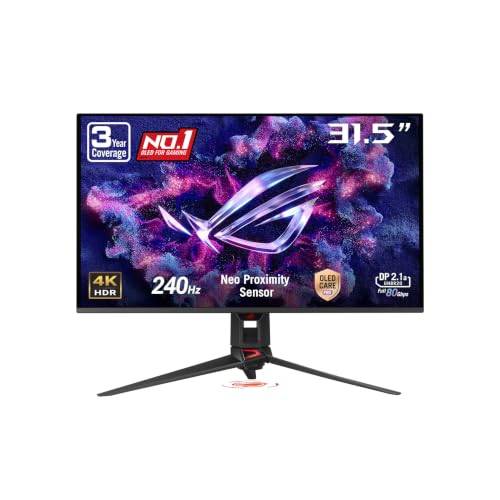
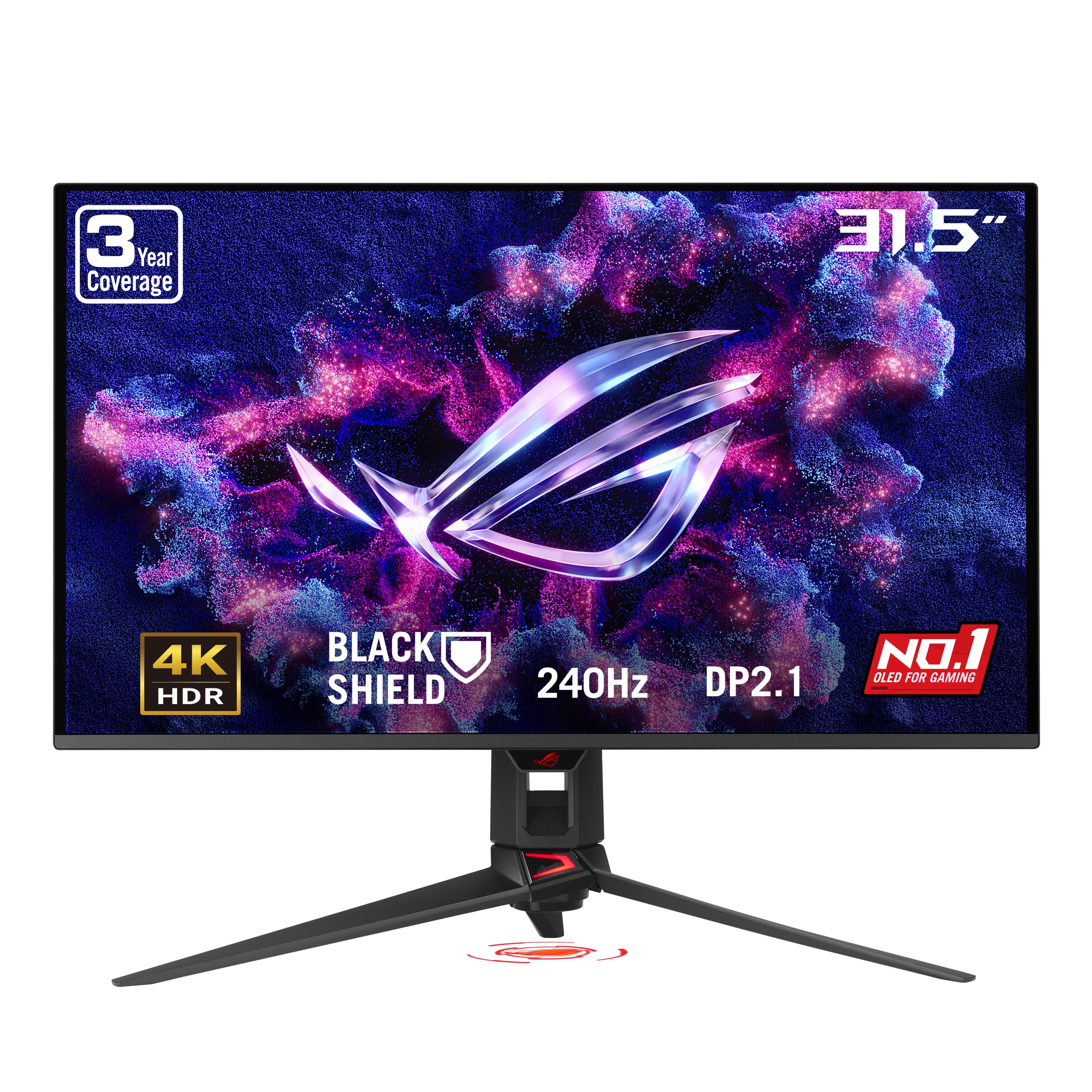
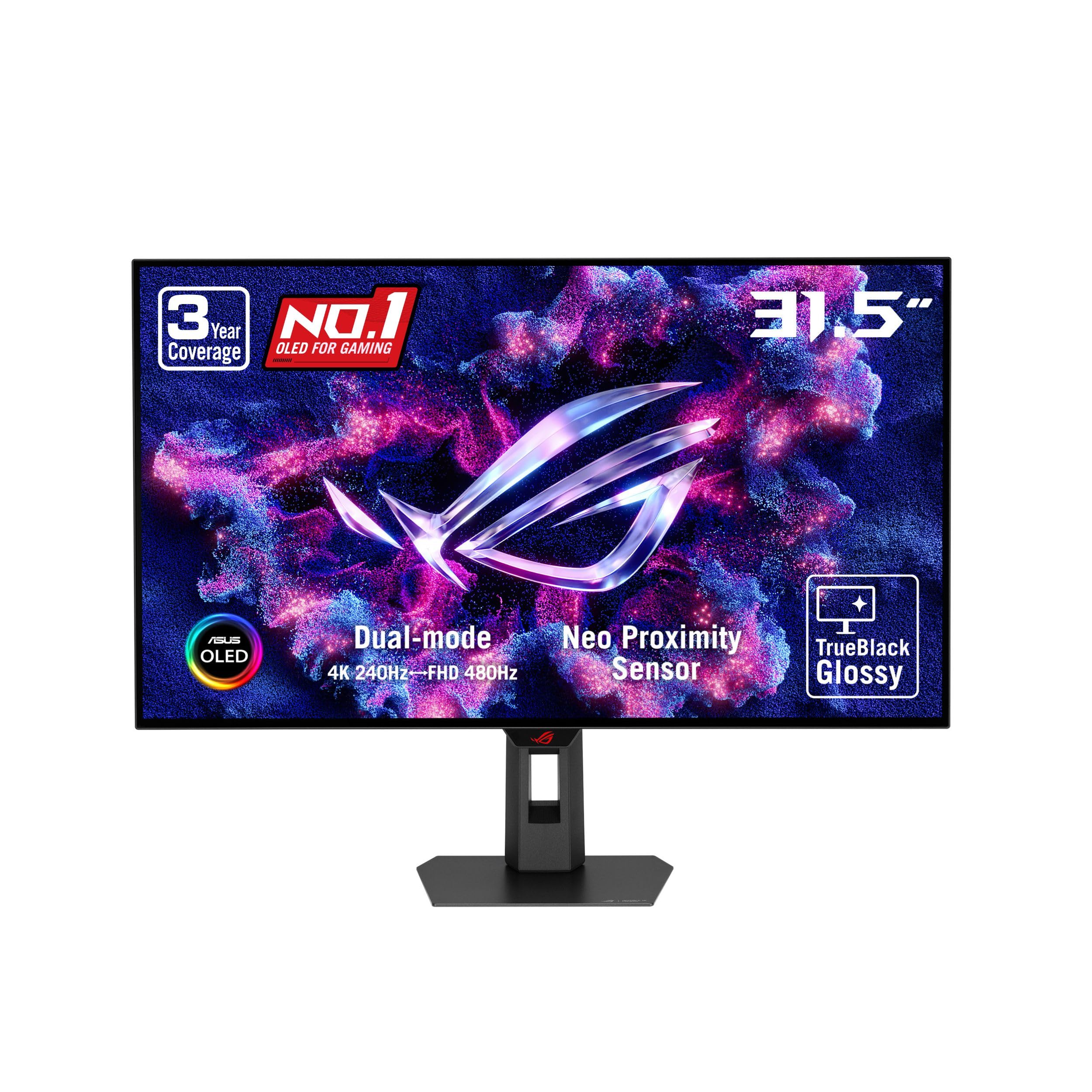
The 32-Inch 4K Panel
At 32 inches, 4K gives a comfortable pixel density that is slightly softer than a 27-inch 4K screen but far more immersive. The PG32UCDMR listing quotes a 0.03ms response time, 240Hz refresh and a 3840 x 2160 QD-OLED panel. Motion looks very clean because OLED pixels change state almost instantly.
The larger size is the main reason to choose this model. Racing games, open-world adventures and flight simulators fill more of your vision, and productivity apps get a huge canvas. If your desk is deep enough to sit about an arm and a half away, 32 inches is an excellent size.
Color, HDR and Accuracy
ASUS lists VESA DisplayHDR 400 True Black, a 99 percent DCI-P3 gamut, true 10-bit color and a Delta E below 2. Those numbers point to a monitor that is accurate enough for photo and video editing as well as games. True Black HDR means dark scenes keep their depth rather than turning gray.
There is also an optional uniform brightness setting. Normally an OLED can vary brightness depending on how much of the screen is lit, and this setting trades some peak brightness for a steadier image. Choose it for editing work and leave it off for the punchiest HDR games.
Burn-In Care Features
OLED Care Pro and the Neo Proximity Sensor are the headline protections. The sensor notices when you leave your seat and switches the screen to black to reduce the risk of burn-in. The DisplayWidget Center software gives you quick access to those care functions and to the other monitor settings with a mouse.
Check the warranty on the exact listing. ASUS has offered burn-in coverage on related models, and the length and terms can vary by seller and by model code, so confirm before you buy.
Ports and Included Cables
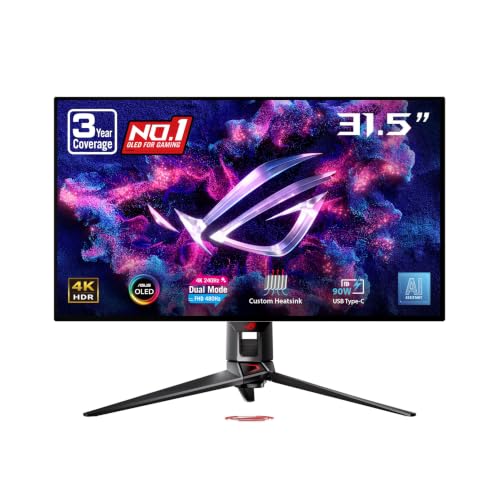
The PG32UCDMR listing includes DisplayPort 2.1, HDMI 2.1 and a USB-C port with 90W power delivery. That is enough to charge and drive a laptop over one cable. The box contents listed include a DisplayPort 2.1 cable, an HDMI Ultra High Speed cable, USB cables, a ROG pouch and a VESA mount kit, so you can start without buying extras.
Is It the Right ROG OLED for You?
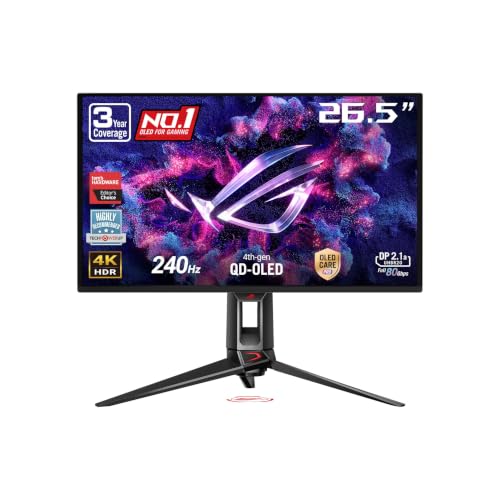
If you want 4K OLED in a more compact size, the 26.5-inch PG27UCDM is the sibling to consider, and it is easier to fit on small desks. If you want a large 4K screen with faster modes for esports, the PG32UCDP family adds a high-refresh dual mode. The PG32UCDMR is the straightforward choice for a big, accurate, fast screen.
- Choose 32 inches for immersion and a big desktop workspace.
- Choose the 27-inch model if your desk is shallow.
- Check that your graphics card can output 4K at high refresh rates.
What You Need to Drive It
A 4K monitor at 240Hz asks a lot from your hardware. For the best results you need a recent high-end graphics card and a DisplayPort 2.1 connection. Many players run demanding games at 4K with upscaling and frame generation, then use the monitor's faster modes for competitive titles.
Gaming Experience at 32 Inches
The 16:9 4K panel shows the full width of most modern games with no letterboxing, and the high pixel density keeps edges clean even without heavy anti-aliasing. Shooters feel precise thanks to the very fast response time, while cinematic games take advantage of the deep blacks and wide color range. Console players can also use the HDMI 2.1 input for a 4K signal from supported consoles.
Because the panel is large, sitting distance matters. Many owners place the monitor on an arm so they can pull it closer for work and push it back for games. The VESA mount kit in the box makes that simple, and it frees desk space compared with the stand.
Working From the Same Screen
A 32-inch 4K display gives the equivalent of four 1080p windows with room to spare. Spreadsheets, code editors and timelines all benefit from the space, and the accurate color makes it a reasonable screen for photo editing. If you work for long stretches with static windows, switch to a dark theme and let the care features run so you protect the panel.
Buying Tips for a Premium Monitor
Buy from a seller that clearly lists new condition and the manufacturer warranty, because OLED monitors are expensive and you want support if a pixel or panel issue appears. Keep the box for the first weeks so a return stays simple. When the monitor arrives, run it for an evening of normal use and look for uneven brightness, flicker or dead pixels before you settle in.
Update the monitor firmware if ASUS offers an update, and install DisplayWidget Center so the care features are easy to reach from the desktop.
Frequently Asked Questions
What is the difference between PG32UCDM, PG32UCDMR and PG32UCDM3?
They are related 32-inch 4K 240Hz OLED models. The R version is listed as QD-OLED, and the PG32UCDM3 is listed as Tandem OLED. Always match the model code to the features you want.
Is it good for photo and video editing?
The listing quotes a 99 percent DCI-P3 gamut, true 10-bit color and a Delta E below 2, which suits creative work. Use the uniform brightness setting if you want steadier luminance.
Can it charge a laptop?
Yes. The USB-C port supports 90W power delivery, so many laptops can charge and send video over one cable.
Is 32 inches too big for a desk?
It needs a deep desk. If you sit very close, a 27-inch monitor can feel more comfortable.
Final Verdict
The PG32UCDM family offers a big, bright, color-accurate OLED with fast motion and useful care features. For players with the hardware to match, this asus rog swift oled pg32ucdm review says it is a top-tier choice. Compare the exact model code and warranty before you order.


