
ASUS ROG vs MSI Gaming Laptop: Which Brand Should You Buy?
Disclosure: We may earn a commission when you buy through links on this page, at no extra cost to you. As an Amazon Associate I earn from qualifying purchases. Learn more
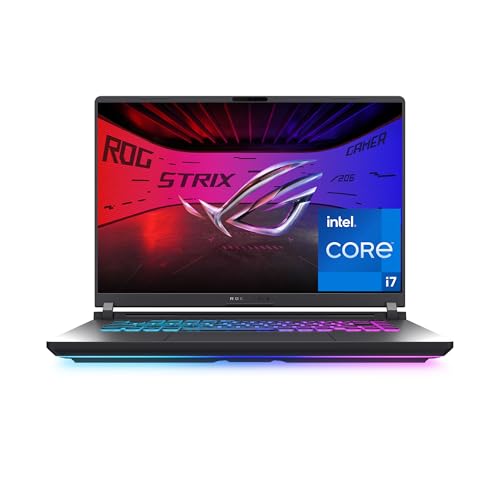
This asus rog vs msi gaming laptop guide compares ROG Strix, Zephyrus and Flow with MSI Katana, Cyborg, Thin and Raider on price, build, screens and value.
ASUS ROG and MSI are the two brands most gaming laptop shoppers end up comparing. ROG leans toward polish, design and a wide range of screens, while MSI leans toward value and aggressive pricing on mid-range models. This asus rog vs msi gaming laptop guide explains how the lineups line up so you can choose by budget and use.
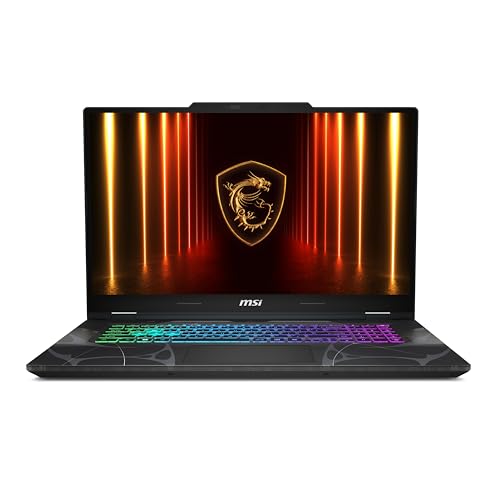
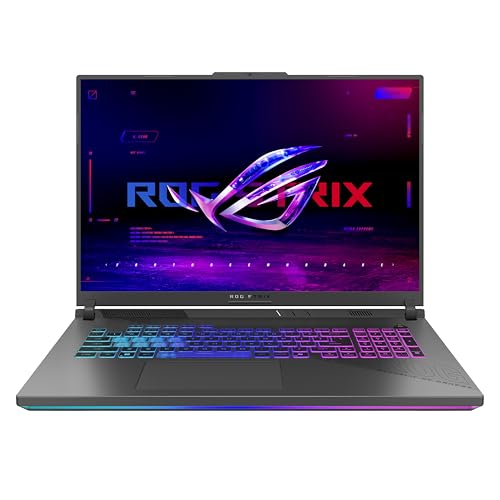
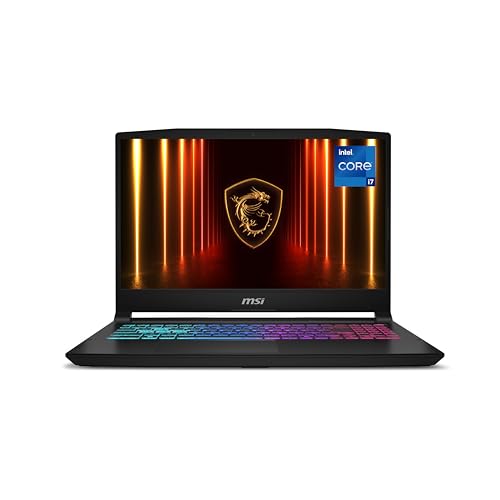
The product table lists current models from both brands, from affordable 15-inch laptops to flagship 16 and 18 inch machines. Use it alongside the sections below to match a model to your needs.





How the Two Lineups Are Organized
ASUS splits ROG into the Strix line, which is the mainstream gaming range, the Zephyrus line, which is slim and premium, and the Flow line, which includes unusual designs such as the 13-inch Flow Z13. MSI builds its range around Thin and Cyborg for entry prices, Katana for mid-range power, Crosshair and Raider for high performance.
Knowing the names makes shopping easier, because within each brand the line tells you more than the brand does. A Thin or Cyborg is a budget-friendly machine, and a Raider or a Strix with a high-end card is a flagship.
Entry-Level and Budget Models
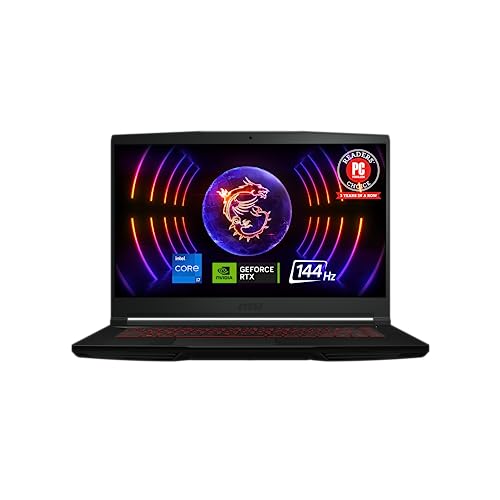
MSI has a clear advantage at the low end. Listings include the Thin GF63 with an RTX 4050 and 16GB of DDR4 memory, the Thin 15 with an RTX 2050 and DDR5 memory, and the Cyborg A15 with an RTX 5050 in a thin and light body. These cost noticeably less than most ROG laptops.
ROG starts a little higher. The Strix G16 with an RTX 5050 or RTX 5060 is the usual entry point, with a 16-inch 16:10 screen at 165Hz and Wi-Fi 7. You pay more but you get a larger and nicer display.
Mid-Range and Performance Models
MSI's Katana 15 HX pairs an Intel Core i7-14650HX with an RTX 5060 and a 15.6-inch QHD 165Hz display, a solid mid-range pick. The Cyborg 17 uses a 17.3-inch FHD 144Hz screen with an RTX 5060. ROG answers with the Strix G16 and G18, which add features such as a 2.5K 240Hz Nebula panel on upper versions and ROG's cooling hardware.
Flagship Laptops
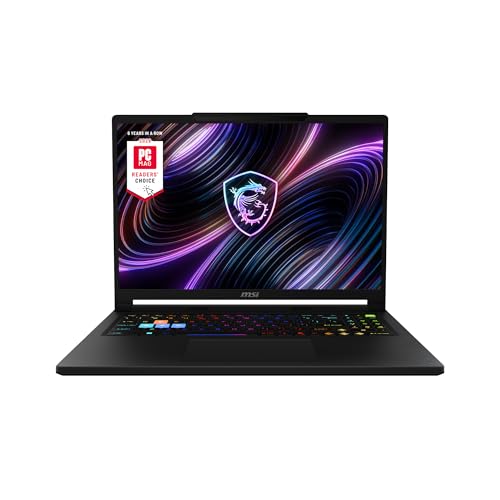
At the top end, MSI offers the Crosshair 18 HX AI, with an 18-inch 2560 x 1600 240Hz screen and an RTX 5070, and the Raider A16 HX with an RTX 5080 and 2TB of storage. ROG offers the Strix G16 with RTX 5070 Ti and 5080 options and a Flow Z13 with a very different tablet-style design. Both brands are capable at this level, and the choice depends on screen, cooling and price.
Cooling and Noise
MSI uses Cooler Boost systems, and ROG uses vapor chambers, liquid metal and tri-fan designs on current Strix models. Both brands run fans loudly at full load. ROG's higher-end models generally give more headroom, while MSI's budget models make compromises to keep prices low.
Screens, Keyboards and Build
ROG's screens, especially the Nebula panels, are among the best in gaming laptops, and the build feels more premium. MSI's laptops are solid and often come with lively RGB keyboards, and some models offer high refresh rates at a lower price. If you care most about screen quality and design, lean ROG. If you want to save money, lean MSI.
Software and Support
ROG laptops use Armoury Crate, and MSI laptops use MSI Center. Both let you change power modes, fan profiles and lighting. Both brands offer standard warranties, and buyers often compare service reputation, so check recent feedback for your region before you buy.
- Choose MSI for the lowest price and strong mid-range value.
- Choose ROG for display quality, design and premium features.
- Compare the graphics card first, because it matters more than the badge.
Which Brand Should You Buy?
If your budget is below mid-range, MSI usually gives you more graphics performance. If you want a premium screen and a polished design, ROG is the better bet. See our ROG Strix G16 review, the Lenovo Legion 5i review and the best gaming laptop guide for more options.
Portability and Battery Life
If you carry a laptop between rooms or campuses, weight and battery life matter as much as frame rates. MSI's Cyborg A15 is described as a thin and light model, and ROG's Flow Z13 is a very compact 13-inch design with an AMD Ryzen AI MAX chip. The 18-inch machines from both brands are desktop replacements that should stay plugged in. For most gaming laptops, expect a short battery life under load and better results with lighter tasks.
Connectivity and Future Use
Wi-Fi 7 appears on many current ROG laptops and some MSI models such as the Raider A16 HX, while MSI's budget Cyborg and Katana models list Wi-Fi 6E. For home networks that already use Wi-Fi 7, the newer standard helps with speed and latency, though many players use a wired connection anyway. Check the ports as well, particularly USB-C with video output if you want to dock to a monitor.
Common Mistakes When Choosing
The most common mistake is paying for a brand when a lower graphics tier would be cheaper elsewhere. Another is buying a laptop with an older graphics generation at a low price, since it may not support newer upscaling features. A third is forgetting about storage and memory: 16GB and 512GB feel tight for modern games. Compare those details before you compare logos.
Frequently Asked Questions
Is ASUS ROG better than MSI?
ROG tends to win on design and display quality, while MSI tends to win on price and entry-level value. The better brand depends on your budget.
Which is cheaper?
MSI's Thin and Cyborg laptops are usually the lowest priced, and ROG's entry models cost more.
Which has better screens?
ROG's Nebula panels and OLED models lead, while MSI offers QHD and high refresh rate panels on its Katana and Raider lines.
Which is better for esports?
Either brand works. Pick a model with a 165Hz or 240Hz display and a strong graphics card.
Final Verdict
MSI is the value pick and ROG is the premium pick. When choosing an asus rog vs msi gaming laptop, start with your budget and graphics needs. Check the seller and warranty before you order.


