
ASUS vs MSI Graphics Card: Which Brand Should You Buy?
Disclosure: We may earn a commission when you buy through links on this page, at no extra cost to you. As an Amazon Associate I earn from qualifying purchases. Learn more

This asus vs msi graphics card guide compares ROG Strix, TUF, Prime and Dual with MSI Suprim, Gaming and Ventus on cooling, noise, clocks, price and support.
ASUS and MSI both sell custom versions of the same NVIDIA and AMD chips, so the question is not which brand is faster but which version suits you. This asus vs msi graphics card guide explains how their lineups differ, what you pay for at each tier and how to choose.
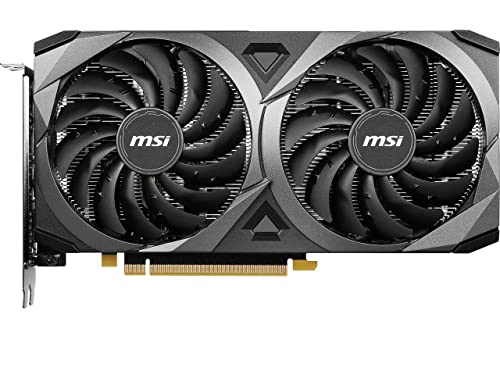
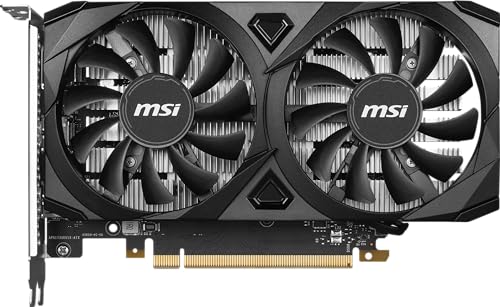
The product table shows ASUS Prime, Dual, TUF and ROG cards next to MSI Ventus, Gaming and Suprim cards, from entry cards to flagships. The sections below explain the differences.




Same Chip, Different Cards
A GeForce RTX 5070 Ti is an RTX 5070 Ti whoever makes it. The core hardware is the same, so performance differences between brands are small, usually a few percent from factory clock speeds. What changes is the cooler, the noise, the size, the power connectors, the warranty and the price. That is why a cheap card and an expensive card of the same chip can feel very different to live with.
How the Lines Are Organized
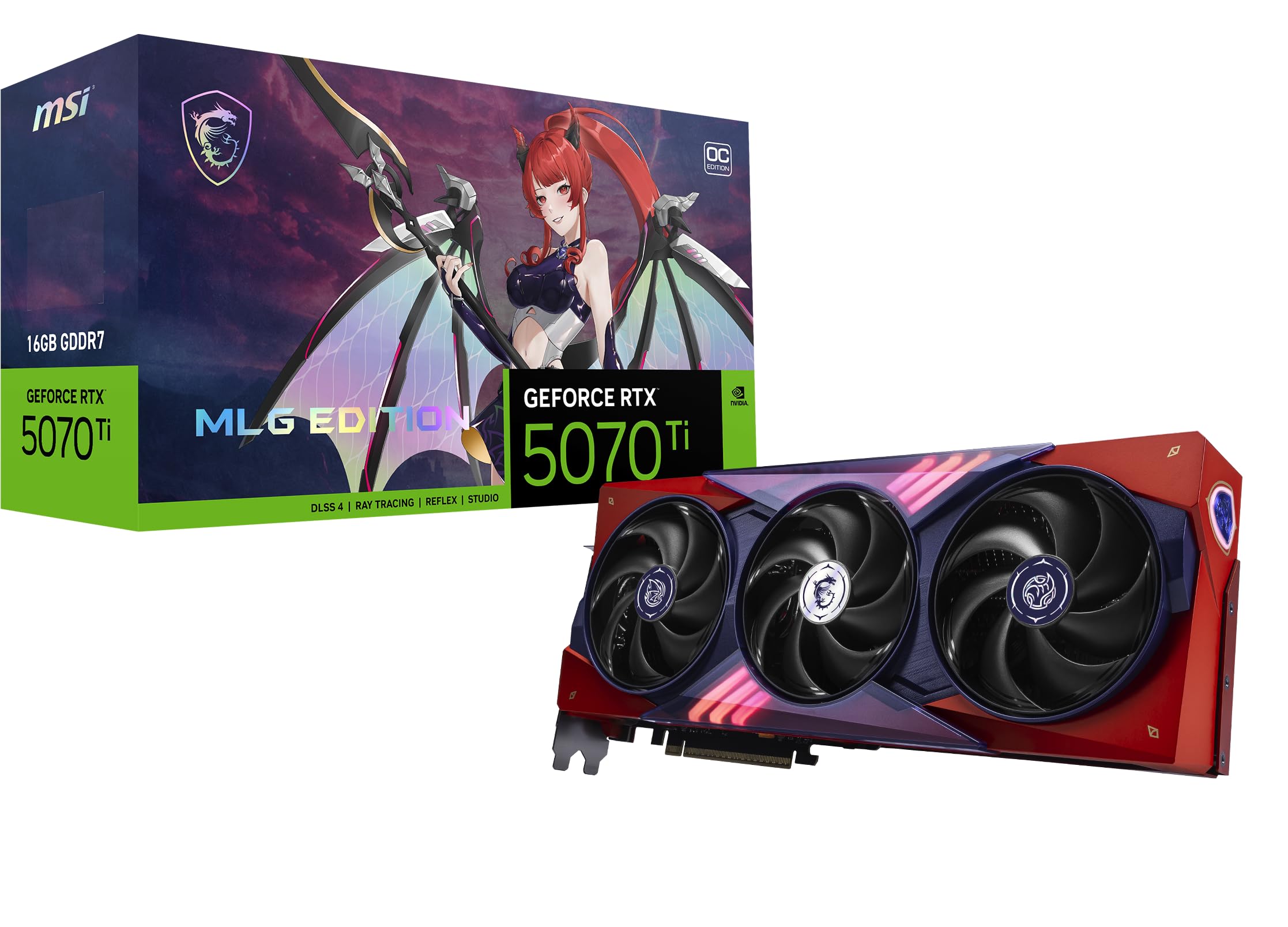
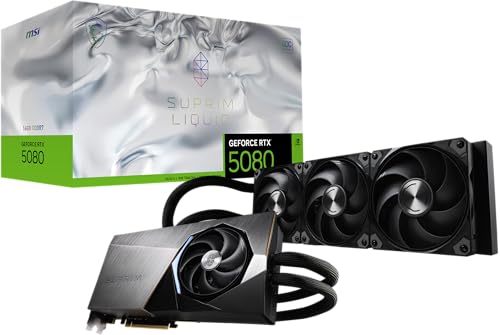
ASUS offers ROG Astral and ROG Strix at the top, TUF Gaming in the middle, and Prime and Dual for value. MSI offers Suprim at the top, Gaming and Inspire in the middle and Ventus for value, with special editions such as the MLG Edition. A Prime card is the counterpart of a Ventus card, a TUF card sits near a Gaming card, and a ROG Astral lines up with a Suprim.
Cooling and Noise
Larger coolers run quieter at the same load. ASUS lists its Prime RTX 5060 Ti as a 2.5-slot card with Axial-tech fans, and its Prime RX 9070 XT as a 2.5-slot card too, while the ROG Astral RTX 5090 is a 3.8-slot design. MSI's Suprim Liquid models use a liquid cooler, and its Ventus 2X cards use two fans in compact designs. For small cases, check the length and slot width before you buy.
Factory Clocks and Performance
Higher-tier cards from both brands come with factory overclocks, and MSI lists clock speeds in many titles, such as 2580 MHz on the RTX 5070 Ti MLG Edition and 2640 MHz on the RTX 5080 Ventus 3X OC. The real performance gain over a standard card is small, around a few percent, so do not pay a large premium for it. Choose the cooler and the features you want.
Price and Value
At the budget end, MSI's older RTX 3050 and RTX 3060 cards and the GTX 1660 Super serve low-power builds and older systems, while ASUS offers Prime and Dual RTX 5060 and 5060 Ti cards, plus Radeon RX 9060 XT and RX 9070 XT models. At the high end, MSI's SUPRIM cards and ASUS's ROG cards cost a lot more than a standard version of the same chip. For most gamers, a Prime, Dual or Ventus card gives the best value.
Features and Build Quality
ASUS includes features such as dual BIOS switches and aluminum backplates on many cards, and MSI includes similar touches on Gaming and Suprim models. White versions are available from both brands for white builds. Check the power connector, since high-end cards use the 12V-2x6 connector and need a power supply with the right cable.
Warranty and Support
Both brands offer multi-year warranties that vary by region and by seller. Buying from a reputable seller matters, because used or open-box cards sometimes appear as new. Keep the receipt and the box in the first weeks.
Which Brand Should You Choose?
Choose ASUS if you value quiet coolers and a wide range of lines, and MSI if you want strong value and an excellent top-end Suprim. The right card depends mostly on the chip: pick the chip for your budget and games first, then choose the brand version with the best price and cooler. Our best graphics card guide, the RTX 5070 review and the RX 9070 XT review help with that step.
- Pick Prime, Dual or Ventus for value.
- Pick TUF or Gaming for a better cooler.
- Pick ROG or Suprim for flagship features.
Size, Power and Case Fit
Before you compare brands, check what your case and power supply can handle. Prime and Dual cards from ASUS and Ventus cards from MSI are the most compact in each range, which suits mid-size cases. Large coolers such as ASUS's 2.5-slot Prime cards or the ROG Astral at 3.8 slots need space and good airflow. Measure the room between the motherboard and the side panel, and confirm that the card does not block other expansion slots you plan to use.
Power matters too. Mid-range cards need an eight-pin or a 12V-2x6 connector, and flagships need a quality power supply with enough wattage and the proper cable. Read the maker's recommended supply size for the exact chip.
Choosing by Chip First
The listings span many chips: RTX 3050, RTX 3060 and GTX 1660 Super at the low end, RTX 5060 and 5060 Ti and Radeon RX 9060 XT in the mid-range, and RTX 5070 Ti, RTX 5080 and RX 9070 XT near the top. Decide which chip fits your monitor resolution and budget, then choose the brand version. A 1080p player rarely needs more than a mid-range chip, while a 1440p or 4K player will want the higher tier.
Memory Size Matters
The same chip name can come with different memory. ASUS lists both 8GB and 16GB versions of the RTX 5060 Ti, and the 16GB version gives more room for high-resolution textures. Check the memory in the title before you compare prices, because two cards with the same chip but different memory are not equal buys.
Buying Checklist
Confirm the chip, memory size, card length and slot width. Look for new condition and a clear warranty, and avoid listings that mix in old stock or refurbished cards without saying so. Update your graphics driver after installation and run a game for an hour to check temperatures and noise. If the card is louder than you expected, adjust the fan curve in the maker's software before you decide to return it.
Frequently Asked Questions
Is ASUS or MSI better for graphics cards?
Neither is clearly better. Performance depends on the chip, and brands differ in cooling, noise, size and price.
Which is quieter?
Larger coolers are quieter. Compare the card's slot width and fan design rather than the brand.
Are the factory overclocks worth paying for?
The gain is small. Pay for a better cooler or a feature you need, not for clock speed alone.
Do these cards work in small cases?
Check the length and slot width on the listing, since some cards are large.
Final Verdict
Pick the chip first, then pick the card. For any asus vs msi graphics card choice, compare the cooler, price and warranty before you order.


