
ASUS ZenWiFi BQ16 Pro Review for 2026: Who It Suits and What to Check
Disclosure: We may earn a commission when you buy through links on this page, at no extra cost to you. As an Amazon Associate I earn from qualifying purchases. Learn more

ASUS ZenWiFi BQ16 Pro Review: a quad-band Wi-Fi 7 mesh system with 10G ports, who needs it and who can save money.
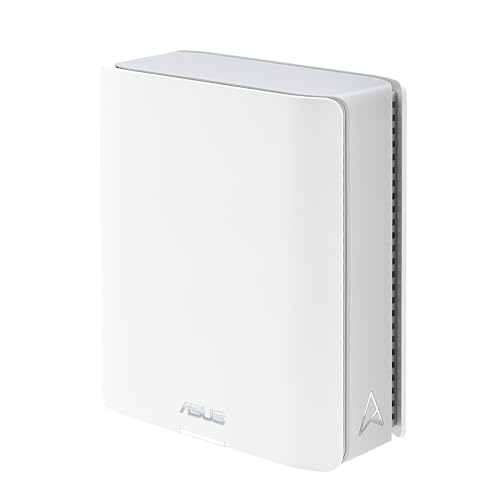
The asus zenwifi bq16 pro review is a story about a flagship: a quad-band Wi-Fi 7 mesh system aimed at large homes, home offices and anyone who wants a fast wired backbone as well as strong wireless. It is also one of the pricier mesh systems you can buy, so the question is whether you will use what you pay for.
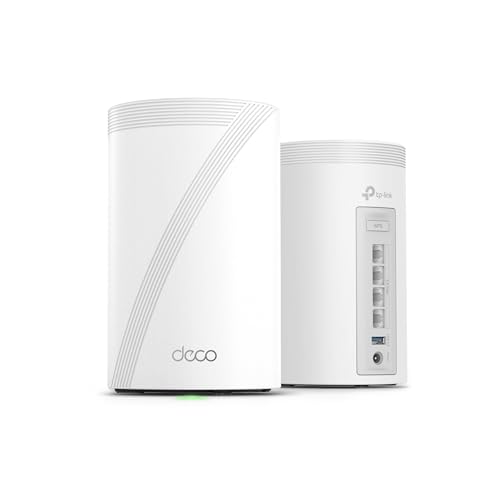
This guide explains what makes the BQ16 Pro special, where it can disappoint, and which kinds of homes get real value from it. The product table shows the BQ16 Pro and other Wi-Fi 7 mesh options, so you can compare them as you read.





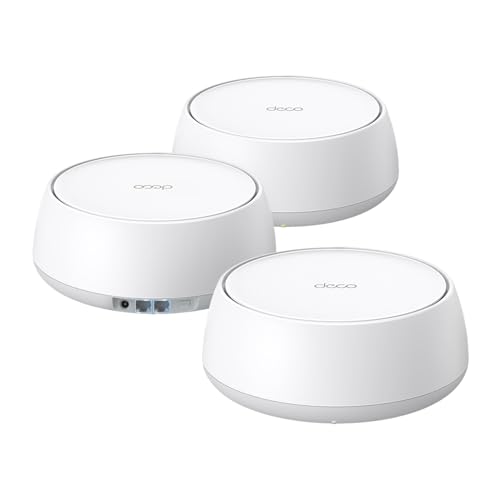
What the ASUS ZenWiFi BQ16 Pro Is
The BQ16 Pro is a quad-band Wi-Fi 7 mesh router sold as a single unit or as a two-pack. The two-pack listing quotes coverage of around 8,000 square feet, and a single unit is listed for around 4,000 square feet. It has two 10G ports, subscription-free network security and parental controls, custom SSIDs and Ethernet backhaul support for thick walls.
Quad-band means four radio bands instead of the usual three. The extra band gives the system a dedicated path for traffic between nodes, which helps keep speeds high when many devices are active at once.
Wireless Performance and Coverage
Wi-Fi 7 adds features such as 6GHz operation, wider channels and Multi-Link Operation, which lets a device use more than one band at once. In practice that means lower delays and faster transfers if your phone, laptop or console also supports Wi-Fi 7.
If your devices are still Wi-Fi 6 or Wi-Fi 6E, you will not see the full benefit today. The BQ16 Pro still works well with older devices, so think of it as a purchase that keeps you ahead as new devices arrive.
Coverage numbers on listings assume open space. Brick, concrete and floors reduce the real range, so wire nodes together when you can.
Wired Backbone and Ports
The two 10G ports are the system's standout feature. They suit a home with a fast internet plan, a network storage box or a workstation that moves large files. You can also wire the nodes together over Ethernet, which usually delivers the strongest and steadiest connection between rooms.
If your modem and internet plan top out at a modest speed, the 10G ports will sit idle. Be honest about whether your current plan, switch and devices can use them.
Security, Parental Controls and Smart Home
ASUS bundles AiProtection and parental controls without a monthly subscription on this model according to the listing. You can also create separate SSIDs for smart home devices and guests, which keeps cameras and plugs away from your laptops.
ASUS also supports AiMesh, so you can add compatible ASUS routers later if you need more coverage. See the best mesh wifi system page for a wider comparison.
Setup and Software
Setup runs through the ASUS Router app and takes a few minutes: place the main unit, plug in the second node, and follow the prompts. The web interface offers more advanced tools for people who like to tune things.
Check recent buyer feedback on the exact unit, because some Wi-Fi 7 mesh systems have had firmware issues at launch. Keep the firmware updated, since updates often improve stability and add features.
Who Should Buy It
- Large homes or multi-floor houses that need strong coverage everywhere.
- Home offices with a fast internet plan and wired devices.
- Households that want security and parental controls without a subscription.
- Anyone who wants Wi-Fi 7 hardware that will last several years.
Who Should Skip It
Skip it if you live in an apartment or a smaller home, where a single mid-range router will cover everything for much less. Skip it too if your devices are old and your internet plan is modest, since you will pay a premium for capability you cannot use.
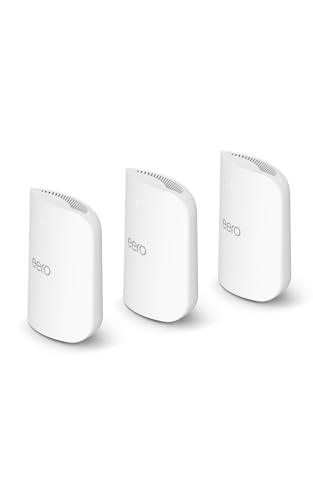
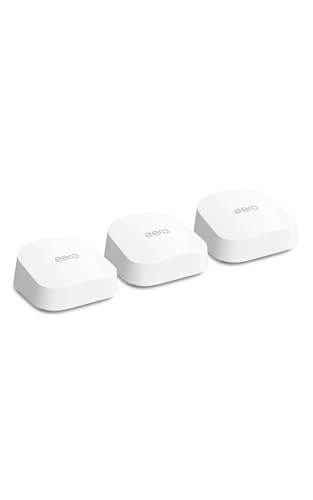
Amazon eero models are an easier alternative for people who want simple setup. See our eero max 7 review and eero pro 7 review for comparison.
Placement and Setup Tips
Mesh performance depends heavily on where you put the nodes. Place the main unit near your modem, in the open and off the floor, and put the second node about halfway to the far end of the house rather than at the very edge of coverage. A node in a cabinet or behind a TV loses signal, so keep it clear of metal and large appliances.
If you can run an Ethernet cable between floors, do it. A wired backhaul frees the wireless bands for your devices and usually makes the network feel faster and more stable than any wireless link between nodes. Use the 10G ports for your most demanding wired devices, such as a workstation or a storage box.
After setup, give the three or four most important devices a stable position on the network, check the firmware for updates, and set up a separate SSID for smart home gadgets. These small steps give a mesh system the clean, predictable behavior you are paying for.
Cost of Ownership
A flagship mesh system is a long-term purchase, so think about the years you will keep it. The BQ16 Pro makes more sense if you plan to hold on to it for five years or more, as devices and internet plans catch up with Wi-Fi 7. If you upgrade your network every two or three years, a mid-range kit will cost less over time.
FAQ
Is the BQ16 Pro worth the price?
It is worth it for large homes and fast wired setups. For a smaller home, a cheaper Wi-Fi 7 mesh kit gives you most of the benefit.
Do I need two units?
Most larger homes do. A single unit is listed for roughly half the coverage, so choose the pack size that matches your floor area.
Can I use it with my existing router?
Yes. You can run it as your main router or in access point mode behind another router, though you lose some router features in that mode.
Does it need a subscription?
The listing says network security and parental controls are included without a subscription. Confirm this on the current listing before you buy.
Final Verdict
This asus zenwifi bq16 pro review concludes that the BQ16 Pro is a strong flagship for big homes and fast wired networks, and a poor value for small spaces. If you can use the wired speed and coverage, it is a future-proof choice. Compare it with the other mesh systems in the product table and choose the pack size that matches your home.
Prices and availability can change, so check the product page before ordering.


