
ASUS ZenWiFi BT10 Review for 2026: Who It Suits and What to Check
Disclosure: We may earn a commission when you buy through links on this page, at no extra cost to you. As an Amazon Associate I earn from qualifying purchases. Learn more

ASUS ZenWiFi BT10 Review: a tri-band Wi-Fi 7 mesh router with 10G ports, how it sits in the ZenWiFi range and who it suits.
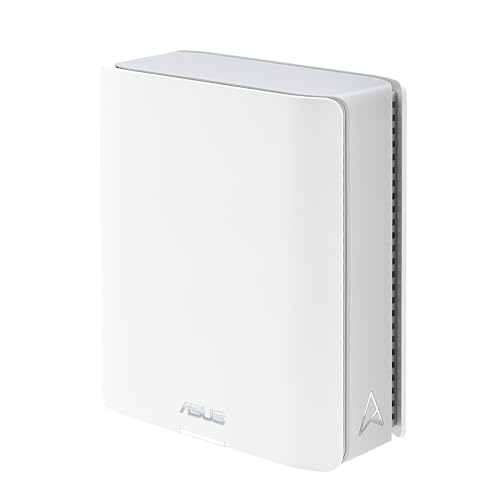
The asus zenwifi bt10 review looks at a tri-band Wi-Fi 7 mesh router that sits one step below ASUS's top-end ZenWiFi models. It is built for a mid-size to large home, offers two 10G ports and keeps the price well below the flagship, which makes it an interesting middle path.
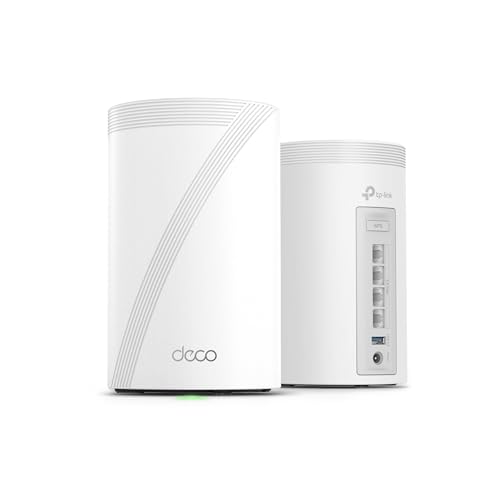
Below you will find what the BT10 offers, how it compares with its neighbors in the ZenWiFi range, and who should consider it. The product table lists the BT10 and other Wi-Fi 7 mesh options for side by side comparison.


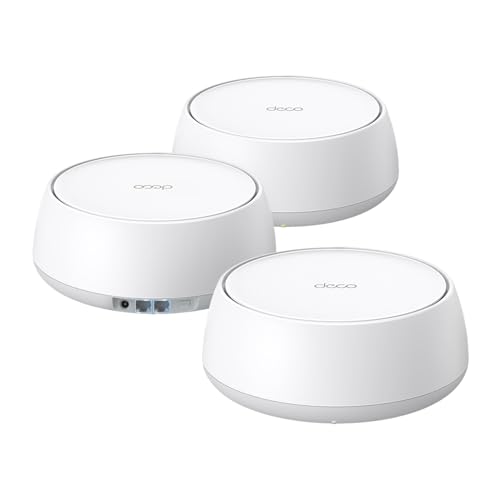


What the ASUS ZenWiFi BT10 Offers
The BT10 is a tri-band Wi-Fi 7 mesh router. The listing describes speeds of up to 18 Gbps in total, support for 6GHz Wi-Fi, Multi-Link Operation and 4K-QAM, and coverage of around 3,000 square feet for a single unit. It carries eight internal antennas, two 10G ports, AiProtection Pro security and VPN options.
A single unit is sold as a one-pack, and larger packs cover bigger homes. Like all ASUS ZenWiFi models, it works with AiMesh, so you can add other compatible ASUS routers if coverage falls short.
Where It Sits in the ZenWiFi Range
ASUS sells the ZenWiFi BQ16 Pro at the top, with a quad-band design and the biggest coverage numbers. The BT10 is a tri-band model, which means one fewer radio but a much lower price. Below it sit the BT8 and BT6, which are smaller or cheaper variants for more modest homes.
If you want strong performance without the flagship price, the BT10 is a practical middle choice. If you need coverage for a very large home with many busy devices, the quad-band BQ16 Pro is the stronger option.
Speed and Wi-Fi 7 Features
Wi-Fi 7 brings wider channels and better handling of multiple devices. The 6GHz band is less crowded than 2.4GHz and 5GHz, which helps if your neighbors' networks interfere with yours. Multi-Link Operation lets compatible devices use more than one band at once for lower delays.
These gains matter most when your phone, laptop or console supports Wi-Fi 7. With older devices you still benefit from the stronger radios and extra antennas.
Ports, Wiring and Network Features
Two 10G ports are a nice surprise at this price. They suit a home server, a network storage device or a fast internet plan, and they leave room to grow. Ethernet backhaul between nodes is supported, and it is the best way to keep speeds high across a large home.
The BT10 also supports ASUS's Smart Home Master network, which lets you create up to three SSIDs. That is useful for putting smart devices, guests and your main devices on separate networks.
Security and Control
The listing mentions commercial-grade AiProtection Pro, advanced VPN options, parental controls and no subscription for network security. Those tools sit inside the ASUS Router app and web interface, which also expose detailed settings for people who like to tune a network.
Because the BT10 is a newer Wi-Fi 7 model, keep the firmware current. Updates tend to improve stability and add features for the first months after launch.
Strengths and Weaknesses
- Strong Wi-Fi 7 hardware at a mid-range price.
- Two 10G ports for fast wired devices.
- Security and parental controls without a subscription.
- Buyer feedback on this model is mixed, so check recent comments.
- Tri-band, so it lacks the dedicated fourth band of the flagship.
Who Should Buy It
Choose it for a mid-size to large home where you want a fast wired backbone and strong wireless without paying flagship prices. It also suits ASUS owners who want to expand an existing AiMesh network with a powerful main node.
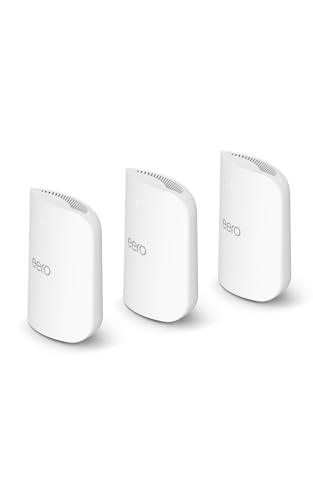
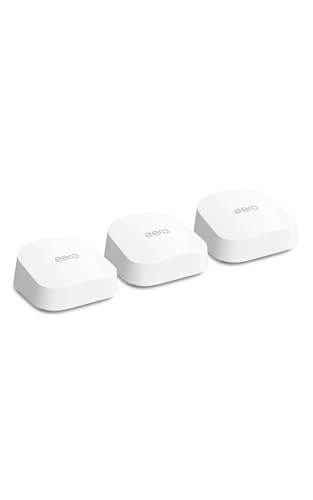
Look at the Amazon eero line if you prefer a simpler app-first experience. See our eero pro 7 review, eero max 7 review and the best mesh wifi system guide for comparison.
Setting Up the BT10 Well
Start with the router near your modem and run the ASUS Router app setup. Pick a simple network name, enable automatic firmware updates, and give the 6GHz band a separate name only if you have older devices that struggle to join. Most newer devices handle a combined name without problems.
If you add a second node later, use the app to pair it and choose Ethernet backhaul when you can run a cable. Even a short cable between two rooms makes the second node far more effective than a wireless link through two walls.
Use the guest network for visitors and the smart home network for cameras, plugs and speakers. Keeping those devices separate is a simple way to protect your laptops and phones if a cheap gadget has weak security.
Is Wi-Fi 7 Worth It Right Now
If you are replacing an old router, buying Wi-Fi 7 now is sensible, because the hardware will stay relevant for years and costs less than it did at launch. If your current network works fine and your devices are older, you can wait for prices to fall further or buy a Wi-Fi 6E model instead.
The BT10 fits the middle of that decision. It gives you the newest features and a fast wired backbone while keeping the price below the top-end ZenWiFi systems.
FAQ
Is the BT10 better than the BT8?
It is the more capable of the two, with more antennas and stronger hardware. If your home is small, the BT8 may be enough and cheaper.
Can I add more nodes later?
Yes. ASUS AiMesh lets you add compatible ASUS routers to extend coverage, and wiring them together gives the best results.
Does the BT10 need a subscription?
The listing says network security is subscription-free. Check the current listing for the latest details.
Will it work with a modem from my provider?
Yes. Connect it to the modem's Ethernet port and set the modem to bridge mode if your provider supports it.
Final Verdict
If you want strong Wi-Fi 7 coverage and fast wired ports without flagship pricing, this asus zenwifi bt10 review says the BT10 is a sensible choice. Weigh it against the BT8, the BQ16 Pro and the eero options in the product table, and buy the pack size that matches your floor area.
Prices and availability can change, so check the product page before ordering.


