
AULA F75 Review for 2026: Who It Suits and What to Check
Disclosure: We may earn a commission when you buy through links on this page, at no extra cost to you. As an Amazon Associate I earn from qualifying purchases. Learn more

AULA F75 Review: a wireless 75% hot-swap keyboard with a soft creamy sound, how the F75 family differs and who it suits.
This aula f75 review is for anyone who wants a wireless, hot-swappable mechanical keyboard that feels and sounds better than its price suggests. AULA has built a loyal following for 75% keyboards with a soft, creamy typing sound, a volume knob and three connection modes, all at a price that leaves room in the budget for a good mouse.
Below you will find how the F75 family differs, what the typing experience is like, how customization works and who should look at other keyboards. The product table lists AULA keyboards in stock, so you can compare the F75 Pro, the F75 Max and the other layouts side by side.




What the AULA F75 Is
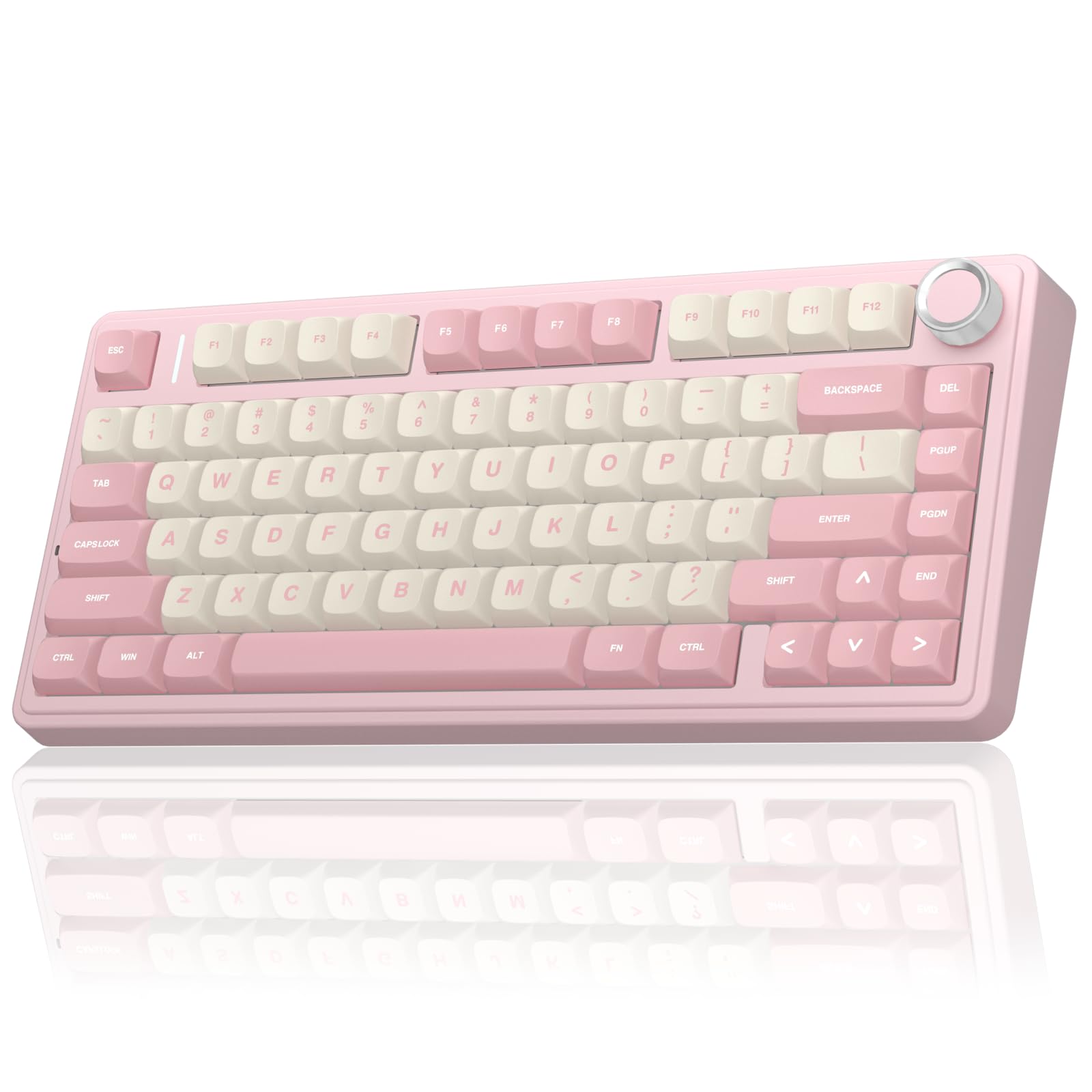
The F75 is a 75% mechanical keyboard. That layout keeps the arrow keys and a function row but drops the number pad, which saves desk space and keeps the mouse closer to your hand. Listings describe a tri-mode design with Bluetooth, a 2.4GHz wireless receiver and a USB wired connection, and an easy switch between up to five devices.
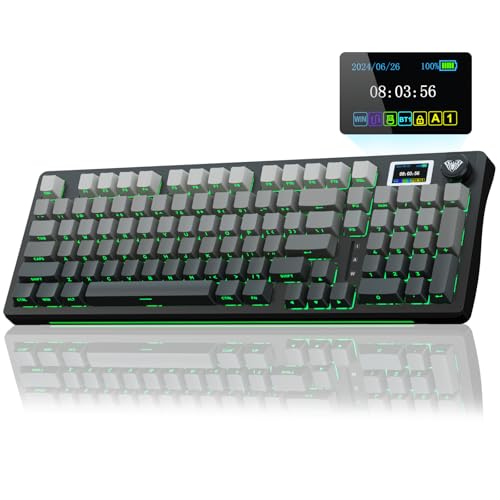
The F75 Pro adds a knob and RGB lighting, and the newer F75 Max uses a TFT screen with a knob for status and customization, the version sold through Epomaker as well as AULA.
Typing Feel and Sound
The F75 is tuned for a soft, creamy sound. Listings describe a gasket-style structure with an extended silicone pad, single-key slotting on the board and pre-lubed switches, which together reduce harsh pinging and make each key press feel smooth. The keycaps are side-printed PBT on some versions, which resists shine and feels pleasant after months of use.
The result is a keyboard that sounds more like a custom build than a budget board. It is not silent, but it is a mellow, low-pitched sound that many people find satisfying for work and gaming.
Hot-Swap and Customization
The hot-swap board lets you pull out the switches and put in others without soldering. Listings say it supports 3-pin and 5-pin switches, so beginners can try different feels, from light linear switches to tactile ones. Swapping switches is the most popular first modification, followed by adding a layer of foam or changing the keycaps.
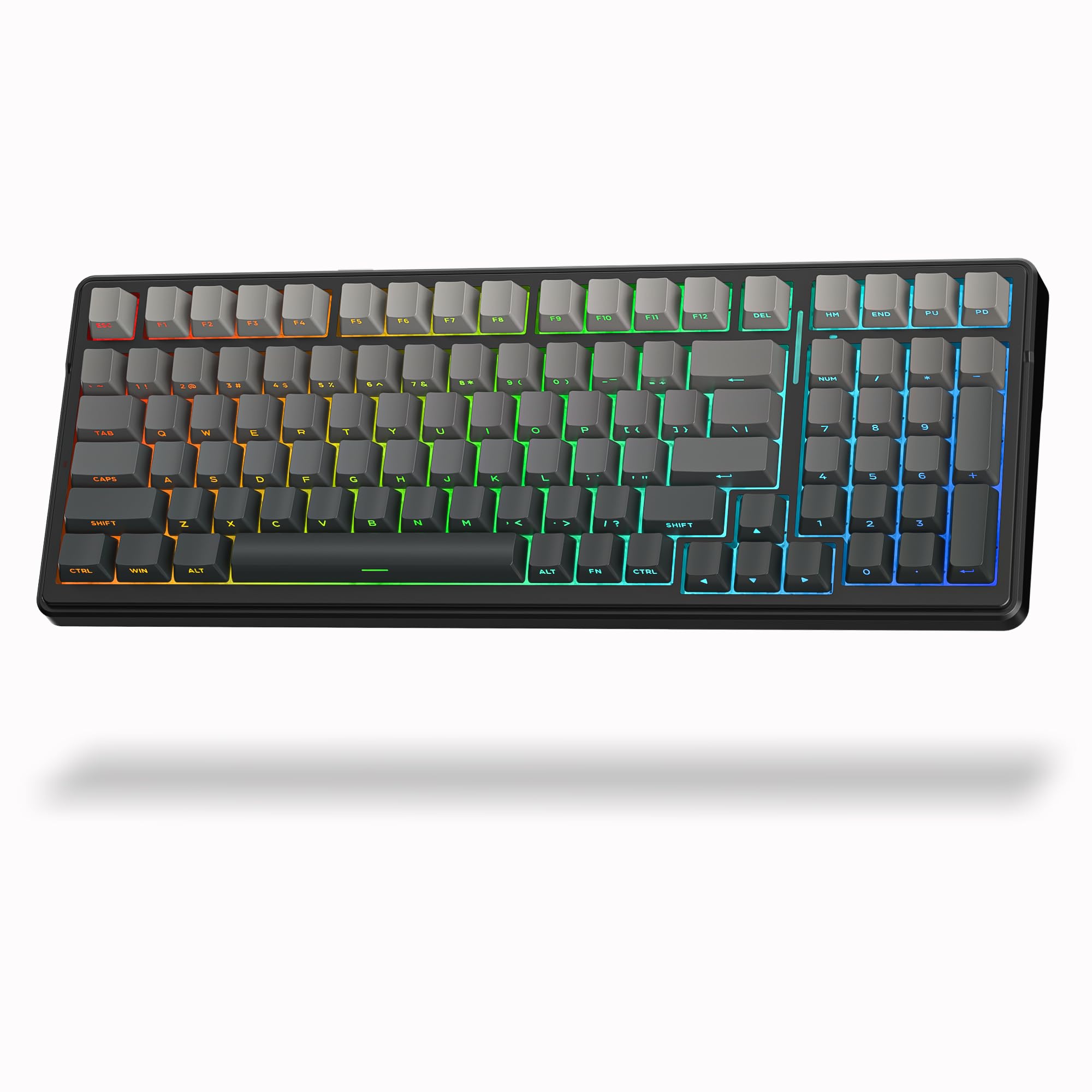
The RGB lighting has several presets, and a driver can change the effects and remap keys. Keep in mind that driver software on budget boards is simpler than on premium brands.
Wireless Performance and Battery
The 2.4GHz receiver gives the lowest delay and is the best mode for gaming. Bluetooth is convenient for a laptop, tablet or phone but adds latency. The wired mode charges the keyboard and is useful if you want guaranteed performance in a competitive match.
Battery life varies with the lighting, so turn the RGB down or off to stretch it. Charge through USB-C when the indicator warns you.
F75 Family Choices
- F75 Pro: knob, RGB and hot-swap, a safe all-round pick.
- F75 Max: adds a screen on top of the F75 feel.
- F99, F99 Pro and F98: bigger layouts with a number pad.
- HI75C: an aluminum-body 75% option from a related brand.
Compared With Premium Keyboards
Premium brands such as Keychron and Wooting add better software, hall-effect switches and tighter tolerances. They also cost two to four times as much. The AULA F75 gives you most of the pleasure of a custom board for a fraction of that, as long as you accept simpler software and a newer brand.
To compare, see the keychron k2 he review, the wooting 80he review and the best gaming keyboard guide.
Strengths and Weaknesses
- Soft, creamy typing sound at a low price.
- Three connection modes and a knob.
- Hot-swap for easy switch changes.
- Simpler software than premium boards.
- Plastic case, so not as heavy as aluminum boards.
Who Should Buy It
Choose it if you are new to mechanical keyboards, want a wireless board that sounds good and prefer to spend little. Skip it if you need hall-effect rapid trigger for esports or an aluminum case.
Why the 75% Layout Works
A 75% board removes the number pad and squeezes the rest of the keys together, yet it keeps the arrow keys, the function row and a few navigation keys. For most people that is the ideal trade: you can still move through documents and games, and the mouse sits closer to your body, which helps your shoulder on long days. If you enter numbers all day, a full-size board is still easier, but a 75% layout suits writing, coding and gaming.
First Week Setup Tips
Pair the keyboard with your main computer first, then add a second device through Bluetooth and learn the shortcut for switching. Charge the board fully before heavy use, and set the lighting to a calm preset to save battery. If the sound feels sharp, open the case only if you are comfortable doing so and add a thin foam layer, or simply try softer switches, because a switch swap changes the feel more than any other change.
Take a day to adjust to the compact spacing, particularly if you are coming from a full-size board. The muscle memory for the arrow keys and the missing keys usually settles within a few days, and many people never go back.
Keycaps and Cleaning
Side-printed PBT keycaps stay clean-looking because the legends sit on the side rather than wearing away on top. Wipe the board with a slightly damp cloth, use a soft brush between the keys, and pull a keycap now and then to clear crumbs. Replacement keycap sets in many colors fit the standard stems, so refreshing the look is cheap and simple.
FAQ
Is the AULA F75 good for gaming?
Yes, especially on the 2.4GHz mode. It does not have hall-effect rapid trigger switches, so serious esports players may want another board.
Can I change the switches?
Yes. The board is hot-swappable and supports 3-pin and 5-pin switches.
Does it work with Mac?
Yes, though keycaps and shortcuts may need small adjustments. Check the listing for a Mac keycap set.
How long does the battery last?
It depends on lighting and mode. Reduce the RGB brightness to extend it.
Final Verdict
For a wireless 75% keyboard with a pleasant sound and easy customization, this aula f75 review says the F75 is excellent value. Compare the F75 Pro, F75 Max and other AULA boards in the product table and pick the one that suits your layout and budget.
Prices and availability can change, so check the product page before ordering.


