
BenQ ScreenBar Halo vs Pro: Which Is Better in 2026?
Disclosure: We may earn a commission when you buy through links on this page, at no extra cost to you. As an Amazon Associate I earn from qualifying purchases. Learn more
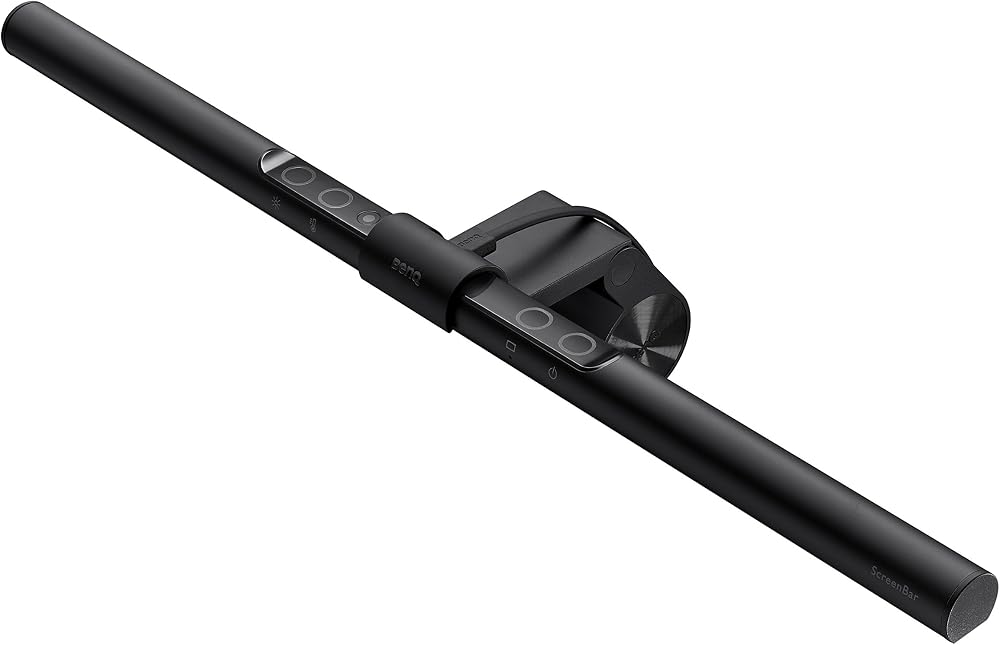
A benq screenbar halo vs pro comparison of lighting, backlight, wireless dial, motion sensor, monitor fit, and value for money.
BenQ sells two upper tier light bars, and they look similar on a shelf. This benq screenbar halo vs pro comparison explains what the Halo 2 adds over the Pro, and whether the extra money is worth it for your desk.
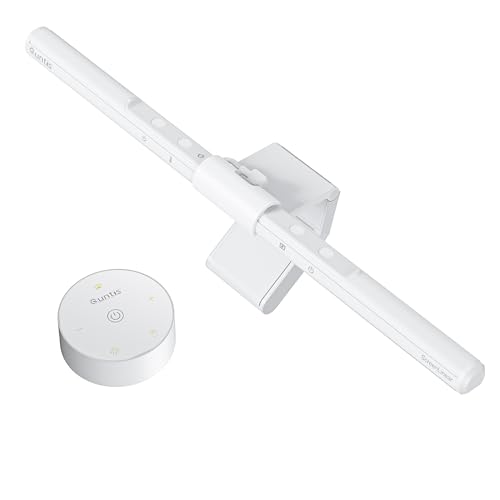
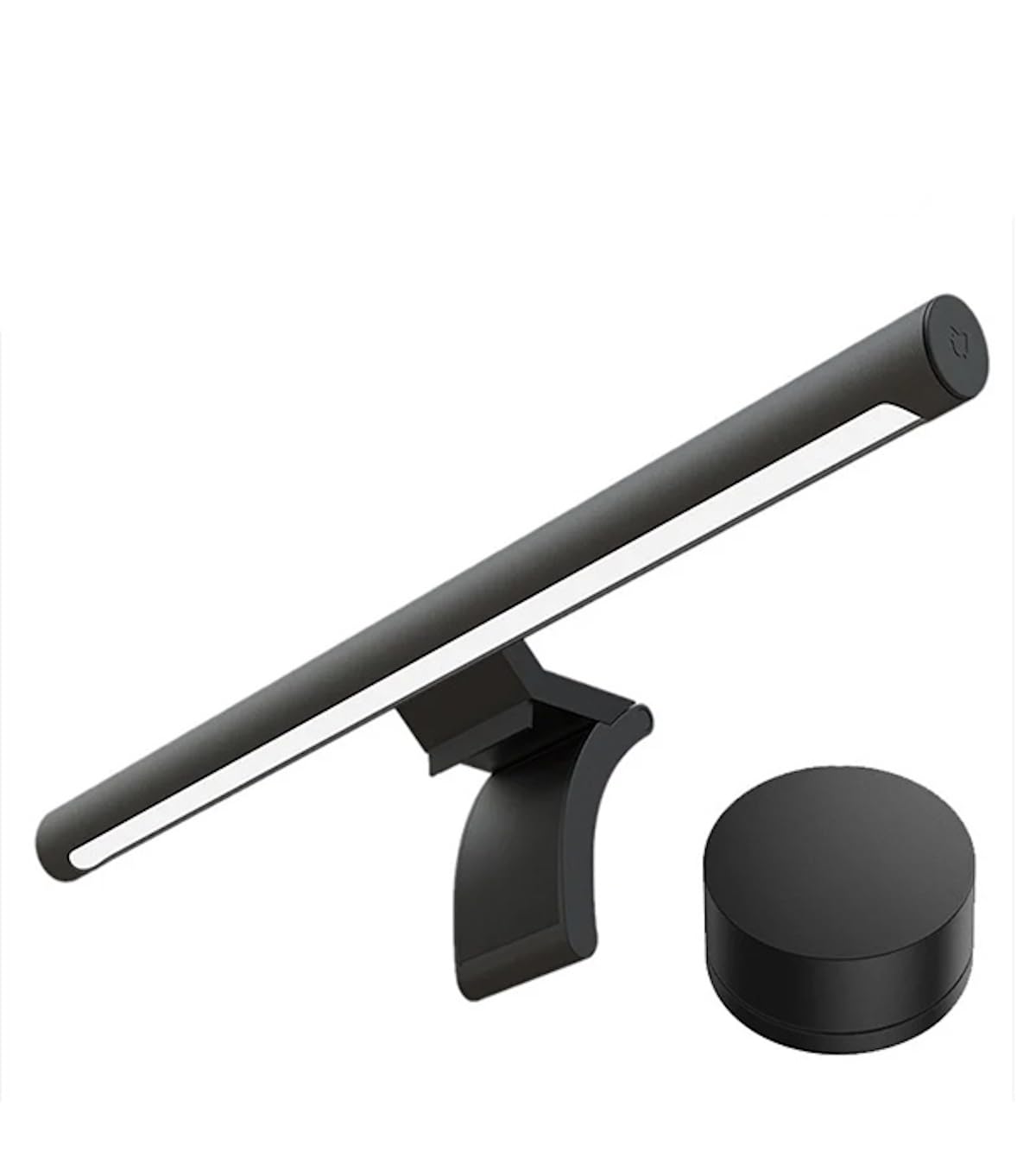
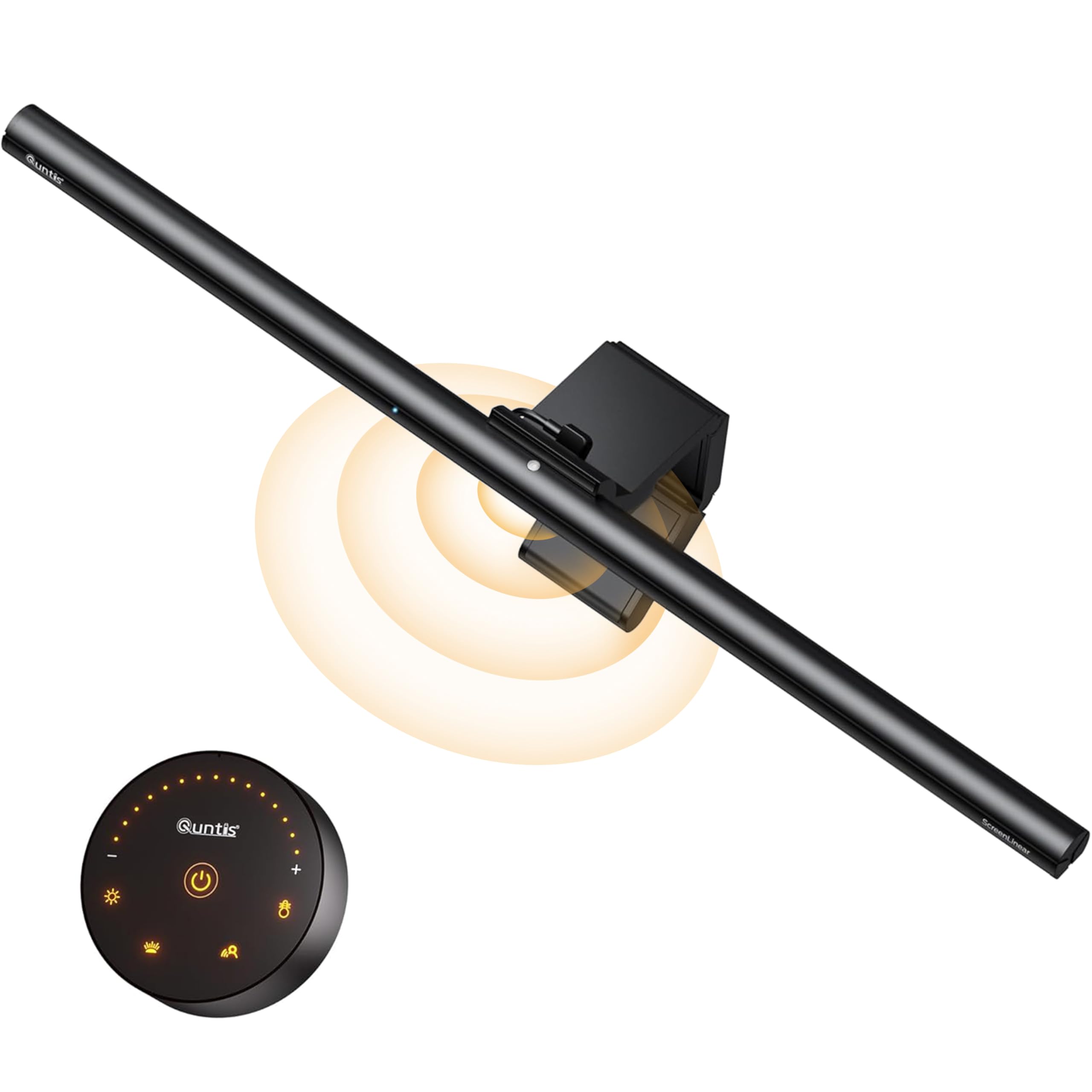
The product table near the top lists both bars and cheaper rivals. Use it to compare prices, then read the sections below to decide.



BenQ ScreenBar Halo vs Pro: The Core Difference
Both bars share the glare free front lighting that BenQ is known for, so both light your desk without reflecting on the screen. The Halo 2 adds a wide backlight and a wireless dial, while the Pro keeps a simpler design with buttons on the bar and a motion sensor.
That makes the choice mostly about the backlight and the controller. If you do not need either, the Pro does the main job for less money.
Lighting Performance
The Pro's listing describes over 1000 lux of central brightness and 500 lux across a 33 by 20 inch area, and an ultrawide light pattern that outperforms most desk lamps. The Halo 2 uses a precision front light at an 18 degree anti glare angle, plus the backlight.
For desk work, both are bright and even. The Halo 2 gives more control over mood, while the Pro offers a very wide pool of light.
Controls and Convenience
The Halo 2 uses a wireless dial with a display, so you adjust brightness and color temperature without touching the bar. The Pro integrates function buttons on the bar itself and uses an ultrasonic motion sensor that turns the light on when you sit down and off after five minutes of absence.
Buttons on the bar are fine for occasional changes. A dial is nicer if you adjust the light often, such as moving between day and evening work.
Compatibility and Fit
The Halo 2 fits monitors 0.17 to 2.36 inches thick and curves from 1000R to 1800R. The Pro fits 0.17 to 2.56 inches and the same curves. Both avoid blocking a webcam, and both clamp to the top of the monitor.
The Pro's slightly wider range helps with thick monitors. Check your own monitor's thickness before ordering.
Power and Setup
The Pro can be powered through USB-C or with an included adapter, giving flexible options. The Halo 2 connects by USB cable and needs a power source as well. Both are easy to install in a few minutes.
Think about cable routing, and check whether your monitor has a spare USB port. Cable clips keep the desk tidy.
Which One Should You Buy
- Choose the Halo 2 if you work in dim rooms and want the backlight and wireless dial.
- Choose the Pro if you want a premium bar at a lower price.
- Skip both if a simple bar suits your desk.
Read more in our BenQ ScreenBar Halo 2 review and the BenQ ScreenBar Pro review, and compare with the Xiaomi Mi Computer Monitor Light Bar review.
Backlight Value in Practice
Many users say the backlight is the feature they miss most when they go back to a simpler bar. It softens the screen glow in a dark room and makes the desk feel calmer. In a bright office, you would hardly notice it.
If you work in a room with plenty of ambient light, save the money and choose the Pro. If you work late, the Halo 2's extra comfort is easier to justify.
Price and Value
The Halo 2 costs more than the Pro, and the gap is the price of the backlight and the controller. Compare current prices in the table, since sales often narrow the gap. If the two are close, the Halo 2 offers more features for little extra.
Keep your receipt and the packaging for the return period, and check the warranty term.
Real Desk Examples
A designer who works late in a dim room will notice the Halo 2's backlight at once, because it softens the glow of a bright screen on the wall. A student with a bright dorm room may never miss it, and will enjoy the Pro's wide pool of light. An office worker with an open plan desk may prefer the Pro's motion sensor, which turns the bar on as they arrive.
Photographers who inspect prints on the desk benefit from the Halo 2's high color rendering, which shows colors faithfully. If you only read documents, either bar delivers more than enough.
Common Mistakes to Avoid
Do not buy the Halo 2 only for the name if you work in a bright room, because you may never use the backlight. Do not buy the Pro if you know you will want a wireless dial, since you cannot add one later. Check your monitor's thickness and shape, because the clamp is the same worry for both bars.
Warranty and Support
BenQ sells both bars through major retailers and offers a standard warranty. Keep the receipt, register the product if the maker offers it, and check the return window. A light bar is simple, so most issues show up in the first weeks, such as flicker or a loose clamp.
Questions to Ask Before You Order
Do you work in a dim room? Do you want a wireless dial? Is your monitor curved or thick? Will you pay extra for a backlight?
Answering these four questions usually points straight to one of the two bars, and the table above helps you check current prices.
FAQs
Is the Pro bright enough?
Yes, the listing quotes over 1000 lux of central brightness, which beats most desk lamps.
Does the Pro have a backlight?
The listing for the Halo 2 highlights a backlight as a key feature, and the Pro focuses on front lighting.
Which has the motion sensor?
The Pro lists an ultrasonic motion sensor, and the Halo 2 lists a motion sensor and ambient light sensing.
Can I use either on a curved monitor?
Both list support for curved monitors from 1000R to 1800R.
In the benq screenbar halo vs pro decision, the Halo 2 wins on ambiance and the Pro on value, so compare prices in the table above before you order. Prices and availability can change, so check the product page before ordering.


