
Best 10 Inch Laptops for 2026: What to Check Before You Buy
Disclosure: We may earn a commission when you buy through links on this page, at no extra cost to you. As an Amazon Associate I earn from qualifying purchases. Learn more

Best 10 inch laptops explained: Windows versus Android, memory and storage, keyboards, 2-in-1 models, and how to compare prices.
A ten inch laptop is a very small computer, light enough for a bag or a kitchen table, and the best 10 inch laptops trade screen size and power for portability. This guide explains what to expect, which operating system to choose, and how to avoid common disappointments.
The product table near the top lists current mini laptops and 2-in-1 models with screens around ten inches. Compare prices there and use the sections below to decide.
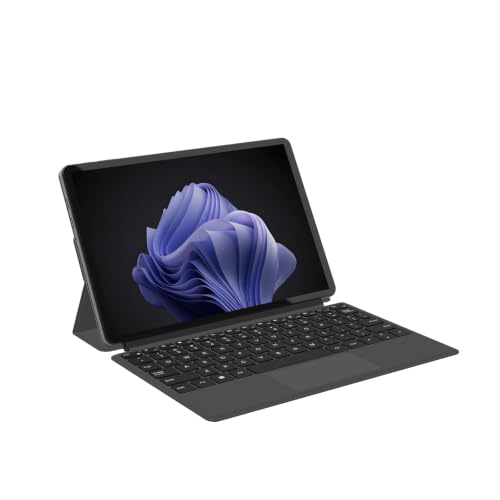
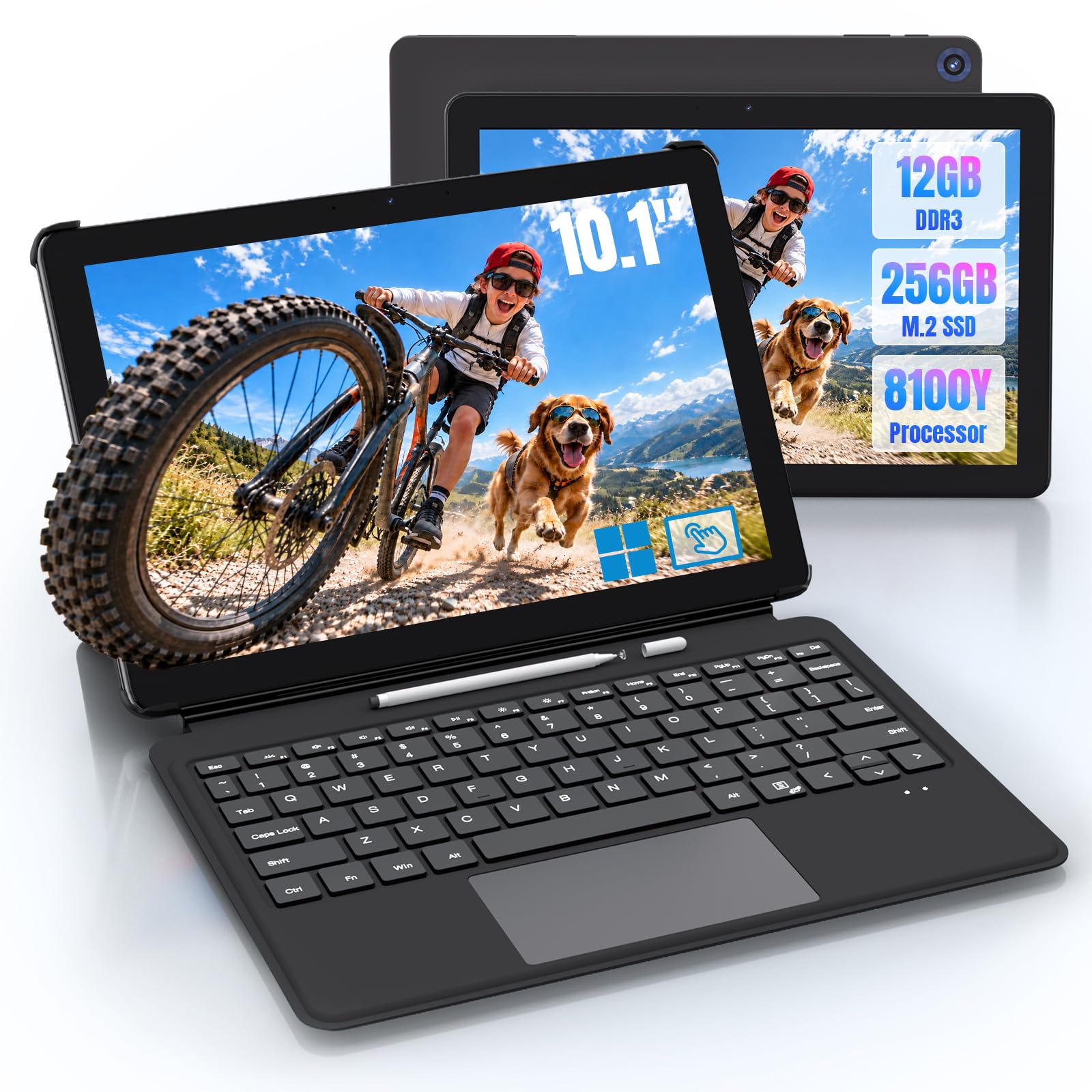
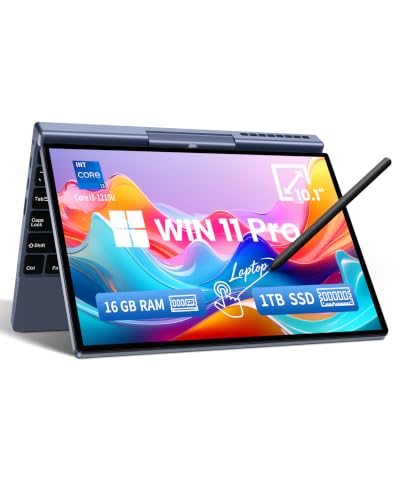
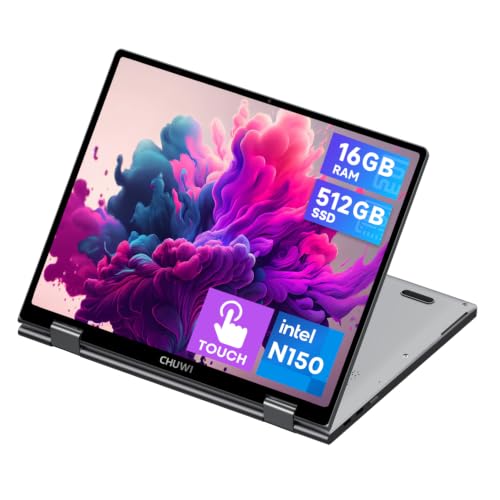


What a 10 Inch Laptop Is Good For
These machines suit email, web browsing, document editing, video streaming, note taking, and travel. They are great as a second computer, a kid's school laptop, or a lightweight companion for a commute.
They are not meant for heavy gaming, video editing, or large spreadsheets, because the screen is small and the processors are modest.
Best 10 Inch Laptops: Operating Systems
You will find Windows, Android, and occasionally Chrome OS based models. Windows models run familiar desktop programs but need more memory and storage to feel smooth. Android models are cheap and suit simple tasks, but they do not run desktop software.
Choose the system that matches your needs. If you need Microsoft Office or desktop programs, choose Windows. If you only browse and stream, Android may be enough.
Processor, Memory, and Storage
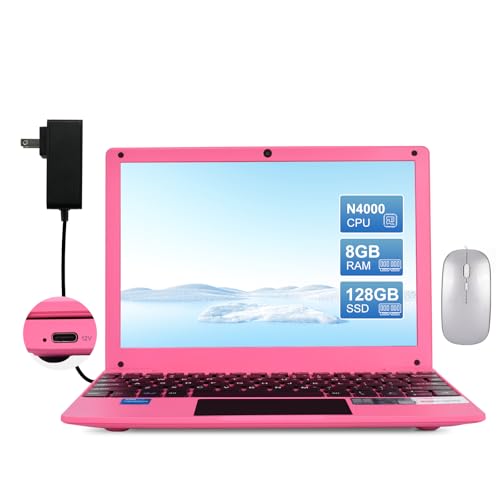
Windows mini laptops often use Intel N series or similar processors, which handle everyday tasks well. Look for at least 8 gigabytes of memory for Windows, and 128 gigabytes or more of storage. Models with 4 gigabytes of memory feel slow once several programs open.
Storage type matters. An SSD feels far faster than slow eMMC storage, so check the listing carefully.
Screen and Keyboard
A ten inch screen is small, so resolution and brightness matter. Look for an IPS panel and a resolution of at least 1280 by 800, and preferably full HD. A touchscreen is useful on a 2-in-1 model.
Keyboards are cramped on small laptops. If you type a lot, check whether the keys feel usable, or consider a larger model.
2-in-1 and Tablet Style Models
Some ten inch computers are 2-in-1 devices that convert from a laptop to a tablet. They suit note taking and reading, and some include a stylus. They cost more but add flexibility.
A detachable keyboard tablet may feel less sturdy on a lap than a true clamshell, so check that if portability on your lap matters.
Battery Life and Ports
Small laptops often last several hours of light use, though the figures vary. Read buyer comments for real battery life. Check the ports, since a ten inch laptop may offer just a couple of USB ports and a headphone jack.
USB-C charging is a plus because it lets you use a phone charger.
Price and Value
Mini laptops range from very cheap Android netbooks to more expensive Windows 2-in-1 devices. Prices at the low end often hide slow processors, small storage, and limited support. Spending a little more usually gets a much better experience.
Check the brand, the warranty, and recent comments. Some lesser known makers are hard to reach for support.
Who Should Choose Which
- Travelers: a light Windows 2-in-1 with a long battery.
- Students: a model with a good keyboard and enough memory.
- Kids: an Android model with parental controls.
- Casual users: an Android netbook for browsing and video.
For larger options, see the best laptops top 10, best notebook laptops, and best 18 inch laptops guides.
Choosing Between a Mini Laptop and a Tablet With a Keyboard
The two categories overlap. A true mini laptop has a built in keyboard, a hinge, and usually a better typing feel, while a tablet with a keyboard cover is lighter in your hand and useful for reading and video. If you type a lot, pick the laptop. If you mostly watch and read, a tablet may be more comfortable, and it often costs less.
Think about where you will use it. A device on a lap, a train seat, or a couch is easier to type on with a rigid keyboard base. A tablet leans on a table or a stand better. Be honest about which describes your habits.
Windows, Android, and Software Compatibility
A Windows machine can run the same software as a full size laptop, within the limits of its processor and memory. An Android device runs apps from the Play Store and handles streaming, email, and games designed for phones, but it does not run desktop programs. Check the exact operating system version and whether it receives updates.
Many very cheap listings use older Android versions with weak security support. If you plan to log into banking or work accounts, choose a model that gets regular updates.
Accessories and Care
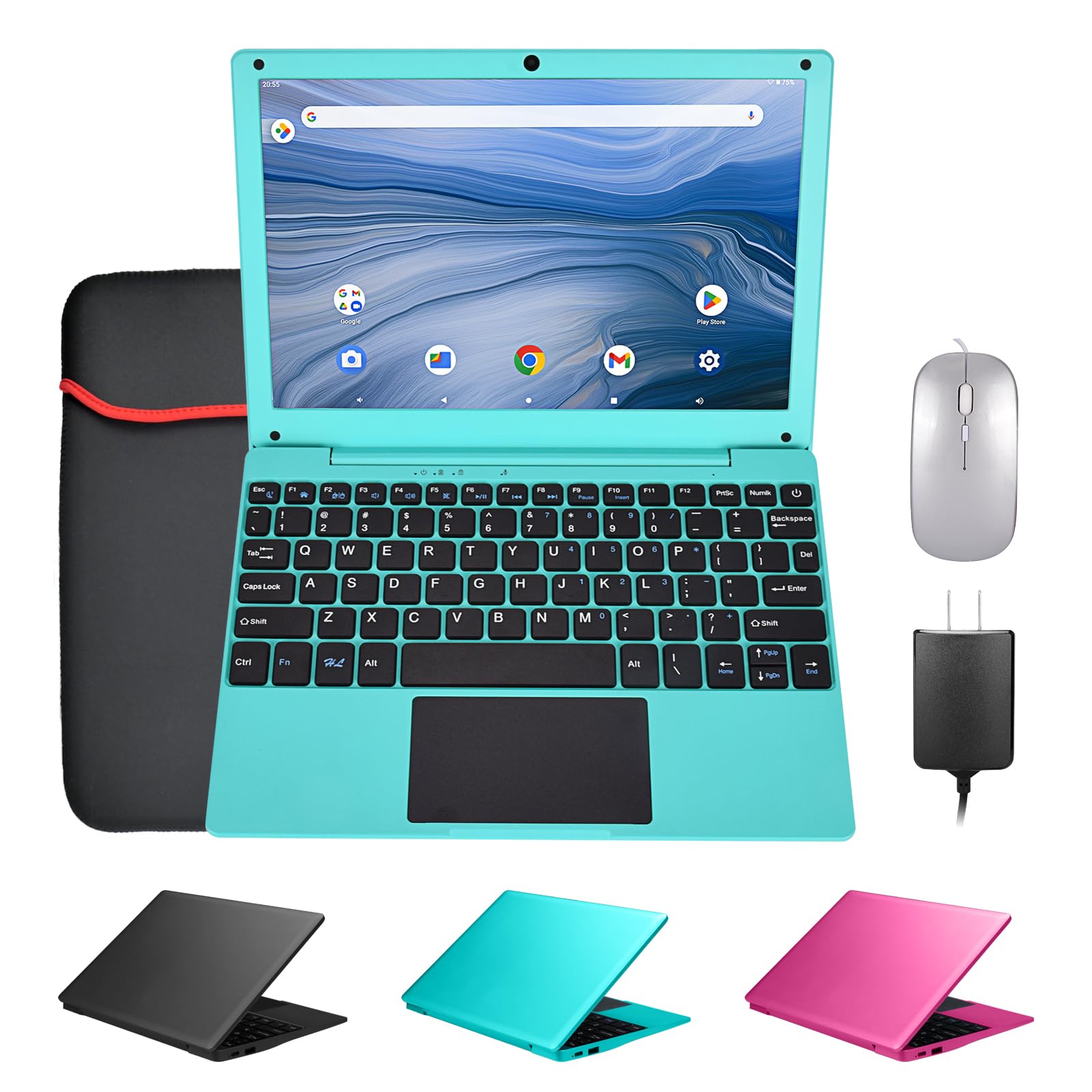
Buy a sleeve that fits snugly, since small laptops slip easily in a large bag. A USB-C hub adds ports, and a small wireless mouse makes long sessions more comfortable. Keep the charger in your bag, because small machines often use a proprietary or low power adapter.
Clean the screen with a soft cloth, avoid pressing on the lid, and keep vents free of lint. Back up your files to a cloud service or an external drive, because small devices with limited storage can fail without warning.
Warning Signs in Listings
Be careful with listings that boast huge memory sizes, vague processor names, or very low prices for Windows machines. Check that the screen resolution, storage type, and memory are clearly stated. Read recent buyer comments, and keep the box until you are sure the machine suits you.
How to Compare Listings Quickly
Write down the operating system, memory, storage type, screen resolution, and weight for each candidate. Cross out any model that lacks an SSD or has a very dim screen, and compare prices on what remains. A few minutes with a simple list beats an hour of scrolling and keeps you from paying for features you do not need.
FAQs
Can a 10 inch laptop run Windows well?
Yes, if it has enough memory and an SSD.
Is it good for school?
For basic schoolwork, yes, though the small keyboard can be tiring.
Do they have good batteries?
Often, but check real world comments.
Can I game on it?
Only light games.
The right pick among the best 10 inch laptops depends on your tasks and operating system, so compare the models in the table above before ordering. Prices and availability can change, so check the product page before ordering.


