
Best 1080p 240hz Monitors: Is 240Hz Worth It? (2026)
Disclosure: We may earn a commission when you buy through links on this page, at no extra cost to you. As an Amazon Associate I earn from qualifying purchases. Learn more

Competitive players: how to tell whether you need the best 1080p 240hz monitors, which panel and size suit fast games and what your PC must deliver.
A 240Hz monitor at 1080p is built for one thing: smooth, fast motion in competitive games. The best 1080p 240hz monitors give shooter and esports players a very high refresh rate without the heavy graphics demand of a higher resolution, but only if the rest of your PC can keep up.
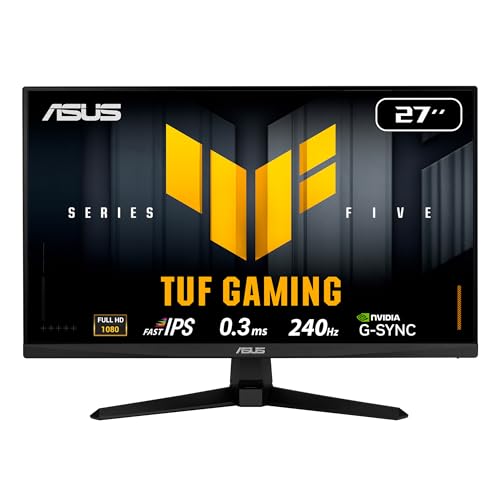
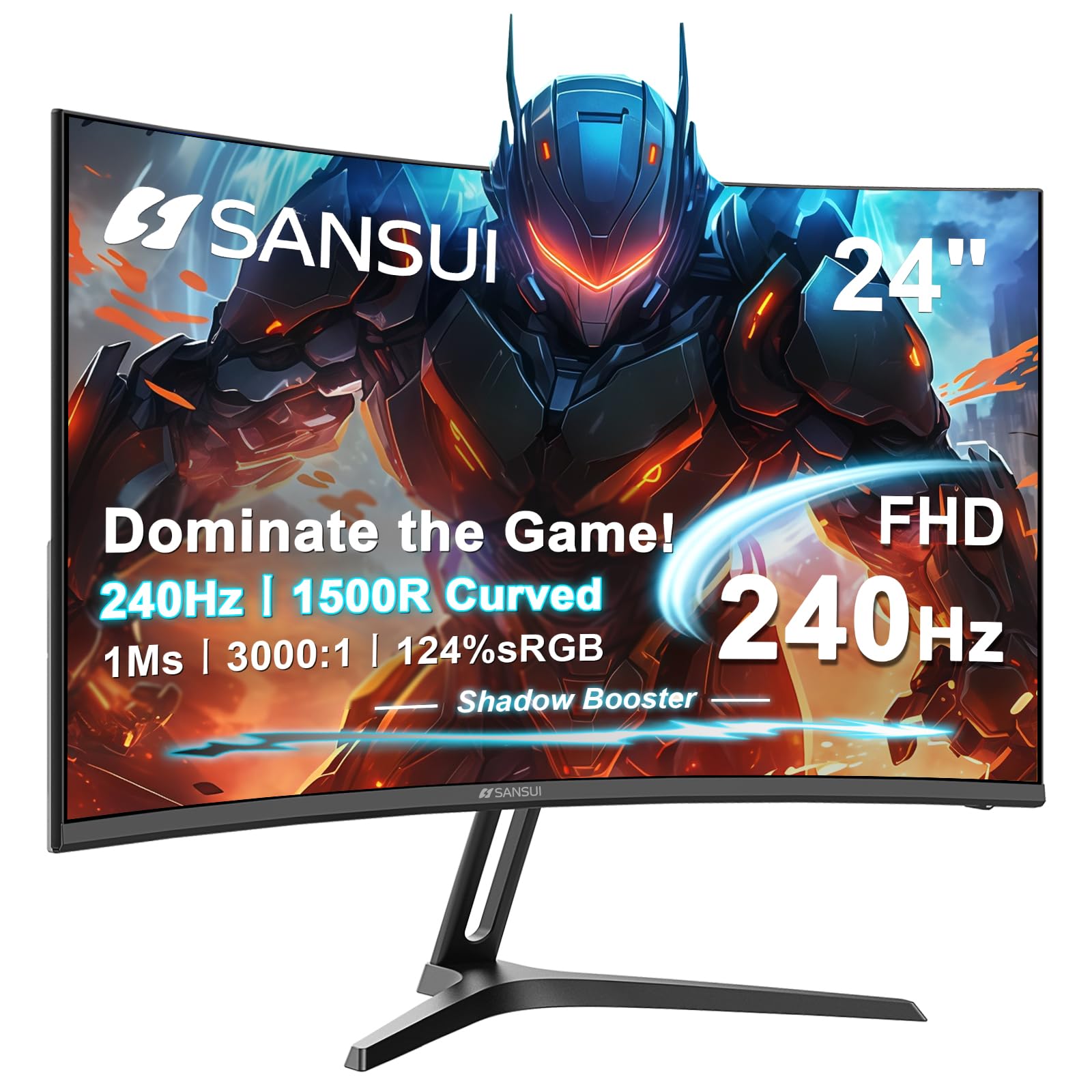
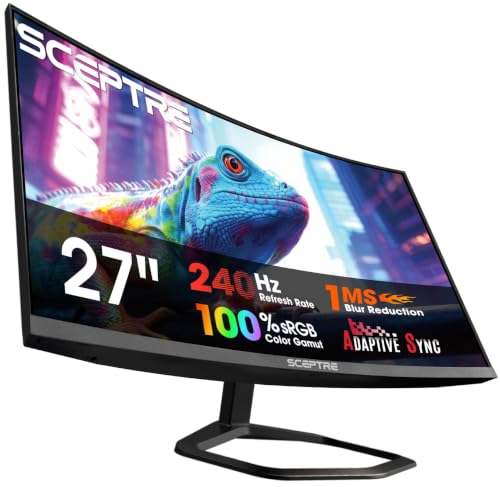
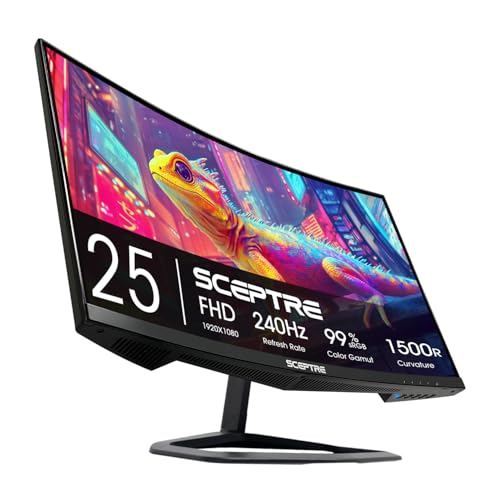
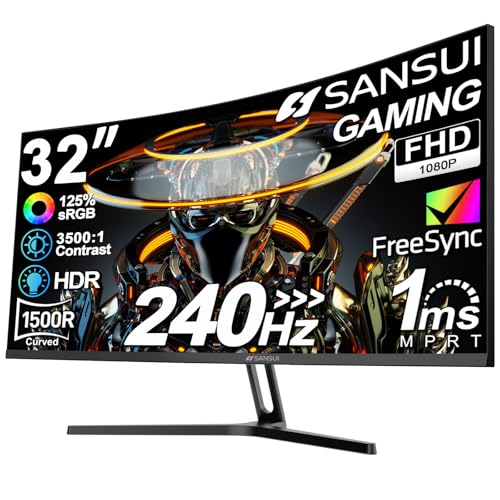
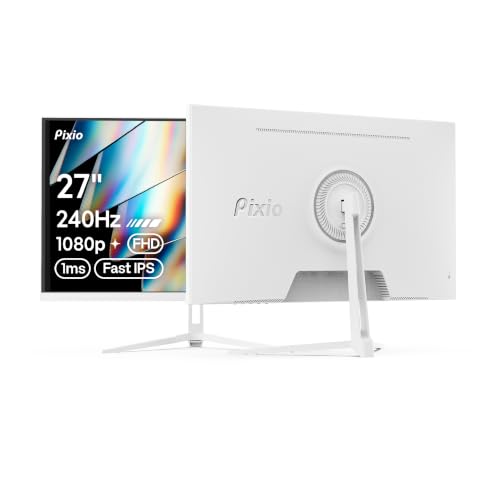
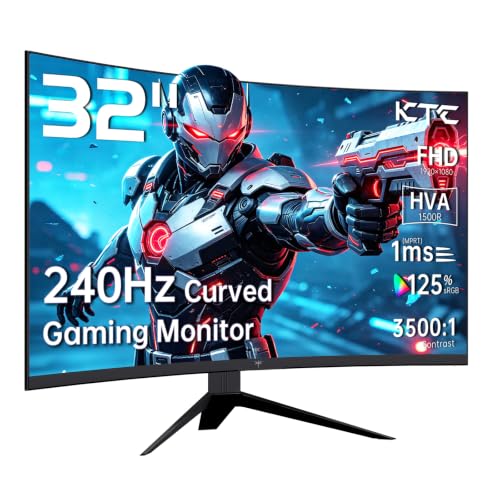
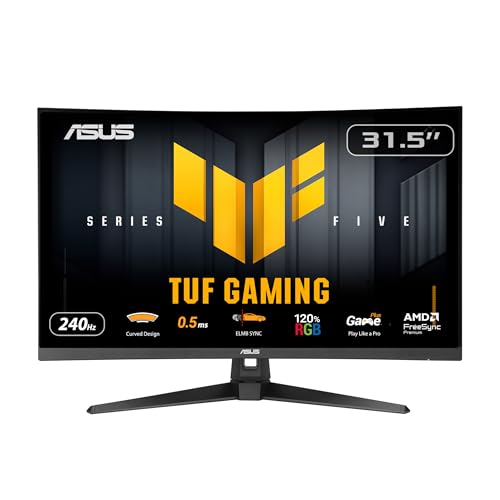
This guide explains who actually benefits, how to check your frame rates before you spend and which panel features matter at this speed. The product table covers sizes from compact 24 inch screens to large curved models.


Do You Need 240Hz?
The jump from 60Hz to 144Hz is large. The jump from 144Hz to 240Hz is smaller, though competitive players still notice quicker tracking and less blur during fast flicks. If you play slower games or your PC rarely exceeds a high frame rate, a 144Hz or 165Hz screen is the better value.
The test is simple: open your game's frame counter. If you often see frame rates well above 144, a 240Hz screen can show those extra frames. If not, the monitor will run mostly below its limit.
Your PC Has to Keep Up
At 240Hz the graphics card, processor and game settings all matter. Esports titles are lightly demanding and can reach very high frame rates on mid-range hardware. Modern open-world games rarely reach 240 frames at high settings, so the monitor's top speed would go unused. Be honest about the games you play before you pay for the headroom.
Motion Clarity and Response Time
At high refresh rates, a slow panel smears moving objects, so response time matters more. Fast IPS panels are common at this tier and offer good color, while VA panels may show more smear in dark scenes. Overdrive settings help but can create overshoot if set too high. Some monitors also offer a backlight strobing mode that reduces blur at the cost of brightness and compatibility with adaptive sync.
Screen Size at 1080p
- 24 to 25 inches is the classic competitive size: sharp from desk distance and easy to scan.
- 27 inches is more immersive, with a softer picture because the pixels spread out.
- 32 inches at 1080p looks coarse up close, so sit farther back or choose a curved model that fills your view.
Curved or Flat
A curved screen wraps the picture toward your eyes and suits large panels and single-player games. Many competitive players prefer flat screens for straight lines and easier alignment with an aim point. Curvature is listed as a number such as 1500R, where a smaller figure means a tighter curve.
Cables and Ports
To reach 240Hz you need a DisplayPort connection or an HDMI port and cable that support the required bandwidth. A cable that is too old may limit you to a lower refresh rate without warning. After connecting, set the refresh rate in the operating system and check it in the monitor's menu. Console players should check which HDMI port supports high refresh rates on the monitor.
Adaptive Sync and Latency
Adaptive sync prevents tearing when your frame rate fluctuates. Turn it on if your graphics card supports it, then check that the monitor's menu shows variable refresh. A monitor in game mode usually has low input lag, so look for a fast response preset rather than relying on extra picture processing.
Stand, Mounting and Design
A tall, adjustable stand improves posture during long sessions. If you want to mount the screen on an arm, check for a VESA mount and enough clearance for the cables. Thin bezels are a plus for multi-monitor setups, and a rear cable hole keeps the desk tidy.
Tuning Your Game for 240 Frames
To feed a 240Hz monitor, lower settings that cost many frames and add little to the picture, such as shadow quality, volumetric effects and extreme view distances. Cap the frame rate slightly below the refresh rate if you use adaptive sync to avoid tearing, and keep drivers up to date. A fast mouse with a high polling rate and a wired connection make the high refresh rate feel more responsive.
Eyes, Posture and Session Length
A fast monitor does not replace good habits. Sit an arm's length or a little more from the screen, set the top of the display near eye level and take short breaks every hour. A matte coating cuts reflections from windows, and a modest brightness suited to the room reduces eye strain during evening matches.
Choosing the Best 1080p 240hz Monitors
Rank your needs: frame-rate headroom, panel speed, size, then price. Prices run from around $95 for a basic curved model to about $250 for premium designs with a refined panel and a good stand. See our earlier comparison best 1080p 144hz monitors if you decide 240Hz is more than you need, or best 240hz monitors for gaming for related options.
Budget Tiers
The cheapest 240Hz screens are usually curved VA panels in larger sizes, and they deliver the refresh rate at a low price with some compromises in dark-scene smear. The middle tier moves to fast IPS panels with better color and tidier stands. The top tier adds features such as strobing modes, premium stands and tighter quality control. If you play competitively, a fast, clean panel is worth more than a big curve.
Quick Return Checks
Run a motion test pattern or play a fast game for a few minutes and look for trails, flicker or tearing. Check the corners for backlight bleed in a dark room and confirm the refresh rate is set to the maximum in both the operating system and the monitor menu.
Frequently Asked Questions
Can I use 240Hz for office work?
Yes. It works like any monitor, and the cursor movement and scrolling are very smooth.
Is 240Hz worth it over 144Hz?
For esports players with fast PCs, many say yes. For others, the difference is small compared with the extra cost.
What cable do I need?
Use the DisplayPort cable in the box when included, or an HDMI cable rated for the bandwidth. Check the listing for port versions.
Will it work with a console?
Many consoles do not output 240Hz, so a console player would not use the full speed. Check the console's maximum output first.
Final Thoughts
Confirm your frame rates, choose a size that suits your desk and use the right cable. The best 1080p 240hz monitors reward players with fast hardware and competitive games, and they feel smooth for everything else. Prices and availability can change, so check the product page before ordering.


