
Best 1080p 144hz Monitors: For Work and Play (2026)
Disclosure: We may earn a commission when you buy through links on this page, at no extra cost to you. As an Amazon Associate I earn from qualifying purchases. Learn more

Students, remote workers and casual gamers: how to pick the best 1080p 144hz monitors for smooth scrolling, dual use, portable screens and a comfortable desk.
A 144Hz monitor is not only for gamers. The faster refresh makes scrolling, dragging windows and watching motion look smoother, and at 1080p it costs little more than a standard screen. The best 1080p 144hz monitors work for homework, spreadsheets and weekend gaming on the same desk.
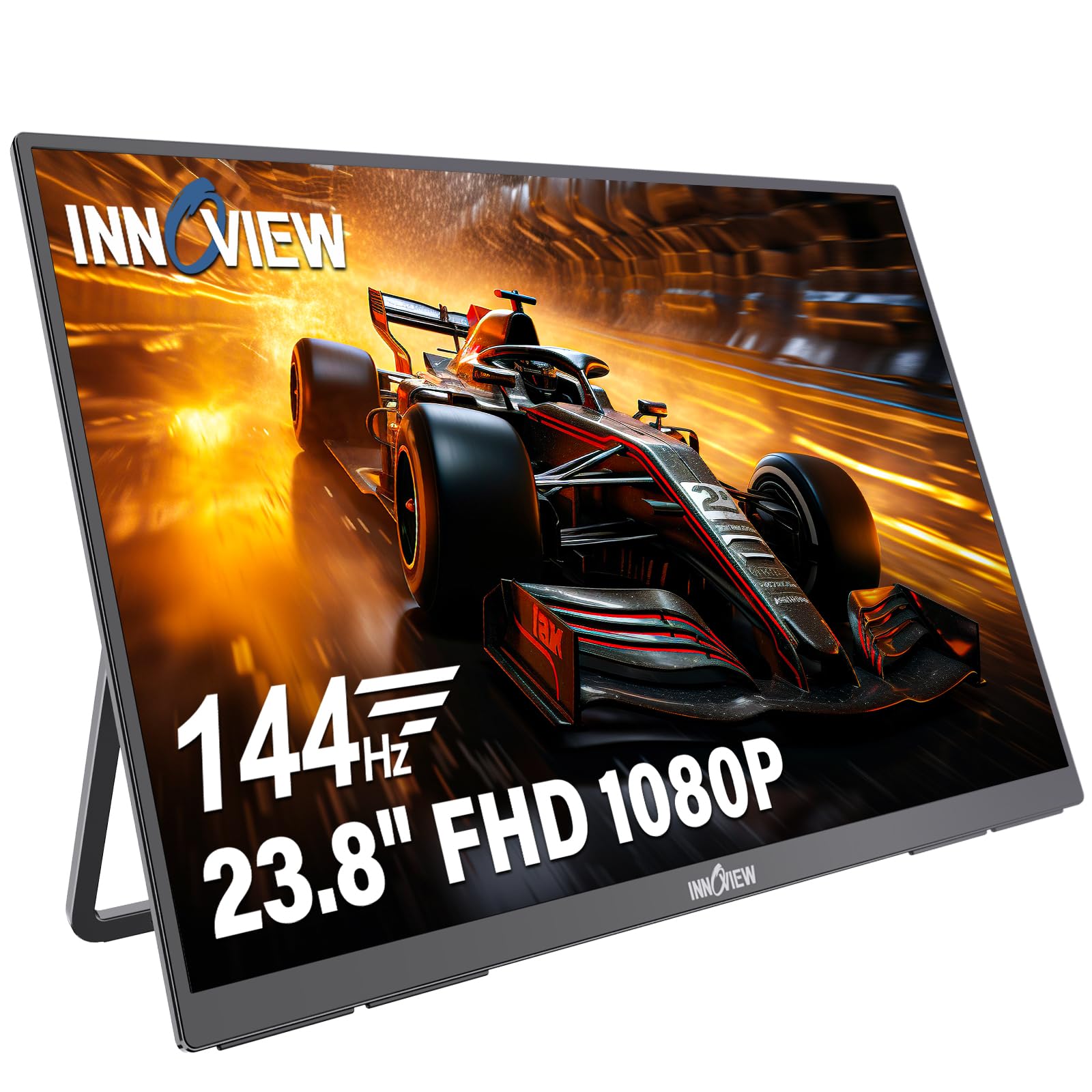
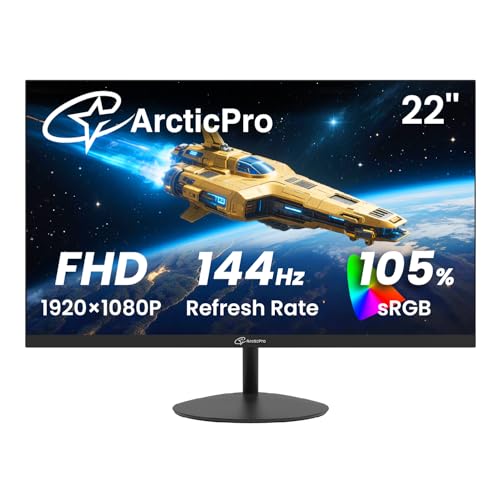
This guide looks at the dual-use side of these monitors: what to check for office comfort, how portable and desktop versions differ and which features are worth paying for. The product table includes both full-size desktop screens and portable monitors.

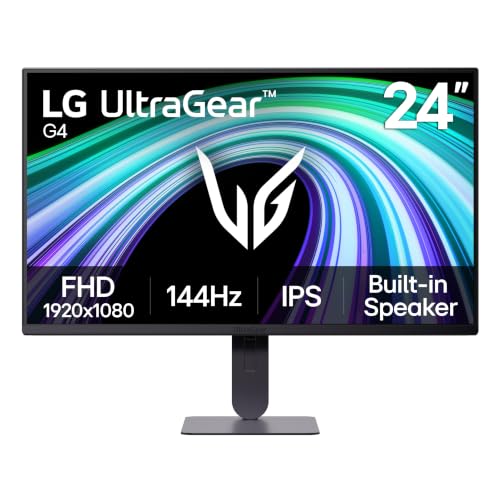


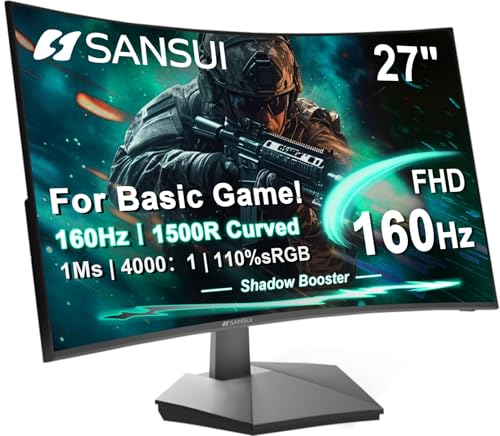
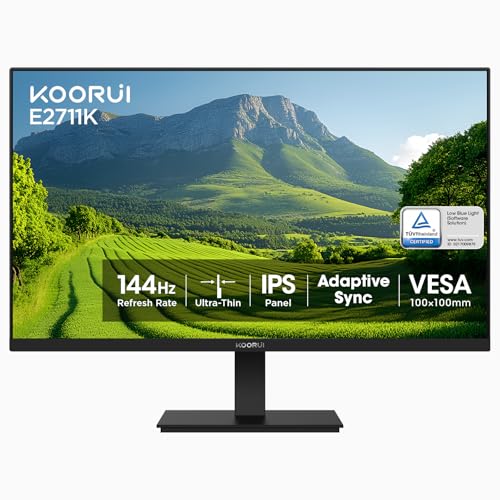
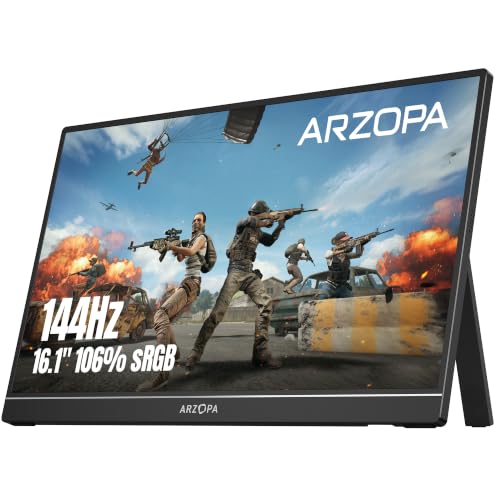

Who Benefits From 144Hz at 1080p
Gamers get the most obvious gain, but office users notice smoother cursor movement and less blur when scrolling long pages. Video editors and streamers often like a fast second screen for chat and controls. If you only watch films, a 60Hz screen is enough, because most video is shot at lower frame rates.
Full HD resolution keeps the cost down and works on almost any graphics card made in the last several years. It also looks sharp on screens up to about 24 inches at normal desk distance.
Desktop or Portable?
A desktop monitor sits on a stand or an arm and plugs into a wall outlet. It gives the largest screen for the money and the widest choice of sizes. A portable monitor is thin, runs from USB-C power and folds with a cover, which suits laptops, consoles on a trip and small desks.
Portable monitors usually have smaller screens and built-in speakers that sound modest. If you plan to use one with a laptop, check that your laptop's USB-C port can carry video and power, or that you have a spare HDMI port.
Panel Type and Color
IPS panels give wide viewing angles and good color, which helps with photos and shared viewing. VA panels give stronger contrast and often come curved. If you edit photos, look for sRGB coverage figures in the listing and adjust the picture with a basic calibration tool, because factory settings are often too bright.
Connections and Setup
You will want a DisplayPort or HDMI input that can carry the full refresh rate. After you connect the monitor, go into the display settings and change the refresh rate to the highest option. A USB hub or headphone jack is helpful if your desk is crowded. Check that the monitor works with your computer's ports and cables before you order, especially on older laptops.
Comfort for Long Days
- A stand with height and tilt adjustment, or a VESA mount for an arm.
- A flicker-free backlight and a low blue light mode for evening work.
- A matte anti-glare finish if your room has windows.
- Thin bezels for dual-monitor layouts.
- Built-in speakers are a convenience but rarely replace a headset.
Adaptive Sync and Gaming Features
Adaptive sync (FreeSync or G-Sync Compatible) helps if you also game, because it matches the monitor to your frame rate and prevents tearing. Extras like crosshair overlays and game presets are marketing flourishes; useful ones are a fast response setting and a good on-screen menu.
Picking the Best 1080p 144hz Monitors for Your Desk
Choose size first: 22 to 24 inches for compact desks and competitive play, 27 inches for movies and general use. Then choose between a curved and a flat panel, and between desktop and portable. Prices range from about $60 for basic desktop models to around $170 for larger or portable designs with better panels and stands. Check the return window, because monitors can vary in backlight bleed and dead pixels.
See also best 144hz monitors for higher resolutions and best 1080p 144hz gaming monitors for a gaming-first view.
Setting Up Dual Monitors
Two 144Hz screens side by side make a comfortable workstation. Buy the same size and, if possible, the same model so colors and heights match. Slim bezels reduce the gap in the middle. In the display settings, set both to their highest refresh rate, align them in the layout view and choose a main display for the taskbar. A monitor arm saves desk space and lets you line up the tops of both screens.
Value Checks Before You Order
Read the return policy and check for buyer comments about dead pixels, backlight bleed and stand wobble. Compare the warranty length. Look at the full port list instead of assuming, since some small portable models share a single port for power and video. If a monitor is bundled with a stand, an arm or a cable, make sure the bundle really contains items you need rather than filler.
Cleaning and Care
Turn the monitor off and clean the screen with a soft, dry microfiber cloth, adding a little water if needed. Avoid household cleaners with alcohol or ammonia on the coating. Keep vents clear and avoid placing the monitor in direct sunlight, which can fade the picture over time.
Budget Tiers
At the low end you get simple panels with basic stands and a few ports, which suit a second screen or a casual gamer. In the middle you find better color, adjustable stands and adaptive sync that works smoothly. At the top of this class you pay for larger sizes, faster panels or a portable design with a sturdy case. Spend where it helps your daily use: a good stand matters more to an office worker than a faster response time.
Frequently Asked Questions
Do I need a gaming PC to use 144Hz?
No. You only need a computer and cable that support it. The smoother motion helps even in desktop use, though games need a capable graphics card to reach high frame rates.
Will a portable 144Hz monitor work with my laptop?
It can, if the laptop supports video output over USB-C or has an HDMI port, and if it can supply the power the monitor needs.
Is IPS better than VA?
IPS usually has better viewing angles and color. VA has better contrast. Pick the one that suits the content you view most.
Should I buy 24 or 27 inches?
Twenty-four inches looks sharper at 1080p, and 27 inches is more immersive but softer. Consider your desk depth.
Final Thoughts
Decide whether you need a desktop or portable screen, pick a size that suits the desk and confirm the ports. The best 1080p 144hz monitors make everyday computing feel smoother and still handle games well. Prices and availability can change, so check the product page before ordering.


