
Best 144Hz Monitors in 2026: A Practical Buyer's Guide
Disclosure: We may earn a commission when you buy through links on this page, at no extra cost to you. As an Amazon Associate I earn from qualifying purchases. Learn more

What to check before choosing the best 144hz monitors: resolution, panel type, size and ports for a smoother desk.
The jump to 144Hz is the single most noticeable change you can make to a desk setup, whether you game, work or both. The best 144hz monitors make everything from cursor movement to scrolling feel smoother, and prices have fallen far enough that the feature now appears on screens of every size.
With so many choices, the useful question is which of the other features should accompany it. This guide covers resolution, panel type, size and connectivity, so you can read the product table above and choose the monitor that fits your desk and your hardware.
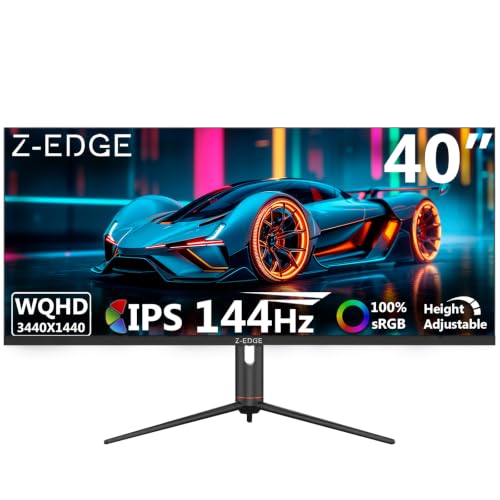


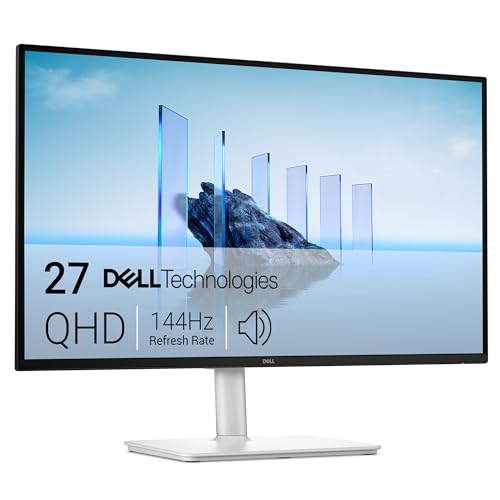
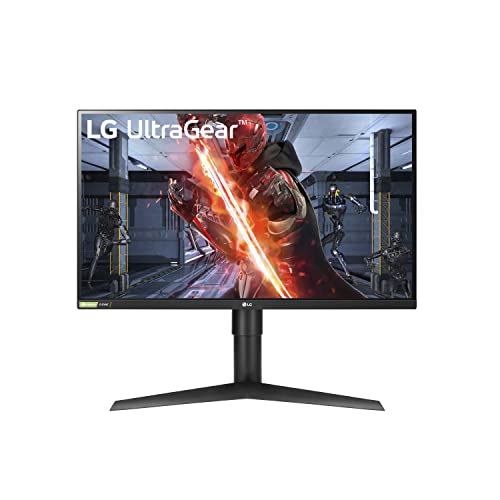


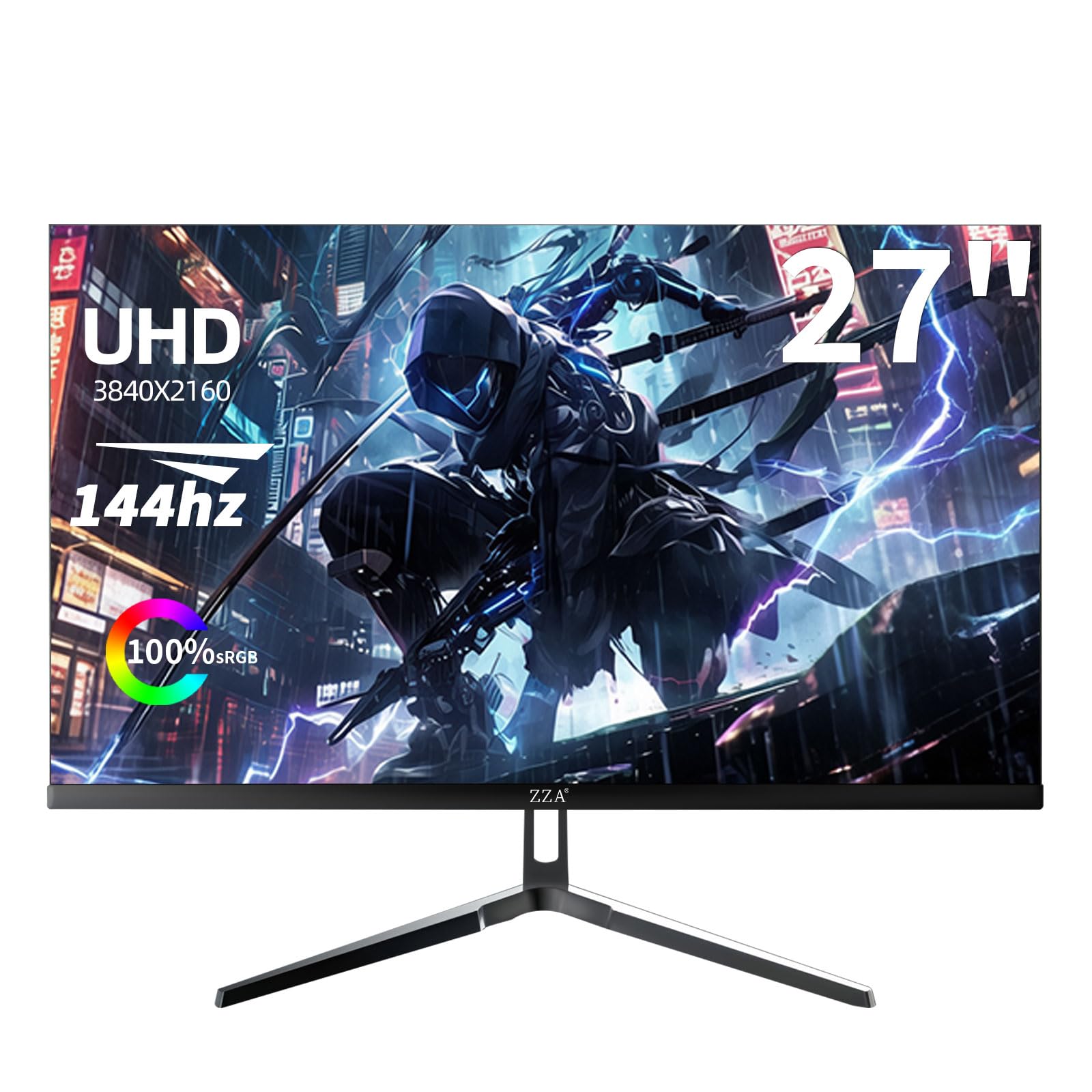
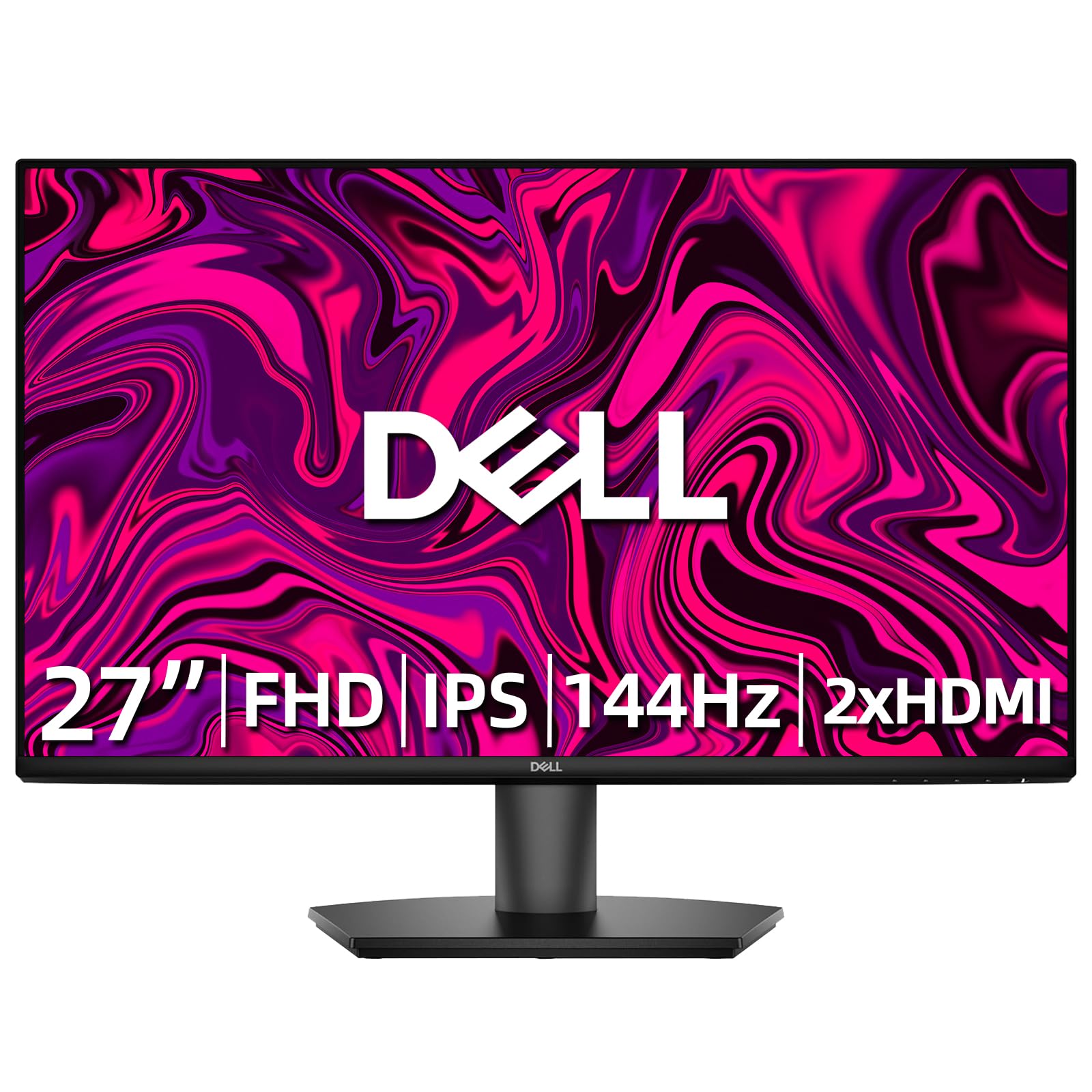

What 144Hz Brings to Everyday Use
A 144Hz screen redraws the picture more than twice as often as a basic 60Hz monitor. In games it reduces blur and makes tracking moving targets easier. On the desktop, it makes dragging windows and scrolling web pages feel more direct and less choppy.
The effect is easy to notice but hard to describe until you see it. Many people who try a high refresh screen say they cannot comfortably go back to a standard one for daily use.
Picking a Resolution That Suits Your Hardware
Full HD is the easiest for any computer to drive and the cheapest at high refresh rates. QHD gives sharper text and images and is a good fit for a graphics card of mid-range level or better. 4K at 144Hz needs high-end hardware and is best saved for a powerful system.
If you play fast games and want maximum frame rates on modest hardware, Full HD is a smart choice. If you work with documents and want more space, QHD improves daily comfort.
Panel Types: IPS, VA and TN
IPS panels give the best color and viewing angles and are the default for most buyers. VA panels offer deep blacks and strong contrast, and tend to cost less, though they can smear in dark scenes. TN panels are rare now but remain very fast and inexpensive.
For a mixed-use monitor, IPS is the safest. If you game in the dark and love contrast, VA is worth a look.
Screen Size and Desk Space
A 24 or 25 inch screen fits small desks and suits competitive play. A 27 inch screen is the best all-rounder. Larger 32 inch screens and ultrawides add immersion but need more depth. Choose a size according to your seating distance and the space on your desk.
Sitting too close to a large screen makes it tiring to scan, while a small screen at a distance feels cramped. Aim for a size that lets you see the whole screen without turning your head.
Adaptive Sync and Response Time
Adaptive sync keeps motion smooth when the frame rate changes, and almost all 144Hz monitors support some form of it. Response time determines clarity in motion, and buyer notes about ghosting reveal more than the headline figure.
Use a DisplayPort cable for the full refresh rate on a PC, and enable adaptive sync in the monitor menu and graphics driver.
Ports and Practical Details
- DisplayPort for high refresh rates from a PC.
- HDMI for a console, laptop or second source.
- A stand with height adjustment, or VESA holes for an arm.
- USB hub or USB-C if you want a tidy laptop connection.
These details are easy to overlook but matter every day, so compare them across models before you decide.
Do You Need a Special Cable or Setting?
Yes, in most cases. Many screens default to 60Hz until you pick a higher rate in your display settings, and a cheap HDMI cable may limit the picture. Use the cable that came in the box or a certified DisplayPort cable to avoid problems.
If the refresh rate option does not appear, check the cable, the port on the graphics card and the monitor's input mode. These simple checks resolve most missing option problems.
Which Buyer Are You?
If you mostly play competitive games, prioritize low response time, a size around 24 to 27 inches and a stand that adjusts. If you split time between work and play, a 27 inch QHD IPS offers the best mix of sharp text and fast motion. If you want a screen for a console and a PC, check HDMI behavior and the number of inputs.
If the budget is tight, remember that a plain Full HD 144Hz monitor already delivers the biggest benefit. Extra features add polish, but the smoothness is the part you will notice every day.
Common Mistakes With a New 144Hz Monitor
The most common mistake is leaving the refresh rate at 60Hz and concluding that nothing changed. Another is using a cable that cannot carry the full signal, which silently limits the refresh rate. A third is forgetting to enable adaptive sync, which leaves tearing in games that could have been smooth.
Take five minutes after setup to verify the refresh rate, the cable and the adaptive sync setting. That small effort determines whether you get the experience the monitor was designed to deliver.
Looking After Your Monitor
Clean the screen with a soft, dry microfiber cloth, and use a cloth slightly dampened with water if needed. Avoid spraying liquid directly on the panel, and never use harsh cleaners that can damage coatings.
Keep vents clear, avoid direct sunlight on the panel and use the power saving settings so the screen sleeps when you are away. These habits help the screen keep its brightness and color for many years.
For related options, see our guides to best ips 144hz monitors, best 1440p 144hz monitors and best 4k 144hz monitors.
Frequently Asked Questions
Is 144Hz worth the price?
Yes. The cost over a 60Hz monitor is small, and the smoother feel affects everything you do.
Can I tell the difference between 144Hz and 240Hz?
Some people can, mostly in fast games, but the gap is smaller than from 60Hz to 144Hz.
Do I need a gaming PC?
No. Even a basic computer benefits on the desktop, and games run smoother with decent hardware.
Is a curved monitor better?
It is a matter of taste. Curves suit larger screens and immersive games.
Final Thoughts on the Best 144hz Monitors
The best 144hz monitors pair a smooth refresh rate with the resolution, panel and size that suit your desk. Pick the details that matter to you, set the refresh rate after setup and use the table above to compare current prices. Prices and availability can change, so check the product page before ordering.


