
Best 1080p 60fps Webcams: Smooth Video for Streams and Calls (2026)
Disclosure: We may earn a commission when you buy through links on this page, at no extra cost to you. As an Amazon Associate I earn from qualifying purchases. Learn more

Streamers, teachers and remote workers: what to check on the best 1080p 60fps webcams, from light and autofocus to microphones, USB ports and software.
A webcam that records 1080p at 60 frames per second makes motion look smoother than a standard 30fps camera, which helps when you stream, present or record yourself moving. The best 1080p 60fps webcams are the ones that actually deliver 60fps in the apps you use, with decent light handling and a usable microphone.
This guide explains what the 60fps label means in practice, how autofocus, field of view and low-light performance affect results, and how to avoid the usual setup problems. The product table lists webcams that state 1080p at 60fps in the listing.
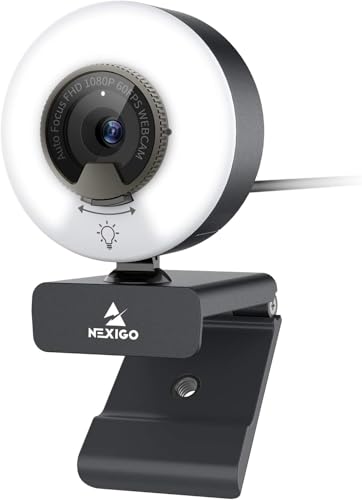
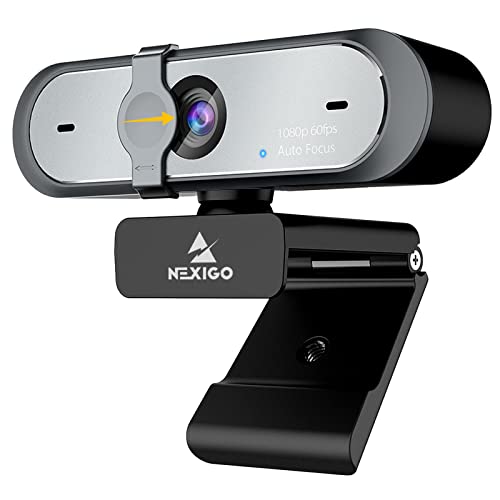

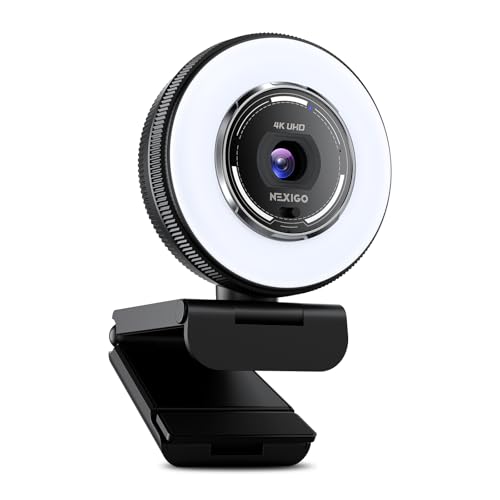

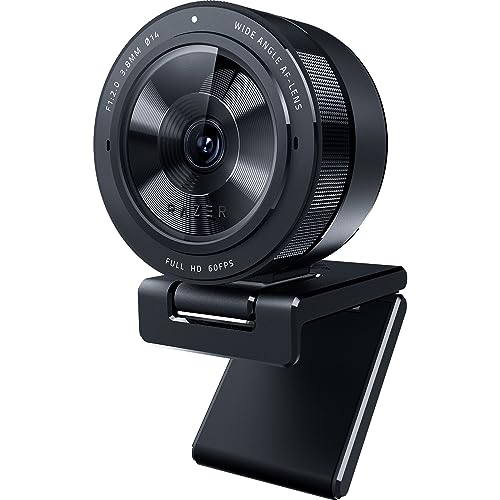
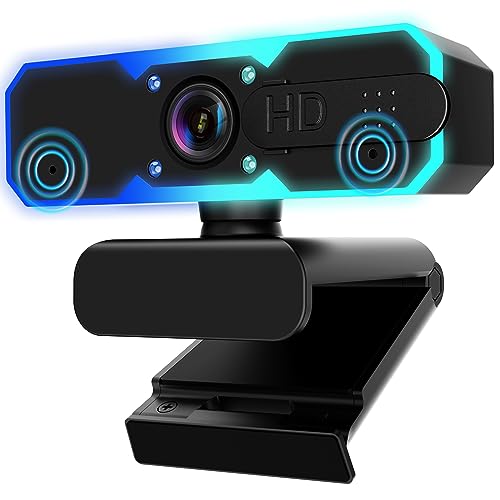
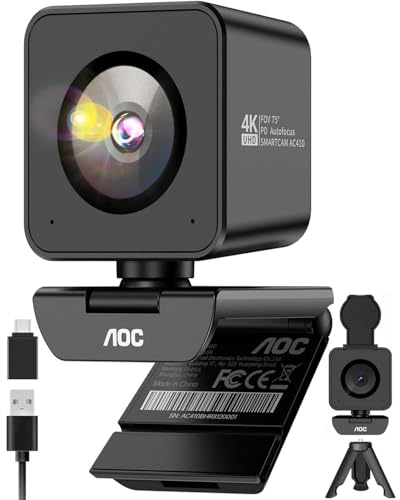
What 60fps Changes
Frame rate is how many pictures per second the camera captures. At 60fps, hand movement, head turns and quick gestures look smoother and less blurry. That is useful for streaming games with a face cam, teaching a class, demonstrating a product or recording content. For a quiet video call, 30fps looks fine, so the benefit shows mostly when you move.
A camera may advertise 60fps but deliver it only at certain settings or in certain apps. Check the listing for the resolution and frame rate combination and whether it needs special software.
Light Is Half the Picture
Webcam sensors are small, so a dim room hurts quality more than any spec. Face a window or place a soft lamp in front of you, and avoid a bright window behind you. At 60fps each frame has less time to gather light, so cameras often look a little darker or noisier than at 30fps. A built-in ring light helps, but a separate light gives more control.
Autofocus and Field of View
- Autofocus keeps your face sharp when you lean in or hold up an object. Fast phase-detection autofocus is a plus for presenters.
- A narrower field of view of around 65 to 78 degrees frames just you, while a wide field of view of 90 degrees or more fits a group but shows more of the room.
- Some cameras let you adjust the field of view or digital zoom in software.
Microphones and Privacy
Built-in microphones are convenient but pick up room echo and keyboard noise. A headset or desk microphone gives better audio. If you use the webcam microphone, try it before an important call. A physical privacy cover is a useful feature, and a status light helps you see when the camera is active.
Software and Compatibility
Most webcams are plug-and-play over USB. Some come with software to adjust exposure, white balance and field of view. This software helps if you stream, because auto settings can shift when you move. Check that the camera works with your operating system and that the cable is long enough to reach your monitor. Use a USB 3.0 port when the listing recommends it, because a slow port can limit the frame rate.
Mounting and Placement
Most webcams clip on top of a monitor, with a thread for a tripod. Place the camera at eye level, directly above the screen, so you appear to look at the viewer. A small tripod or arm lets you frame a desk or whiteboard. Check the clip against your monitor's thickness, especially on thin bezels or curved displays.
Choosing Among the Best 1080p 60fps Webcams
Compare frame rate at 1080p, autofocus, low-light behavior and included software. Many webcams sit between about $30 and $100, with a few higher-end models above $150 offering larger sensors and extra features. Higher resolution marketing, like 4K, matters less than a good sensor and lens; many 4K webcams record 1080p at 60fps and 4K at 30fps, so check which mode you will use.
For wider comparisons, see best quality webcams and best inexpensive webcams.
Common Problems and Fixes
If the picture flickers, switch the room lights or set the camera's power-line frequency in its software, since some bulbs pulse at a rate that clashes with the frame rate. If faces look washed out, lower the exposure and add a light from the side. If the camera freezes, try another USB port, avoid unpowered hubs and update the camera's software. Lens smudges soften the image a lot, so wipe the lens gently with a clean microfiber cloth before important sessions.
Webcam or Mirrorless Camera?
A dedicated camera with a clean HDMI output looks better than any webcam, but it needs a capture device, a power adapter and more space on the desk. A webcam is the simple answer. If you are starting out, a good webcam with proper lighting beats an expensive camera in a dim room. Upgrade later if your audience grows and you want a more cinematic look.
Streaming Setup Tips
In your streaming software, choose 1080p and 60fps explicitly and lock the exposure and white balance for a consistent look. Place a light on each side of the monitor, slightly above eye level. Keep the background tidy and use a plain wall or a bookshelf. Close other camera apps so that only one program uses the webcam at a time.
Returns and Value Checks
Webcams differ a lot between units and rooms, so judge yours at your own desk. Record a short clip in the lighting you normally use, move around and read the result at full size. If the picture is soft, the focus hunts or the microphone sounds hollow, use the return window. Compare the warranty length and check whether software updates are still being released for the model you choose.
Frequently Asked Questions
Do I need 60fps for video calls?
No. Thirty frames per second is fine for most calls, and many conferencing apps limit the frame rate anyway.
Is 4K better than 1080p 60fps?
Not always. 4K gives more detail, but 1080p at 60fps looks smoother in motion, and many apps downscale the video.
Why is my webcam stuck at 30fps?
The app or the lighting may limit it. Set the frame rate in the camera software, use a USB 3.0 port and add more light.
Can a webcam replace a camera?
For calls and basic streaming, yes. For high-quality video, a dedicated camera produces better results.
Final Thoughts
Good light, a clear mounting spot and the right software settings matter as much as the camera. The best 1080p 60fps webcams deliver smooth motion in the apps you actually use and need little fuss to set up. Prices and availability can change, so check the product page before ordering.


