
Best 1080p Gaming Monitors: Match the Screen to Your PC (2026)
Disclosure: We may earn a commission when you buy through links on this page, at no extra cost to you. As an Amazon Associate I earn from qualifying purchases. Learn more
Players on a budget: how to choose the best 1080p gaming monitors by refresh rate, panel type, adaptive sync and the graphics card you already own.
Full HD remains the resolution most gamers can run at high frame rates, which is why 1080p gaming monitors are a best seller. The best 1080p gaming monitors give you fast refresh, low delay and enough size for immersion at a price that leaves money for the graphics card.
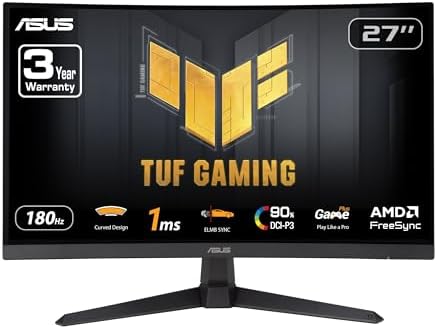
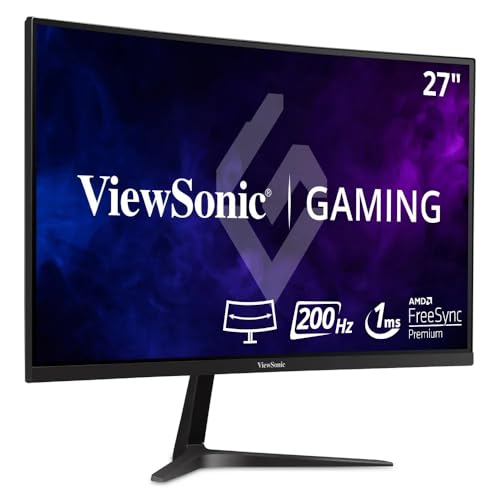
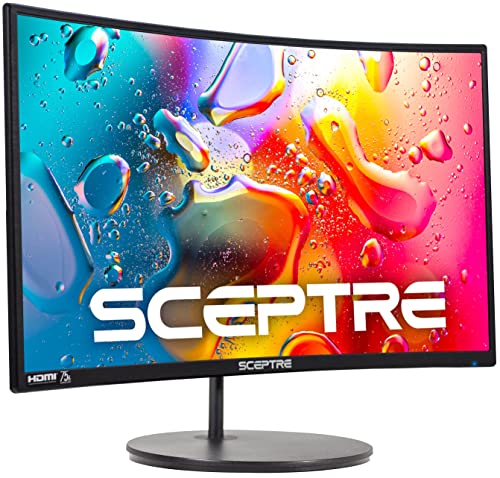
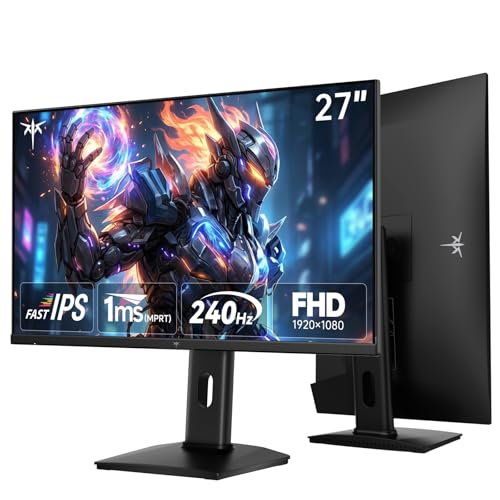
This guide looks at the choices from the perspective of the games you play and the hardware you own. The product table shows 24 to 27 inch models with refresh rates from 144Hz to 300Hz.



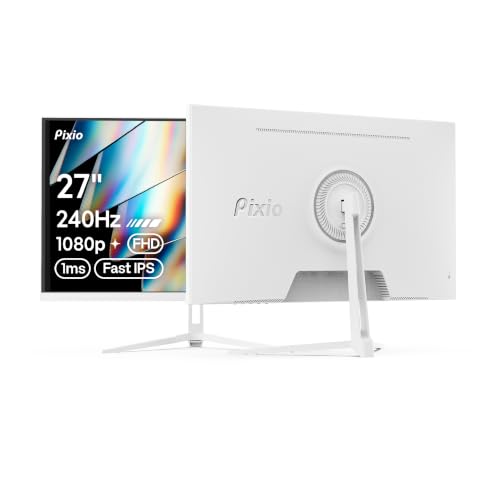
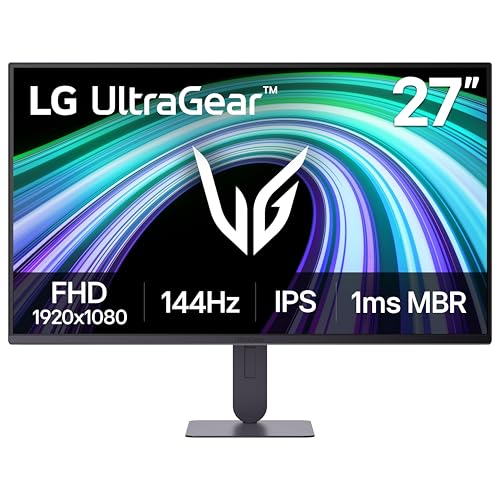
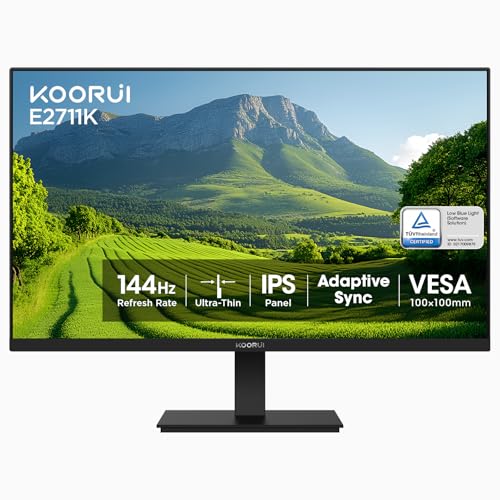
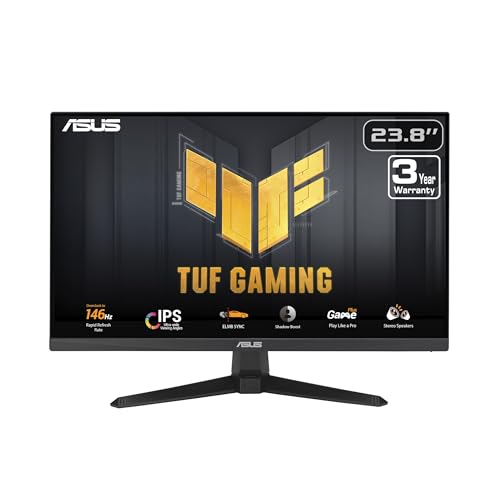
Match the Monitor to Your Graphics Card
A high refresh rate monitor only shows high frame rates if your graphics card can produce them. Check your usual frame rate in the games you play: if you average 100 frames per second, a 144Hz monitor is plenty. If you reach 250 in esports titles, a 240Hz or higher panel makes sense. Buying a faster monitor than your system can drive wastes money.
Competitive or Cinematic?
Competitive players want speed: low response time, high refresh and a flat screen that keeps lines straight. Players of story games and open worlds often want contrast and immersion: a curved VA panel or a vivid IPS screen. Many monitors sit in the middle, so decide which side you lean toward.
Refresh Rate Tiers
- 144 to 165Hz: the standard, smooth for nearly all games.
- 180 to 240Hz: favored by competitive players with strong systems.
- 280 to 300Hz and above: a small gain for specialists, rarely worth the price for most.
Panel Types and Response
Fast IPS panels combine good color and quick response and suit most players. VA panels give strong contrast and often cost less, but dark scenes can smear. TN panels are fast and affordable but have narrower viewing angles. Response time claims vary with measurement conditions, so read buyer notes about ghosting.
Adaptive Sync and Input Lag
Adaptive sync keeps the picture smooth when frame rates change. Enable it in your graphics settings and the monitor menu. Low input lag matters more in fast games; look for a game mode and avoid extra processing. Console players should check whether the monitor supports adaptive sync on their console, since support varies by model and console.
Size, Curve and Resolution Trade-offs
At 1080p, a 24 inch screen is sharp and a 27 inch screen is a little softer but more immersive. Curved screens at 27 inches and above fill more of your view. Larger sizes, such as 32 inches, are more suited to sitting farther back or using the monitor as a shared screen.
Connections and Extras
DisplayPort carries the highest refresh rates on PC, and HDMI works for consoles. Look for a headphone jack, a USB hub and a stand with height adjustment. Some monitors include extras like built-in speakers or crosshair overlays. These are optional, and a good stand and a fast panel matter more.
Choosing the Best 1080p Gaming Monitors
Pick a refresh rate tier, then a size and a panel type. Prices run from around $85 for entry-level curved models to about $190 for premium fast IPS panels. Check buyer comments for ghosting, backlight bleed and stand quality. Avoid chasing numbers that your system cannot use.
For more on this class, read best gaming monitor or how to change refresh rate.
Reading Specifications Without Being Fooled
Gaming monitor listings stack numbers: refresh rate, response time, color coverage, contrast ratio and brightness. Refresh rate is the one that changes how games feel. Response time figures depend on the measuring method, and contrast ratios on a spec sheet are often static values that tell you little about real scenes. Color coverage matters if you also edit photos. Brightness matters if your room is sunny. Weigh the numbers against buyer feedback about the actual panel.
Budget and Upgrade Path
A monitor often outlasts the graphics card, so a high-quality 1080p panel can serve you through a few PC upgrades. If you plan to move to a higher resolution later, think about whether the stand and ports will still be useful on a second desk or in another room. A well-built 1080p monitor keeps value as a secondary screen, a console display or a screen for a younger player in the family.
If you stream or record, a 1080p monitor matches the common output resolution, which keeps previews sharp and the workflow simple.
Setup Tips
After you connect, set the refresh rate in your operating system and in the game. Turn on adaptive sync, adjust overdrive to a medium level and tune the brightness for your room. Sit an arm's length from the screen, and keep the top edge at eye level.
Match Panel to Games
Fast shooters reward a quick IPS or TN panel with a high refresh rate. Racing and flight games benefit from a curved panel and a wide view. Story games look great on a VA panel with deep contrast. If you play many genres, a fast IPS panel is the best all-rounder. Look at buyer photos and comments about dark scenes and ghosting before you decide.
Warranty and Return Window
Check the monitor for dead pixels, backlight bleed and tearing on day one. Play a dark scene and a bright scene, and scroll a web page to see how the panel behaves. Keep the packaging and return quickly if you see issues.
Overdrive and Motion Settings
Most gaming monitors offer overdrive levels that speed up pixel response. A medium level usually looks cleanest, a high level can leave bright trails and an off setting can smear. Try each in a fast scene before settling.
Frequently Asked Questions
Is 1080p enough for gaming?
Yes. It is easy to run at high frame rates and looks sharp at 24 inches.
Do I need 240Hz?
Only if your system reaches high frame rates and you play fast competitive games.
Is a curved monitor better for gaming?
It is more immersive for single-player games at larger sizes, but many competitive players prefer flat screens.
Will it work with my console?
Many monitors work with consoles through HDMI. Check which refresh rates and features the console supports.
Final Thoughts
Choose the refresh rate your system can use, the panel type that suits your games and the size that fits your desk. The best 1080p gaming monitors make everyday play smooth without spending money on pixels you do not need. Prices and availability can change, so check the product page before ordering.


