
Best Gaming Monitors in 2026: Refresh Rate, Panel Type, and What Actually Matters
Disclosure: We may earn a commission when you buy through links on this page, at no extra cost to you. As an Amazon Associate I earn from qualifying purchases. Learn more

How refresh rate, panel type, and adaptive sync actually change the gaming experience, not just the spec sheet.
A graphics card can only show you what your monitor is capable of displaying, which makes the display itself one of the most consequential purchases in a gaming setup. The best gaming monitors balance refresh rate, panel technology, and resolution differently depending on whether you play fast-paced competitive shooters or slower, visually rich single-player games. Getting this pairing wrong means either bottlenecking a capable graphics card or paying for panel features that go unused.
This guide breaks down the specs that genuinely change how a monitor feels in motion, rather than the marketing terms that sound impressive on a box but blur together once you are actually comparing options.
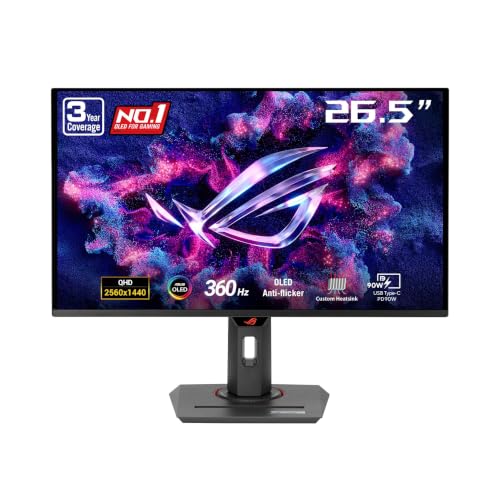
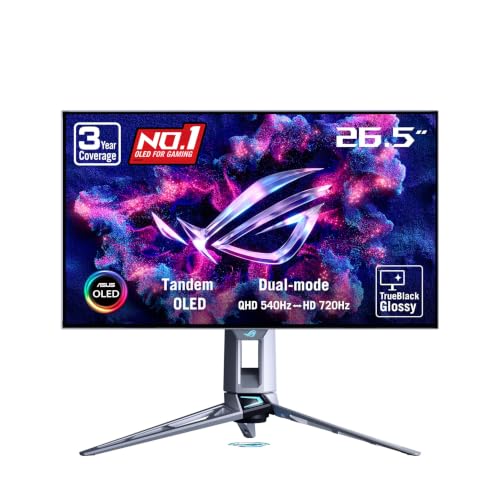
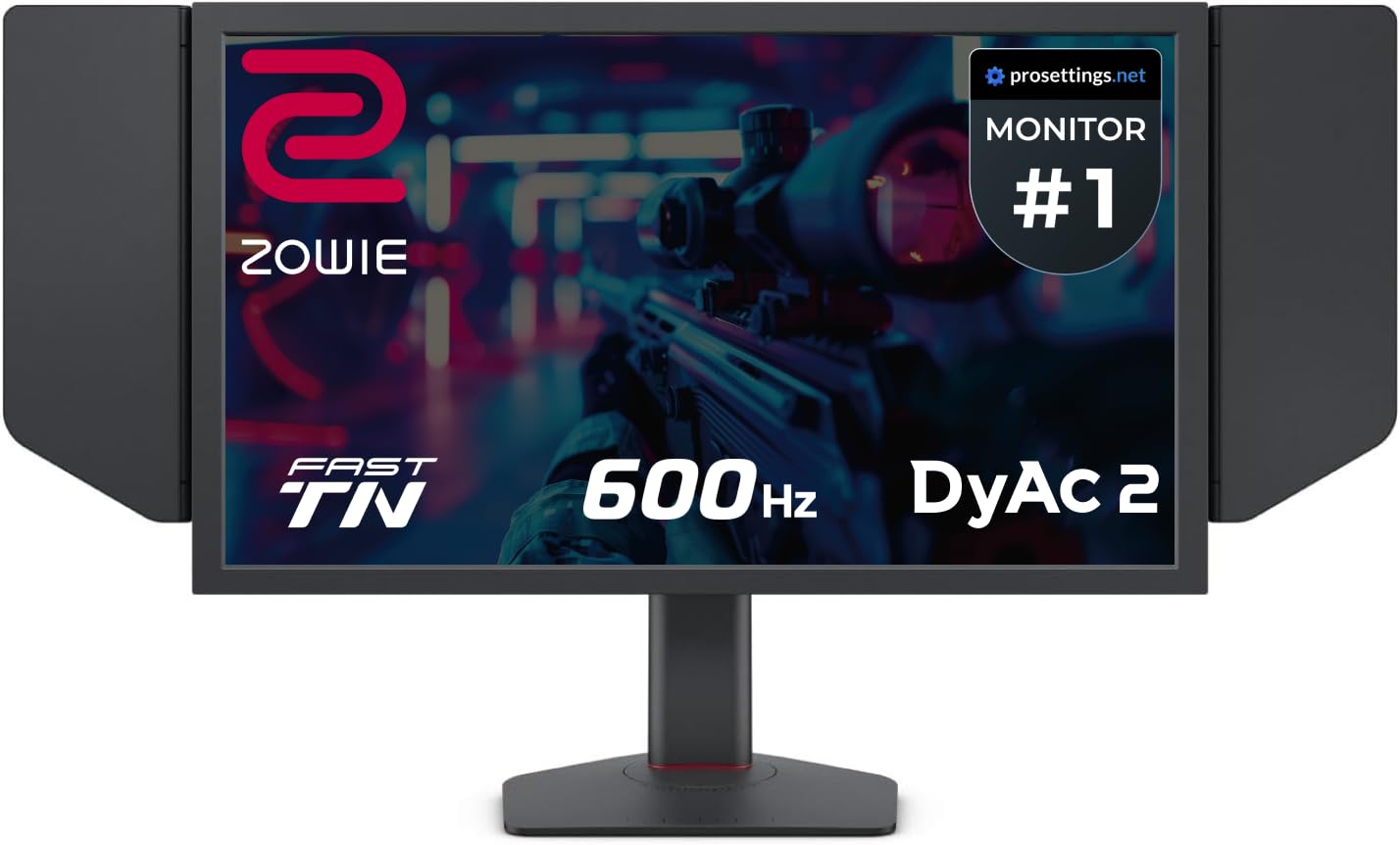
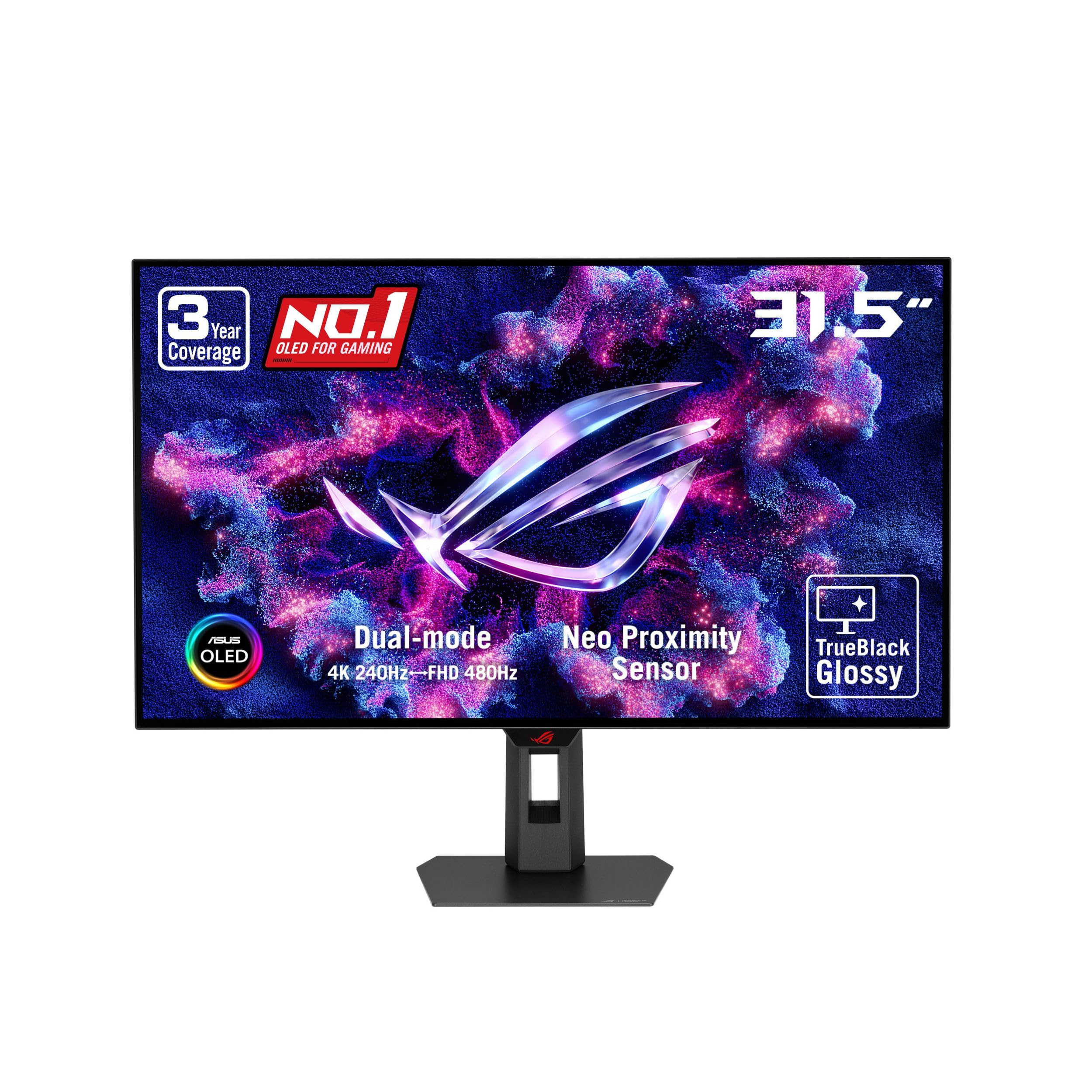




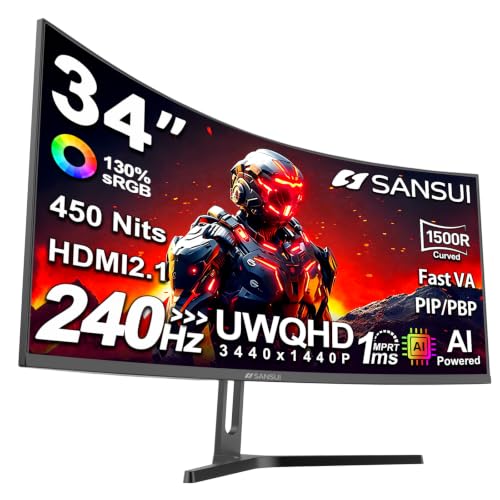
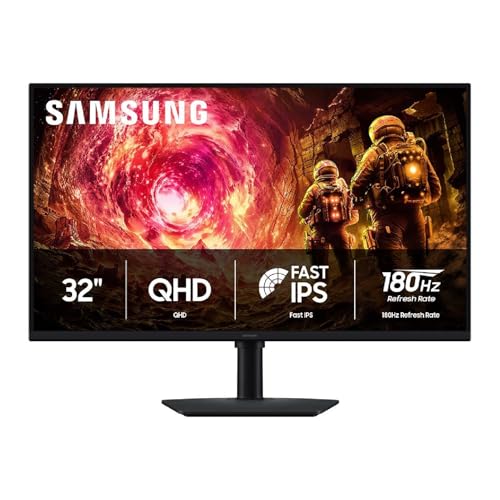
Refresh Rate: The Spec That Changes Everything
Refresh rate measures how many times per second a monitor updates the image, and higher numbers translate directly into smoother, more responsive motion, particularly noticeable in fast-paced games. Moving from a standard 60Hz panel to 144Hz or higher is one of the most immediately noticeable upgrades in PC gaming, often more impactful than a resolution bump.
How High Is High Enough
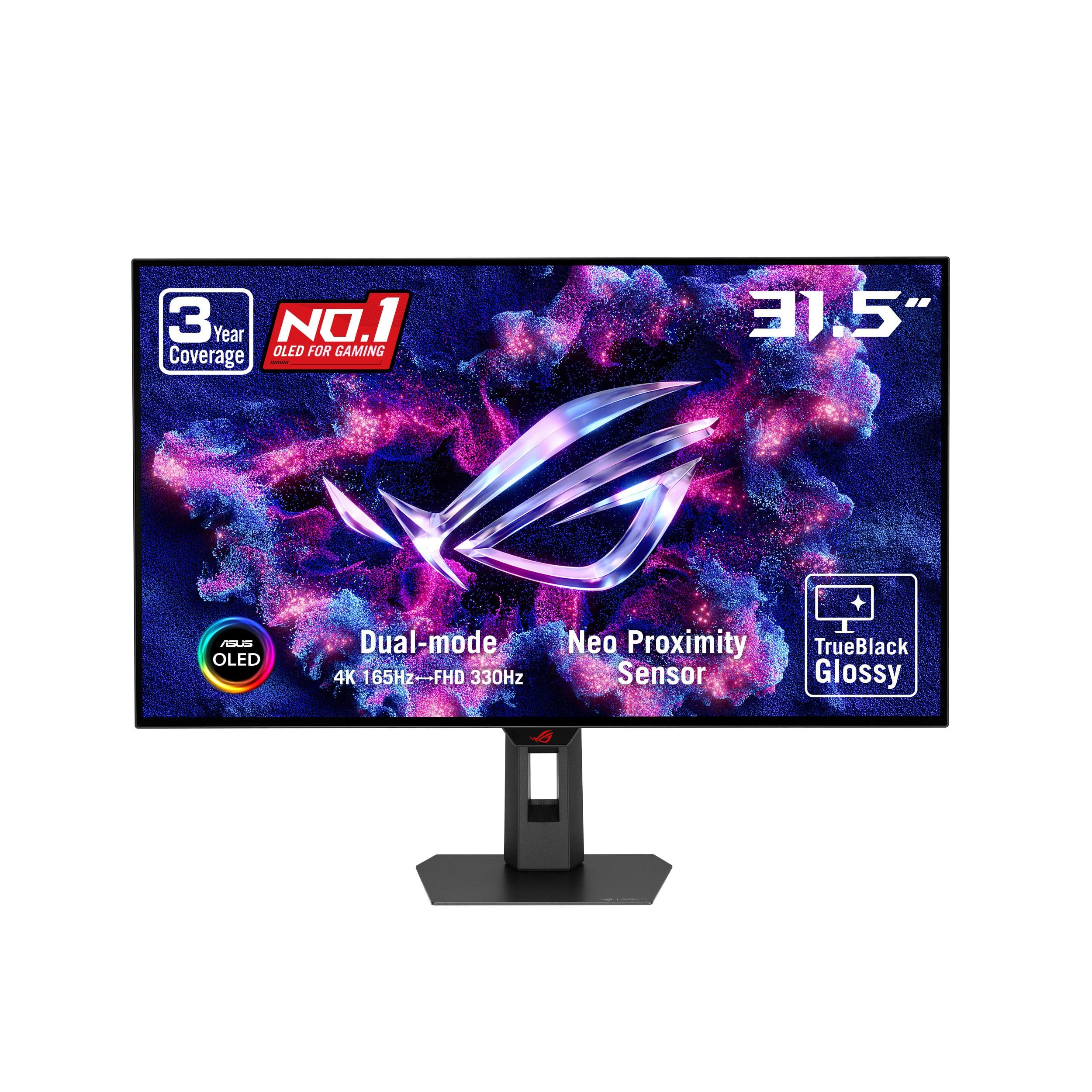
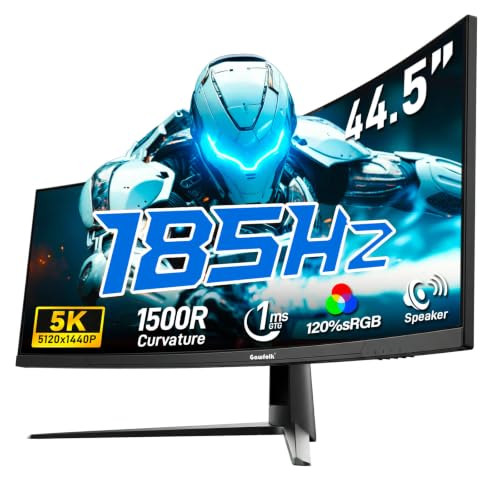
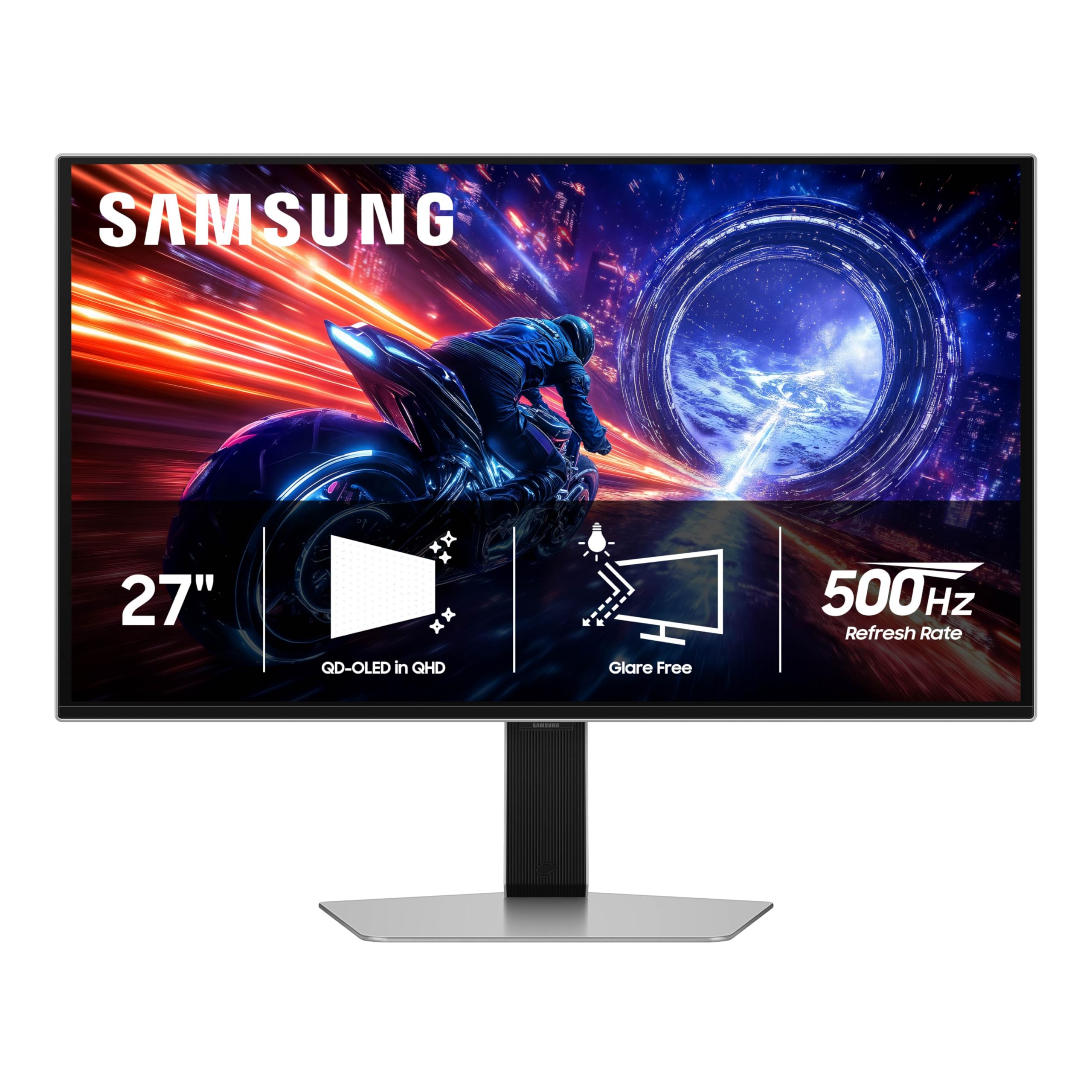
144Hz remains a strong, widely available sweet spot for most gamers, delivering a dramatic improvement over 60Hz without the diminishing returns that appear at the very highest refresh rate tiers. Competitive players chasing every possible edge in fast shooters sometimes push toward 240Hz or higher, though the improvement becomes harder to perceive past a certain point for most players.
Response Time and Motion Clarity
Response time measures how quickly individual pixels change color, and slower response times cause visible ghosting or blurring behind fast-moving objects. This spec matters most in combination with high refresh rates, since a fast refresh rate paired with a slow panel cannot fully deliver the smooth motion the refresh rate alone promises.
Panel Type: IPS, VA, and OLED Tradeoffs
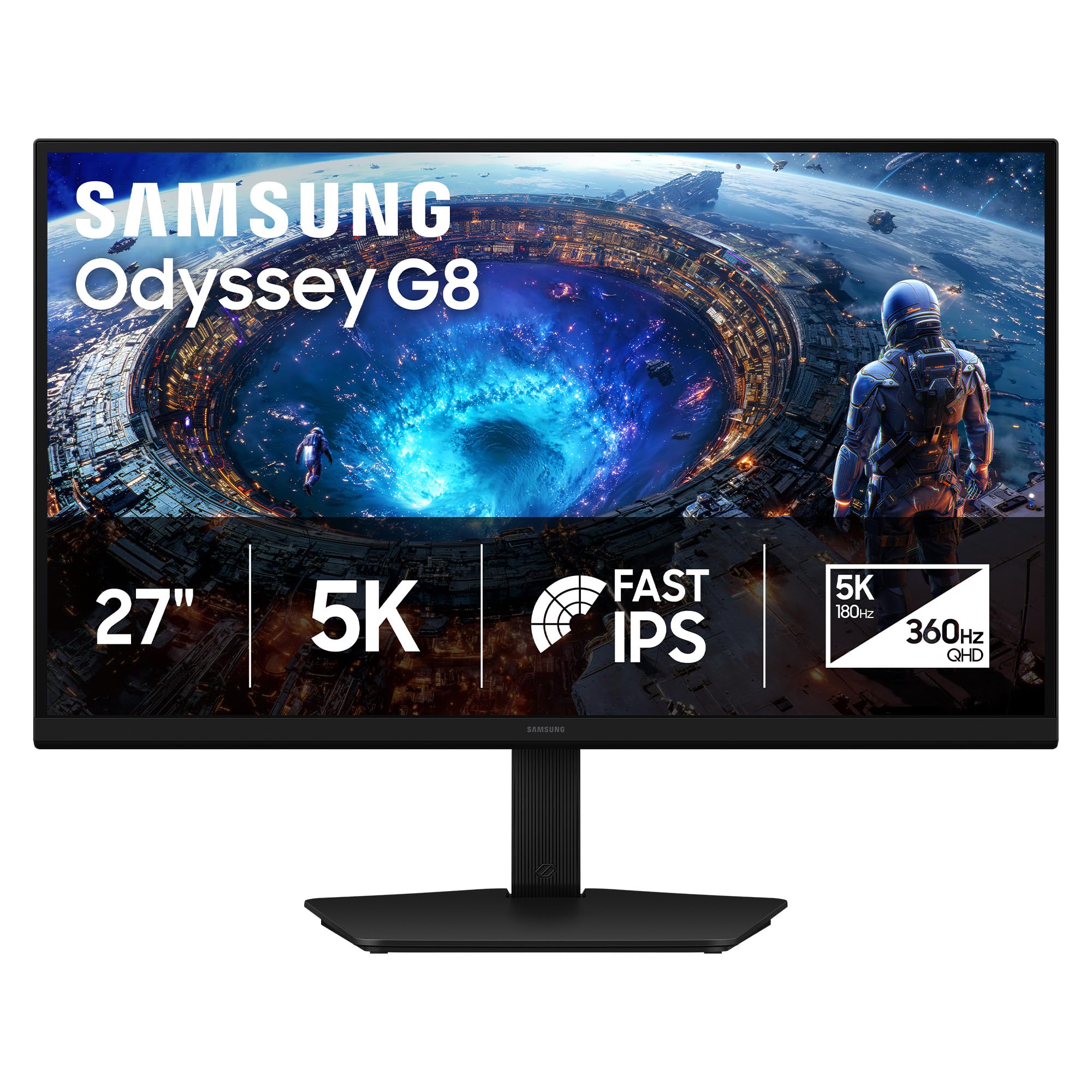
Panel technology shapes color accuracy, contrast, and viewing angles in ways that matter well beyond the spec sheet. IPS panels generally offer the best color accuracy and viewing angles, making them a strong all-around choice for gaming and general use. VA panels trade some color accuracy for deeper blacks and higher contrast, which can make a real difference in darker, atmospheric games.
Where OLED Fits In
OLED gaming monitors deliver genuinely superior contrast and near-instant response times, since each pixel produces its own light rather than relying on a backlight. The tradeoff is a higher price point and a small but real risk of permanent image burn-in with static on-screen elements over extended periods, which matters more for anyone who keeps a game HUD or desktop taskbar visible for long stretches.
Resolution and Screen Size Together
Resolution and screen size need to be considered together rather than separately, since pixel density changes how sharp an image looks at a given viewing distance. A high resolution on a small screen delivers extremely sharp detail, while the same resolution stretched across a much larger panel looks noticeably softer up close.
1440p has become a strong middle ground for gaming monitors, offering a meaningful sharpness improvement over 1080p without demanding the graphics horsepower that 4K requires to maintain high frame rates consistently.
Adaptive Sync: Eliminating Screen Tearing
Adaptive sync technology matches your monitor's refresh rate to your graphics card's frame output in real time, eliminating the visual tearing that happens when frame rates and refresh rate fall out of step. This feature matters most for anyone whose frame rates fluctuate rather than staying perfectly locked to the monitor's maximum refresh rate, which describes most real-world gaming.
Compatibility Considerations
Adaptive sync standards vary by graphics card brand, so checking that a monitor's supported standard actually matches your graphics card avoids paying for a feature you cannot use, or missing out on smoother gameplay that was available for a small additional cost.
Ports, Stand Ergonomics, and Curvature
Beyond the core display specs, practical details like port selection, stand adjustability, and screen curvature affect daily comfort more than most buyers expect before living with a monitor for a few weeks. A stand that adjusts for height and tilt prevents neck strain during long sessions, and sufficient ports mean not needing a separate adapter to connect your console alongside your PC.
Curved monitors can add a sense of immersion, particularly on larger ultrawide panels, though the benefit is more subjective and worth experiencing in person or reading detailed reviews about before committing to a significantly more expensive curved option.
Frequently Asked Questions
Is a higher refresh rate always better for gaming?
Up to a point. The jump from 60Hz to 144Hz is dramatic, but returns diminish significantly past 240Hz for most players, and your graphics card needs to be capable of hitting those frame rates for the higher refresh rate to matter.
Do I need adaptive sync if I already have a high refresh rate monitor?
Yes, adaptive sync solves a different problem than refresh rate alone. Without it, frame rate fluctuations can still cause tearing even on a high refresh rate panel.
Is OLED worth the extra cost for gaming?
For anyone prioritizing contrast and motion clarity above all else, often yes, though the burn-in risk with static content is worth weighing against your specific use case.
What resolution should I pair with a mid-range graphics card?
1440p generally offers the best balance for mid-range hardware, delivering a sharper image than 1080p without demanding the graphics power that 4K requires for smooth frame rates.
Does screen size matter more than resolution?
They work together. A larger screen at the same resolution reduces pixel density and sharpness, so scaling resolution up with screen size keeps the image looking crisp.
How long do gaming monitors typically last?
A quality monitor can last many years of regular use, though OLED panels carry some risk of gradual brightness degradation over very extended use compared to LCD-based panels.
Is curved better than flat for gaming?
It comes down to personal preference and screen size. Curvature tends to add more noticeable immersion on larger ultrawide displays than on standard-sized monitors.
Final Thoughts
The best gaming monitor for you depends on matching refresh rate and panel type to how you actually play, not chasing whichever spec sounds most impressive. Prioritize a fast, well-matched panel for your graphics card's real output, confirm adaptive sync compatibility with your hardware, and only pay the OLED premium if its specific strengths line up with what you value most.
Related reading: best wireless gaming mouse.

