
Best 1080p Monitors for PS5: Console Play on a Desk Screen (2026)
Disclosure: We may earn a commission when you buy through links on this page, at no extra cost to you. As an Amazon Associate I earn from qualifying purchases. Learn more

Console players on a budget: how to choose the best 1080p monitors for ps5 by refresh rate, size, input lag, HDMI ports and audio options.
A PlayStation 5 can output a very sharp picture, but not everyone has a 4K TV or the budget for a high-end display. The best 1080p monitors for ps5 give console players a smooth picture, low lag and a size that fits a desk or a small room at a modest price.
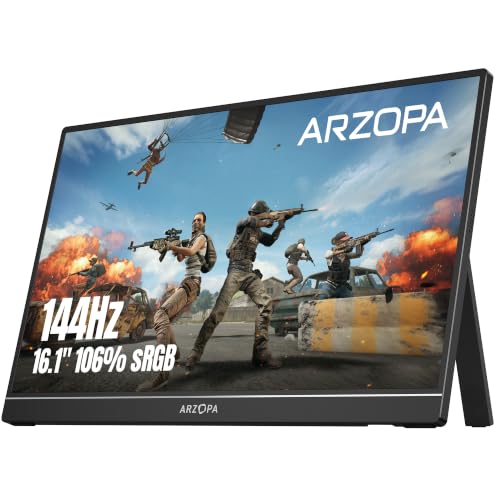
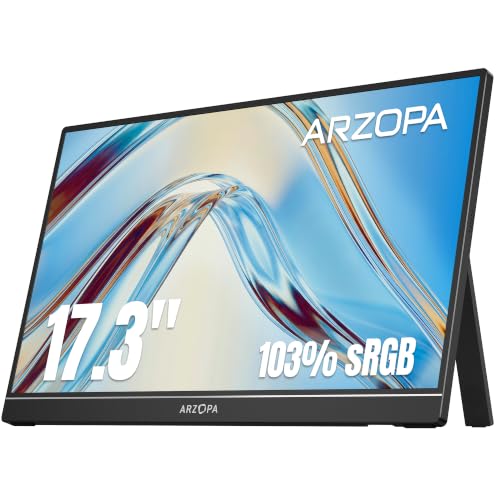
This guide explains what a 1080p monitor does well with the console, which settings to check on the PS5 and what features matter for living-room and desk setups. The product table includes desktop monitors in several sizes and a few portable screens.

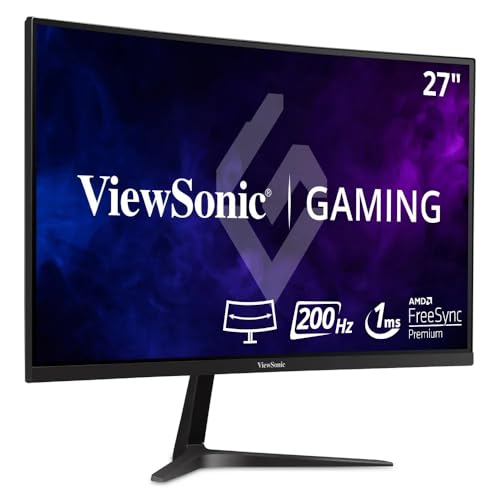


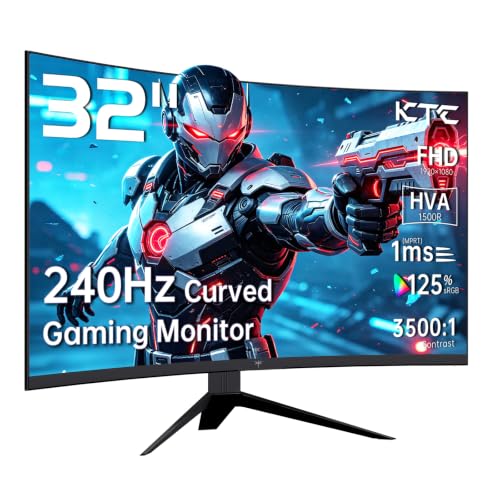
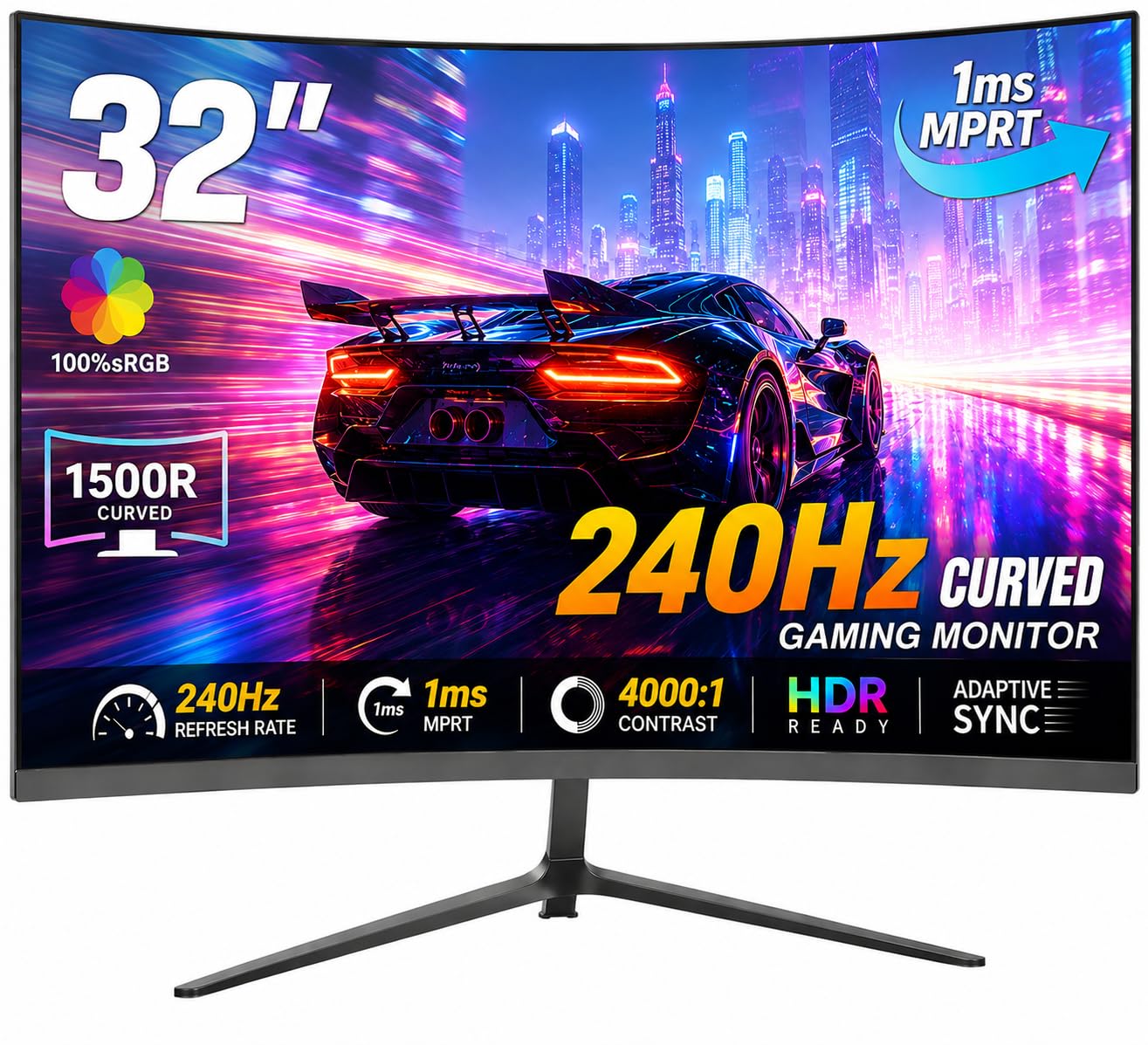
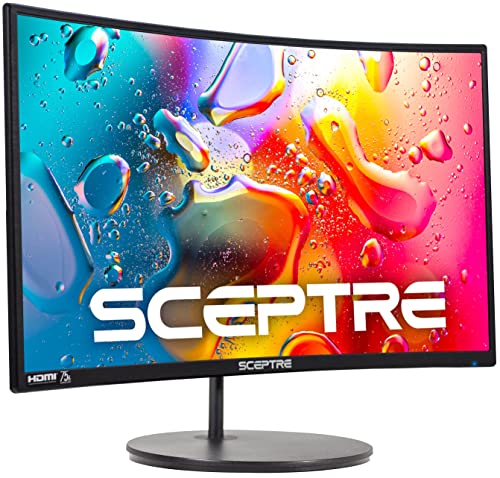

Why Choose a 1080p Monitor for a PS5
A 1080p monitor suits players who sit close to the screen, share a room or want a second screen for the console. It is more affordable than a 4K display, and the console can still output a high-quality picture for it. It also frees your TV for family use.
The trade-off is that the console's highest resolution settings will be scaled down. For many players, smooth play and low delay matter more than extra pixels.
Refresh Rate and Console Settings
Check the PS5's video output settings and the monitor's maximum refresh rate. Some games offer performance modes that run at higher frame rates, and a monitor with a 120Hz or higher refresh rate can show them, provided the connection and the console settings support it. The listing and the monitor's manual explain which HDMI port and cable you need.
Choosing the Size
- 24 inches: compact, sharp and good for a desk.
- 27 inches: more immersive, with a slightly softer picture.
- 32 inches: better for sitting back or sharing the screen.
- Portable 15 to 17 inches: handy for travel, dorm rooms and a second screen.
Input Lag and Game Modes
A game mode reduces processing for lower delay. Look for it in the monitor menu and turn it on for the console. Some monitors also include extra gaming features, but the key point is a fast, consistent response when you press a button. Wired headsets that plug into the monitor or the controller avoid Bluetooth delay.
HDMI Ports and Cables
Use the HDMI cable that came with the console or a certified high-speed cable. Plug into the port labeled for the highest refresh rate if the monitor has more than one. A monitor with a headphone jack lets you plug in a wired headset. Some monitors have built-in speakers, which are fine for casual play but not as immersive as a headset.
Audio Options
A wired headset connected to the controller gives the best chat and game sound. If you use the monitor's speakers, expect modest volume and bass. For a living-room setup, a small soundbar or powered speakers add depth. Check that the monitor's audio output works with the console's output settings.
Choosing the Best 1080p Monitors for PS5
Compare refresh rate, size and stand. Prices run from about $110 for portable and basic models to $200 or more for larger fast panels. A monitor with a height-adjustable stand helps with comfort during long sessions. Portable monitors are a flexible choice for sharing a console between rooms.
For further reading, see best monitors for ps5 and best curved monitors for ps5.
Living Room, Bedroom or Desk?
In a bedroom or dorm, a 24 inch monitor on a desk gives a close, immersive view without the cost of a big TV. In a living room, you can use a larger monitor on a stand or a wall mount, though a TV is usually the better pick for a group. A portable monitor works as a secondary screen when the TV is in use, and it fits in a bag for trips.
Consider cable length and the position of the power outlet. The console's HDMI cable needs to reach the monitor, and a monitor with the ports on the side is easier to plug in than one with ports facing straight down.
Curved, Flat and Panel Choices
A curved monitor at 27 inches or larger pulls the edges toward you and suits single-player adventures. A flat screen is better when two players share the view. IPS panels offer wide viewing angles for sharing, while VA panels offer deeper blacks for dark games. For fast shooters, choose a quick panel and a game mode that cuts delay.
Setup Steps
Connect the console to the monitor with HDMI, turn on the console and open the video output settings. Choose the monitor's resolution and enable any supported performance modes. In the monitor menu, switch on the game mode and adjust brightness. Try a game that has a performance mode and check whether the frame rate stays smooth.
Headsets, Controllers and Latency
A wired headset keeps audio in sync with the picture, and Bluetooth headsets add small delays that matter in competitive games. Use the controller's headphone jack or a USB headset for chat. A monitor with a headphone output is another route, though the audio comes from the console over HDMI. Check voice chat in a party before a match.
Warranty and Return Window
Play a few games in different modes on the first evening, and check for lag, tearing and color problems. Switch between performance and quality modes to see how the monitor handles each. Keep the box for the return window and return quickly if anything looks wrong.
Wall Mounts and Small Spaces
A monitor on an arm or wall mount frees desk space for the console and controllers. Check the VESA pattern and the arm's weight rating. In a small room, a 24 inch monitor is easier to place than a bigger one, and a portable monitor can sit on a shelf or a tray.
Frequently Asked Questions
Will a 1080p monitor limit my PS5?
It limits the resolution, not the gameplay. Many players value smooth frame rates and low lag more than resolution.
Do I need a 120Hz monitor?
Only if you want high frame rate modes in supported games. A 60Hz monitor works for everything else.
Can I use a portable monitor with a PS5?
Yes, via HDMI, though it needs power from a USB port or adapter. Check the cable and power needs.
Is a curved monitor good for console play?
It can feel immersive, but a flat monitor is fine and often easier to share.
Final Thoughts
Pick the size, refresh rate and stand that suit your space. The best 1080p monitors for ps5 give console players a smooth, responsive picture at a friendly price. Prices and availability can change, so check the product page before ordering.


