Best 1080p Projectors under 500: What Matters on a Budget (2026)
Disclosure: We may earn a commission when you buy through links on this page, at no extra cost to you. As an Amazon Associate I earn from qualifying purchases. Learn more

Movie nights on a budget: how to spot real native 1080p, judge brightness and plan screen and sound when choosing the best 1080p projectors under 500.
Five hundred dollars buys a surprising amount of projector, but only if you separate real Full HD from marketing claims. The best 1080p projectors under 500 offer native resolution, decent brightness and useful connections, and they work best in a dim room with a proper screen.
This guide focuses on what you give up at this price, which corners are safe to cut and which are not. The product table lists native 1080p models at a range of prices below the cap.


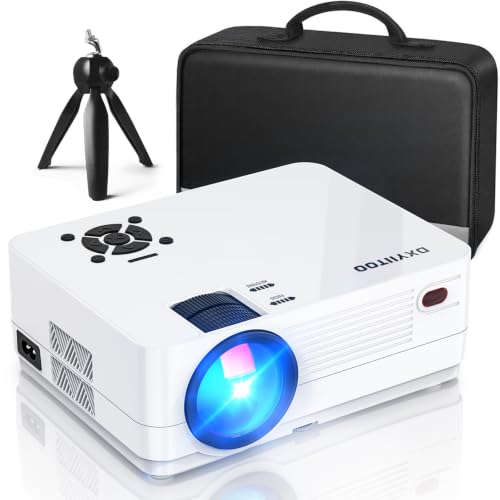
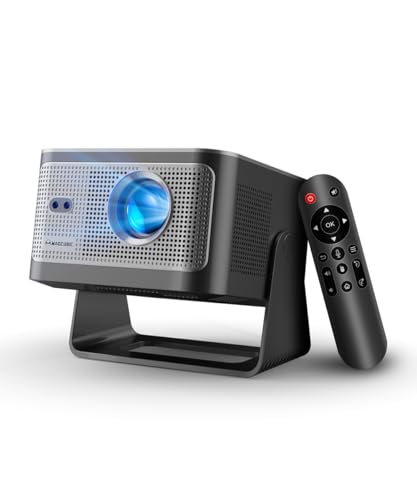

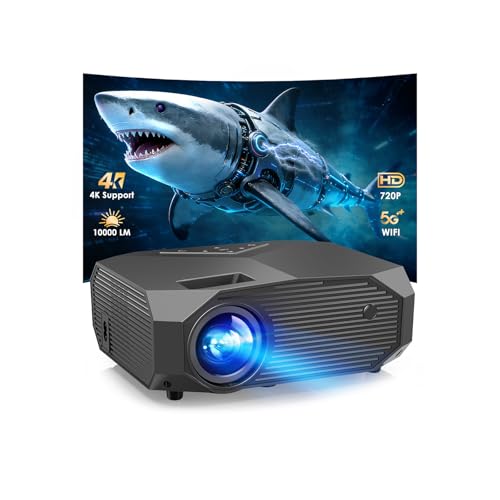

What You Actually Get Under $500
At this price you can find native 1080p resolution, built-in streaming systems and compact bodies. You will rarely find laser light, advanced lens shift or very high brightness. Most models are best for evenings, bedrooms and backyards after dark rather than a bright living room in daytime.
Spotting Real Native 1080p
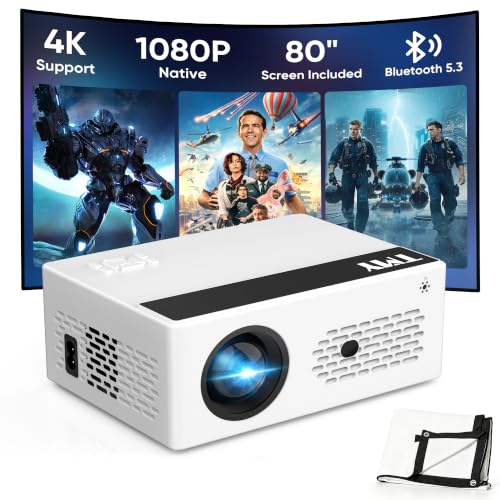
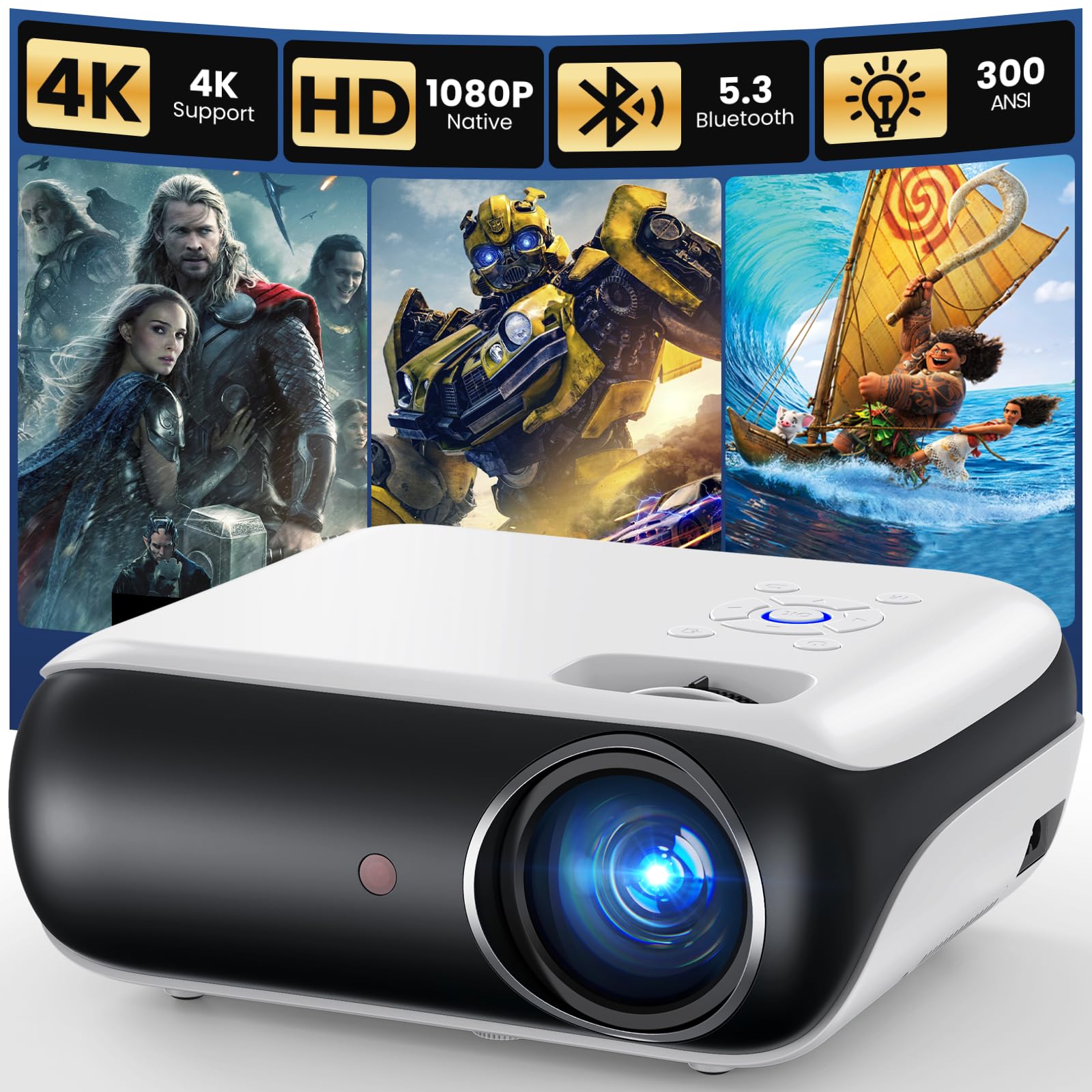
Many cheap projectors list 1080p support but use a lower resolution panel. A true native 1080p projector says so, and buyer photos show a sharp image. If the listing mentions 4K support, it usually means the projector accepts a 4K signal but outputs 1080p, which is fine, provided the panel is native 1080p. Be cautious about brightness claims in "lumens" that are not ANSI.
Brightness Realities
Budget projectors list large lumens numbers that are often not measured the same way as higher-priced models. A projector with a moderate real brightness gives a good picture in a dark room and a washed-out one with the lights on. Pair it with a gray or black-backed screen if the room is not fully dark.
Smart Platforms
- Roku, Google TV and Android TV platforms give access to popular apps, but check whether the platform is officially licensed on the projector.
- Some budget models use a custom system with limited apps. Plan to use an HDMI streaming stick if so.
- Wi-Fi and Bluetooth help with streaming and wireless audio.
Autofocus and Keystone
Auto focus and auto keystone save time, especially on portable projectors you move often. They work best on a flat, plain surface. Digital keystone correction slightly lowers sharpness, so place the projector as straight on as possible.
Portability
Small projectors can run from a wall adapter or a power bank on some models. Some include a handle or a tripod thread. If you plan to use it outside, check the brightness and the noise level, and bring a screen or a light-colored wall.
Where to Spend and Where to Save
Spend on native resolution, fan noise and a reliable streaming system. Save on extras such as built-in speakers, since you can add a speaker later, and on fancy remote features. A good screen often improves the picture more than a higher-priced projector would.
Choosing the Best 1080p Projectors Under 500
Match the projector to your room and viewing habits, then compare the product table. Consider models in the middle of the price range, around $250 to $450, for a better build, brighter output and longer warranties, and cheaper models if you need a casual backyard unit. Check the return window, because projectors vary in focus and uniformity.
For wider price comparisons, see best home projectors under 500 and best tv projectors under 500.
Setup Tips
Choose a darker room, set the projector on a stable surface and aim at a flat wall or screen. Run the focus and keystone adjustments. In the picture menu, select a movie mode and lower the brightness slightly if the fan is loud. Keep the lens clean with a microfiber cloth.
Screens and Walls on a Budget
A flat, smooth, light-gray or white wall is a good starting point, but wall texture and paint finish can soften the image. An inexpensive fixed-frame or fold-up screen costs far less than the savings from skipping it, and it brings brighter whites and cleaner edges. If you plan to use the projector outdoors, a folding screen with a stand is easy to set up and store.
Sound Without Spending Much
Built-in speakers in small projectors sound thin and can be loud near the fan. A small Bluetooth speaker or a simple soundbar changes movie nights completely and costs less than a step up in projector price. Check that the projector supports Bluetooth audio out or has an audio jack.
Fan Noise and Eco Modes
Budget projectors run their fans loudly to cope with heat. Use eco mode if it is available, place the projector behind the sofa to push the noise away from you and give the vents space. Buyer comments about fan sound are a reliable guide to what you will hear.
Using a Streaming Stick
If the built-in system lacks the apps you want, plug a streaming stick into an HDMI port and power it from the projector's USB port or a wall adapter. This avoids the limits of a budget app store and keeps your viewing history in one place. Check that the projector accepts the stick's resolution and refresh rate.
Quick Checks Before You Order
Confirm that the listing says native 1080p, that the projector has the HDMI input you need and that it ships with a remote and a power cable suited to your plug. Read the warranty terms and the return window, and look at buyer photos taken in a dark room for a realistic view of brightness and color.
First Night Checks
Run a dark scene and a bright scene on the first evening, and look for focus drift and fan noise. If the picture is soft or dim for the room, use the return window rather than waiting.
Frequently Asked Questions
Can a cheap projector replace a TV?
For movies in a dark room, yes. For daytime TV, a TV still looks better.
Do I need a projector screen?
A smooth, light wall works at first, and a screen improves brightness and contrast.
Does 4K support mean 4K?
No. It usually means the projector accepts a 4K signal but shows 1080p.
Will it work with a console?
Yes, via HDMI, though lag can be higher than on a monitor. Check game mode support.
Final Thoughts
Confirm native resolution, be realistic about brightness and plan for a dark room. The best 1080p projectors under 500 give a large, sharp image for movie nights at a modest cost. Prices and availability can change, so check the product page before ordering.