Best 120Hz TVs: Native Refresh Rates, HDMI 2.1 and Panel Types Explained
Disclosure: We may earn a commission when you buy through links on this page, at no extra cost to you. As an Amazon Associate I earn from qualifying purchases. Learn more

Best 120Hz TVs explained: how to tell native refresh from marketing claims, which HDMI ports matter and which panels suit your room.
A 120Hz television refreshes the picture twice as often as a standard 60Hz set, which makes sports, fast action and video games look cleaner. The catch is that TV makers describe motion in many confusing ways, so the best 120hz tvs are the ones with a genuine native 120Hz panel and the ports to feed it.
This guide shows how to tell native refresh from marketing numbers, which connections to check, how panel types compare and what to consider for movies, sports and consoles. The product table above lists a range of sizes and prices to compare.


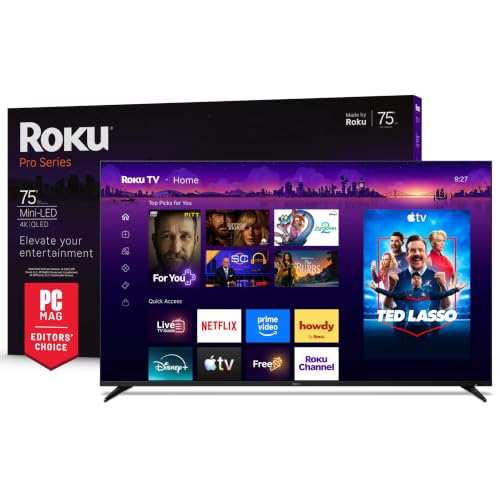

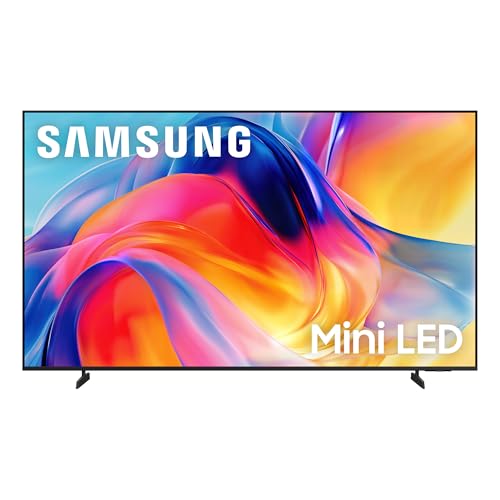

Native Refresh Versus Marketing Numbers
Many TVs advertise motion ratings such as 240 or higher, which are marketing figures built from backlight tricks and processing, not the panel's real refresh rate. A native 120Hz panel really redraws 120 times per second, and that is what matters for gaming and smooth motion.
Look for the words native 120Hz in the specifications, not a vague motion rate. Some sets only reach 120Hz at lower resolutions, and a few limit it to certain inputs, so read the fine print. If you want to dig deeper, our guide to the best 4K 120Hz TVs covers it.
HDMI 2.1 and Gaming Features
To play a modern console or PC at 4K 120Hz, the TV needs HDMI 2.1 on the port you use. Check how many ports are full-speed, because some TVs offer only one or two. Features such as variable refresh rate and auto low latency mode remove tearing and cut input lag.
Game mode settings differ between brands, and some TVs disable certain picture processing in game mode. If you play a lot, check the input lag mentioned in reviews and consider a set with a dedicated gaming menu.
OLED, Mini-LED and QLED Panels
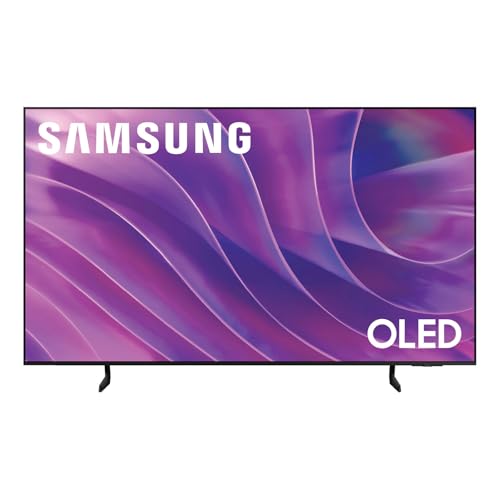
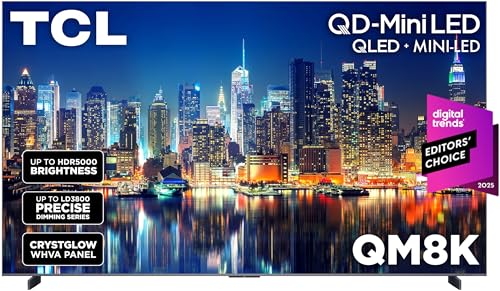
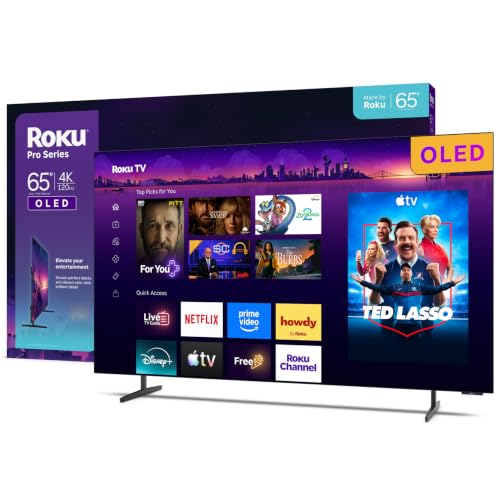
OLED sets light each pixel individually, giving perfect black, wide viewing angles and fast response. They shine in dark rooms but are less bright than LED sets. Mini-LED and QLED sets use many small backlight zones and reach high brightness, which suits bright living rooms and HDR highlights.
Choose by room. A dim cinema room favors OLED, while a sunny lounge favors a bright Mini-LED model. Both can deliver native 120Hz, so panel type matters more for picture character than for refresh rate.
Size and Viewing Distance
A larger screen makes movies more immersive, but only if you sit far enough to take in the picture. Measure your wall and seating distance before choosing, and remember that the TV stand or wall mount sets the maximum width. For gaming close to the screen, a mid-size set is often more comfortable than a very large one.
If you are weighing smaller options, check our overview of the best smart TVs for more choices.
Motion Settings for Sports and Movies
Frame interpolation smooths motion by inserting extra frames, which many people like for sports and dislike for movies, where it can create a soap opera effect. Most TVs let you adjust or switch off interpolation, so you can use it for football and turn it off for films.
Good processing keeps judder low and blur under control without artifacts. Try different settings and keep what looks natural to you. A film mode that follows the source frame rate respects the director's intent.
Smart Platform, Sound and Extras
The built-in smart system affects daily use more than many buyers expect. Check app support, speed and how long updates continue. Built-in speakers are usually modest, so budget for a soundbar if you care about dialogue and bass.
Other useful extras include a remote with backlight, voice control, wall-mount compatibility and eco settings. Confirm whether the stand sits at the edge or the center, since that affects which furniture it fits.
Choosing the Best 120Hz TVs by Budget
Lower-priced sets offer 120Hz at modest sizes with fewer HDMI 2.1 ports, which is fine if you only game on one device. Mid-range sets add better local dimming, more full-speed ports and brighter panels. Premium models bring top-tier processing, very high brightness and superb OLED panels.
Spend first on panel quality and ports, then on sound. A great picture matters more than extra smart features, and you can add a streaming stick later.
Placement, Mounting and Glare
Think about where the TV will sit before you order. A set mounted on the wall needs a bracket that suits its weight and mounting pattern, plus space behind it for cables. A TV on furniture needs a stand that is wide enough, because many large sets have feet near the outer edges.
Glare is the quiet enemy of a good picture. Keep windows to the side rather than behind you, and use curtains for afternoon sun. An anti-reflective screen coating helps, and tilting the set slightly downward can cut reflections from ceiling lights.
Setup and Calibration Tips
Choose the movie or cinema picture mode first, because showroom modes are overly bright and oversaturated. Then adjust brightness for your room and switch on variable refresh rate for your console. Turn off extras you do not like, such as aggressive noise reduction.
Check each HDMI input is set to its enhanced mode, because some TVs disable full bandwidth until you switch it on. Finally, keep the box for the first weeks so a faulty panel can be returned.
Frequently Asked Questions
Is a 120Hz TV worth it for movies?
Most movies are shot at a low frame rate, so the main benefit is smoother motion handling and better gaming rather than the film itself.
Do all 120Hz TVs support 4K 120Hz?
Not always. Check the HDMI ports and the listing for full 4K at 120Hz.
Does a high motion rating mean 120Hz?
No. Motion ratings are marketing figures. Look for native 120Hz in the specification.
OLED or Mini-LED?
OLED for dark rooms and contrast, Mini-LED for bright rooms and HDR highlights.
Should I switch off motion smoothing?
For movies, usually yes. For sports and games, it depends on taste and the TV's lag.
Wrapping Up
Look for a native 120Hz panel, count the full-speed HDMI 2.1 ports and match the panel type to your room. The best 120hz tvs keep sports crisp, games responsive and movies natural. Use the product table above to compare options and confirm the return window before you order.
Prices and availability can change, so check the product page before ordering.