
Best 14 Inch AI Laptop: What to Check Before You Buy in 2026
Disclosure: We may earn a commission when you buy through links on this page, at no extra cost to you. As an Amazon Associate I earn from qualifying purchases. Learn more

Which chip, memory and screen make the best 14 inch ai laptop for your work? A plain guide to NPUs, price tiers and what to skip.
The best 14 inch ai laptop is the one whose neural processor, battery and screen fit the work you do every day, not the one with the loudest AI sticker. A 14 inch body is the sweet spot for people who carry a laptop daily: roomy enough for two windows side by side, small enough for a commuter bag or an airline tray table.
This guide explains what an AI laptop really changes, how to judge the chip, memory and display, and which budget tier makes sense. The product table after this introduction lists in-stock options you can hold up against the checks below.
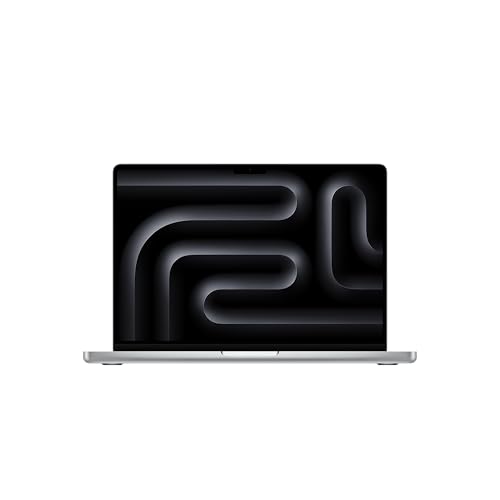
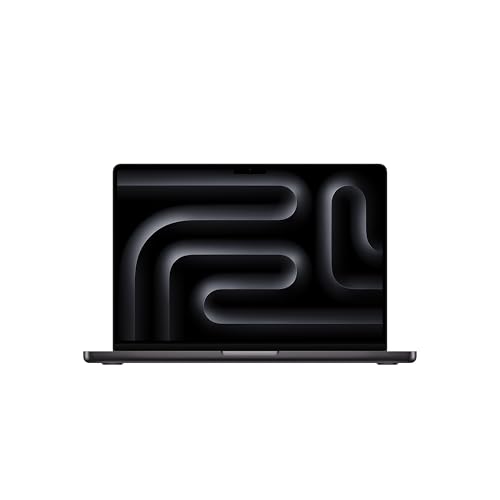
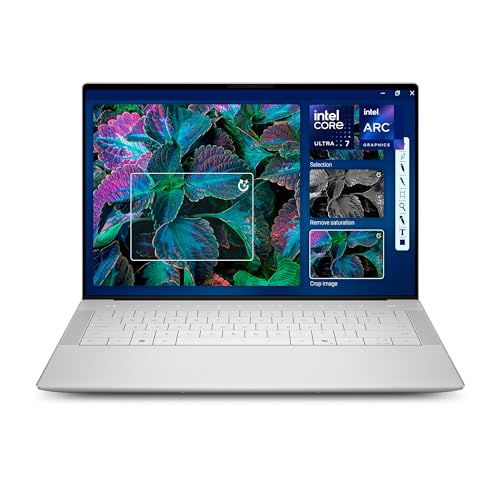
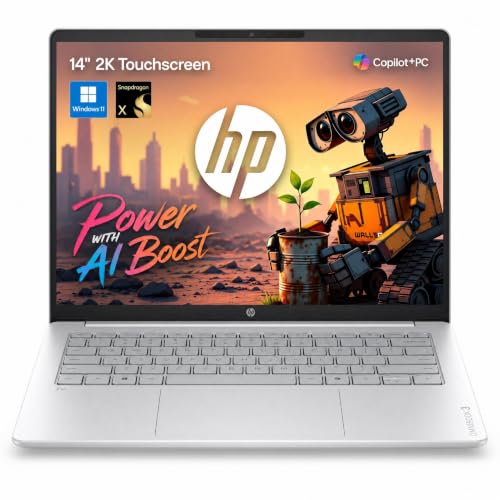
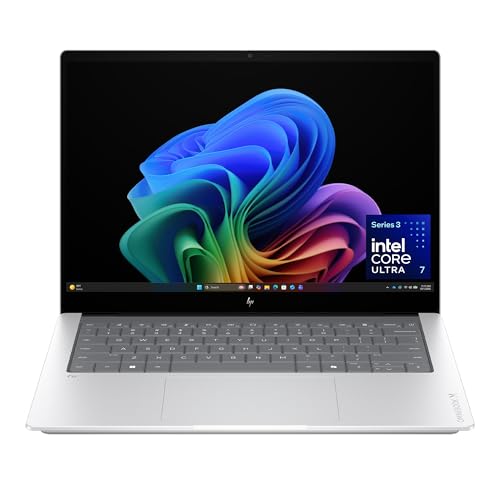

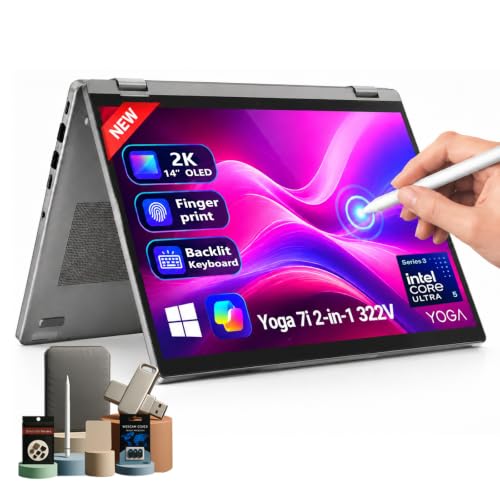
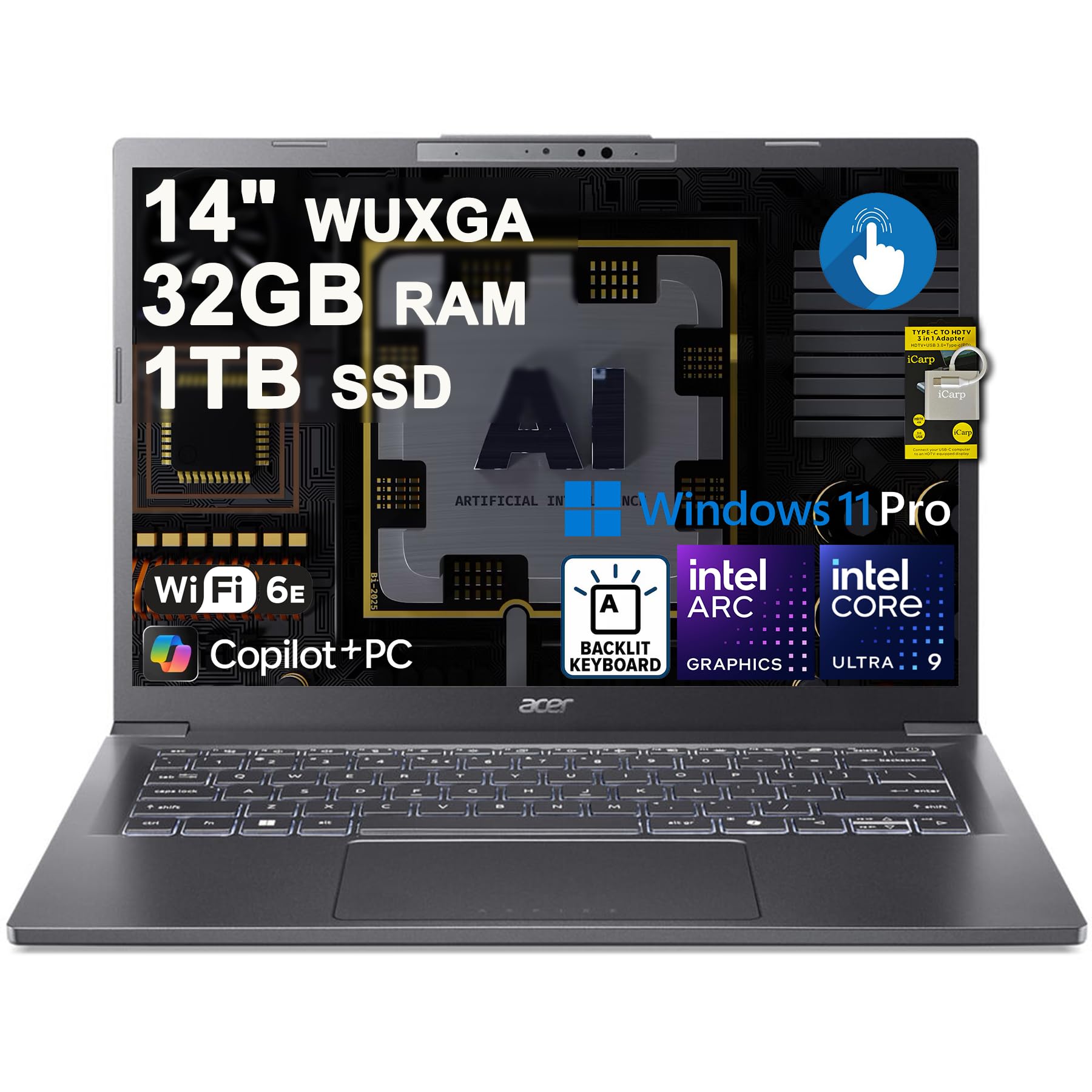

What an AI Laptop Actually Does
The AI label normally means the processor contains an NPU, a dedicated block built for steady machine learning work at low power. Microsoft calls Windows machines that meet its bar "Copilot+ PCs", and Apple builds a Neural Engine into every current M series chip. The jobs it speeds up are practical: background blur and eye contact on video calls, live captions and translation, local photo search, voice dictation and some editing tools.
The benefit is that these jobs run on battery without spinning the fans. A laptop without an NPU can still do most of them through the cloud or the main processor, only slower and warmer. Many AI features are also young, tied to specific apps or to a Microsoft account, so treat the NPU as a bonus on top of a good laptop. Buy for the screen, keyboard, battery and memory first, and let the NPU separate models that are otherwise close.
Choosing the Chip Family
Arm laptops: Snapdragon X and Apple silicon
These chips are known for long battery life, cool bottoms and near silent running. Windows on Arm runs most mainstream software, but check older drivers, niche engineering tools and games with strict anti-cheat before you commit. Apple laptops sit in their own ecosystem and suit anyone already using an iPhone.
Intel Core Ultra and AMD Ryzen AI
These keep full x86 compatibility, which matters if you rely on legacy business software, older peripherals or a wide game library. Battery life is usually a step behind the Arm models, though the gap has narrowed. If your workplace uses one odd program that must run natively, this family is the safer choice.
Memory and storage
Thin 14 inch laptops almost always solder the memory to the board, so the amount you buy is the amount you keep. Sixteen gigabytes is a sensible floor for a machine you plan to use for several years, because AI features, a browser with many tabs and video calls all compete for it. A 512GB drive is comfortable; photo libraries and local models fill smaller ones quickly.
Screen, Weight and Battery in a 14 Inch Body
An OLED panel gives deep blacks and rich color for photos and video, while a good IPS panel is brighter in a sunny cafe and often kinder to battery life. Look for a 16:10 shape, which adds vertical room for documents and spreadsheets. Touch screens and 2-in-1 hinges add flexibility for note taking, at the cost of a little weight.
Read the listed weight and compare it with what you carry now; the gap between a light and a heavy 14 inch laptop is easy to feel by the second week. Battery figures on a listing come from the maker's own routine, so expect a real office day to land lower. Make sure the laptop charges over USB-C, because a single charger for phone and laptop simplifies travel. Also check for HDMI, a headphone jack and a card reader if you use them.
How Much to Spend on a 14 Inch AI Laptop
Prices in the table fall into three clear tiers, and each tier changes what the best 14 inch ai laptop means for you. Under about $500 you will see many laptops labeled "AI" or "Copilot" that use entry level processors. These handle email, documents and video calls well, but they usually lack a real NPU, so confirm the processor name in the listing before assuming the AI features will work locally.
From roughly $600 to $1,000 you reach genuine Copilot+ territory, with Snapdragon, Ryzen AI and Core Ultra chips, sharper screens and 16GB of memory. Above $1,500 you pay for OLED panels, premium metal bodies, larger drives and the Apple M series models. Spend more only when you will use the extra power every day, such as for video editing, local models or heavy multitasking.
Which Type Fits Which Buyer
- Students: a light body, strong battery and a keyboard you like for long essays matter more than peak speed. See the best AI laptop for students for a deeper look.
- Remote workers: prioritize webcam quality, microphones and the call features the NPU accelerates.
- Creators: choose a color accurate OLED, plenty of storage and the most memory you can afford.
- Budget buyers: read the best budget AI laptop guide, then check the processor name before paying for the AI label.
If you want to understand why the NPU matters at all, the explainer on NPU vs GPU for AI covers the difference in plain language.
FAQs
Do I need an AI laptop?
No. Any current laptop can video call, write and browse. An AI laptop pays off when you use features like live captions, local photo search or on device transcription daily and want them to run quietly on battery.
Is a Copilot+ PC the same as an AI PC?
Not exactly. Copilot+ PC is Microsoft's name for Windows laptops that meet its NPU requirement. Plenty of laptops carry an AI or Copilot label without meeting it, so check the listing for the processor and NPU details.
How much memory should a 14 inch AI laptop have?
Sixteen gigabytes is the practical starting point. Eight gigabytes can feel tight once AI tools, many browser tabs and a video call run together, and thin laptops rarely allow a later upgrade.
Is 14 inches the right size?
It suits most people who travel or move between desks. If you edit video or keep many windows open all day, a 16 inch model gives more room, and a 13 inch model saves weight at the cost of screen space.
Final Verdict
Pick the best 14 inch ai laptop by starting with the chip family your software needs, then confirm 16GB of memory, a screen you enjoy and a battery that lasts your workday. Use the product table to compare prices across the three tiers, and only pay for a real NPU when you will use the features it speeds up.
Prices and availability can change, so check the product page before ordering.


