
Best Ai Laptop In 2026: The Complete Buying Guide For Smart Shoppers
Disclosure: We may earn a commission when you buy through links on this page, at no extra cost to you. As an Amazon Associate I earn from qualifying purchases. Learn more

If you are searching for the best AI laptop, you are entering the most transformative moment in personal computing since the smartphone era. In 2026, the phrase "AI laptop" has evolved from a marketing buzzword into a meaningful category defined by specific hardware, verified certifications, and a growing set of on-device features that genuinely change how you work, create, and communicate every day. The right AI laptop transcribes your meetings in real time without an internet connection, generates images locally on your device, finds any file or document you can vaguely remember seeing, and handles all of this without draining your battery or slowing down everything else you are doing.
But the AI laptop market in 2026 is also full of labels, badges, and spec numbers that can mislead buyers who do not know what to look for. This guide cuts through the noise, explains every specification that actually matters, helps you identify which type of AI laptop suits your workload, and gives you a clear framework for making a confident purchase that you will not regret in 18 months.


What Makes a Laptop an "AI Laptop" in 2026?
The single most important distinction in the AI laptop market in 2026 is the presence of a dedicated Neural Processing Unit (NPU), a third type of processor chip that works alongside the CPU and GPU specifically to handle artificial intelligence computations.
The laptop market in 2026 has structurally split into two tiers: machines with a capable NPU and machines without one. This is not a subtle performance difference. It is the difference between a machine that can run on-device AI features privately and efficiently and one that either cannot run them at all or has to route them through cloud servers that require an internet connection and send your data off-device.
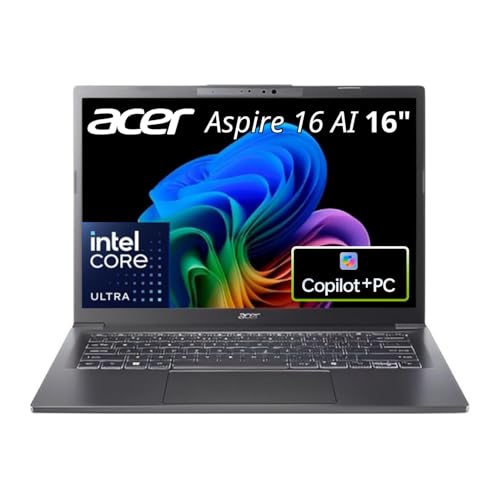
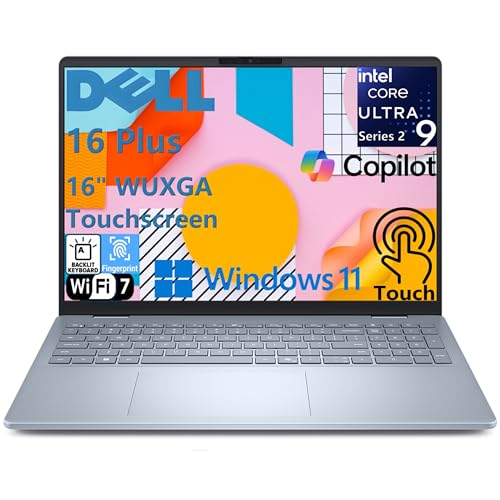
Microsoft formalized this distinction with the Copilot+ PC certification, the most important quality standard in the Windows AI laptop market. A Copilot+ PC requires a minimum of 40 TOPS (Trillion Operations Per Second) from its NPU. That threshold unlocks a specific class of on-device features including Windows Recall, Live Captions with real-time translation across 40 or more languages, Windows Studio Effects for video calls, intelligent search across everything on your device, and local AI image generation.
One critical warning that every AI laptop buyer in 2026 needs to hear: any laptop sold today may claim "AI capabilities" in its marketing. The question is always whether it has a dedicated NPU meeting real performance thresholds or whether "AI" is simply a sticker on a machine with no meaningful AI hardware. Always look for the actual TOPS number in the specifications or the Copilot+ PC badge on Windows machines. On Mac, look for Apple's Neural Engine rating in the M4 or M5 chip family. Never buy an AI laptop on marketing language alone.
The Three Processors That Define the Best AI Laptops in 2026
In 2026, three processor families dominate the AI laptop market for Windows, and Apple's M-series occupies its own elite tier. Understanding each helps you match hardware to your actual needs.
Qualcomm Snapdragon X Elite and X Plus deliver the highest NPU TOPS ratings among thin and light Windows AI laptops and offer genuinely outstanding battery life that makes them the top choice for travelers, students, and professionals who are regularly away from power outlets for extended periods. The trade-off is that these processors run Windows on ARM, which has broad application compatibility but may occasionally struggle with older x86 software or specialized enterprise tools. Before buying a Snapdragon-powered AI laptop, verify that the specific applications you depend on most run natively or through emulation without significant performance loss.
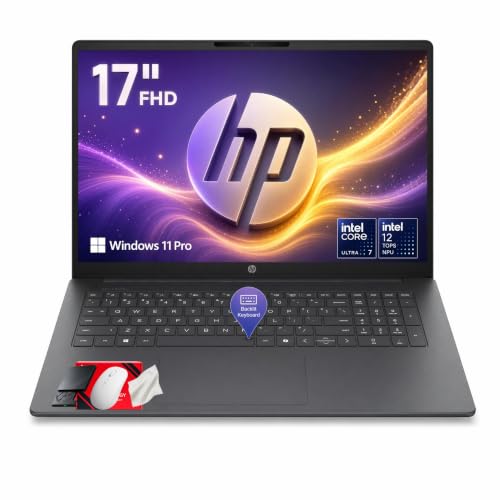
Intel Core Ultra 200V series provides the strongest compatibility with the entire Windows software ecosystem; every x86 application, legacy tool, and specialized work software runs without emulation. The Core Ultra 200V also delivers NPU performance well above the 40 TOPS Copilot+ threshold, combined with impressive battery life in its Lunar Lake architecture. For professionals who depend on specific Windows applications that must run perfectly, Intel Core Ultra 200V is the safest choice without sacrificing any AI laptop capabilities.
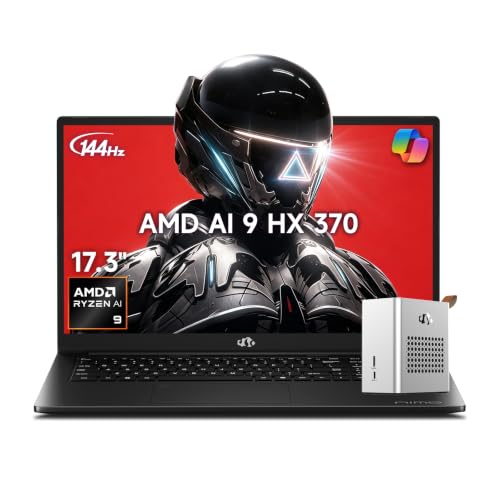
AMD Ryzen AI 300 and 400 series offer a compelling combination of strong CPU performance for demanding workloads, capable NPU acceleration that meets and often exceeds the 40 TOPS threshold (with some SKUs reaching 50 TOPS or higher), and broad x86 compatibility. Ryzen AI laptops tend to deliver excellent value at mid-range price points and are particularly well-suited for users who need both productive AI features and heavier CPU workloads like video editing, 3D modeling, or software development running simultaneously.
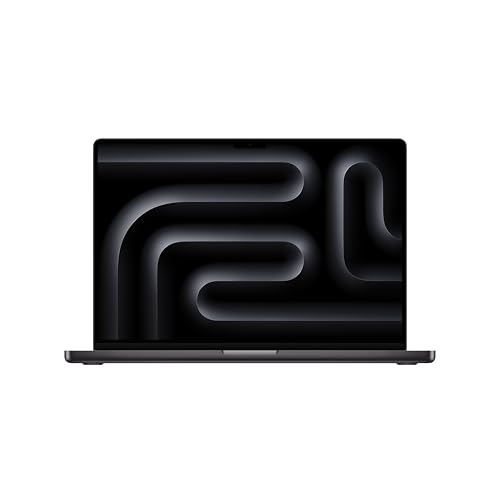
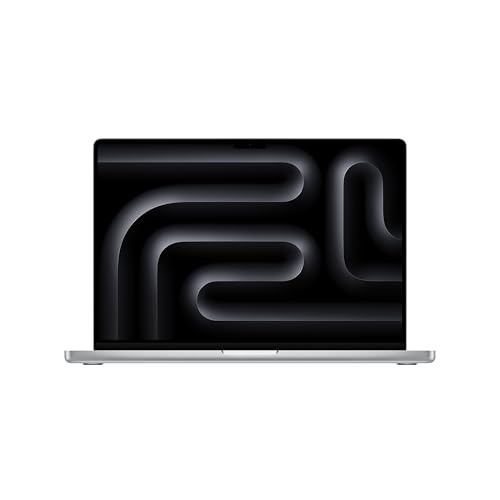
Apple M4 and M5 series occupy a different conversation entirely. Apple's unified memory architecture, where CPU, GPU, and Neural Engine share the same high-bandwidth memory pool, gives MacBooks a fundamental advantage for large local AI models that require substantial memory bandwidth. The M4 and M5 Neural Engine perform significantly above the Windows Copilot+ threshold, and macOS is increasingly optimized for on-device AI across Apple's own application suite. For users in the Apple ecosystem or those who specifically want to run large local language models efficiently, the MacBook Air or MacBook Pro represents one of the highest-performance AI laptop options available regardless of price tier.
The Specifications That Actually Matter
NPU TOPS: The Minimum Bar and Why It Matters
Do not buy any laptop marketed as an "AI PC" that cannot confirm at least 40 TOPS from its NPU. This is the threshold that defines whether you can actually use the Copilot+ features that justify buying an AI laptop in the first place. Most current chips from all four major processor families easily exceed this threshold. Snapdragon X Elite reaches approximately 45 TOPS. Intel Core Ultra 200V series reaches 48 TOPS. AMD Ryzen AI 300 and 400 series reach 50 TOPS in many configurations. Apple M4 Neural Engine exceeds 38 TOPS in equivalent on-device AI tasks.
For most buyers, any processor meeting the 40 TOPS threshold is sufficient for all current AI laptop features. Users who want to run larger local language models (7 billion parameters and above), generate complex images entirely on-device, or future-proof for more demanding AI workloads arriving in the next two to three years should prioritize higher TOPS ratings and, critically, more RAM.
RAM: The Specification That Changes Everything
RAM is the specification that experts consistently identify as the most critical for AI laptop performance, and the one most frequently underspecified in budget configurations that still carry AI branding.
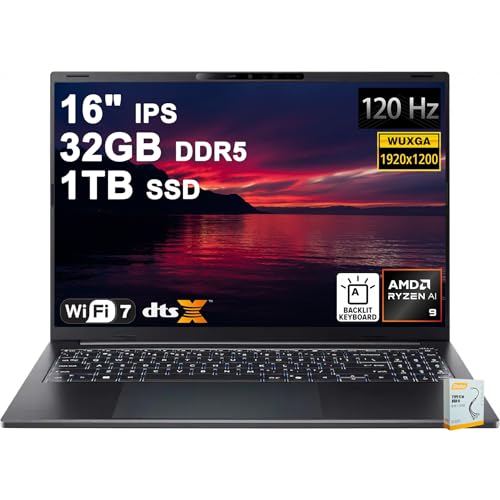
16 GB of RAM is the minimum for a functioning Copilot+ AI laptop experience. 32 GB is the right specification for most buyers in 2026 it handles all current on-device AI features, allows genuine local language model experimentation with smaller open-source models, and ensures the machine remains capable for the next three to four years as AI software demands grow. 64 GB or more is the territory of developers, researchers, and creative professionals who run large local AI models as a primary workflow.
The specific RAM type matters almost as much as the capacity. LPDDR5X memory delivers significantly higher bandwidth than older LPDDR4X or standard DDR5, which directly improves the speed at which the NPU and integrated GPU can process AI tasks. Budget AI laptops that meet the TOPS threshold but ship with lower-bandwidth RAM will feel slower on intensive AI tasks than the NPU specification alone suggests.
One principle that independent testing consistently confirms: do not skimp on RAM. Every other specification CPU speed, display resolution, storage capacity is secondary to having adequate memory for the AI workloads you intend to run. RAM is the bottleneck that determines whether an AI laptop delivers a smooth, fast experience or a frustrating one.
Storage: Speed and Capacity Both Count
NVMe SSD storage is non-negotiable in any AI laptop worth considering. Traditional SATA drives and HDDs are simply too slow to deliver the fast model loading times, responsive intelligent search, and quick application switching that AI features depend on.
512 GB NVMe SSD is the minimum practical configuration for an AI laptop in 2026. The combination of the operating system, applications, AI model files, and personal data fills 512 GB faster than most buyers anticipate. 1TB NVMe SSD is the recommended configuration for most buyers it provides comfortable headroom for everything and eliminates the constant storage management that turns 512 GB machines into an ongoing frustration within a year or two.
For users who plan to run local AI language models, store large datasets, or work with video and creative files alongside AI workflows, 2 TB NVMe storage is a meaningful upgrade worth considering at purchase rather than trying to address with external drives after the fact.
Battery Life: Where the NPU Earns Its Keep
One of the most practically meaningful benefits of a well-designed AI laptop is its battery efficiency during AI-accelerated tasks. A machine that handles video call effects, real-time captions, and background AI operations through its dedicated NPU uses dramatically less power than a machine performing the same tasks on the CPU alone.
However, battery life claims on AI laptops deserve healthy skepticism. Manufacturer claims of "20 hours of battery life" are typically measured under the most favorable possible conditions low screen brightness, minimal workload, airplane mode. For AI-heavy use cases including sustained video calls with Studio Effects, active on-device transcription, or running local models throughout the workday, realistic battery life is often 40 to 60 percent of the quoted figure.
When researching AI laptops, prioritize independent reviews that test battery life under realistic workloads video streaming at standard brightness, productivity application use, and AI feature engagement rather than manufacturer specifications. The best thin and light AI laptops from Qualcomm Snapdragon and Apple Silicon architectures consistently deliver 10 to 15 hours of genuine mixed-use battery life, which is the real-world target worth aiming for.
Matching the AI Laptop to Your Actual Workload
The best framework for choosing an AI laptop in 2026 is to define your top three use cases and match hardware to those specific requirements. Buying the most impressive specification sheet without anchoring it to real workflow needs is how buyers end up with powerful machines that never fully justify their cost.
For students and everyday productivity users, the priorities are battery life, portability, and reliable Copilot+ AI features for note-taking, transcription, intelligent search, and writing assistance. A thin and light Copilot+ certified laptop with a Snapdragon X or Intel Core Ultra 200V processor, 16 GB of RAM (32 GB preferred), and 512 GB to 1 TB NVMe storage handles everything needed and delivers outstanding battery life for all-day campus or remote work use.
For remote workers and hybrid professionals, the priorities are video call quality (Studio Effects, automatic framing, live captions), fast performance across multiple demanding applications, and battery life sufficient for a full workday without hunting for an outlet. 32 GB RAM is strongly recommended at this use level. Intel Core Ultra 200V or AMD Ryzen AI 300 series are both excellent choices that balance AI capability with x86 application compatibility across enterprise software environments.
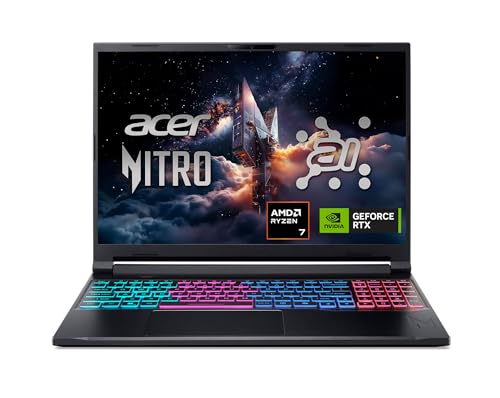
For content creators and designers, the priorities shift toward GPU performance for rendering, image editing, and video work in addition to NPU capability for AI-assisted creative tools. A laptop with a discrete NVIDIA RTX GPU in addition to a capable NPU delivers the best of both worlds: GPU compute for heavy creative tasks and NPU efficiency for sustained AI feature use without battery drain. 32 GB RAM is the minimum at this level, with 64 GB a meaningful upgrade for professional workflows.
For AI developers and researchers, the priorities are maximum RAM (32 GB minimum, 64 GB preferred), LPDDR5X memory bandwidth, NVMe Gen4 storage, and either a high-TOPS NPU for inference tasks or a discrete GPU with substantial VRAM for model training and larger local language models. MacBook Pro with M4 Pro or M5 Pro and 48 GB to 96 GB unified memory is the single most capable thin and light option for running large local AI models. Windows alternatives with 64 GB LPDDR5X RAM and RTX discrete GPUs offer comparable power for NVIDIA-specific AI frameworks.
The Specifications You Can Safely Deprioritize
Not every specification on an AI laptop listing deserves equal attention. Several commonly marketed features contribute little to real-world AI laptop performance and can distract buyers from more impactful decisions.
The Copilot+ PC badge itself is a starting point, not a finishing line. As the most practical buying guidance consistently confirms: the best AI laptop is still a good laptop first. The NPU helps with Copilot+ features and local AI tasks, but it will not fix a dim screen, a cramped keyboard, a small SSD, or an application that struggles on ARM architecture. Evaluate the fundamentals display quality, keyboard feel, port selection, build quality, repairability, and total price before allowing AI branding to dominate the decision.
CPU clock speed differences between similarly positioned AI laptop chips have become less meaningful at this level of the market, where all competing processors from the major families deliver strong performance for typical laptop workloads. The display resolution, color accuracy, and brightness range matter more for daily satisfaction than the last few percentage points of CPU benchmark performance. And the warranty, customer support reputation, and repairability of the specific brand should always factor into a purchase that you will rely on daily for three or more years.
Final Thoughts: How to Buy the Best AI Laptop with Confidence
The best AI laptop in 2026 is the one that delivers a powerful NPU for genuine on-device AI capabilities, sufficient RAM to handle current and near-future AI workloads without compromise, fast NVMe storage in adequate capacity, and outstanding battery life all within a well-built chassis that serves the practical demands of your daily life.
Confirm 40 TOPS minimum NPU performance and Copilot+ certification on Windows, or Apple M4 or M5 Neural Engine on macOS. Prioritize 32 GB RAM for most use cases. Choose 1 TB NVMe storage as your baseline. Research realistic battery life from independent testing rather than manufacturer claims. And always evaluate the AI laptop fundamentals display, keyboard, ports, and build quality alongside the AI specifications before committing to a purchase.
The AI laptop category is evolving rapidly, and every six months brings meaningful new features, higher TOPS ratings, and better software support for on-device AI. But the machine you buy today, if chosen wisely against this framework, will remain one of the most capable and useful computers you have ever owned well into the latter half of this decade.


