
Best 14 Inch Portable Monitor: Ports, Panels and Stands in 2026
Disclosure: We may earn a commission when you buy through links on this page, at no extra cost to you. As an Amazon Associate I earn from qualifying purchases. Learn more

Pick the best 14 inch portable monitor by its connections, panel and stand, and see what budget and OLED models offer.
The best 14 inch portable monitor is the one that matches your laptop's ports, fits your bag and stays comfortable to look at for a whole workday. At this size the screen is about as wide as a typical 14 inch laptop, so it sits neatly beside one and adds a second window without a desk monitor's footprint.
These slim displays connect with a single USB-C cable or a mini HDMI plug, draw power from the laptop and fold flat in a sleeve. This guide explains the panel, connection and stand choices that matter, and what to expect at each price. The product table after the introduction lists in-stock 14 inch monitors for you to compare.
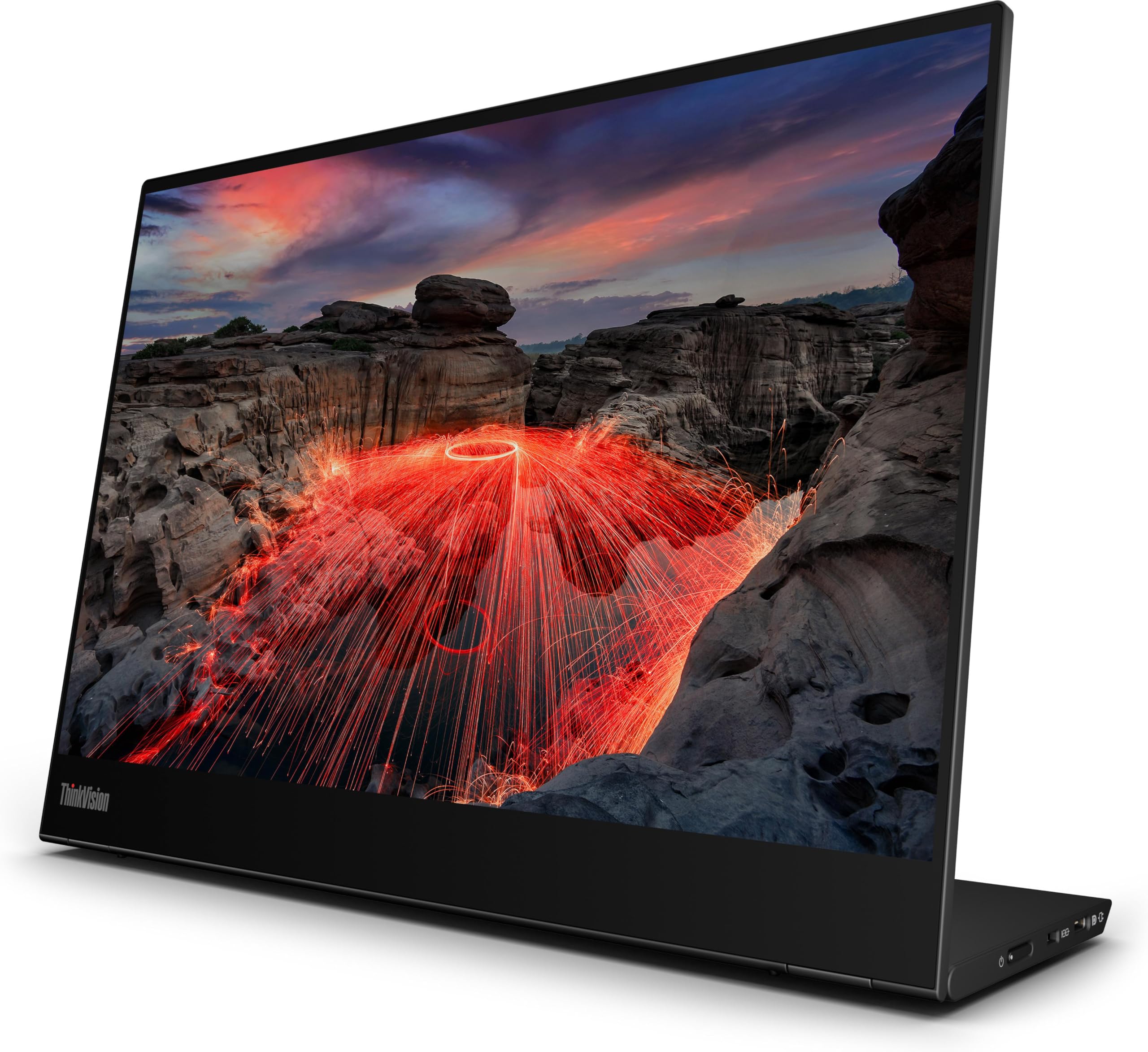


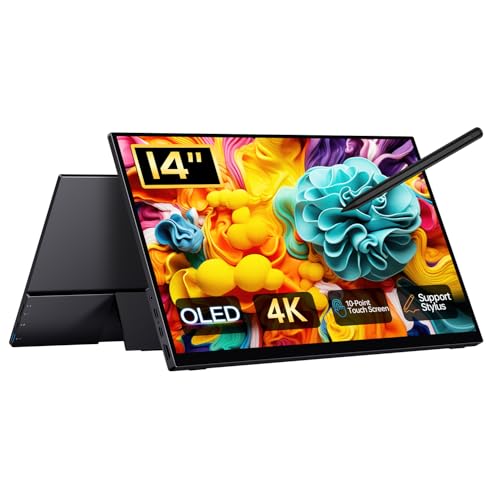

What a 14 Inch Portable Monitor Is For
The main uses are a second screen for a laptop on the road, a quiet extra window for chat or reference material, and a small screen for a console or a phone with desktop mode. A 14 inch monitor suits carry bags better than 15.6 or 16 inch models, and it weighs very little. If you want a larger panel for gaming, compare the best portable monitor for gaming guide, and for a general overview see the best portable monitor page.
There are two designs. A single panel monitor is the standard form, with a kickstand or case that doubles as a stand. A dual screen extender attaches to the back of a laptop and slides out to give one or two extra panels, which is handy for small tables but heavier. The laptop screen extender vs portable monitor comparison explains the trade offs.
Resolution and Panel Type
Full HD or 1200p
Most models use a Full HD or slightly taller 1920 by 1200 IPS panel. On a 14 inch screen this is sharp enough for documents and spreadsheets, and it keeps the cost and power draw low. A 100 percent sRGB claim is common and fine for office color.
2K and 4K options
Higher resolution models with 2.2K or 4K OLED panels look striking and suit creative work and video. They cost much more, draw more power and need a laptop with a strong USB-C video port. For many users the extra sharpness is a luxury rather than a need.
Touch and brightness
Touch screens add flexibility for tablet style use, but they raise the price. Brightness decides how readable the screen is near a window. If you work in bright rooms, check the listed brightness and read comments about outdoor and window use.
Connections and Power
Check how the monitor connects to your device. Many laptops support video over USB-C, which gives picture and power on one cable, but some USB-C ports only handle data. If yours does not carry video, you need an HDMI or mini HDMI connection and a separate power source for the monitor. Read the listing to see whether the screen has two USB-C ports, a mini HDMI port and a power pass through option.
Power draw matters on battery. A portable monitor can lower a laptop's battery life noticeably, so carry a power bank or plug the monitor into a wall adapter on long days. Compatibility with phones, consoles and tablets varies, so check device lists before buying for those uses.
Stand, Weight and Build
The stand determines how you will use the monitor. A folding cover that becomes a stand is light but angle options are limited. A built in kickstand allows more positions, and a screw thread lets you fit a tripod. Look at the listing weight and compare it with other travel gear. Metal backs feel premium but add weight, and plastic is cheaper and lighter.
Include a sleeve or a hard case in your plan, since slim panels can scratch or crack under pressure in a backpack. Most listings include a cover, a cable and sometimes a stand; extras like a mini HDMI cable can save a separate purchase.
Setting Up and Getting the Best Picture
After you connect the screen, open your operating system's display settings and choose whether to extend or mirror the desktop. Extending gives you a true second screen; mirroring suits presentations. Set the scale so text matches your main display, and match the orientation if you turn the monitor upright for reading long pages. Many monitors have an on screen menu with an eye care or low blue light mode, which helps in the evening.
Cable quality also matters. A short, certified USB-C cable avoids flicker and dropouts, while a poor cable can lower the picture or fail to carry video at all. If the picture blinks, try a different port on the laptop before blaming the monitor. When you shop for the best 14 inch portable monitor, a good cable in the box is a small but real sign of a careful maker.
Price Guide
You can find reliable 14 inch Full HD monitors from about $50 to $100, and several popular models sit near $60. Mid range models with better color and build are in the $90 to $150 range. Premium 4K OLED monitors and models from large monitor brands cost $250 to $310 or more. For most people, a well reviewed Full HD IPS monitor near the lower middle of the table gives the best value.
FAQs
Can I use a portable monitor with a phone?
Many phones with video output over USB-C can mirror to the monitor or use a desktop mode. Check the phone's specifications before you buy.
Do I need a power adapter?
Often not, since many monitors draw power over USB-C, but a wall adapter is better if your laptop's battery is a concern.
Will it work with a game console?
Yes, through HDMI. Check that your console can output at the monitor's native resolution and that power comes from a wall adapter or a power bank.
Is 14 inch big enough for work?
For reference windows, email, chat and spreadsheets beside your main laptop, yes. For full time editing, a 15.6 inch or larger monitor is more comfortable.
Final Verdict
The best 14 inch portable monitor is slim, sharp enough for your work and compatible with your laptop's USB-C port. Use the product table to compare resolution, ports and stand design, and choose Full HD IPS first unless you need a premium OLED panel.
Prices and availability can change, so check the product page before ordering.


