
Best 1440p Laptops: QHD Screens, Graphics and Who Needs Them in 2026
Disclosure: We may earn a commission when you buy through links on this page, at no extra cost to you. As an Amazon Associate I earn from qualifying purchases. Learn more

Sharper than Full HD, lighter than 4K. See which of the best 1440p laptops suit gaming, creating or study.
The best 1440p laptops bring a sharper screen than Full HD without the heavy battery and graphics cost of 4K. A 1440p display, also sold as QHD, QHD+ or 2.5K, puts about 78 percent more pixels on the screen than Full HD, so text is cleaner, photos show more detail and games look crisper on a 15 to 17 inch panel.
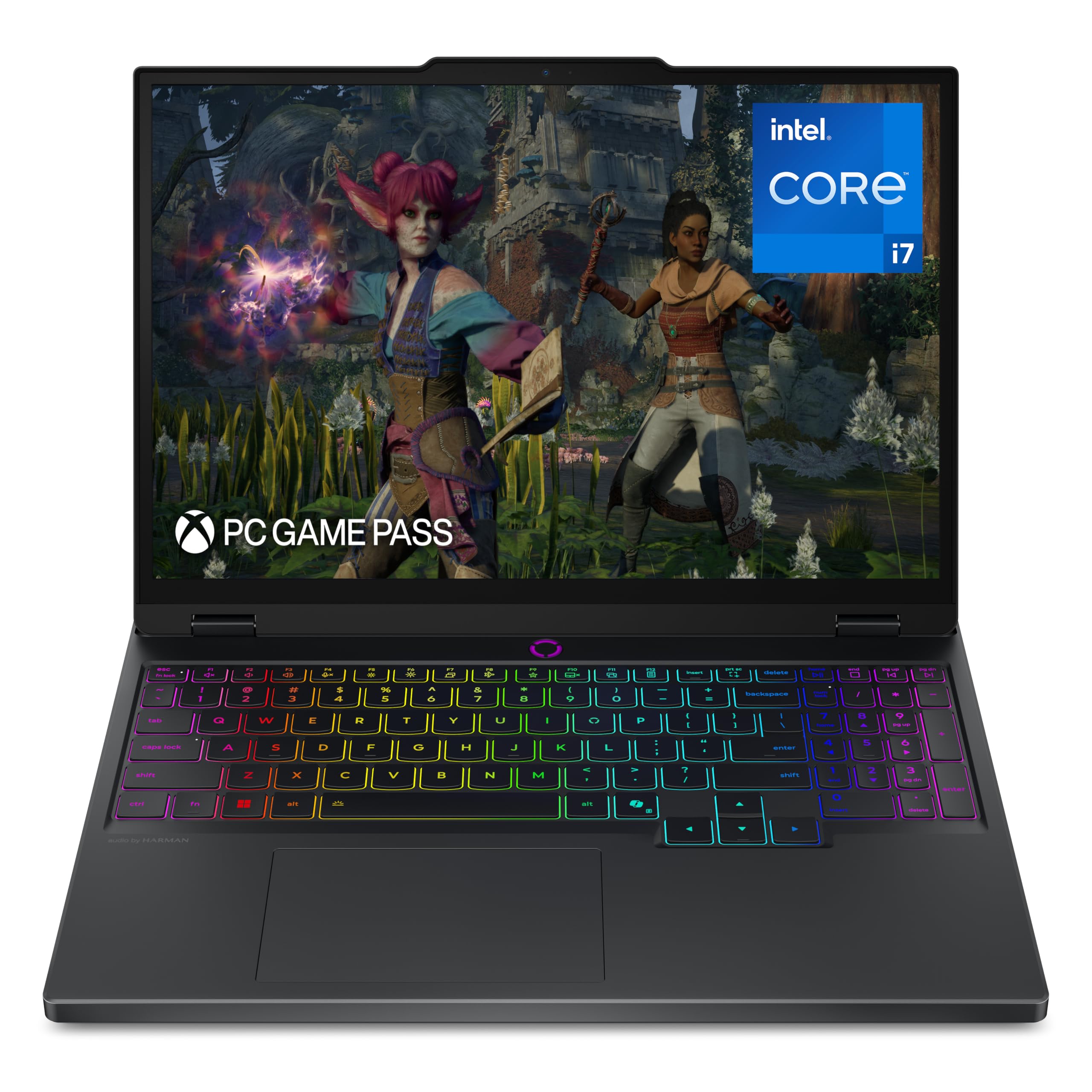
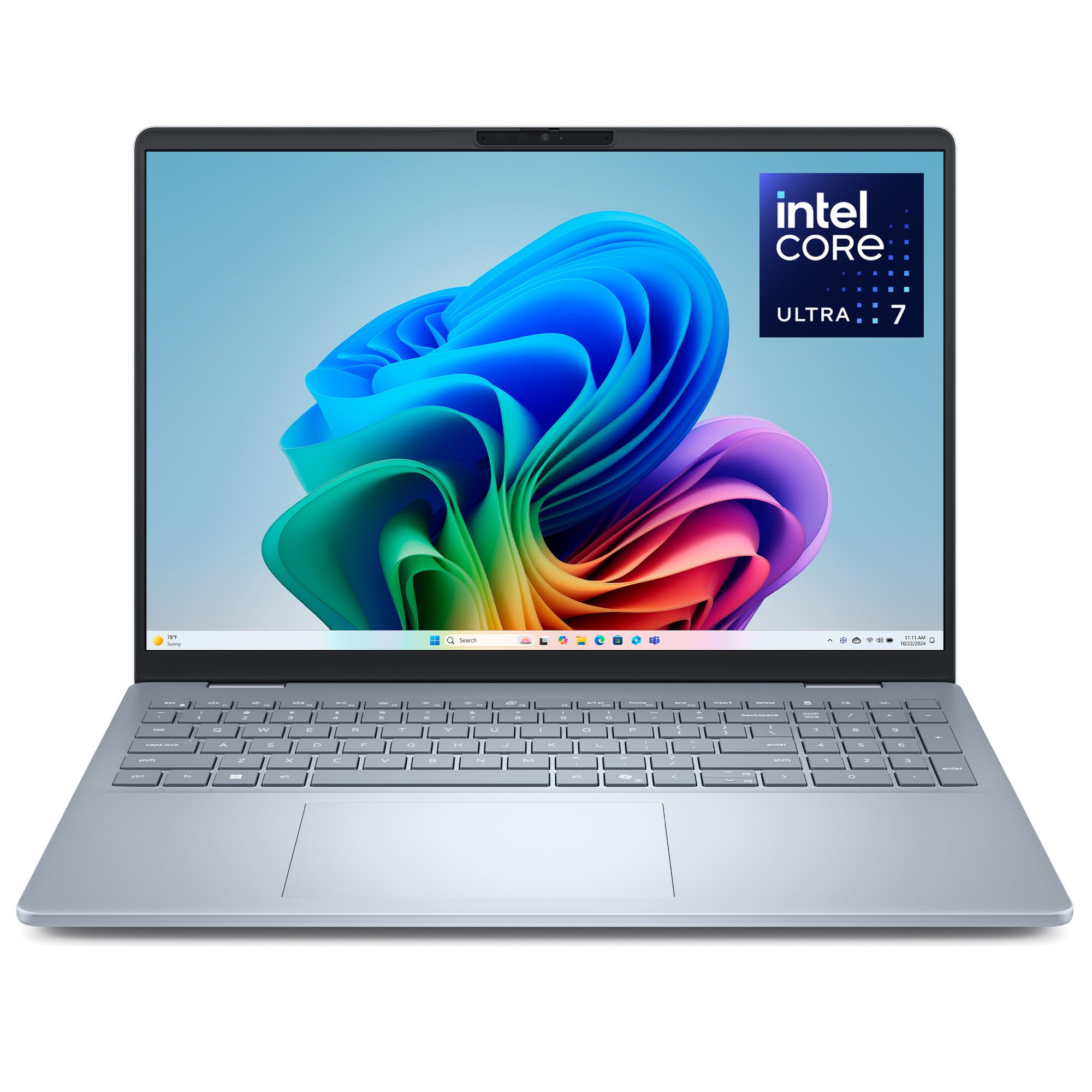
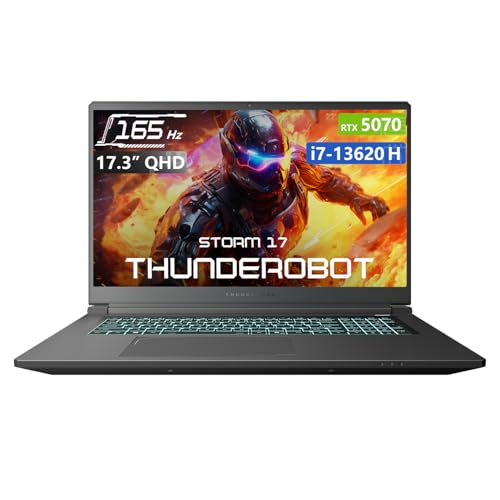
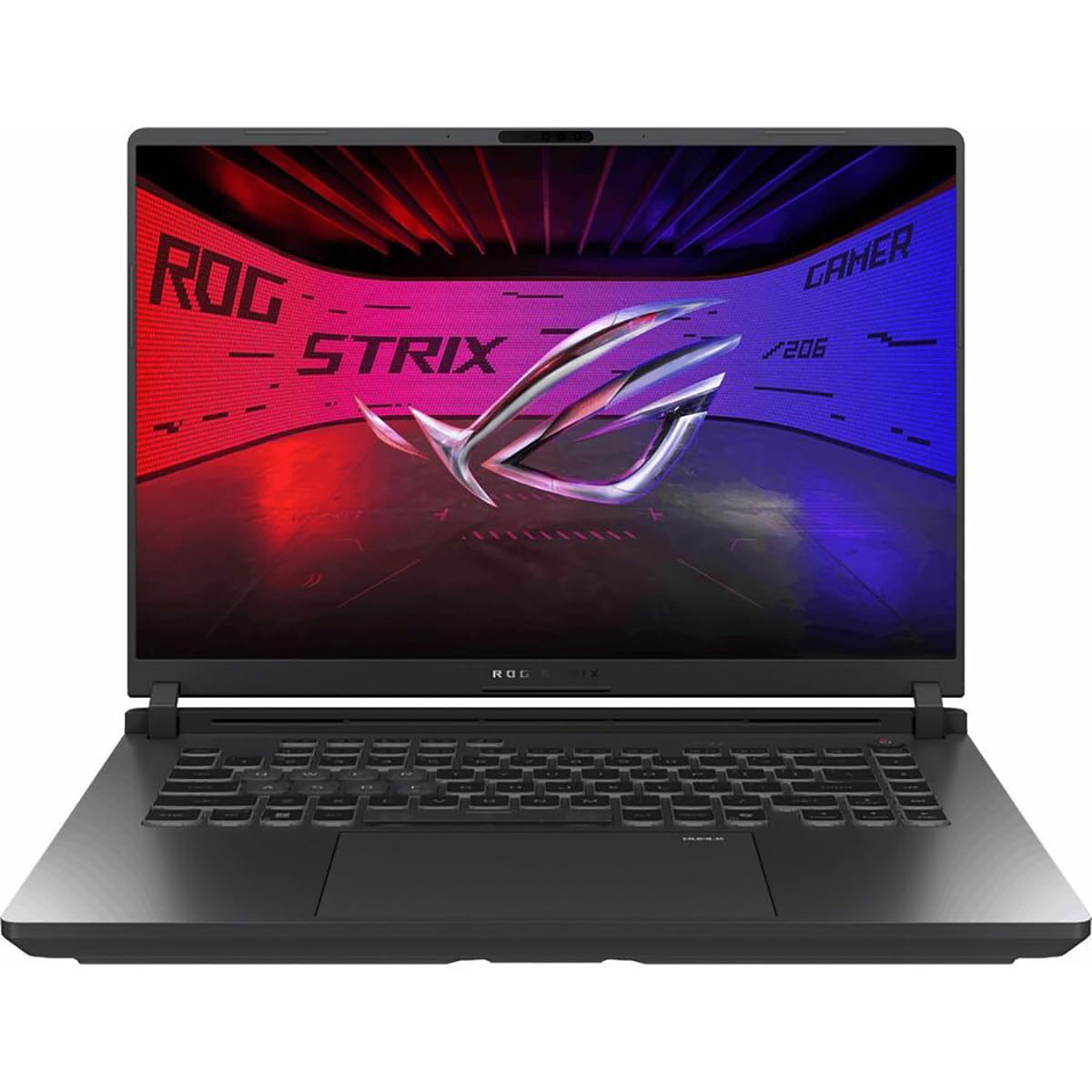
Because the extra pixels need extra power, 1440p laptops usually come with a dedicated graphics card or a strong chip. This guide explains the different 1440p labels, what graphics and cooling to expect, and who should buy one. The product table after the introduction lists in-stock laptops with QHD and 2.5K screens, mainly gaming models and a couple of thin office models.
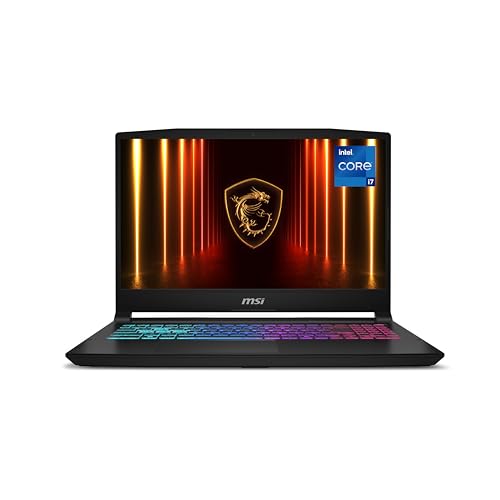

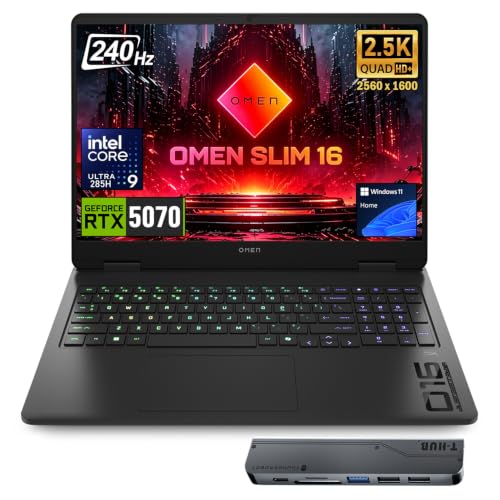
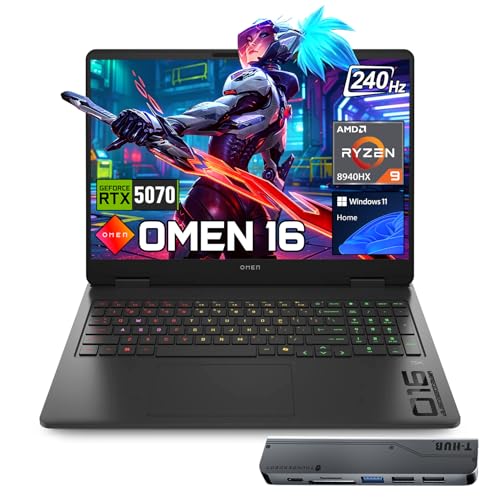
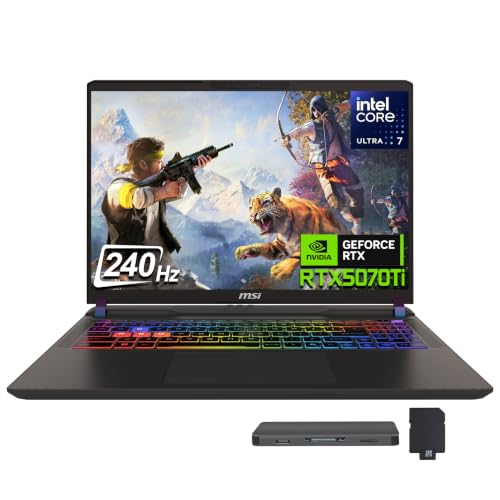

What 1440p, QHD+ and 2.5K Mean on a Laptop
True 1440p is 2560 by 1440 pixels in a 16:9 shape, which is the same as QHD. Many laptops use a taller 16:10 shape with 2560 by 1600 pixels, called QHD+, WQXGA or 2.5K. The extra height gives more space for documents and web pages, and the sharpness is similar. Labels vary between makers, so read the resolution in the listing rather than trusting the name.
Refresh rate matters just as much for gaming laptops. A 1440p screen at 165Hz or 240Hz feels very smooth, but you need a graphics card that can run your games at high frame rates at this resolution. Thin office laptops with 2.5K screens usually run at 60Hz or 120Hz and suit work and media more than games.
Who Should Buy a 1440p Laptop
Gamers
A QHD gaming laptop shows more detail than a Full HD one and makes the most of a mid or high end graphics card. It suits players who want sharp visuals and are willing to carry a heavier machine. You can still lower the render resolution or use upscaling if a game is demanding.
Creators and students
Photo and video editing benefits from the extra pixels and wider color. A 2.5K screen on a thin 14 or 16 inch laptop gives students a clear display for long study sessions.
Office users
If you read text for hours, the crispness is a real comfort. For plain office use, though, Full HD laptops cost less and last longer on a charge.
Graphics, Processor and Cooling
For gaming, look for an Nvidia RTX card in the mid or high tier. The laptop cards in the table range from the RTX 5060 class up to the RTX 5070 Ti class, and generous video memory helps at this resolution. The processor should be a modern high performance chip, often marked HX or H, and 16 to 32GB of memory is the norm. Cooling decides whether the laptop sustains its speed, so read comments about fan noise and temperature.
Thin office models use integrated graphics that work fine for work and light games but not for demanding titles. Choose by how you will use the laptop, not by the screen alone. The best game laptops guide covers gaming models of every size.
Battery Life and Portability
High resolution and high refresh rates drain batteries, so gaming laptops give only a few hours away from the charger. Most weigh heavily and need a large charger, so a 1440p gaming laptop is a transportable desktop rather than an all day machine. Thin 2.5K office laptops last much longer and weigh less. Treat the maker's battery claims as a best case.
Prices and When to Buy
The listed gaming laptops run from about $1,500 to more than $3,000, while 2.5K thin laptops sit near $1,000. Prices for laptops fall at predictable times, such as seasonal sales and the launch of new models, and the guide on the best time to purchase laptops explains when to wait. Because a new graphics generation brings the best value, compare last year's models, which often drop sharply in price.
Checks Before You Order a 1440p Laptop
Read the screen line carefully. Some listings advertise QHD but the panel is only 60Hz, a poor match for a gaming card, while others pair a fast refresh rate with a dim panel. Check brightness and color coverage if you edit photos. Look at the graphics power setting too: the same card name can run at lower wattage in a thin laptop, which lowers frame rates compared with a thicker model.
Finally, think about the charger and the bag. A gaming laptop at this resolution needs a large power brick, and a bag with a padded compartment protects the screen. If you plan to connect an external monitor, make sure the laptop has a port that supports it at the refresh rate you want. Taking these small steps helps you find the best 1440p laptops for your own habits instead of for a brochure.
Ports and Extras
- Display output: HDMI or USB-C video for a second screen.
- Network: Wi-Fi 6E or newer and an Ethernet port for gaming.
- Keyboard: backlit, with good key travel.
- Storage: a 1TB SSD with a free slot for another drive.
- Webcam and audio: useful for school and meetings.
FAQs
Is 1440p better than Full HD on a laptop?
Yes, it is sharper, especially on screens larger than 15 inches. It also needs more graphics power.
Can a laptop run games at 1440p?
Laptops with a mid to high tier RTX card can, with sensible settings and upscaling.
Is 2.5K the same as 1440p?
Close. 2.5K usually means 2560 by 1600, a taller version with a similar sharpness.
How much memory do I need?
Sixteen gigabytes is the minimum for gaming, and 32GB gives room for creative work.
Does a 1440p screen drain the battery faster?
A sharper panel needs a bit more power, and a high refresh rate adds to it. Dropping to a lower refresh rate on battery, which many gaming laptops allow in their settings, recovers a useful amount of runtime for web browsing and documents.
Final Verdict
The best 1440p laptops match the screen to the graphics power and cooling that drive it. Use the product table to compare gaming and thin models, decide whether you value frame rates or battery life, and check the resolution in the listing.
Prices and availability can change, so check the product page before ordering.


