
Best 17 Inch Portable Monitor in 2026: Buying Guide
Disclosure: We may earn a commission when you buy through links on this page, at no extra cost to you. As an Amazon Associate I earn from qualifying purchases. Learn more

How to pick the best 17 inch portable monitor: resolution, refresh rate, USB C support, brightness, weight and stand for work or travel.
A 17 inch portable monitor is the largest size that still travels well. It gives a big second screen for a laptop, a console or a phone, with room for two documents or a full game view, yet it slides into a bag. Choosing the best 17 inch portable monitor means balancing size, sharpness, speed and the connection your device supports.
The product table lists models from entry level to premium. Read the sections below to decide which features matter for your use.
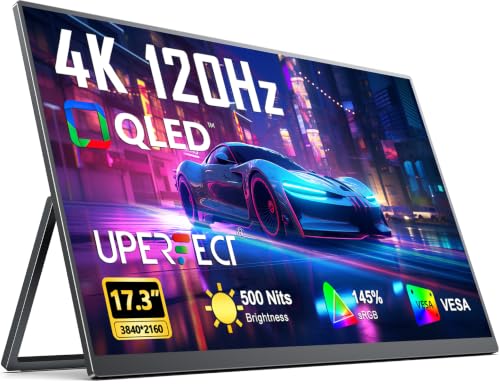
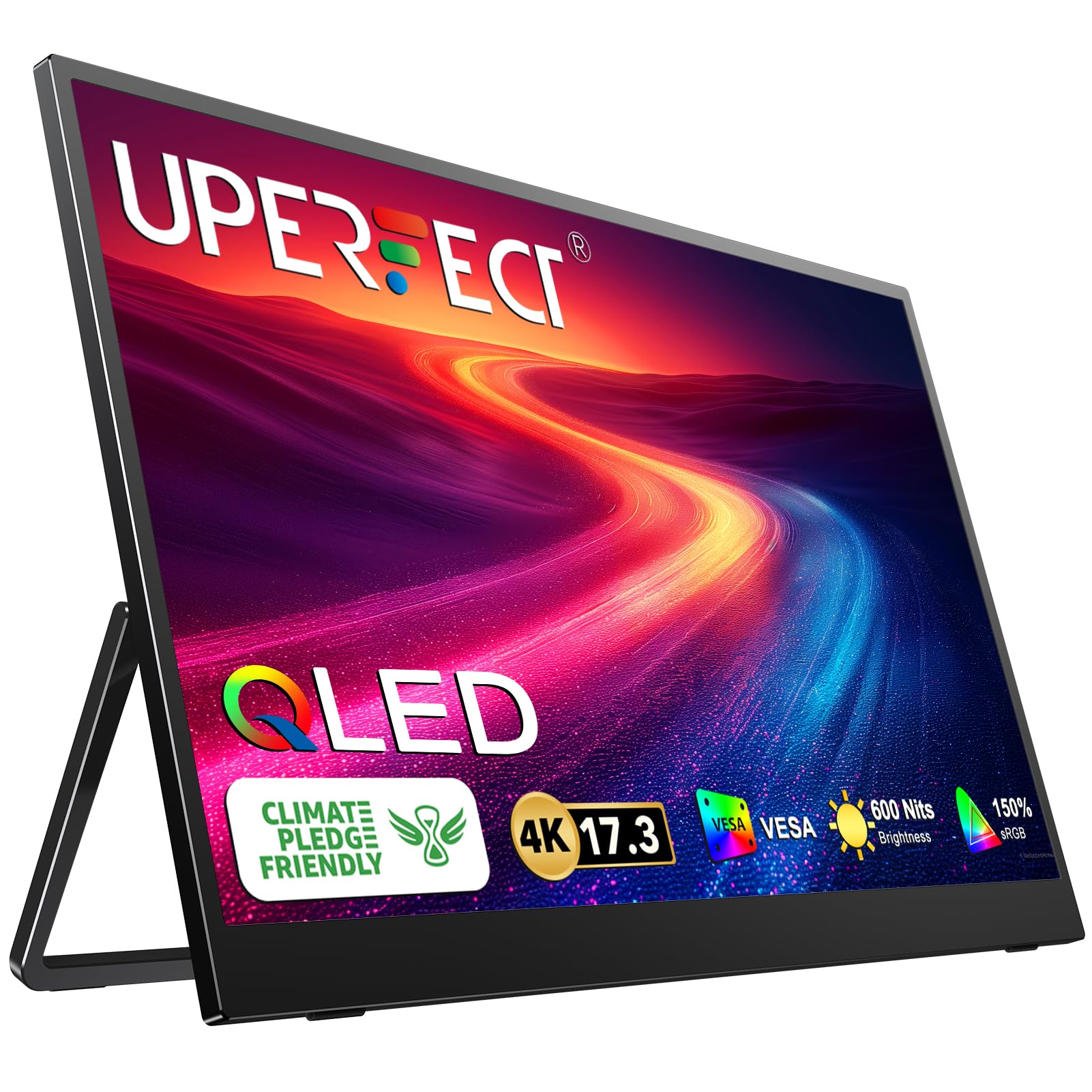
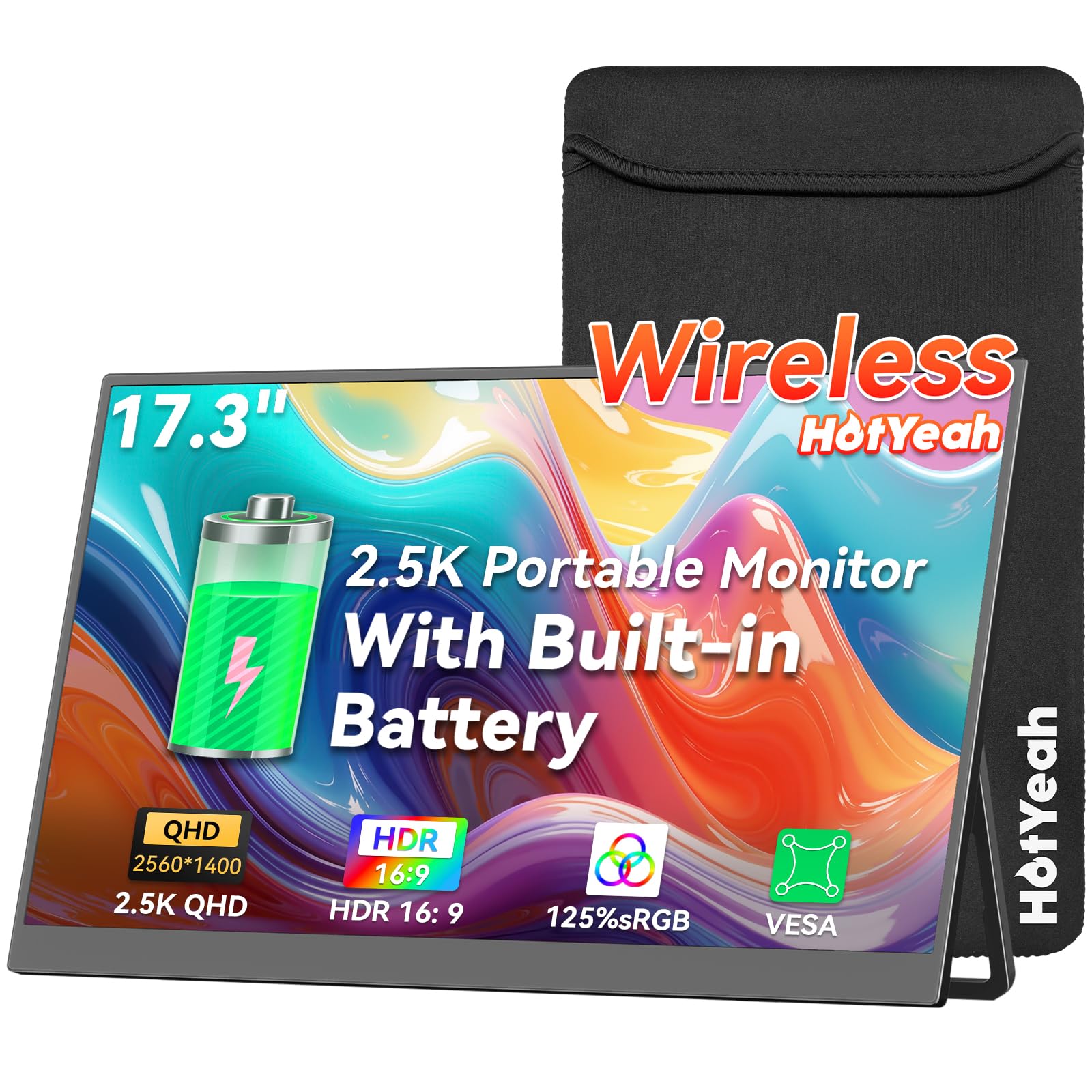
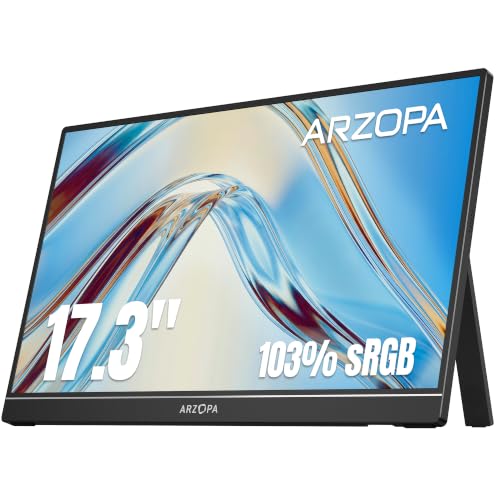
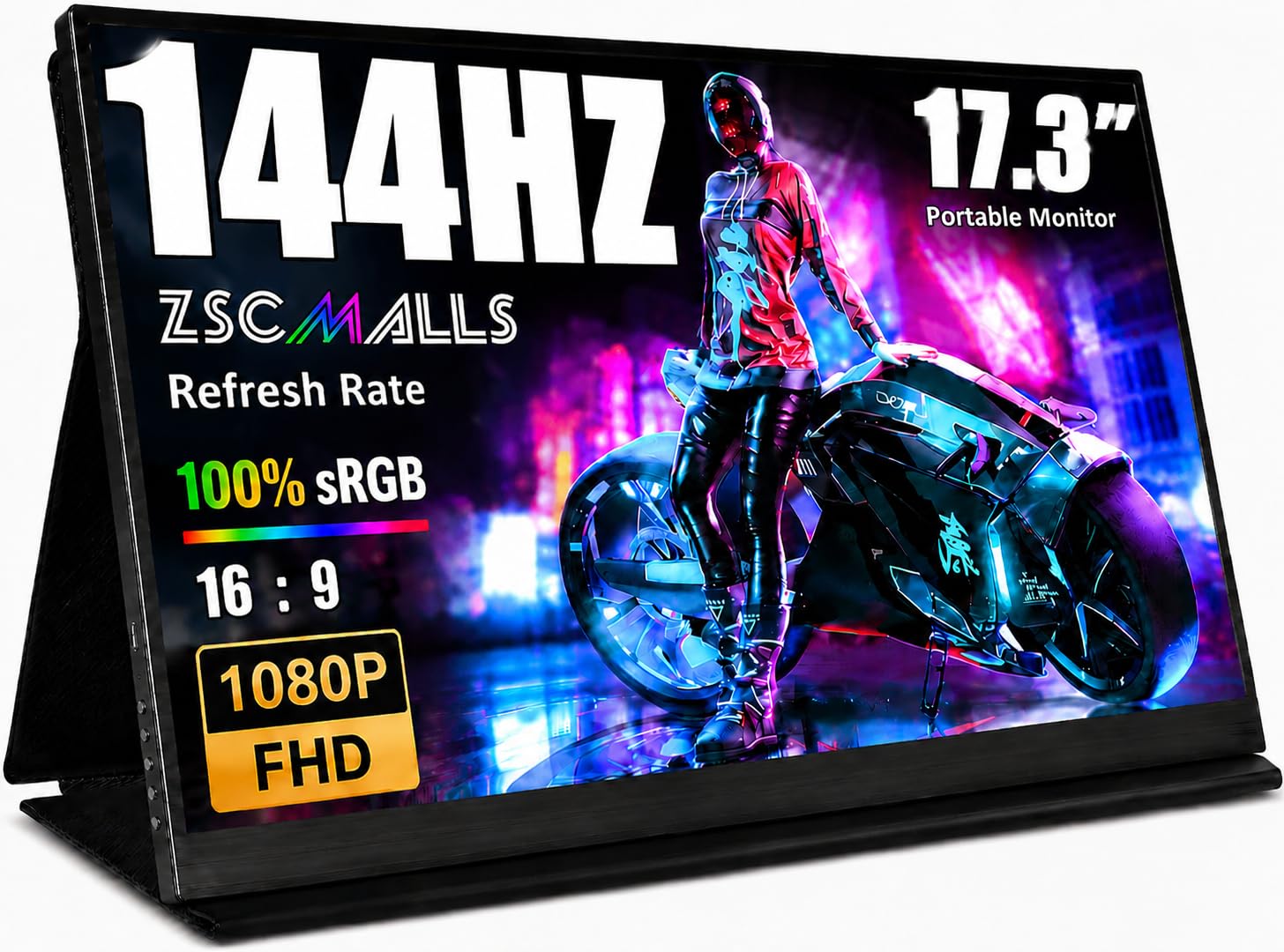


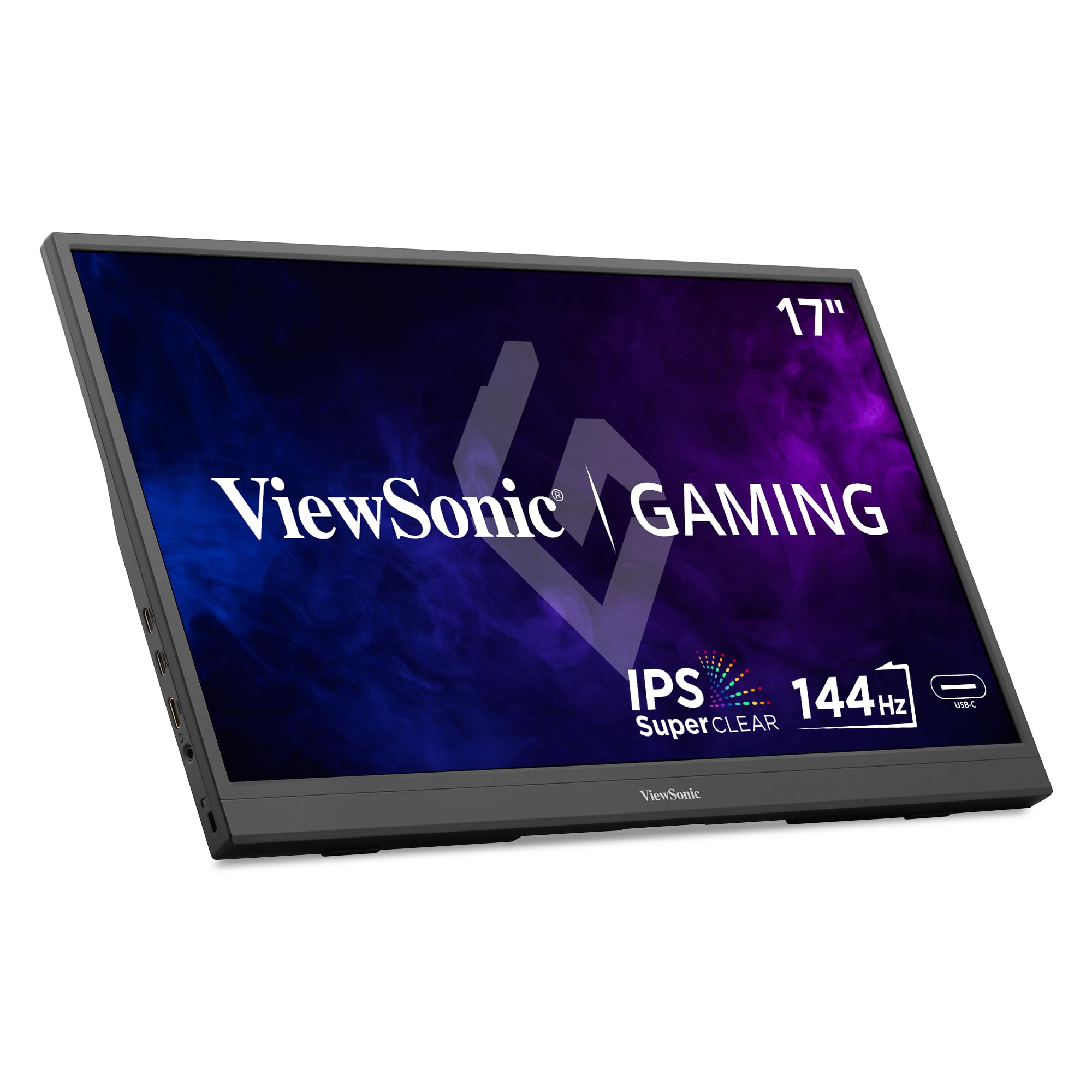

Why Choose 17 Inches
This size is close to a laptop's screen, so it blends well beside one. A 17 inch panel is roomier than a 14 or 15.6 inch portable monitor, which helps with spreadsheets, code and video editing timelines. It also makes console and handheld PC gaming more immersive.
The drawback is size. A 17 inch monitor is heavier and needs a bigger bag than a smaller one. Compare with our guides to the 16 inch portable monitor and 18.5 inch portable monitor if you are deciding which size is right.
Resolution and Sharpness
Resolution options range from 1920 by 1080 to 4K. Full HD is sharp enough for general use, and a 2.5K or 4K panel is crisp for text and photos. Higher resolution needs a device that can drive it and uses more power. Check what your device supports before you pay extra.
Look at brightness and color coverage too. A brighter panel is easier to read in a bright room, and wide color coverage matters for photo and video editing. Anti glare coatings reduce reflections.
Refresh Rate and Gaming
For gaming, refresh rate and response time matter. A 120 or 144 Hz panel makes motion smoother than a standard 60 Hz one. Check whether the device you use can output that rate over the connection. Consoles often cap output, and some handheld PCs support high refresh rates. Adaptive sync support helps reduce tearing.
For work, a 60 Hz panel is enough. If you game and work, a high refresh model gives flexibility. See our guide to portable monitors for gaming for more advice.
Connections and Power
Most portable monitors connect over USB C, which carries video and power in one cable if your device supports display output over USB C. If not, use HDMI and a separate power source. Look for two USB C ports, so you can pass through power and charge your laptop at the same time. A mini HDMI port is common, and a full size HDMI is easier to use.
Some monitors have a built in battery for cable free use for a limited time. This is handy for presentations and travel, but adds weight and cost. A wireless model can mirror a phone or laptop over Wi-Fi, though latency can be higher than a cable.
Stand, Weight and Travel
A 17 inch panel needs a stable stand. Folding cases that double as stands are light but may be less sturdy. A kickstand or a built in adjustable foot is steadier. VESA holes let you mount it on an arm. Check the weight in the listing and consider a padded sleeve for travel. A slim bezel makes the monitor smaller than the panel size suggests.
Setting It Up
Connect the cable, then open display settings and choose extend or mirror. Place the monitor next to your laptop and match the height. Calibrate brightness so both screens look similar. Our how to set up a portable monitor guide covers each step, and the screen extender versus portable monitor comparison can help you decide between styles.
Work Setups That Suit 17 Inches
Seventeen inches is large enough to hold a full document at readable size next to your laptop. Writers keep research open on the second screen, analysts keep a dashboard visible while they work in a spreadsheet and designers park toolbars and reference images on the side. For video calls, put the call window on the portable screen at eye level and keep your notes on the laptop. A 16:10 or 16:9 panel both work, but the taller shape fits more of a page.
If you often present, a portable monitor can face the other person across a table while you control the content on your laptop, which is useful for sales calls and small meetings. A stable stand and a short, flexible cable keep the setup tidy in a cafe or on a train table.
Handheld PCs, Consoles and Phones
A big portable panel suits handheld PCs and consoles that otherwise have small screens or no display at all. Connect over HDMI for a console or over USB C for a handheld PC that supports display output. Many phones with desktop modes can also drive a monitor, which turns the phone into a small workstation when paired with a keyboard. Check that your device can send the resolution and refresh rate you want, and bring a power bank if the monitor draws power from the same cable.
Looking After a Large Portable Screen
A big thin panel flexes more than a small one, so store it flat. Avoid stacking heavy items on top, and use the sleeve or case that came with it. Clean the surface with a dry microfiber cloth, and use a slightly damp one for stubborn marks. Keep the cable connectors free of lint, and do not bend the cable sharply near the plug. When you travel by air, put the monitor in your carry on bag instead of checked luggage, where pressure can crack the panel.
Frequently Asked Questions
Does a 17 inch portable monitor need a power supply?
It can run from USB C power, but some need a separate charger for full brightness.
Can I use it with a console?
Yes, via HDMI. Check the monitor's power needs and use a power bank or adapter.
Is 4K worth it on 17 inches?
It looks very sharp, but it needs a capable device and more power. Full HD or 2.5K is a good compromise.
Is a portable monitor worth buying?
For frequent travelers and remote workers, yes. See our worth it guide.
Final Thoughts
The best 17 inch portable monitor offers a sharp, bright panel, the refresh rate you need and a connection your device supports. Check USB C compatibility, think about weight and stand and compare options in the product table. Choose the model that fits your bag and your routine.


