
Best 200mm Case Fans in 2026: Quiet Airflow for Big Cases
Disclosure: We may earn a commission when you buy through links on this page, at no extra cost to you. As an Amazon Associate I earn from qualifying purchases. Learn more

Best 200mm case fans move plenty of air at low speed, but only if your case has the mount. Here is how to match connector, thickness and noise.
A big fan can push a lot of air without spinning fast, which is why best 200mm case fans are popular in roomy towers that want quiet cooling. The catch is that very few cases have the mount, so the first question is whether your chassis can take one at all.
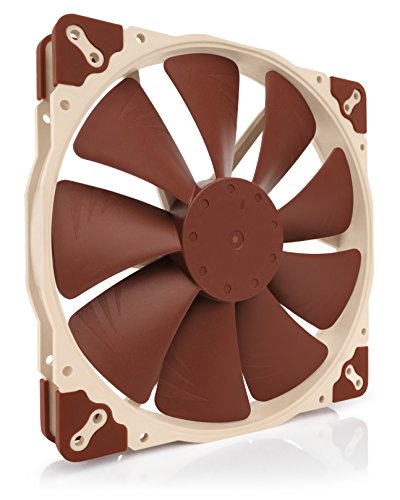
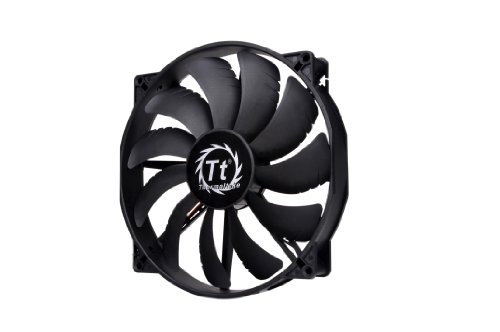
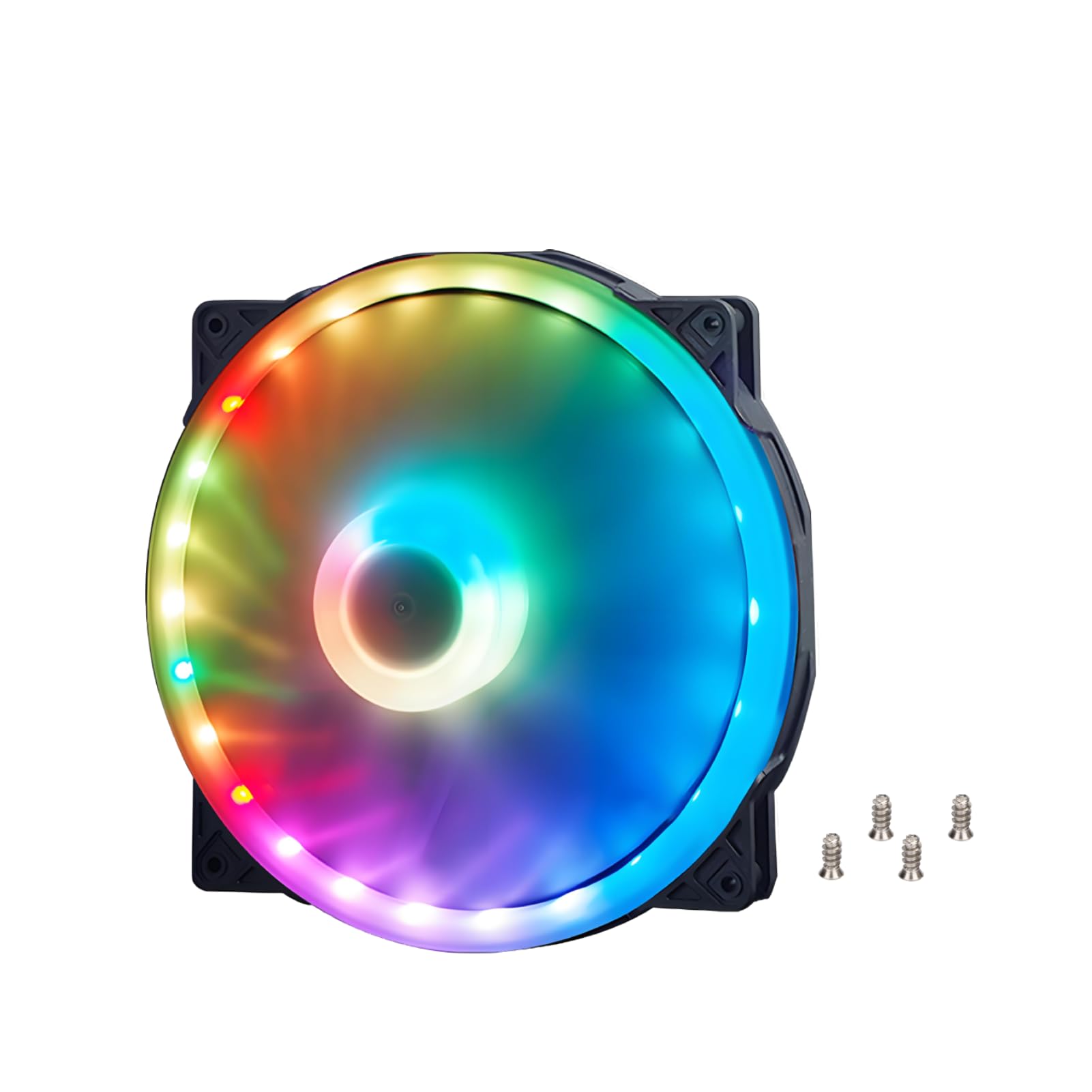
The product table lists current 200mm fans from budget to premium, with plain, PWM and addressable RGB versions. The sections below explain what separates them, so you can match a fan to your case, your motherboard headers and your noise tolerance.




Check That Your Case Takes a 200mm Fan
Look at the front panel and the roof of your case. Large cases often list 200mm support in the product page or the manual, usually as a mount that also accepts two 120mm or two 140mm fans. If the listing only mentions 120mm and 140mm, a 200mm fan will not bolt on, and forcing it will cost you the return window.
Measure the free depth as well. A thick fan needs clearance behind the mount, and a front radiator, a drive cage or a tall cable bundle can eat that space. Check the fan's frame size in the listing, because some 200mm fans are noticeably thicker than others, and a few include extra length for the hub or wiring.
One trap is the "200mm x 200mm" ventilation fan sold for studios and attics. Those are mains-powered AC units with a plug or bare leads, not computer fans, and they will not connect to a motherboard. A real case fan lists a 3-pin, 4-pin or 5V connector.
Connectors: Plain, PWM or ARGB
3-pin and 4-pin PWM
A 3-pin fan changes speed by voltage, and a 4-pin PWM fan changes speed by a control signal, which usually gives a smoother curve and a lower minimum speed. If you want the fan to idle almost silently and ramp up under load, choose PWM and set the curve in your BIOS or fan software.
5V addressable RGB
Some large fans add an addressable lighting ring on a separate 5V 3-pin lead. That lead goes to a 5V addressable header, not the 12V RGB header, and plugging it into the wrong one can damage the board. A fan with both a PWM lead and an RGB lead needs two free headers, so count what your motherboard offers before you order.
Speed, Airflow and Noise
The appeal of a 200mm fan is low RPM. Because the blades are large, the fan can move the same air as a smaller fan at a much lower speed, and lower speed means less motor whine and less turbulence noise. Look for a listed speed range or a PWM range rather than a single maximum number.
Static pressure is the other half. A wide-open mesh or a bare mount needs airflow, while a dust filter, a radiator or a dense front panel needs pressure. Most 200mm fans are airflow designs, so if your intake is restricted by a tight mesh, give the fan some clearance or a cleaner filter instead of expecting it to force air through.
Bearings, Build and Lifespan
Hydraulic and dual ball bearing designs both appear in the product table. Hydraulic bearings tend to run quieter at low speed, while ball bearings usually tolerate warm cases and sideways mounting better. Pick based on where the fan lives: a top exhaust above hot components is a good home for a ball bearing fan, and a front intake in a cool case suits a quiet hydraulic one.
Check what the fan includes. Rubber anti-vibration mounts or pads reduce the hum that a large frame can transmit to the panel, and a few spare screws save a trip to the hardware shop. A warranty note on the listing is a useful signal that the maker expects the fan to last.
How Many 200mm Fans Do You Need?
One intake and one exhaust is a sound start for many builds. When you shop for the best 200mm case fans for a pair of mounts, buy a matched pair. If your case has two 200mm mounts, put one at the front for intake and one at the top or rear for exhaust, and keep the speeds close so the pressure balances. Mixing a very fast exhaust with a slow intake pulls dusty air through every gap in the case.
If you already own good 140mm fans, a single 200mm replacement in the main intake spot is often the most noticeable upgrade, because it lowers the noise of the loudest fan in the build. Read our guide to 120mm vs 140mm fans if you are weighing smaller sizes, and see the best case fans for the more common options.
FAQs
Will a 200mm fan fit any case?
No. It needs a mount built for that size, which only some full towers and a few mid towers provide. Read the case listing for 200mm support before ordering, and keep the receipt in case the mount spacing is not what you expected.
Is a 200mm fan quieter than two 120mm fans?
Often it is, because one large fan can run at a lower speed for the same airflow. The result depends on the fan's design and your speed curve, so use PWM control and set a gentle curve for the best result.
Do I need PWM or is a 3-pin fan enough?
A 3-pin fan works fine on a motherboard header that supports voltage control. PWM gives finer control and a lower idle speed, so it is the better choice if silence matters to you.
Can I clean a 200mm fan without removing it?
You can blow dust off the blades with compressed air and wipe the frame, but holding the blades still while you do it protects the bearing. Our guide on how to clean case fans covers the steps.
Final Thoughts
The best 200mm case fans are the ones that fit your mount, plug into the headers you have and stay quiet at the speeds your case needs. Confirm the mount first, pick PWM for quiet idling, and choose an ARGB version only if you have the right header. Then compare the models in the product table and match one to your case.
Prices and availability can change, so check the product page before ordering.


