Best Affordable Gaming Mouse: A First Time Buyer's Guide
Disclosure: We may earn a commission when you buy through links on this page, at no extra cost to you. As an Amazon Associate I earn from qualifying purchases. Learn more

A plain English guide to budget gaming mice: sensors, DPI, weight, grip and wireless explained, with setup tips and three picks.
A good gaming mouse makes aiming feel more precise, keeps your hand comfortable during long sessions and gives you extra buttons for abilities and shortcuts. You do not need to spend $150 to get those benefits; many of today's budget mice use the same quality sensors found in pro models. This guide to the best affordable gaming mouse starts with the basics, explains the specs in plain English and walks you through setup, so your first gaming mouse is the right one.
The short answer: most first time buyers should choose a mouse with a modern optical sensor, a comfortable shape for their grip, a weight under about 80 grams and either a reliable 2.4GHz wireless receiver or a flexible wired cable, which costs around $20 to $60; wireless models like the Logitech G305 offer the best value, while wired mice like the Razer DeathAdder Essential cost the least.

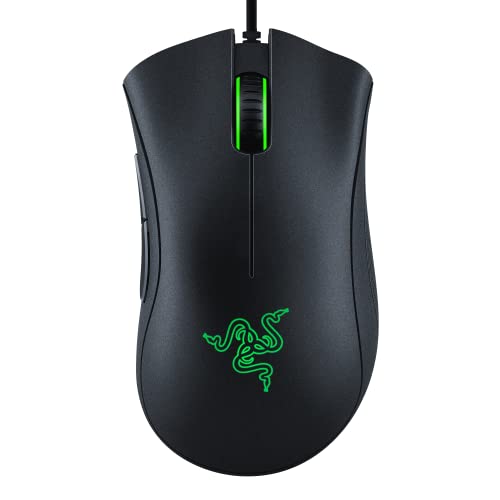
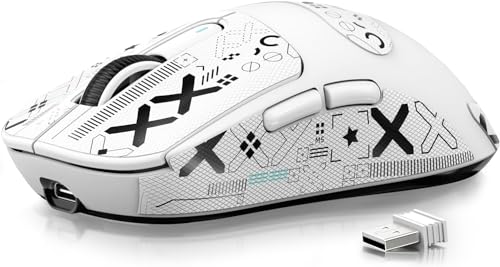
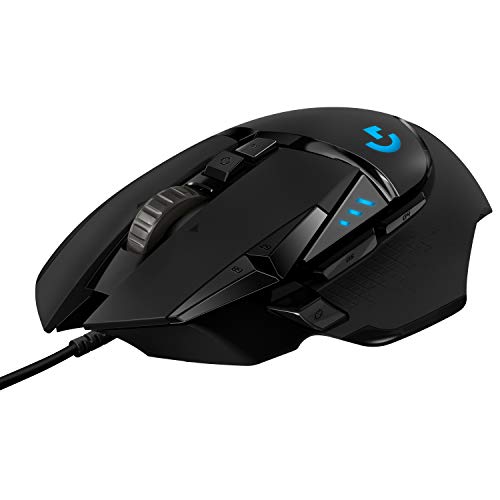
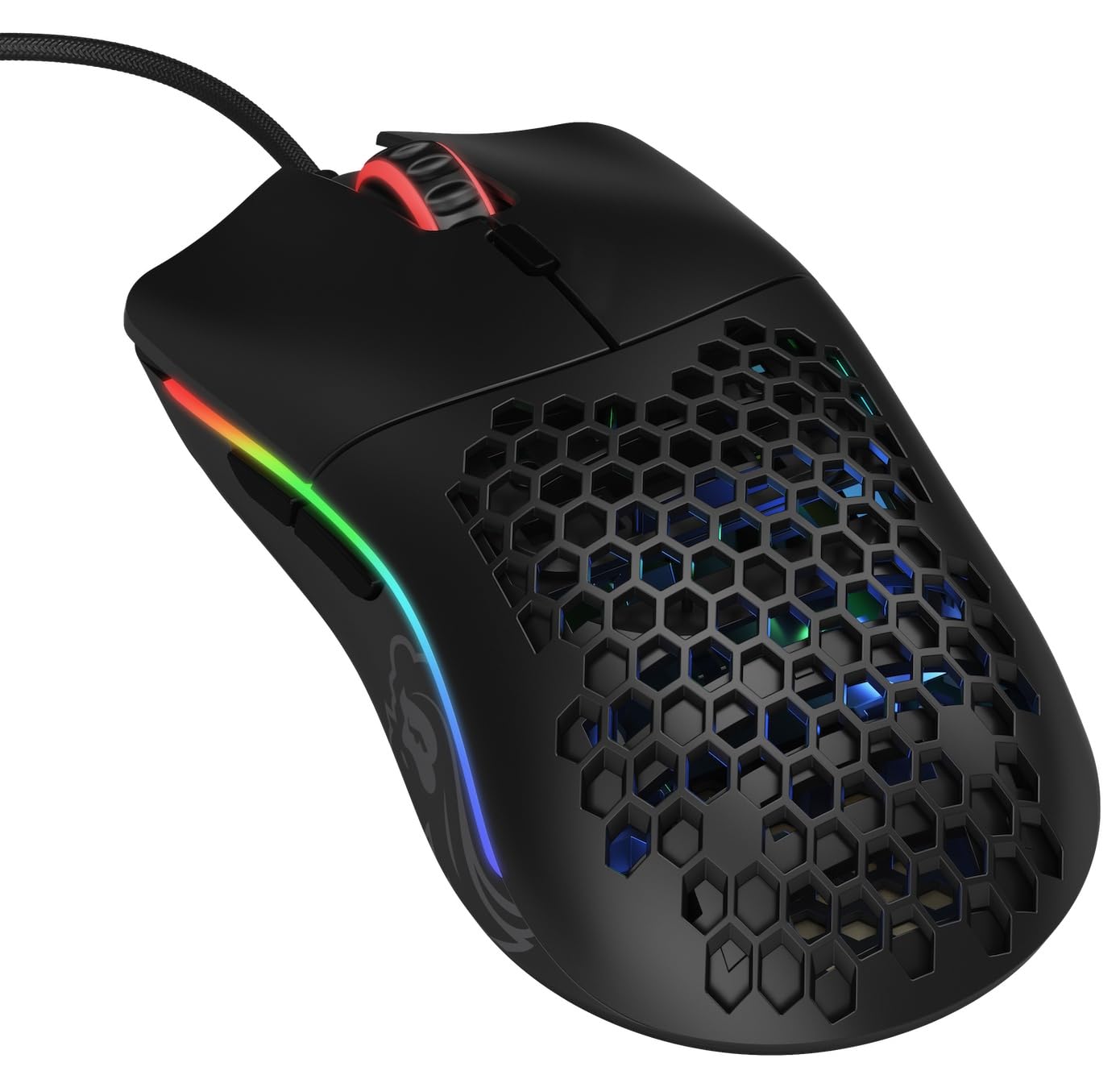

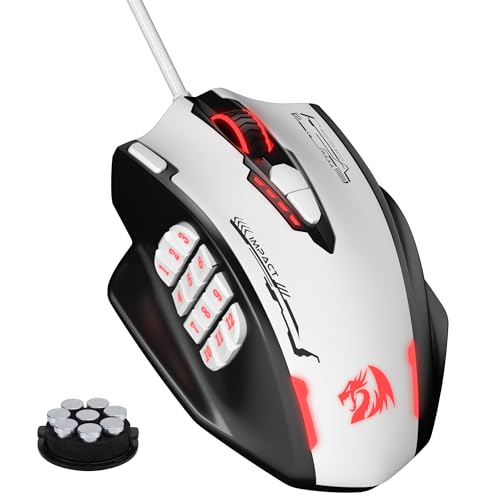

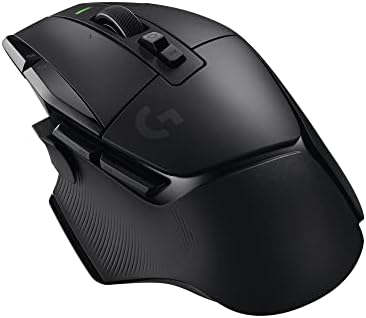
Top 3 Picks at a Glance
These three mice from the product table above cover wireless value, wired budget play and lightweight competitive aiming.


Gaming Mice 101: The Basics
A gaming mouse is a computer mouse designed for speed, precision and comfort during games. Compared with an office mouse, it uses a more accurate optical sensor, reports its position to your computer far more often and includes extra programmable buttons. Many gaming mice also offer adjustable sensitivity, onboard memory and RGB lighting.
A few basic terms help when shopping. DPI, or dots per inch, measures sensitivity, meaning how far the cursor moves when you move the mouse. Polling rate is how often the mouse reports its position to your computer, measured in hertz; 1,000Hz means 1,000 times per second. Switches are the mechanisms under the buttons that register clicks. Grip style describes how you hold the mouse: palm grip rests your whole hand on the mouse, claw grip arches your fingers and fingertip grip uses only your fingertips.
Gaming mice come in different shapes. Ergonomic mice are sculpted for right handed users, while ambidextrous mice are symmetrical. MMO mice have many side buttons for role playing games, and lightweight esports mice focus on fast movement for shooters.
Key Specs Explained in Plain English
Here is what each major spec means and what to look for on a budget.
What You Can Realistically Get on a Budget
Around $20 to $30 buys a reliable wired gaming mouse with a solid optical sensor, five or six programmable buttons and adjustable DPI. Around $30 to $45 adds wireless connectivity through a USB receiver, lighter designs and better software. Around $45 to $60 brings tri mode connectivity with 2.4GHz, Bluetooth and wired, very light shells under 60 grams and rechargeable batteries.
Budget mice usually cut premium materials, high polling rates above 1,000Hz, charging docks and extremely light designs. Do not compromise on sensor quality or shape comfort; a mouse that fits your hand matters more than extra buttons or RGB lighting.
Wired vs Wireless (2.4GHz, Bluetooth)
Wired mice are the cheapest, never need charging and offer consistent performance. Look for lightweight, flexible paracord style cables that do not drag on your desk. Wireless gaming mice using a dedicated 2.4GHz USB receiver now match wired mice for response time, giving freedom from cable drag.
Bluetooth is convenient for laptops and office use but adds latency, so use the 2.4GHz receiver for gaming. Battery life varies widely: some AA powered mice last hundreds of hours, while rechargeable lightweight mice often need charging every week or two.
Customization and Software
Companion software lets you adjust DPI levels, remap buttons, create macros and control RGB lighting. Onboard memory saves your settings directly to the mouse, so they work on any computer without installing software, useful for tournaments, school computers or consoles.
Budget mice from major brands like Logitech, Razer, SteelSeries and HyperX usually offer polished software. Some lesser known brands use simpler apps or web based configurators. Check that the software supports your operating system before buying.
Compatibility (PC, Mac, Console)
Most gaming mice work on Windows PCs and Macs as plug and play USB devices, though customization software may be Windows only for some brands. On consoles, PS5 and Xbox support USB mice in games that enable mouse and keyboard controls, such as some shooters and strategy titles.
Wireless mice using USB receivers usually work on consoles that recognize them as standard mice. Bluetooth mice work with laptops and tablets. If you plan to use one mouse across devices, multi device or tri mode connectivity adds flexibility.
Weight and Build Quality
Weight affects how fast and easy the mouse is to move. Lightweight mice under about 65 grams are popular for shooters, where quick flicks matter. Heavier mice around 90 to 120 grams feel stable and suit MMO and casual gamers. Some mice include adjustable weights.
Build quality shows in solid buttons, smooth feet made of PTFE and durable switches rated for tens of millions of clicks. Honeycomb shells cut weight but can collect dust, while solid shells feel sturdier and easier to clean.
Sensor, DPI, and Polling Rate
Modern optical sensors in budget mice track accurately without acceleration or jitter. High DPI numbers like 26,000 are mainly marketing; most gamers use between 400 and 1,600 DPI. A polling rate of 1,000Hz is the standard for gaming and is plenty for nearly everyone. Look for a sensor from PixArt or a brand's own flagship sensor family for reliable performance.
Rookie Mistakes to Avoid
- Choosing by DPI numbers. Extremely high DPI does not improve aim; sensor quality and comfort matter far more.
- Ignoring hand size and grip. A mouse that is too large or small causes discomfort and less precise aim. Measure your hand and compare mouse dimensions.
- Buying too heavy or too light. Ultralight mice suit shooters, but casual and MMO players may prefer a little weight.
- Skipping a mouse pad. Tracking and glide are far better on a cloth gaming pad than on a bare desk.
- Using Bluetooth for gaming. Bluetooth adds latency; connect through the 2.4GHz receiver or a cable instead.
Getting Started: Setup and First Use
After unboxing, plug in the USB receiver or cable directly into your computer rather than a hub, and install the companion software. Update the firmware through the app, which can improve sensor performance and battery life. Set a DPI that feels comfortable, often 800 or 1,600, and adjust in game sensitivity to fine tune aim.
Set the polling rate to 1,000Hz for gaming. In Windows, disable enhance pointer precision to remove mouse acceleration for consistent aim. Assign side buttons to useful actions like push to talk, reload or abilities. Clean the sensor and mouse feet regularly with a soft brush or cloth, and wipe buttons with a slightly damp cloth to keep switches free of dust and debris.
Finding the Right Size and Shape for Your Hand
Comfort starts with fit. Measure your hand from the base of the palm to the tip of your middle finger. Hands under about 17 centimeters generally suit small mice, 17 to 19 centimeters suit medium mice and larger hands suit large mice. Compare these with mouse length and width listed by manufacturers.
Your grip style matters too. Palm grip users usually prefer longer, ergonomic mice with a pronounced hump. Claw grip users like medium length mice with a raised back, and fingertip grip users prefer small, light mice. Left handed gamers should look for ambidextrous designs or dedicated left handed models.
How Much to Spend on an Affordable Gaming Mouse
For most first time buyers, the sweet spot is around $25 to $50. In this range, you get proven sensors, comfortable shapes, reliable switches and in many cases wireless connectivity. Wired mice under $25 are excellent starter options for kids, students and anyone on a tight budget.
Around $50 to $60 buys lightweight tri mode mice with rechargeable batteries and Bluetooth, ideal if you game on a desktop and work on a laptop. Spending more than about $80 brings premium extras like 4,000Hz or 8,000Hz polling, ultralight carbon shells and charging docks, which matter mainly to competitive players. When comparing the best affordable gaming mouse options, prioritize fit and sensor quality before extras.
Choosing a Mouse for the Games You Play
Different genres reward different mouse designs. First person shooters like Valorant, Counter Strike and Apex Legends benefit from light, symmetrical mice under about 65 grams with excellent sensors, since fast flicks and precise tracking decide fights. A large cloth mouse pad and lower sensitivity help with consistent aim.
MMO and MOBA players, such as those playing World of Warcraft or League of Legends, benefit from mice with extra buttons. MMO mice with 12 or more side buttons put abilities and macros under your thumb, reducing reliance on the keyboard. Weight matters less, and many players prefer a heavier, more stable feel.
Casual gamers who play a mix of strategy, adventure and action titles can choose an ergonomic mouse with five or six buttons and moderate weight. Adjustable weights and a comfortable shape matter more than ultralight builds. If you also use your computer for work, a mouse with a quiet scroll wheel and Bluetooth for laptop use adds everyday convenience.
Finally, consider your desk space. Low sensitivity aiming needs a large pad and plenty of arm room, while small desks pair better with slightly higher DPI settings and compact mice.
Gaming Mice: Your Questions Answered
Do I need a gaming mouse pad?
Yes, a gaming mouse pad noticeably improves tracking and glide. Cloth pads offer control and comfort, while hard pads provide faster glide. A large pad gives room for low sensitivity aiming in shooters. Budget pads around $10 to $20 work well and protect your desk and mouse feet.
Does a gaming mouse work with Mac and console?
Yes, most gaming mice work with Macs and consoles as standard USB mice. Customization software may be limited on Mac, so onboard memory helps. PS5 and Xbox support mice in games that allow mouse and keyboard input, and wireless receiver mice usually work as well.
What DPI do I need?
Most gamers need between 400 and 1,600 DPI. Competitive shooter players often use 400 to 800 DPI with larger arm movements for precise aim, while MMO and casual players prefer 1,000 to 1,600. High DPI settings are useful mainly for high resolution monitors, not better aim.
Wired or wireless: which is better for gaming?
Modern 2.4GHz wireless gaming mice perform as well as wired mice for nearly everyone. They offer freedom from cable drag with response times that match wired models. Wired mice remain cheaper and never need charging. Avoid Bluetooth for gaming due to added latency.
How long does a gaming mouse last?
A quality gaming mouse typically lasts around three to five years of regular use. Switches are rated for tens of millions of clicks, but heavy use can cause double clicking over time. Replacing worn mouse feet and keeping the mouse clean extend its life.
Is RGB lighting worth paying for?
RGB lighting is purely cosmetic and does not improve performance. It can match your setup and indicate DPI levels, but it drains battery faster on wireless mice. If your budget is tight, choose a better sensor or shape over lighting, or simply turn RGB off to extend battery life.
Can I use a gaming mouse for work?
Yes, gaming mice work great for office tasks and everyday computing. Their accurate sensors and extra buttons speed up browsing, editing and shortcuts. Quiet models without bright lighting fit well in shared workspaces, and Bluetooth support helps with laptops.
Wrapping Up
Your first gaming mouse does not need to be expensive. Focus on a shape that fits your hand and grip, a modern optical sensor and the right weight for the games you play, then choose wired for the lowest price or 2.4GHz wireless for freedom of movement. Budget wired mice start around $20, while excellent wireless models cost around $30 to $60.
Compare the best affordable gaming mouse options in the product table above to find the right fit for your hand, games and budget.