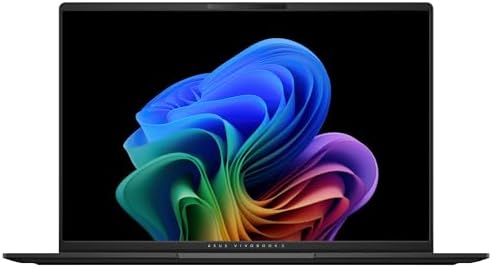
Best Dell Laptops Computers: Reviews and Buying Guide
Disclosure: We may earn a commission when you buy through links on this page, at no extra cost to you. As an Amazon Associate I earn from qualifying purchases. Learn more

Dell's laptop lines explained, from Dell Plus and Inspiron to XPS, Latitude and Alienware, with three short picks.
Dell sells laptops for almost every need, from affordable everyday machines to premium ultraportables, business workhorses and Alienware gaming rigs. The brand recently reorganized its lineup into Dell, Dell Plus, Dell Premium and Dell Pro names alongside long running Inspiron, XPS, Latitude and Alienware models, which can make shopping confusing. This guide to the best dell laptops computers explains how the families compare, what specs matter and which three models suit most buyers.
The short answer: most people should choose a Dell 14 Plus or 16 Plus with an Intel Core Ultra 7 processor, 16GB of RAM, a 2.5K display and long battery life, which costs around $1,000 to $1,100; budget buyers and students can save with a Dell 14 or Inspiron 2 in 1, creators should look at Dell Premium models with OLED screens, businesses at Latitude and Dell Pro and gamers at Alienware.

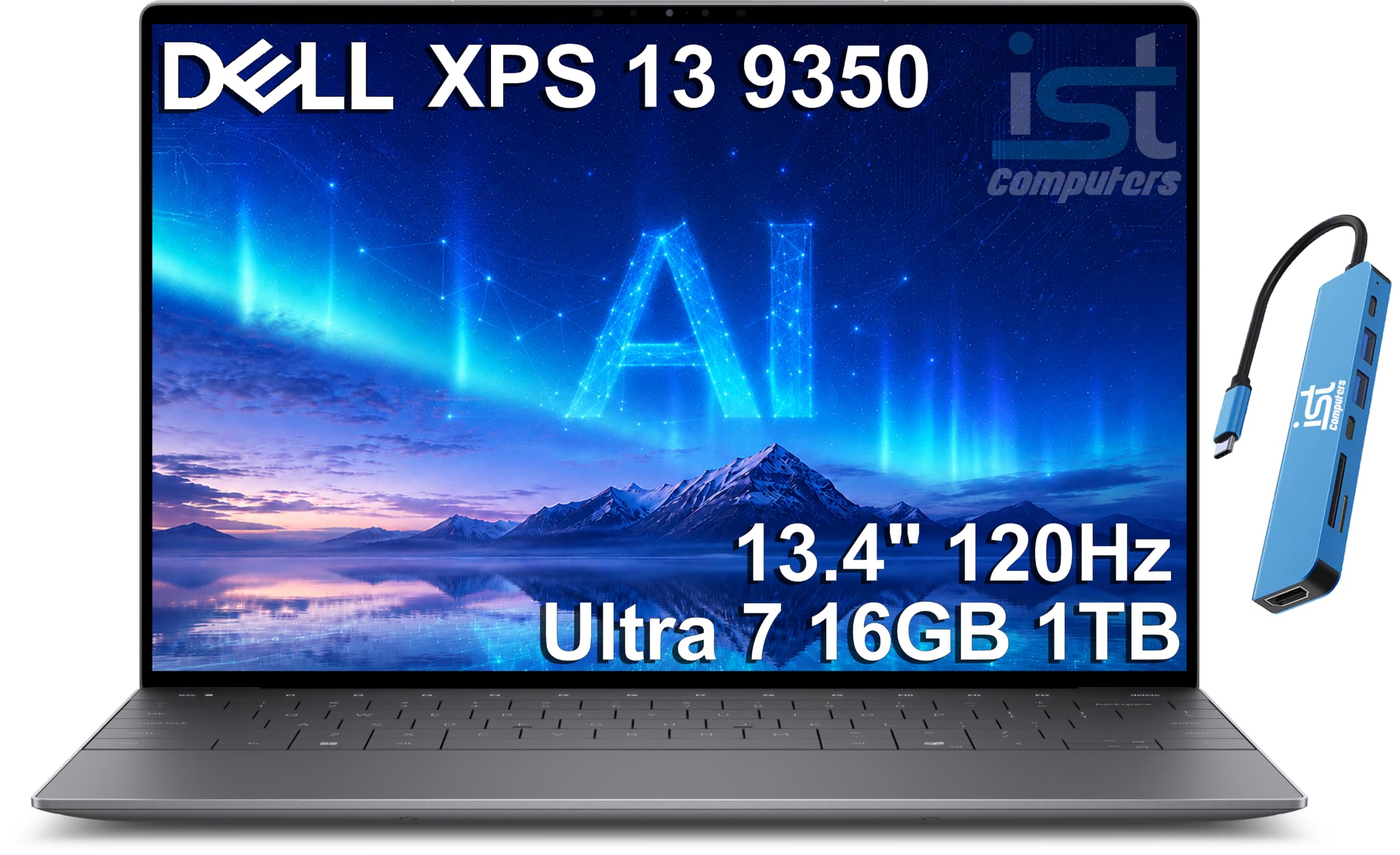

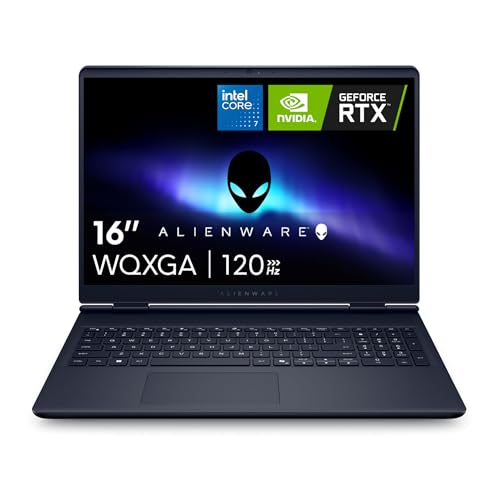

Our Top 3 Picks at a Glance
These three Dell laptops from the product table above cover the best overall choice, a flexible value option and an easy pick for first time buyers.


Best Overall
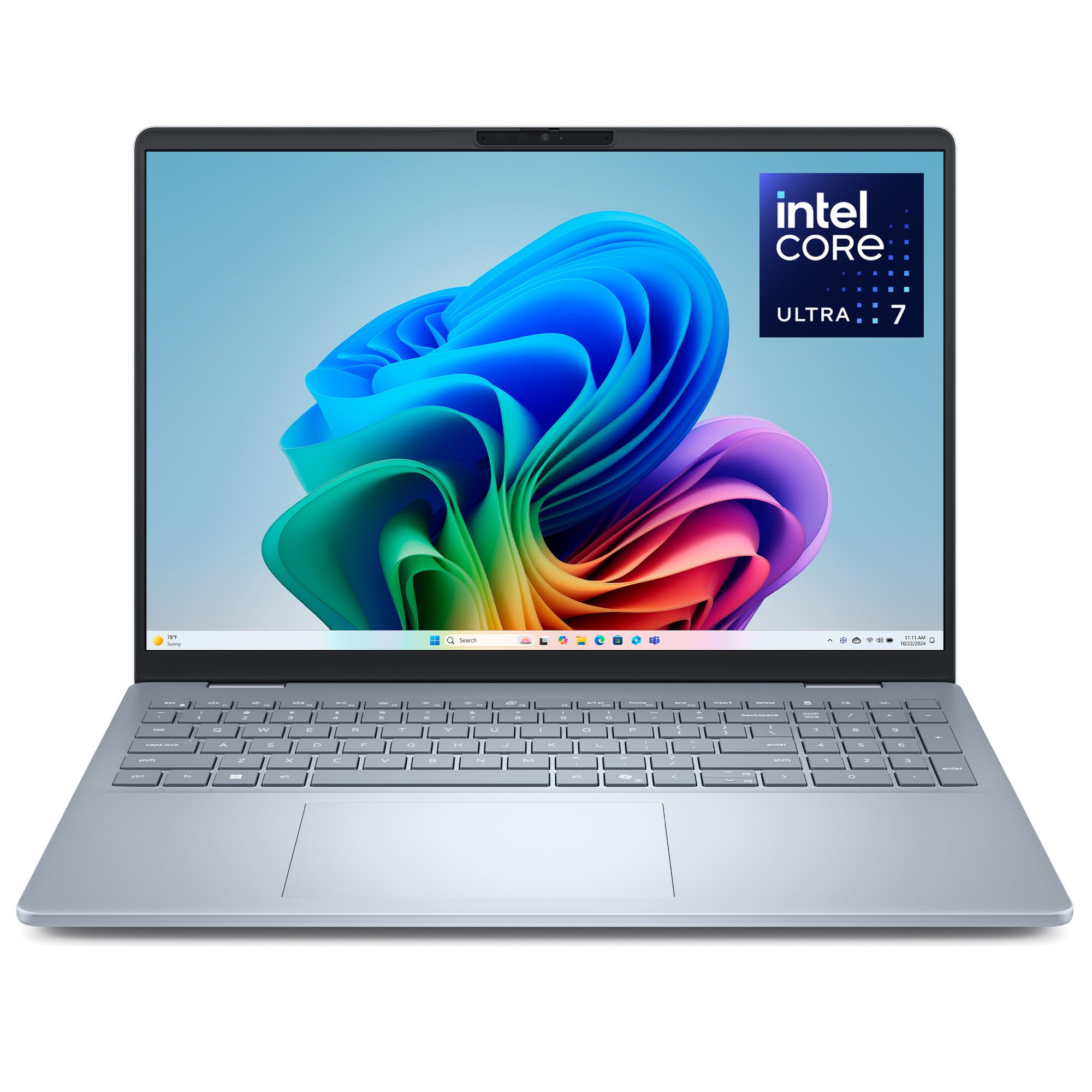
The Dell 14 Plus, around $1,030 in the configuration listed, is our top pick for most buyers. Its first strength is a sharp 14 inch 2.5K display in a 16 by 10 aspect ratio, giving more vertical room for documents and web pages while looking great for streaming. Its second strength is an efficient Intel Core Ultra 7 256V processor with 16GB of LPDDR5X memory and a 1TB SSD, delivering smooth multitasking and long battery life. A backlit keyboard helps in dim rooms.
The limitation is that it ships with Windows 11 Home, so business users who need Pro features may need an upgrade.
Best Value
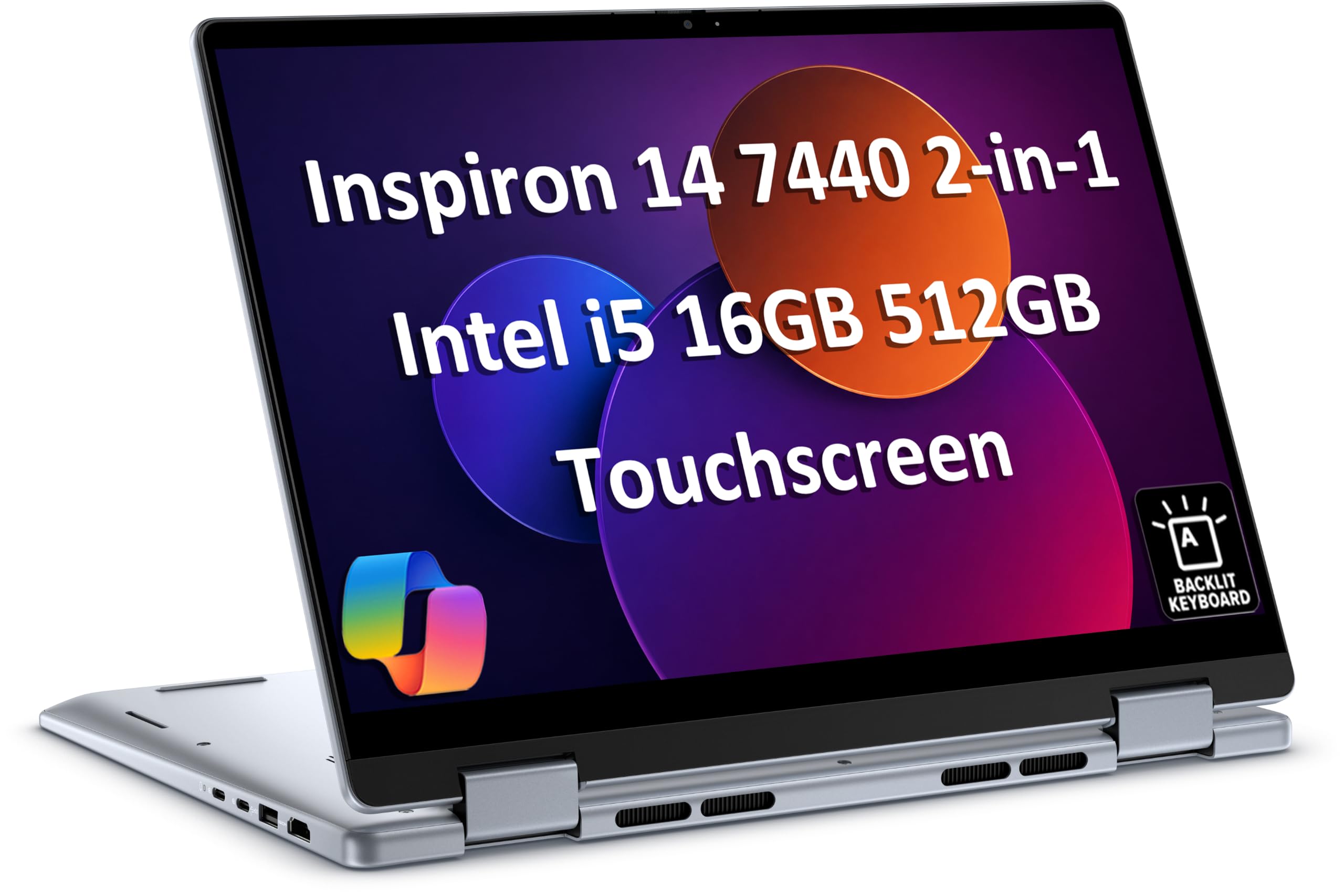
The Dell Inspiron 14 7440 2 in 1, around $900, suits students and home users who want flexibility without paying premium prices. Its first strength is a 360 degree hinge that turns the laptop into a tablet for note taking, reading and streaming. Its second strength is a solid configuration with an Intel Core 5 120U processor, 16GB of DDR5 RAM and a 512GB SSD, enough for everyday productivity.
The limitation is a slightly heavier build than clamshell ultraportables when used as a tablet.
Best for Beginners
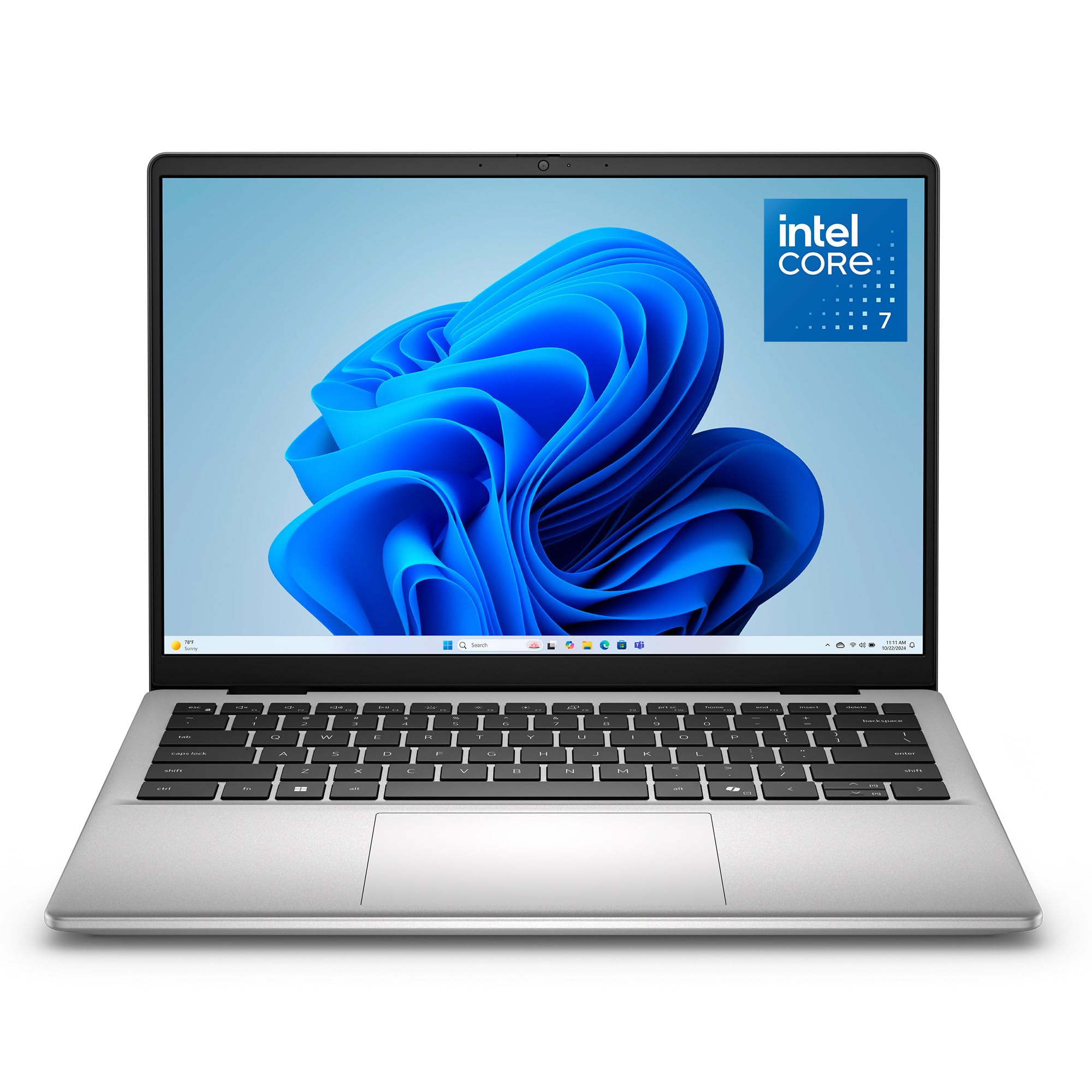
The Dell 14 with an Intel Core 7 150U processor, around $1,000, is an easy choice for first time laptop buyers who want a straightforward Windows machine. Its first strength is a simple, reliable configuration with 16GB of RAM and an FHD+ display that handles browsing, schoolwork and office apps comfortably. Its second strength is Dell's familiar design and broad support network, making setup and service easy.
The limitation is a more basic screen and design than the Dell Plus models at a similar price, so compare prices during sales.
How to Choose the Best Dell Laptops Computers: Buying Guide
Dell offers many configurations of the same model, so specs matter. Here is how to compare the best dell laptops computers.
Processor and Performance Tier
Dell laptops use Intel Core, Intel Core Ultra and some AMD Ryzen and Snapdragon chips. For everyday use, Core 5, Core 7 or Core Ultra 5 processors are enough. Core Ultra 7 V series chips balance performance and battery life, while H and HX chips in Dell Premium and Alienware models deliver more power for creators and gamers.
Display Size, Resolution, and Brightness
Dell offers 13, 14 and 16 inch screens. Fourteen inches is the best balance of portability and workspace. Look for 16 by 10 aspect ratios and at least 1920 by 1200 resolution; 2.5K displays on Dell Plus models look noticeably sharper. Dell Premium models offer OLED and 4K options for creators. Aim for 300 nits or more for comfortable indoor use.
Operating System (Windows, ChromeOS)
Most Dell laptops run Windows 11 Home, while business models offer Windows 11 Pro with BitLocker and management tools. Dell also sells Chromebooks for education. Choose Windows Pro if you need domain join, remote desktop or advanced security.
Battery Life in Real World Use
Battery life depends on processor and display. Dell Plus and XPS models with Core Ultra 200V chips can last a full workday of browsing and document work. Higher resolution OLED screens and performance chips reduce runtime, and Alienware gaming laptops last only a few hours away from the charger.
RAM and Storage
Sixteen gigabytes of RAM is the minimum we recommend for Windows laptops, with 32GB for creators and power users. Many thin Dell laptops use soldered memory, so choose enough at purchase. A 512GB SSD covers most users, while 1TB suits large photo libraries and games.
Graphics (Integrated vs Dedicated GPU)
Integrated Intel Arc graphics handle everyday work, streaming and light gaming. Dell Premium models and Alienware laptops offer NVIDIA RTX GPUs for video editing, 3D work and modern games. Dedicated graphics add weight and reduce battery life, so choose them only if you need them.
Weight and Portability
Dell XPS 13 and 14 inch Plus models weigh around 2.6 to 3.4 pounds, ideal for daily carrying. Sixteen inch models weigh around 4 pounds, and Alienware gaming laptops 5.5 pounds or more. Choose a 14 inch model if you commute often.
Types of Dell Laptops Computers
Ultraportables
Dell XPS 13 and Dell 14 Plus models are thin, light and efficient, suiting students, travelers and professionals who carry their laptops daily.
Budget Laptops
Dell and Inspiron entry models offer reliable everyday performance at lower prices, ideal for home, school and basic office work.
Business Laptops
Latitude and Dell Pro laptops add security, durability and manageability for companies, with Windows Pro and longer warranties.
2 in 1 Convertibles
Inspiron 2 in 1 models fold into tablets for note taking and media, combining laptop productivity with touch and pen support.
Gaming Laptops
Alienware laptops pair performance processors with NVIDIA RTX graphics and high refresh displays for serious gaming.
Choosing a Dell Laptop for Your Situation
For Students
Students benefit most from light, efficient models with long battery life and durable builds. A Dell 14 Plus or Inspiron 14 2 in 1 with 16GB of RAM handles lectures, research and essays, and the 2 in 1 adds handwritten notes with a pen. Look for USB C charging so one charger covers the laptop and phone, and consider accidental damage protection for campus life.
For Remote Workers
Remote workers need clear webcams, good microphones and comfortable keyboards. Dell Plus and Premium models include 1080p or higher webcams with privacy shutters and noise reducing microphones. Pair the laptop with a USB C monitor or dock for a full desk setup, and choose Windows 11 Pro if your employer manages devices.
For Creators
Photo and video editors should choose Dell Premium models with OLED or 4K displays, Core Ultra H series processors, 32GB of RAM and RTX graphics. These configurations handle large files and timelines while delivering accurate color.
For Gamers
Gamers should look at Alienware laptops with RTX 5060 or higher GPUs, high refresh displays and strong cooling. They are heavier but deliver desktop class gaming performance.
Dell Support and Warranty Options
Dell offers several support tiers. Standard consumer warranties usually cover one year of hardware repairs, often with mail in service. Premium Support adds 24/7 phone help, faster repairs and proactive issue detection through SupportAssist, while accidental damage coverage protects against drops and spills. Business models typically include onsite service options, often next business day.
Register your laptop, install Dell SupportAssist and keep your service tag handy to speed up support requests. For students and travelers, accidental damage protection can pay for itself after a single repair.
Useful Accessories for Dell Laptops
A USB C or Thunderbolt dock connects external monitors, keyboards, mice and Ethernet through a single cable, turning a Dell laptop into a full desktop workstation. Dell's own docks integrate with firmware updates, but many third party docks work well too. A compact USB C charger keeps you powered on the go, and a padded sleeve or backpack protects the laptop during commutes.
Understanding Dell's New Naming
Dell simplified its consumer and business lineup with tiers. Dell laptops are the entry level, Dell Plus adds better screens, materials and performance and Dell Premium replaces the high end XPS line with OLED options and stronger processors. On the business side, Dell Pro and Dell Pro Max replace many Latitude and Precision models.
Older names like Inspiron, XPS and Latitude still appear in listings, especially for previous generation models. When comparing, focus on the processor, RAM, storage and display rather than the series name alone.
How to Make Your Dell Laptop Last Longer
Keep Windows, drivers and BIOS updated through Dell SupportAssist or Dell Command Update. Use Dell's battery settings to limit charging to around 80 percent if the laptop stays plugged in. Use a padded sleeve when commuting. Clean vents with compressed air every few months, and avoid using the laptop on soft surfaces that block airflow.
How Much to Spend on a Dell Laptop
Around $600 to $900 buys entry Dell and Inspiron laptops with modern processors and 16GB of RAM, suitable for students and home users. Around $1,000 to $1,400 brings Dell Plus and XPS models with sharper screens, better builds and longer battery life. Above $1,500, Dell Premium, Alienware and business Pro models add OLED displays, dedicated graphics and enterprise features.
Dell frequently runs sales, so compare configurations and prices during major shopping events to get more RAM or storage for the same money.
Dell Laptops Computers: Your Questions Answered
Is a Dell Chromebook enough for school?
Yes, a Dell Chromebook is enough for most school work. It handles Google Classroom, Docs and video calls with long battery life. Check whether your school requires Windows software before buying.
Is a dedicated GPU worth it on a Dell laptop?
A dedicated GPU is worth it for gaming and creative work. Alienware and Dell Premium laptops with RTX graphics handle games and video editing. For office work and school, integrated graphics are sufficient and improve battery life.
How much RAM do I need?
Most people need 16GB of RAM in a Dell laptop. It handles multitasking and video calls smoothly. Choose 32GB for heavy creative work or gaming with streaming.
How long should a Dell laptop last?
A Dell laptop should last around four to six years. Business Latitude and Pro models often last longer due to sturdier builds. Regular updates and battery care extend lifespan.
Should I buy a laptop or a tablet?
Most people should buy a laptop, or a Dell 2 in 1 if they want both. Laptops run full desktop software, while tablets suit media and reading.
Are Dell laptops reliable?
Dell laptops are generally reliable, with business models offering the most durability. Latitude and Dell Pro laptops use sturdier materials and longer support cycles, while consumer models offer good value. Buying from authorized sellers ensures full warranty coverage.
Should I buy a refurbished Dell laptop?
A refurbished Dell laptop can be a great value, especially business models. Dell Refurbished and Amazon Renewed programs offer inspected laptops with warranties at lower prices. Check battery health, warranty length and seller ratings before buying.
Can I upgrade RAM and storage on a Dell laptop?
Some Dell laptops allow upgrades, but many thin models have soldered memory. Storage is often upgradeable through an M.2 slot. Check the service manual for your model before buying if upgradeability matters, and choose enough RAM at purchase on ultraportables.
Our Verdict
Dell makes a laptop for nearly every buyer. Most people will be happiest with a Dell 14 Plus, students and families can save with Inspiron 2 in 1 models, creators should consider Dell Premium OLED laptops, businesses benefit from Pro and Latitude models and gamers should look at Alienware. Compare configurations carefully, since the same model can vary widely in RAM, storage and display.
Compare the best dell laptops computers in the product table above to find the right Dell for your needs and budget.