
Best Multifunction Printers: Reviews and Buying Guide
Disclosure: We may earn a commission when you buy through links on this page, at no extra cost to you. As an Amazon Associate I earn from qualifying purchases. Learn more

A buying guide to all in one printers for homes and small offices, with three short picks and running cost advice.
A multifunction printer, also called an all in one, combines printing, scanning, copying and sometimes faxing in one machine. It saves desk space and money compared with separate devices, but the category is huge: cheap cartridge inkjets, refillable ink tank models, business inkjets and color lasers all claim to do everything. This guide to the best multifunction printers explains which features actually matter, then highlights three picks for different households and offices.
The short answer: most homes and small offices should choose an ink tank multifunction printer such as the Epson EcoTank ET-4850 or Canon MegaTank G3270, which cost around $200 to $480 upfront but print for a fraction of a cent per page; light users who print a few pages a month can save upfront with a cartridge inkjet around $80 to $110, while busy offices that print mostly documents should consider a color laser all in one.


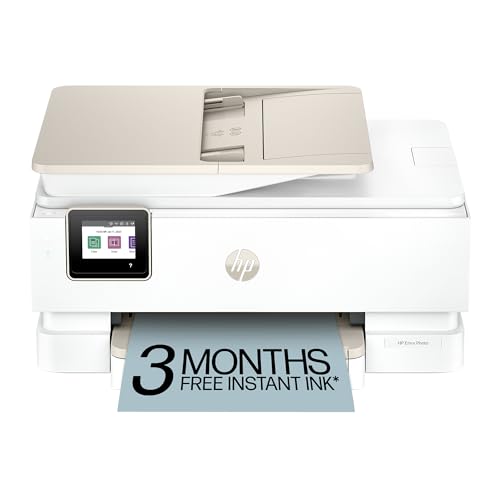
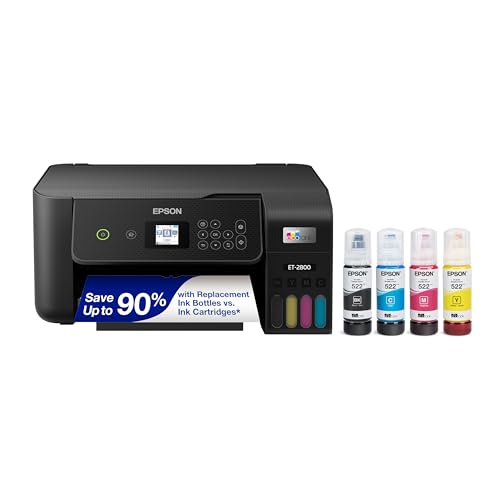
Our Top 3 Picks at a Glance
These three printers from the product table above cover busy home offices, budget minded families and first time printer buyers.


Best Overall
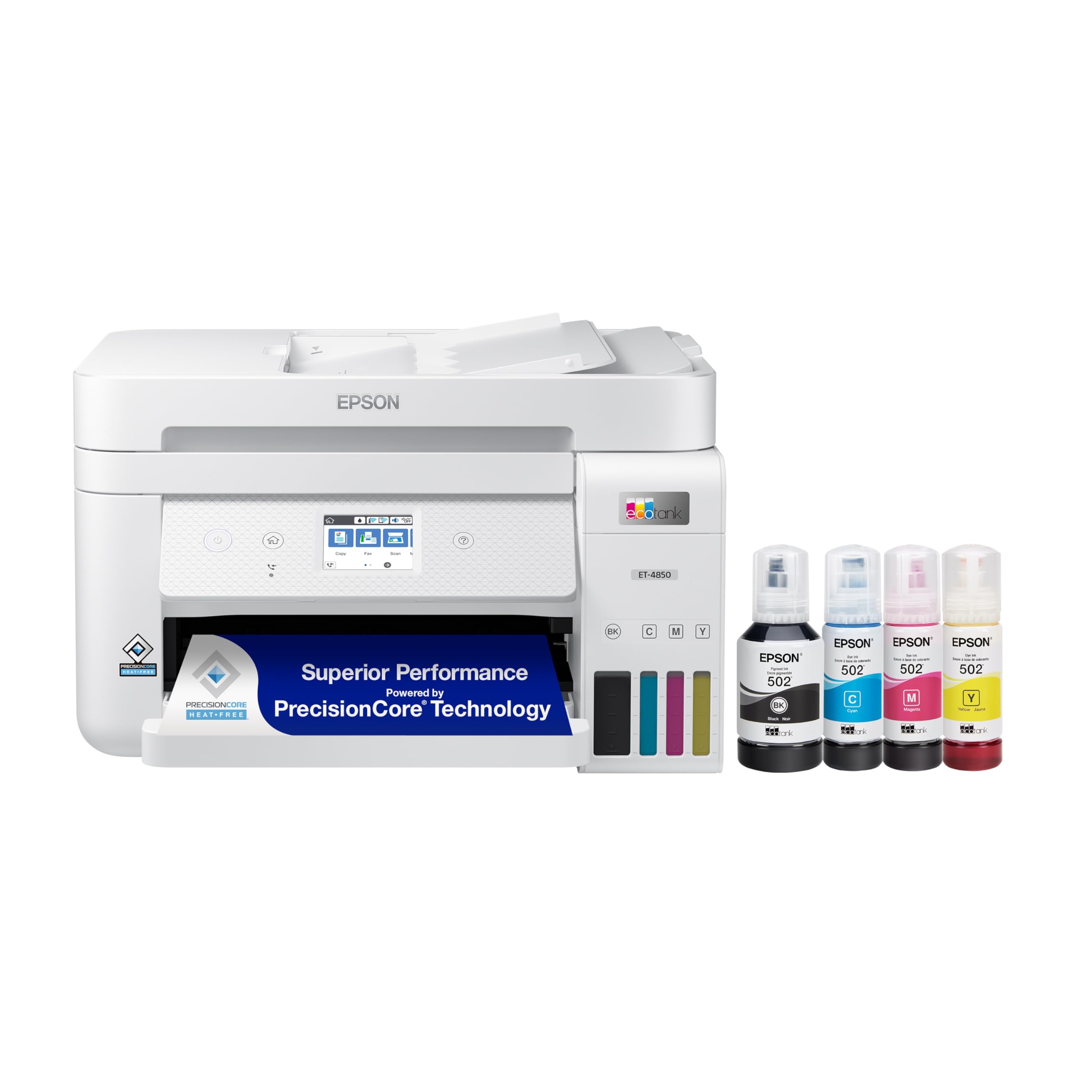
The Epson EcoTank ET-4850, around $480, is our pick for home offices and families who print, scan and copy regularly. Its first strength is the cartridge free supertank system, which uses refillable ink bottles that print thousands of pages, cutting running costs dramatically compared with cartridge printers. Its second strength is office friendly features: an automatic document feeder for multi page scans and copies, auto duplex printing, fax and wireless connectivity with mobile printing.
The limitation is a higher upfront price than cartridge printers, which only pays off if you print regularly.
Best Value
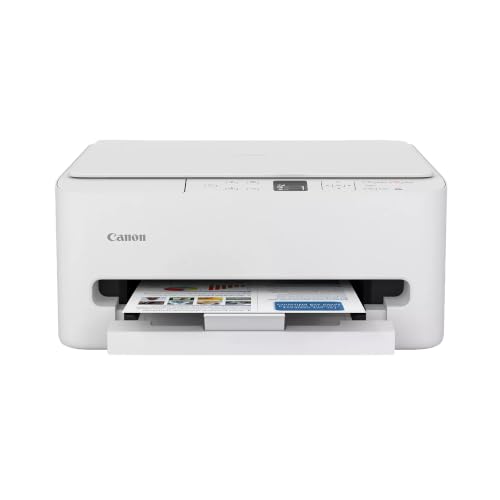
The Canon MegaTank G3270, around $200, suits students and families who want low running costs without a big upfront investment. Its first strength is Canon's refillable MegaTank system, which delivers very low cost per page for both black and color printing. Its second strength is simple wireless printing, copying and scanning in a compact design, with support for mobile printing from phones and tablets.
The limitation is the lack of an automatic document feeder and auto duplex, so multi page scanning and two sided printing are manual.
Best for Beginners
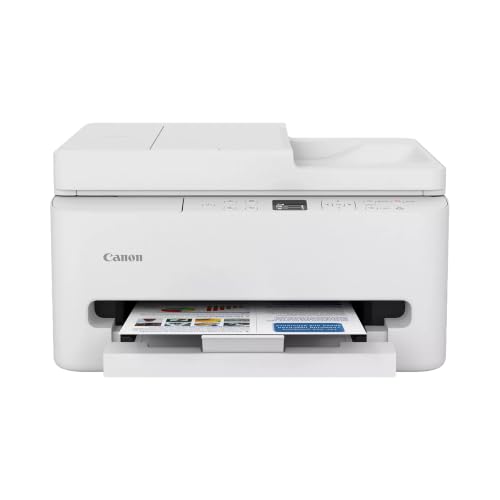
The Canon PIXMA TS6520, around $80, is an easy first all in one for households that print occasionally. Its first strength is affordability combined with useful features like wireless printing, auto duplex printing and a flatbed scanner. Its second strength is a compact design with a small OLED display and an app that guides setup and lets you print and scan from your phone.
The limitation is cartridge based ink, which costs more per page; it suits light printing rather than heavy use.
How to Choose the Best Multifunction Printers: Buying Guide
Here is what separates the best multifunction printers from frustrating ones.
Printer Type (Cartridge Inkjet, Ink Tank, Laser)
Cartridge inkjets are cheap to buy, good for photos and fine for light printing, but cartridges are expensive and can dry out. Ink tank printers cost more upfront but use refillable bottles with very low cost per page, ideal for families and home offices. Laser multifunction printers print text quickly and reliably with toner that does not dry out, best for document heavy offices. Monochrome lasers are cheapest for black text only.
Paper Handling and Duplex
Paper trays typically hold 100 to 250 sheets. Auto duplex printing saves paper by printing on both sides automatically. An automatic document feeder, or ADF, scans and copies multi page documents without lifting the lid for each page, a major time saver for offices. Rear feed slots handle envelopes, labels and photo paper.
Print Speed
Print speed is measured in images per minute or pages per minute. Home inkjets print around 10 to 15 black pages per minute, while business inkjets and lasers reach 20 to 40. Speed matters for offices printing long documents; home users rarely notice differences.
Ease of Setup and Calibration
Modern multifunction printers set up through smartphone apps that connect them to WiFi and install drivers. Ink tank printers require filling tanks initially, which takes a few minutes with keyed bottles that prevent spills. Touchscreens make scanning and copying easier than button only controls.
Reliability and Support
Choose brands with solid warranties, available ink supplies and regular driver updates. Epson, Canon, HP and Brother all offer broad support. Ink tank printers often include longer warranties when you register them.
Cost per Page and Ink Costs
Running costs often exceed purchase price. Cartridge printers may cost 5 to 20 cents per page, while ink tank printers cost well under a cent for black pages. Laser toner offers low cost per page for text. Calculate costs based on how much you print, and beware of printers that require subscriptions or block third party ink.
Connectivity and Mobile Printing
Look for WiFi, Ethernet for offices and USB. AirPrint, Mopria and manufacturer apps let you print and scan from phones. Cloud scanning to email or storage services is handy for remote workers.
Types of Multifunction Printers
Cartridge Inkjet Printers
Affordable and compact, these suit light home printing and occasional photos. Running costs are higher, and infrequent use can cause dried ink.
Ink Tank Printers
Refillable ink tank printers offer the lowest running costs, great for families, students and home offices that print regularly in color.
Laser Printers
Laser all in ones print fast, sharp text and handle sporadic use well. Color laser models suit offices printing charts and flyers.
Business Inkjet All in Ones
Business inkjets like the HP OfficeJet Pro add fast printing, ADFs and fax for small offices, balancing speed and color quality.
Picking the Right Multifunction Printers for Different Uses
Best Multifunction Printers under 200
The best multifunction printers under 200 include ink tank models like the Canon MegaTank G3270 and Epson EcoTank ET-2800, plus cartridge inkjets like the Canon PIXMA TS6520. Prioritize ink tank models if you print often to save on running costs.
Best Inkjet Multifunctions Printers
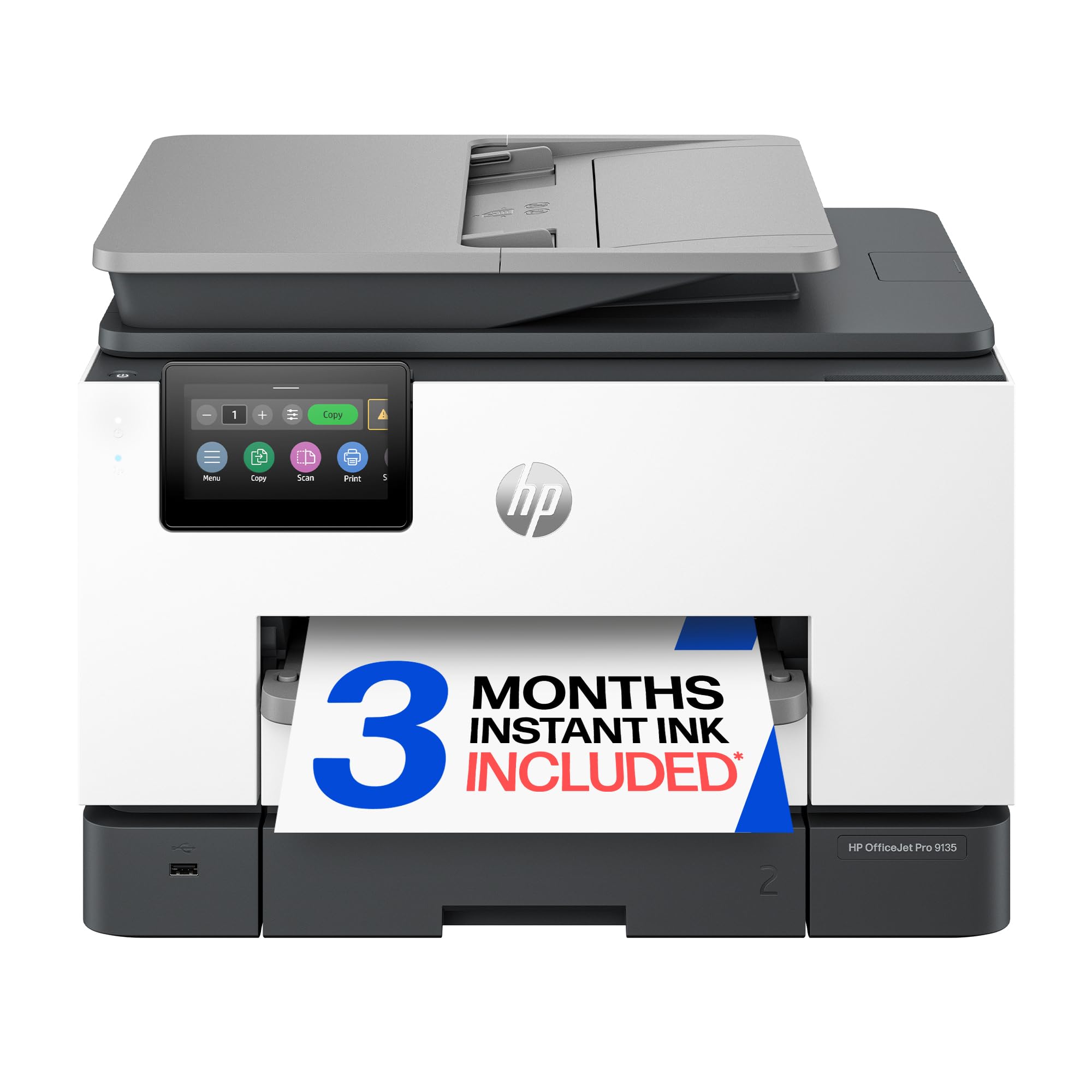
The best inkjet multifunctions printers balance print quality, scanning features and running costs. The Epson EcoTank ET-4850 and HP OfficeJet Pro 9135 offer ADFs, duplex and wireless for busy homes and offices.
Best Small Multifunction Printers
The best small multifunction printers fit on shelves and small desks. Compact models like the Canon PIXMA TS6520 and TR7120 save space while offering wireless printing and scanning.
Choosing Between Epson, Canon, HP and Brother
Epson EcoTank printers lead the ink tank category with a wide range of models, from simple home printers to office machines with ADFs and fax. Canon MegaTank and PIXMA printers offer strong photo quality and compact designs, with MegaTank models delivering low running costs. HP OfficeJet Pro printers focus on fast business printing and integrate with HP's Instant Ink subscription, while HP Smart Tank models compete with refillable systems.
Brother is known for reliable laser all in ones and INKvestment inkjets with high yield cartridges, popular in small offices. All four brands make dependable printers; choose based on running costs, the features you need such as ADF and fax, and how the brand handles third party ink. The best multifunction printers for most homes combine a refillable ink system with wireless printing and simple apps.
Reducing Printing Costs
A few habits cut printing costs. Print in draft or eco mode for internal documents, use duplex printing to halve paper use and preview documents to avoid reprints. Print in grayscale when color is not needed. On ink tank printers, buy genuine bottle bundles during sales. For cartridge printers, high yield XL cartridges lower cost per page compared with standard cartridges.
Setup and Care Tips
Place the printer on a stable surface with access to paper trays and the scanner lid. Use the manufacturer app for WiFi setup and firmware updates. Print at least a page or two weekly to prevent inkjet nozzles from drying. Store spare ink bottles or cartridges sealed. Clean the scanner glass with a soft cloth, and run printhead cleaning only when needed to save ink.
Scanning and Copying Features That Matter
Scanning quality varies between all in ones. Flatbed scanners handle photos, books and fragile documents, while automatic document feeders speed up multi page scans. Duplex ADFs scan both sides of pages automatically, ideal for contracts and receipts. Look for optical resolution of 1200 dpi for photos and scan to email or cloud features for convenience.
Copying features include enlargement, reduction and ID card copy modes. Small offices that copy frequently benefit from touchscreens and larger ADF capacities of 30 to 50 sheets.
Ink Subscriptions and Third Party Ink
Many printer makers offer ink subscription programs that ship cartridges automatically based on how many pages you print. Plans like HP Instant Ink can save money for households that print a steady number of pages each month, especially color pages. However, some printers sold with subscription programs require an active internet connection and may stop accepting cartridges if you cancel.
Third party and remanufactured ink can lower costs further, but some printers use firmware that blocks non original cartridges. Ink tank printers avoid most of these concerns, since bottles are inexpensive and refills are simple. Before buying, check the printer's ink policy and whether firmware updates have restricted compatible ink in the past.
Printing Photos on a Multifunction Printer
All in one inkjets can print good looking photos on glossy paper, especially models with five or six ink colors. Ink tank printers like the Epson EcoTank series produce vivid photos at low cost per print, making them popular with families printing school projects and snapshots. Laser multifunction printers are not designed for photo printing and produce flat, less detailed images on photo paper.
For the best results, use the manufacturer's photo paper and select the correct paper type in the print settings. Borderless printing is available on many inkjets for 4x6 and 5x7 prints. Dedicated photo printers still deliver better gradients for enthusiasts.
Multifunction Printers for Small Businesses
Small businesses need speed, reliability and security. Look for business inkjets or laser all in ones with 35 to 50 sheet automatic document feeders, duplex scanning, Ethernet connectivity and fax if your industry still uses it. Larger paper trays reduce refills, and higher monthly duty cycles keep the printer reliable under heavy use.
Security features such as PIN protected printing, secure boot and encrypted connections protect sensitive documents. Scan to email and cloud workflows speed up paperwork, and printers that integrate with accounting or document management apps save time.
Common Mistakes to Avoid
- Buying on purchase price alone. Cheap printers can cost more over time due to expensive cartridges.
- Skipping the ADF. Without an automatic document feeder, scanning multi page documents is slow.
- Ignoring ink policies. Some printers restrict third party ink or require subscriptions.
- Letting inkjets sit unused. Dried ink causes clogs; print a page weekly or choose a laser.
- Forgetting paper sizes. Check support for legal size or envelopes if you need them.
How Much to Spend on a Multifunction Printer
Around $70 to $120 buys cartridge inkjet all in ones for light use. Around $180 to $300 covers entry ink tank models and business inkjets. Around $350 to $600 brings ink tank printers with ADFs and fax, plus color laser all in ones for offices. Consider how many pages you print each month; ink tank models usually pay off within a year for regular printers.
Frequently Asked Questions
Are ink tank printers worth it?
Yes, ink tank printers are worth it if you print regularly. They cost more upfront but slash ink costs, often printing thousands of pages per bottle set. Light users who print rarely may save more with cheap cartridge printers.
Inkjet or laser: which is cheaper long term?
Ink tank inkjets are cheapest for color, while lasers are cheapest for high volume text. Cartridge inkjets usually cost the most per page. Calculate cost per page based on your printing habits.
What does cost per page mean?
Cost per page is the ink or toner cost to print one page. It is calculated by dividing cartridge or bottle price by page yield. It helps compare long term costs between printers.
Do multifunction printers need a computer?
No, most multifunction printers work without a computer. You can copy directly, print from phones over WiFi and scan to email or cloud services from the printer's screen.
How long do multifunction printers last?
Most multifunction printers last around three to five years, and business models often last longer. Ink tank and laser printers tend to outlast cheap cartridge models. Regular use, firmware updates and genuine supplies help extend lifespan.
Can a multifunction printer scan to my phone?
Yes, most current all in ones scan directly to smartphones through manufacturer apps. You can save scans as PDFs or images, share them by email or upload them to cloud storage without a computer.
Is a laser all in one better than an inkjet?
A laser all in one is better for fast, frequent document printing, while an inkjet is better for color photos and lower upfront cost. Lasers handle sporadic use without drying out. Ink tank inkjets offer the cheapest color printing.
Final Thoughts
The right multifunction printer depends on how much and what you print. Ink tank all in ones offer the best value for regular printing, cartridge models suit light use and laser all in ones handle document heavy offices. Prioritize running costs, an ADF if you scan often and reliable wireless connectivity.
Compare the best multifunction printers in the product table above to find the right printer for your home or office.


