
The Best Tablets for Gaming: Buying Guide and Top Picks
Disclosure: We may earn a commission when you buy through links on this page, at no extra cost to you. As an Amazon Associate I earn from qualifying purchases. Learn more

A buying guide to gaming tablets covering chips, high refresh screens, battery and controllers, with three short picks.
Mobile games now rival console titles in graphics and depth, and a good tablet can run everything from Genshin Impact and Call of Duty Mobile to console ports and cloud streamed Xbox games. The catch is that many tablets are built for streaming video and reading, not sustained gaming, so they overheat, stutter or drain their batteries in an hour. This guide to the best tablets for gaming explains which specs make a real difference and highlights three picks for different budgets.
The short answer: the best gaming tablet has a flagship class chip such as Apple's A17 Pro or M series or a recent Snapdragon 8 series, a 120Hz or faster display, at least 8GB of RAM, 128GB or more of storage and a battery that lasts several hours of play; iPads lead for game selection and performance, while Android tablets offer more value and higher refresh rates for the money.




Our Top 3 Picks at a Glance
These three tablets come from the product table above and cover portable gaming, budget gaming and premium performance.


Best Overall
The Apple iPad mini with the A17 Pro chip, around $570, is our pick for gamers who want serious performance in a size that is easy to hold for long sessions. Its first strength is the A17 Pro chip, the same class of processor Apple uses for console style games on iPhone, delivering fast frame rates and hardware accelerated ray tracing in supported titles. Its second strength is portability: the 8.3 inch Liquid Retina display feels like a large handheld console, comfortable to grip with both hands. WiFi 6E helps with cloud gaming and fast downloads.
The limitation is the 60Hz display, which looks less smooth than the 120Hz or 144Hz screens on some Android tablets and iPad Pro models.
Best Value
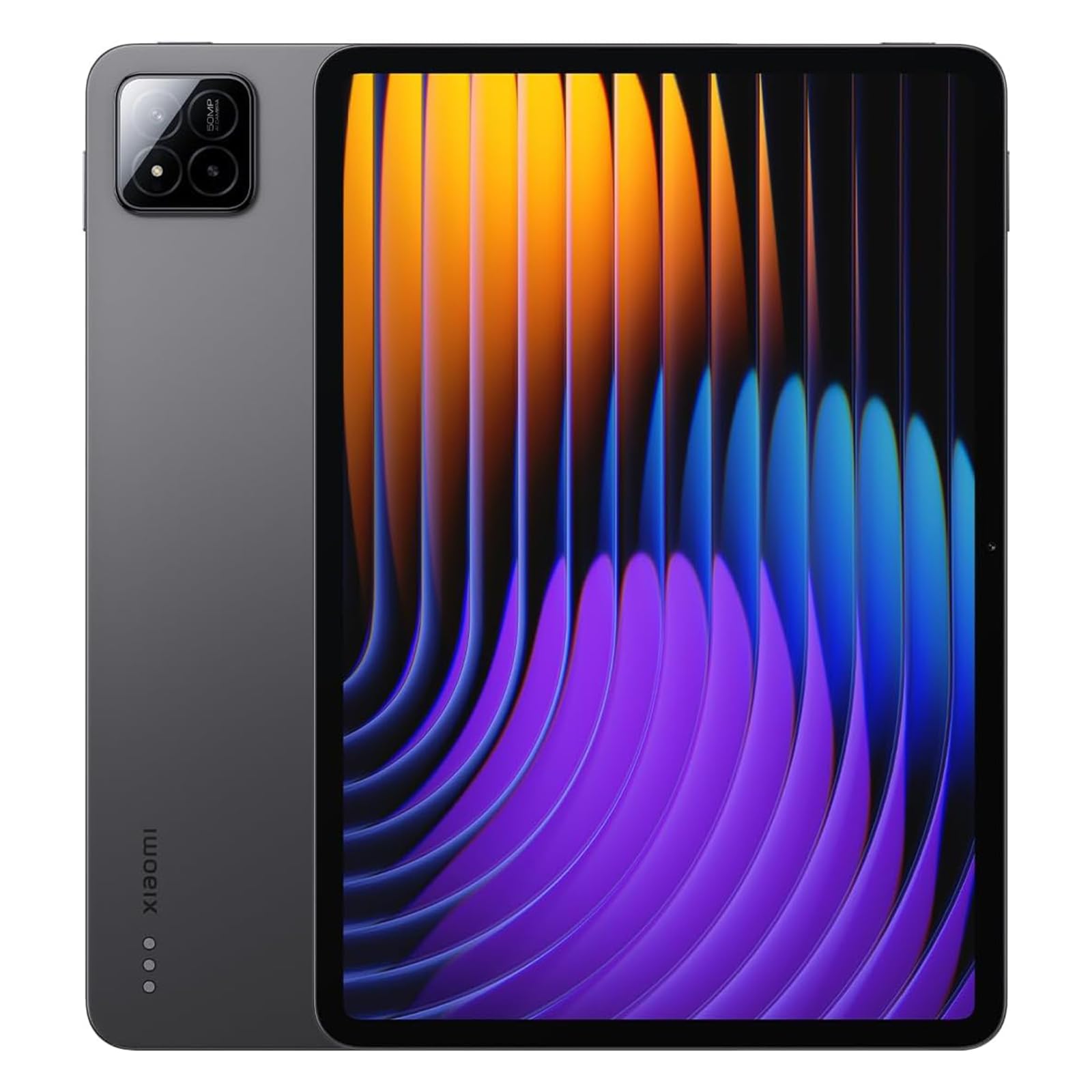
The Xiaomi Pad 7, around $375 for the 8GB and 256GB version, suits budget minded gamers who want a high refresh rate screen and plenty of storage. Its first strength is an 11.2 inch 3.2K display that runs at up to 144Hz, making supported games and scrolling look very smooth. Its second strength is a large 8,850 mAh battery with four speakers, giving long play sessions with immersive sound.
The limitation is that this is a global version with no cellular calls or text, and software updates and app optimization can lag behind Samsung and Apple in the US.
Best Upgrade Pick
The Apple iPad Pro 13 inch with the M4 chip, around $1,500 for 256GB, is for gamers who want the most powerful tablet available and a stunning screen. Its first strength is the M4 chip, which handles the most demanding iPad games and emulation with ease while staying cool. Its second strength is the Ultra Retina XDR display, a tandem OLED panel with ProMotion up to 120Hz, deep blacks and bright HDR highlights.
The limitation is price. It costs far more than most gamers need, so it only makes sense if you also use it for creative work or want the best display on any tablet.
How to Choose the Best Tablets for Gaming: Buying Guide
Gaming pushes tablets harder than any other task. Here is what to look for when comparing the best tablets for gaming.
Features That Matter for Gaming
Gaming tablets need strong sustained performance, not just fast benchmark bursts. Good cooling keeps frame rates steady during long sessions. Stereo speakers, ideally four, deliver positional audio, and a headphone jack or low latency Bluetooth helps competitive players. Controller support turns a tablet into a portable console, and Bluetooth gamepads or clip on controllers make shooters and racing games far easier.
Also check whether your favorite games support high frame rates on the tablet you are considering, since some titles cap performance on certain devices.
Processor and Performance Tier
The chip determines which games run smoothly and at what settings. Apple's A17 Pro and M series chips lead tablet gaming performance. On Android, Snapdragon 8 series chips deliver flagship performance, while Snapdragon 7 and MediaTek Dimensity chips offer strong midrange gaming. Entry level chips found in budget tablets handle casual games but struggle with demanding 3D titles.
For games like Genshin Impact or Call of Duty Mobile at high settings, choose a flagship or upper midrange chip.
Battery Life in Real World Use
Manufacturers often quote battery life for video playback, but gaming drains batteries much faster. Expect around four to seven hours of demanding gaming on most tablets, more for lighter titles. Larger batteries of 8,000 to 10,000 mAh help, as does fast charging of 33 watts or more.
Playing while charging can heat the tablet, so a quality USB C charger and a case with good airflow help keep temperatures down.
Weight and Portability
Tablets you hold for hours should be light. Eight inch tablets weigh around 0.65 pounds and feel like handheld consoles. Eleven inch tablets weigh around 1 to 1.2 pounds, a good balance of screen size and comfort. Thirteen inch models weigh 1.3 to 1.6 pounds and work better propped on a stand with a controller.
Display Size, Resolution, and Brightness
Refresh rate is the biggest display upgrade for gaming. Displays running at 120Hz or 144Hz make motion look smoother and controls feel more responsive in supported games. High resolution keeps details sharp, and OLED panels offer deeper blacks and higher contrast. Brightness of 500 nits or more helps when playing near windows or outdoors.
Operating System (Android vs iPadOS)
iPadOS offers the largest library of optimized premium games, Apple Arcade and console ports. Android tablets offer more variety in hardware and price, support emulators more freely and include Google Play Games and cloud gaming apps. Both support Xbox Cloud Gaming and other streaming services through apps or browsers.
Graphics (Integrated vs Dedicated GPU)
Tablets use integrated graphics built into the chip rather than dedicated GPUs. The graphics capability varies widely, from basic GPUs in budget tablets to powerful GPUs in Apple M series and Snapdragon 8 series chips. Look for support for modern graphics features like ray tracing and high frame rate modes in the games you play.
Tablets vs Other Options
Gaming Laptops
Gaming laptops run full PC games with dedicated GPUs, keyboards and mice, far beyond what tablets can handle. They are heavier, louder and cost more, typically starting around $800. Choose a gaming laptop if you want Steam libraries, competitive PC shooters or mod support. Choose a tablet for mobile games, portability and relaxed couch gaming.
Budget Laptops
Budget laptops are better for school and office work but usually perform worse than tablets for mobile games, since their integrated graphics are designed for productivity. They suit people who need a keyboard first and casual browser games second.
2 in 1 Convertibles
2 in 1 convertibles run Windows with touchscreens and fold into tablet mode. They can play light PC games and cloud games, but most lack the graphics power for demanding titles and are heavier than tablets. Choose one if you need Windows software and occasional gaming.
Setup and Care Tips
- Keep the OS and firmware updated. Updates often improve game performance, controller compatibility and battery efficiency.
- Avoid running at 100 percent charge all the time. Use battery protection settings that limit charging to around 80 to 85 percent when plugged in for long sessions.
- Use a protective case when traveling. A padded case or sleeve prevents cracked screens and bent corners.
- Keep the tablet cool. Remove thick cases during long sessions and avoid playing in direct sunlight to prevent throttling.
- Turn on game modes. Game boosters on Android and focus modes on iPad block notifications and prioritize performance.
- Manage storage. Large games take 10GB to 20GB or more, so delete unused titles and offload media to keep downloads fast.
Best Accessories for Tablet Gaming
A few accessories make tablet gaming much more enjoyable. Bluetooth controllers such as Xbox and PlayStation gamepads connect to both iPads and Android tablets, transforming touch heavy games into console style experiences. Clip on controllers that attach to the sides of smaller tablets create a handheld console feel.
A sturdy stand or folio case props up larger tablets for controller play at a desk or on a tray table. Wired or low latency wireless headphones improve audio and help in competitive games. Matte screen protectors reduce glare and fingerprints during long sessions. Finally, a fast USB C charger of 30 watts or more keeps your tablet topped up between gaming sessions.
How Much to Spend on a Gaming Tablet
Gaming tablets fall into three broad price bands. Around $200 to $350 buys an entry level Android tablet such as the Samsung Galaxy Tab A series or Lenovo Idea Tab. These handle casual games, puzzle titles and older 3D games well, but demanding games run at lower settings and frame rates. They suit kids and casual players.
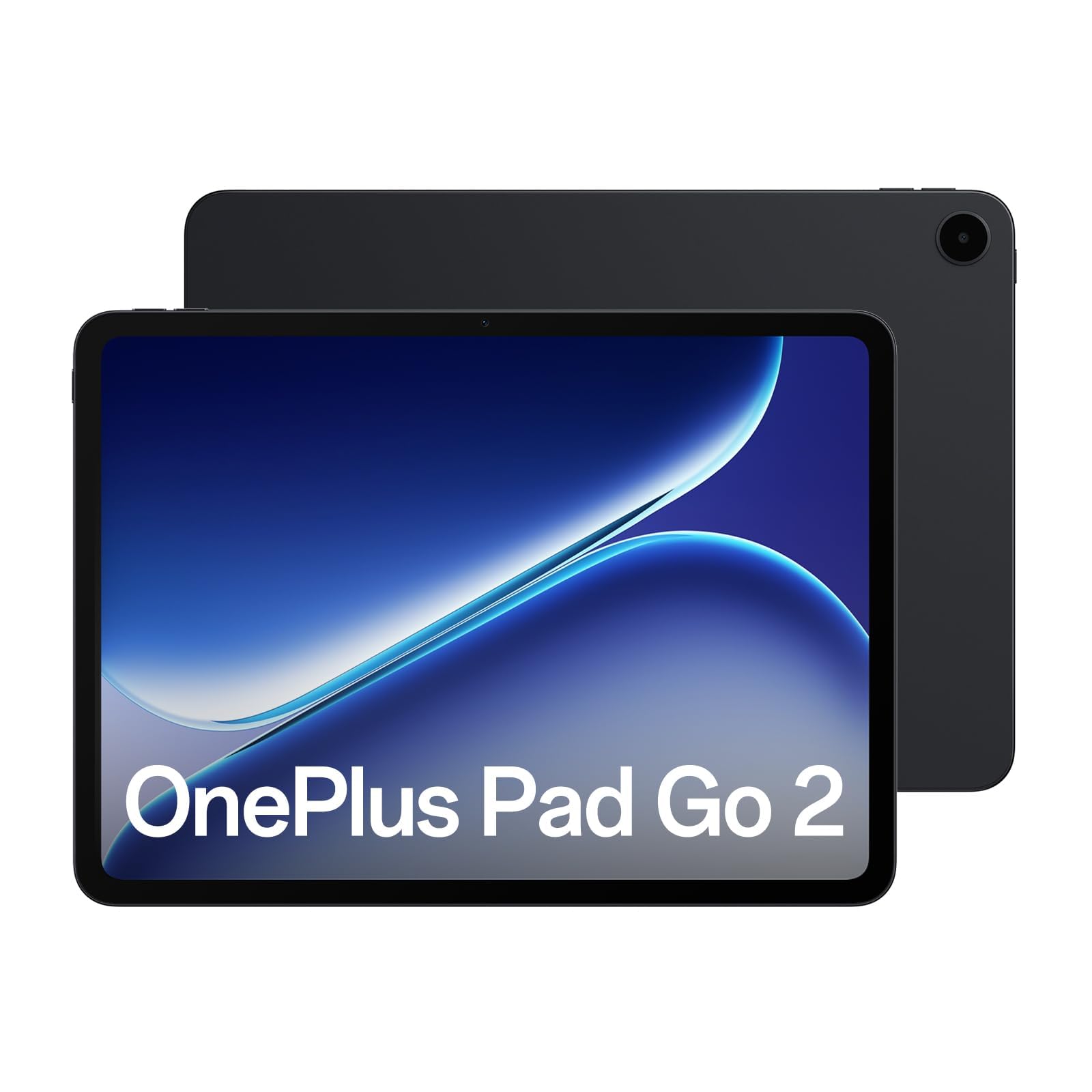
Around $350 to $700 is the sweet spot for most gamers. This range includes high refresh Android tablets like the Xiaomi Pad 7 and OnePlus Pad Go 2, plus the iPad mini with the A17 Pro chip. You get strong chips, smooth displays and enough storage for several large games, which covers nearly every popular mobile title at good settings.
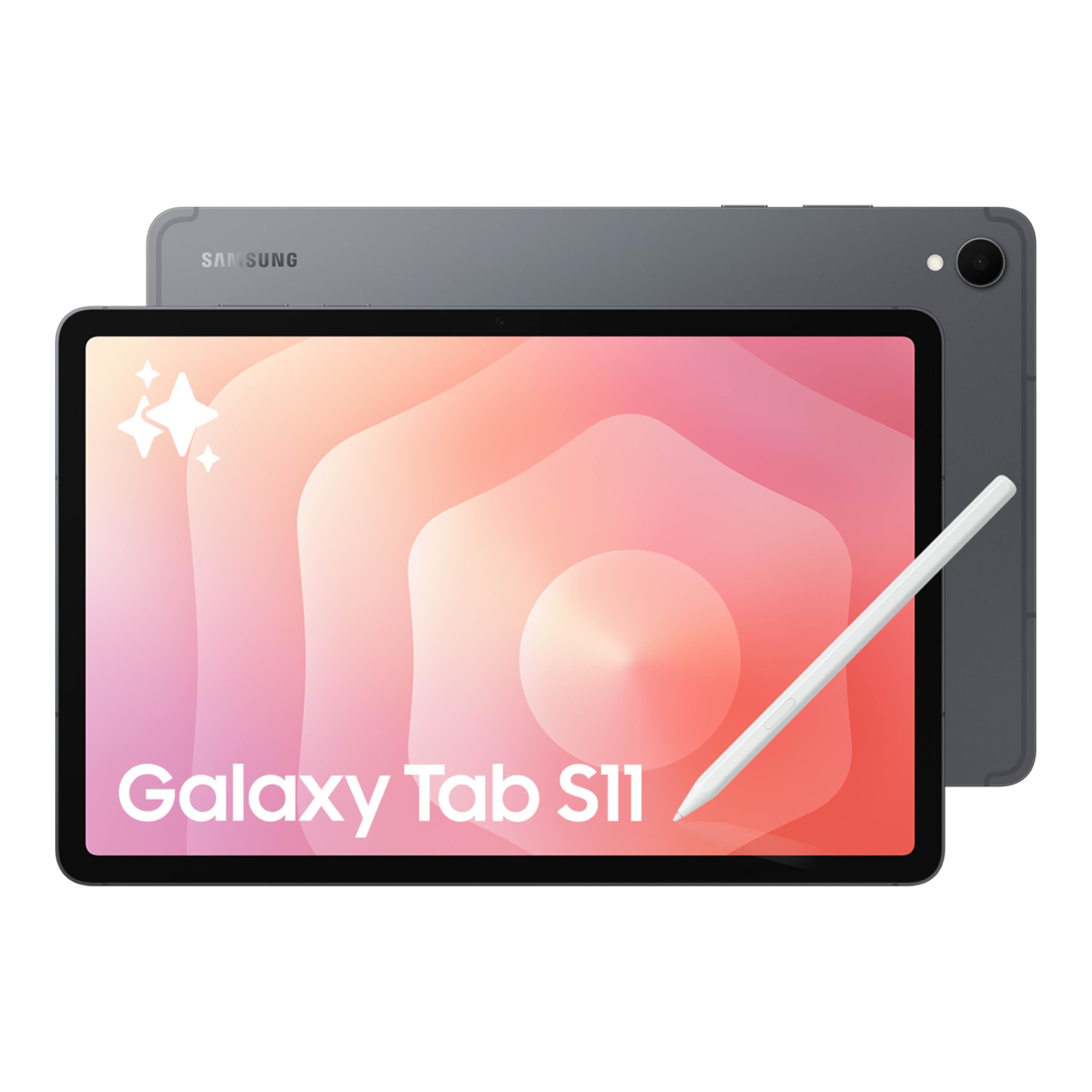
Above around $800, flagship tablets such as the Samsung Galaxy Tab S11 and S10+ and iPad Pro deliver top performance, OLED or AMOLED screens and premium build quality. They make sense if you also use the tablet for drawing, video editing or work, or if you want the most future proof hardware.
Whatever your budget, set aside around $50 to $100 for a controller and case. These accessories often improve the gaming experience more than a small jump in tablet price.
Frequently Asked Questions
What features matter most in tablets for gaming?
A powerful chip, a high refresh rate display and good battery life matter most. Flagship class processors keep frame rates high, 120Hz or 144Hz screens make motion smooth and large batteries extend play sessions. Also look for at least 8GB of RAM, 128GB of storage, stereo speakers and controller support.
How long should a gaming tablet last?
A gaming tablet should last around three to five years before newer games feel slow. Flagship chips stay capable longer than budget chips as games grow more demanding. Apple and Samsung provide years of software updates, which helps keep games compatible.
Is a dedicated GPU worth it?
Tablets do not offer dedicated GPUs, so focus on the chip's integrated graphics instead. Apple M series and A17 Pro chips and Snapdragon 8 series processors have the most capable graphics for demanding games. If you need dedicated graphics for PC games, consider a gaming laptop.
Can I play console games on a tablet?
Yes, you can play console games through cloud gaming and remote play. Services like Xbox Cloud Gaming stream games to tablets over the internet, while PlayStation Remote Play and Steam Link stream from your own console or PC. A fast WiFi 6 connection and a Bluetooth controller give the best experience.
Are budget Android tablets good for gaming?
Budget Android tablets are good for casual games but not for demanding 3D titles. Puzzle, strategy and older action games run well, while games like Genshin Impact need lower settings. If gaming is a priority, spending a little more on a midrange chip and a 120Hz display makes a big difference.
How much RAM do I need?
Eight gigabytes of RAM is ideal for gaming tablets. It keeps demanding games running smoothly and lets you switch between apps without reloading. Six gigabytes works for casual games, while 12GB or more benefits heavy multitaskers and emulation.
Final Thoughts
The right gaming tablet balances processing power, display smoothness and battery life. Choose a flagship class chip for demanding titles, a 120Hz or faster screen for smooth motion and enough storage for large game downloads. Portable gamers will love a compact iPad, value hunters can get high refresh Android tablets for under $400, and those who want the absolute best can invest in a premium pro tablet.
Compare the best tablets for gaming in the product table above to find the right balance of performance, size and price for how you play.


