
Dell S3225QC Review for 2026: 32-Inch 4K QD-OLED Monitor
Disclosure: We may earn a commission when you buy through links on this page, at no extra cost to you. As an Amazon Associate I earn from qualifying purchases. Learn more

Dell S3225QC review covering the 31.6-inch 4K QD-OLED panel, 120Hz refresh, USB-C 90W, built-in speakers and alternatives.
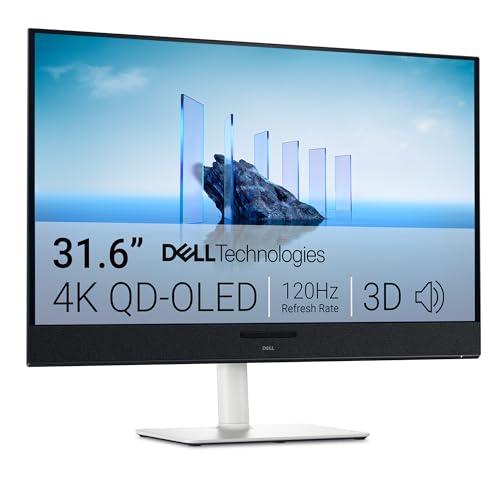
The Dell S3225QC review question comes down to one thing: is a 31.6-inch 4K QD-OLED screen worth paying for when you use the desk for both play and work? This Dell is the 32-inch OLED that is easy to buy new, and it takes the place of the curved Alienware 4K QD-OLED that now shows up mainly as a renewed unit.
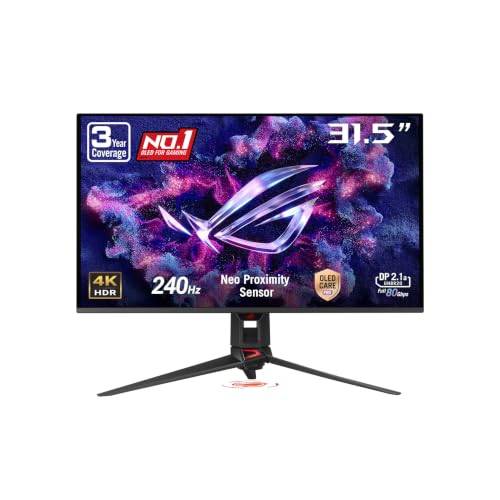
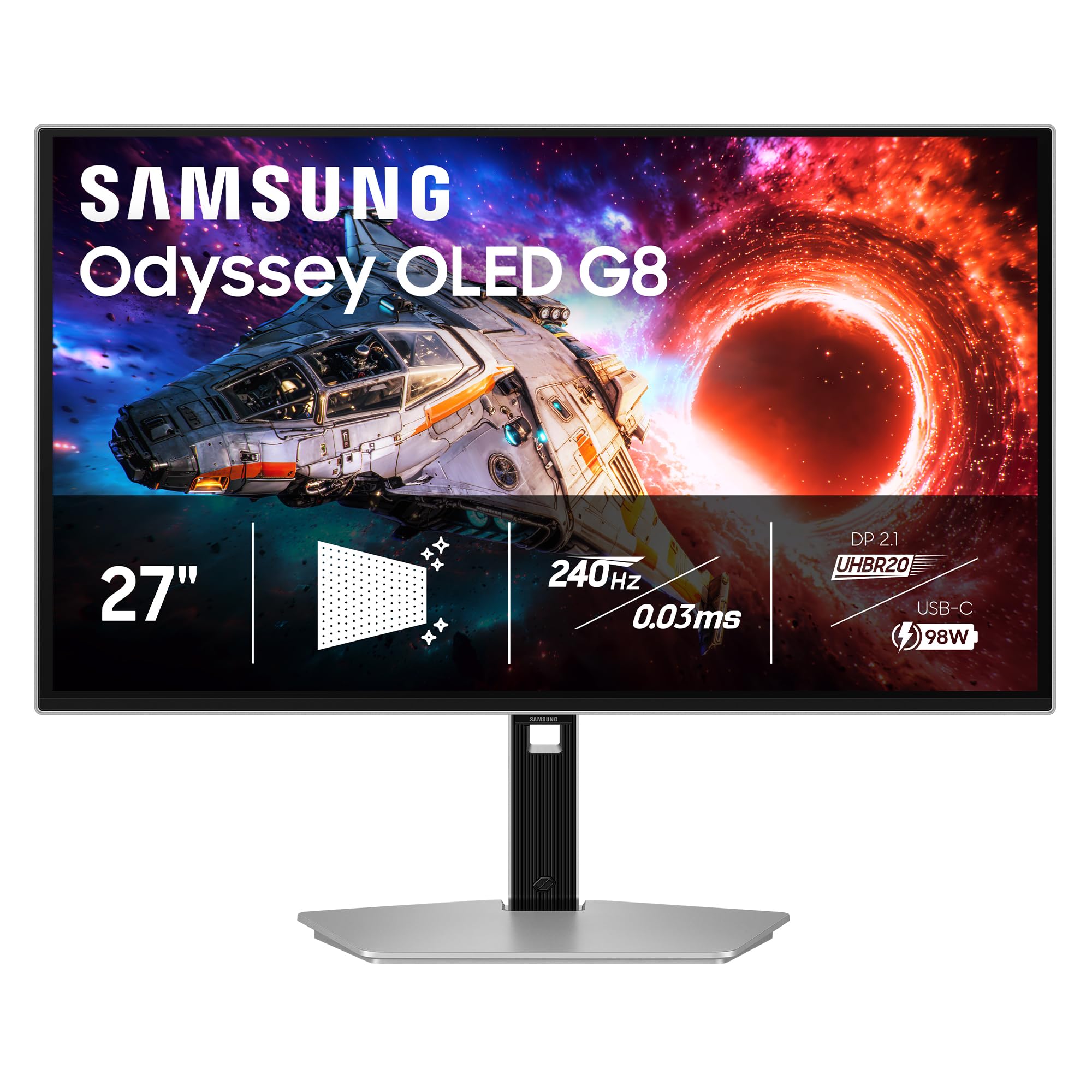
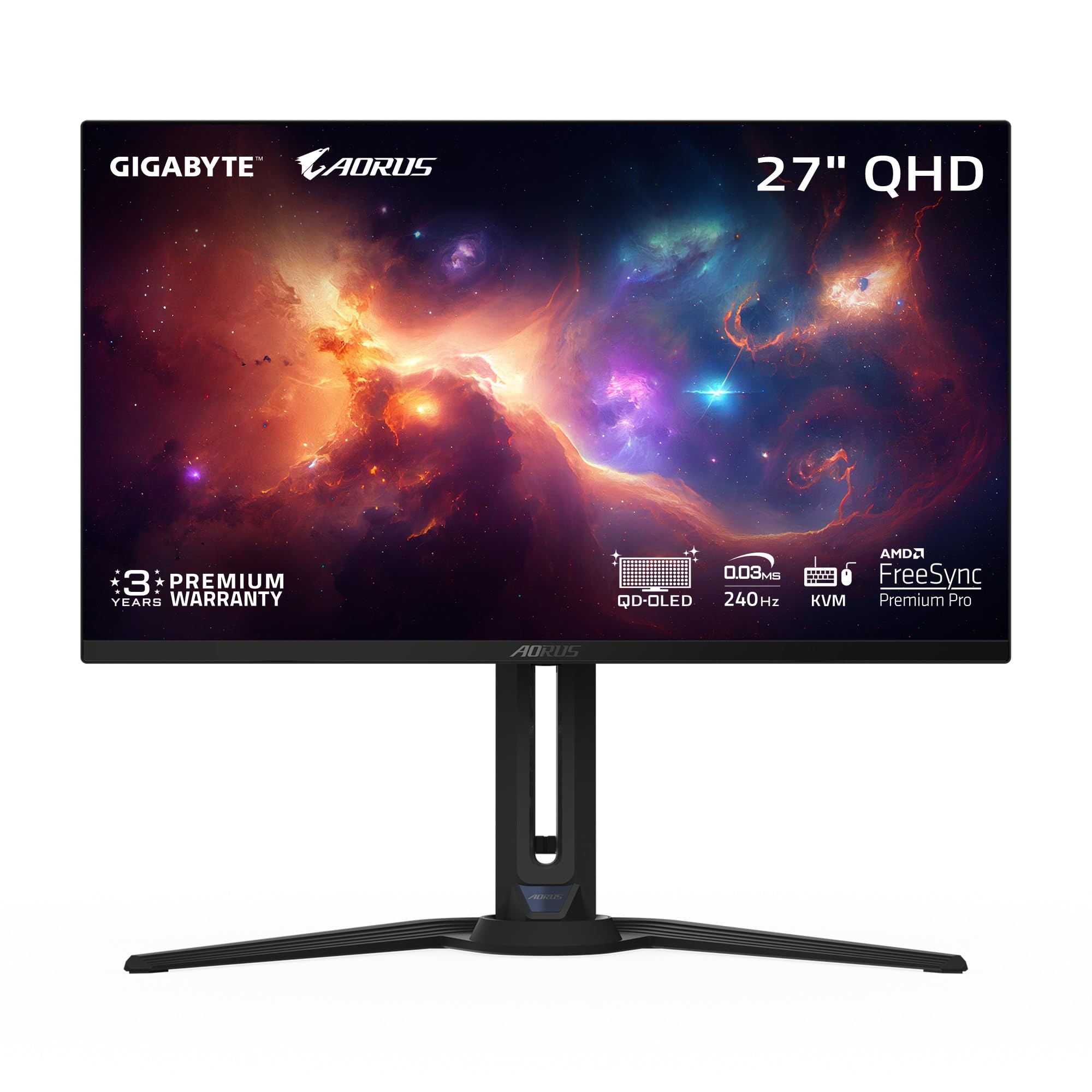
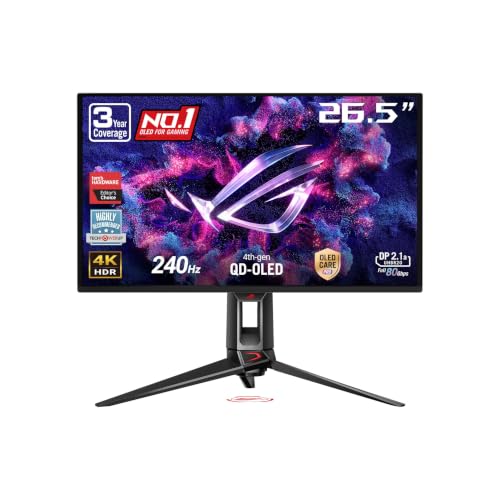
The product table above sets this monitor next to other large and 27-inch OLED displays, so you can see how price changes as refresh rate and panel size change.



What the Dell S3225QC Is
It is a 31.6-inch flat monitor with a 3840 x 2160 QD-OLED panel, a 120Hz refresh rate and a 0.03ms response time in the listing. It is finished in Ash White, which makes it look more like a home office monitor than a typical black gaming display. The stand adjusts for height, tilt, swivel and slant, so you can fit it to a desk without buying an arm.
That sets the tone for the whole product. It is a screen for people who want a big, beautiful picture and a tidy desk, not a pure esports panel built around the highest possible refresh rate.
Picture Quality and HDR
QD-OLED pixels switch off completely, so black areas look truly black and bright objects stand out against them. The listing mentions Dolby Vision and VESA DisplayHDR True Black 400, along with 99 percent DCI-P3 coverage. In practice, that means dark games, films and night scenes look rich, and colors look saturated without much tuning.
The True Black 400 tier is about contrast in dark scenes rather than raw brightness. Expect an excellent picture in a dim or moderately lit room, and check reflections if your desk faces a bright window. For editing work you will still want to calibrate or confirm colors yourself before relying on it for print.
Gaming on a 4K OLED at 120Hz
At 4K, the graphics card matters more than the monitor. Driving 3840 x 2160 smoothly in recent games needs a strong card, and many players use upscaling to stay near the 120Hz ceiling. If your PC is built around 1440p, a high-end 27-inch QHD OLED will feel faster and cost less.
- Console players can use 4K at 120Hz on supported consoles over HDMI, depending on the port and cable.
- Competitive shooter players who want a very high refresh rate should look at the 240Hz OLED models in the table.
- Single-player and cinematic game fans get the most from the picture quality here.
Single-Cable Desk Setup
One USB-C cable carries video, data and up to 90W of power, which makes it a neat partner for a laptop. Quick access ports at the front include a USB-C with up to 15W, so you can plug in a phone or a drive without reaching behind the panel. If your laptop port does not support video output, check this before you buy.
The listing also mentions five 5W speakers with AI head-tracking spatial audio. Built-in speakers never replace a proper pair of desk speakers or headphones, but they are a handy extra for video calls and casual viewing, and they save desk space.
Living With an OLED Panel
OLED care is mostly common sense. Avoid leaving the same bright, static window on screen for many hours every day, use a dark theme, and let the monitor run its refresh routines when it is idle. Dell lists ComfortView Plus for blue light reduction, which you can leave on for evening use.
Text rendering on OLED panels can look slightly softer than on a regular IPS monitor, and the 4K resolution helps a lot here. If you spend long hours in spreadsheets, view a few text-heavy pages in the first days and adjust scaling to taste.
Who Should Buy It
This monitor suits someone who games in the evening and works on the same desk during the day, and who wants a large screen with strong contrast. It also suits a home office or a bedroom setup where a clean white design looks better than aggressive gaming styling.
It is not the right buy if you need the fastest refresh rate for competitive play, a curved ultrawide, or a very cheap monitor. A 27-inch 4K OLED at 240Hz is a better pick for fast play, and an IPS monitor is a safer pick for budget buyers who leave static windows open all day.
What to Check Before You Order
Confirm the color, because the listing is for the white version. Check that your graphics card has a DisplayPort or HDMI output that can drive 4K at 120Hz. Look at the return window, since OLED brightness and uniformity are easy to judge once the monitor is on your desk. Measure your desk depth as well, because a 32-inch screen sits closer to your eyes than you may expect.
Our best gaming monitor guide covers other sizes, and the AOC Q27G3XMN review shows a much cheaper QHD option for readers who do not need OLED.
Dell S3225QC Review: Who It Fits
Buy it if the picture is the priority and you want one big, tidy screen for work and play. Look at the table alternatives if you need more than 120Hz or a smaller panel. The 27-inch models there cost a similar amount and give a higher refresh rate at the price of screen size.
FAQs
Is the Dell S3225QC a gaming monitor?
Yes, it handles games well with a 120Hz refresh rate and a very fast pixel response, but it is designed as an all-round display rather than an esports panel.
Does it support USB-C charging?
Yes. The listing mentions a single USB-C connection with up to 90W of power delivery, which suits many laptops.
Will an OLED monitor burn in?
Any OLED can retain a static image if the same bright element stays on screen for very long periods. Normal mixed use, a dark theme and screen sleep keep the risk low.
Is it curved?
No. This model is flat, unlike the curved Alienware 4K QD-OLED it replaces in this review.
Final Verdict
The Dell S3225QC is a large, good-looking 4K QD-OLED monitor that is easy to buy new. Use this Dell S3225QC review together with the table to decide between its 32-inch picture and the faster 27-inch models, then check the return terms when you order.
Listing details and prices can change, so look over the product page once more before you buy.


