Angetube
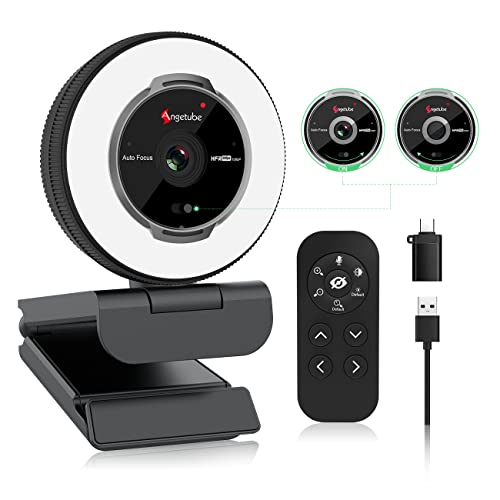
Angetube Streaming Webcam with Microphone, USB 1080P Web Cam w/Ring Light
Disclosure: We may earn a commission when you buy through links on this page, at no extra cost to you. As an Amazon Associate I earn from qualifying purchases. Learn more
Highlights
- 【Angetube Webcam with Mutil-Funtion Ring Light for Better Portrait】 The streamcam built in 3 different colors LED and stepless adjustable brightness to delivery brighter and softer tone light without glare. Single press the touch button to change the color temperatures.A rotating bezel allows for quick, brightness level changes and turn on/off the light without the need to go into software settings.
- 【Designed for Streaming】 Make a great first impression with fans and impress your friends with Angetube 862Pro’s crisp HD webcam 1080p 60 FPS camera with true-to-life colors.Auto low-light correction kicks in to ensure you stand out, even in poor lighting conditions.Real time auto focus make you never have to worry about adjusting the focal length.Plug and play on Xbox one.Widely compatible with livestream software such as OBS.
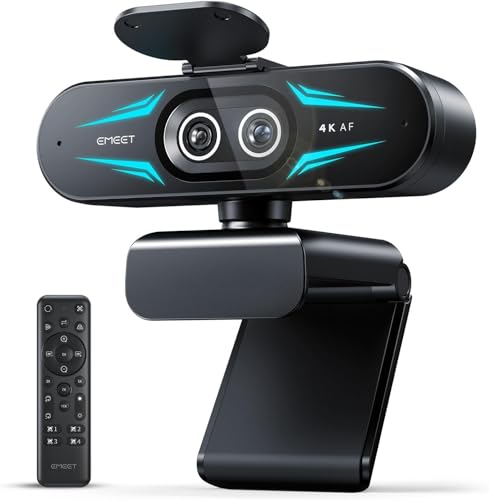
- 【Zoomable Webcam with RF 360° Omnidirectional Remote Control】 Control your video calls with a remote, so even away from the desk you are still in charge. 5X digital zoom below 1080p, Disable video, mute, adjust the FOV, white balance, and more. Adjust the webcamera brightness in Mac OS / Windows without software. This is a great convenience for Mac users.
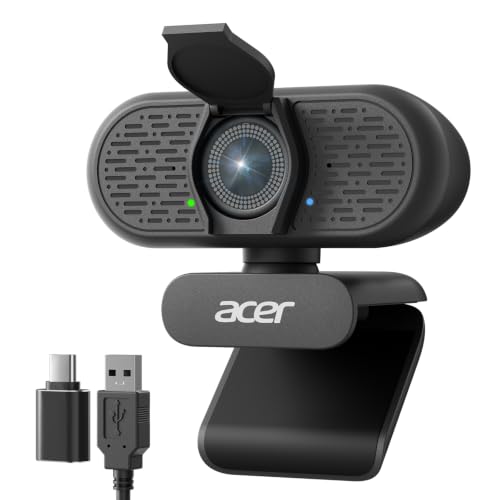
- 【Built-in Microphone&Privacy Shutter】 Built-in dual omnidirectional mics with noise cancellation ensure that you get clear audio from every angle.The built-in privacy cover and the remote disable video allows you to enjoy safe digital web life when not in use and prevent hackers from spying on you. It is perfect to provide privacy, security, and peace of mind to individuals, groups, organizations, companies, business, and governments.
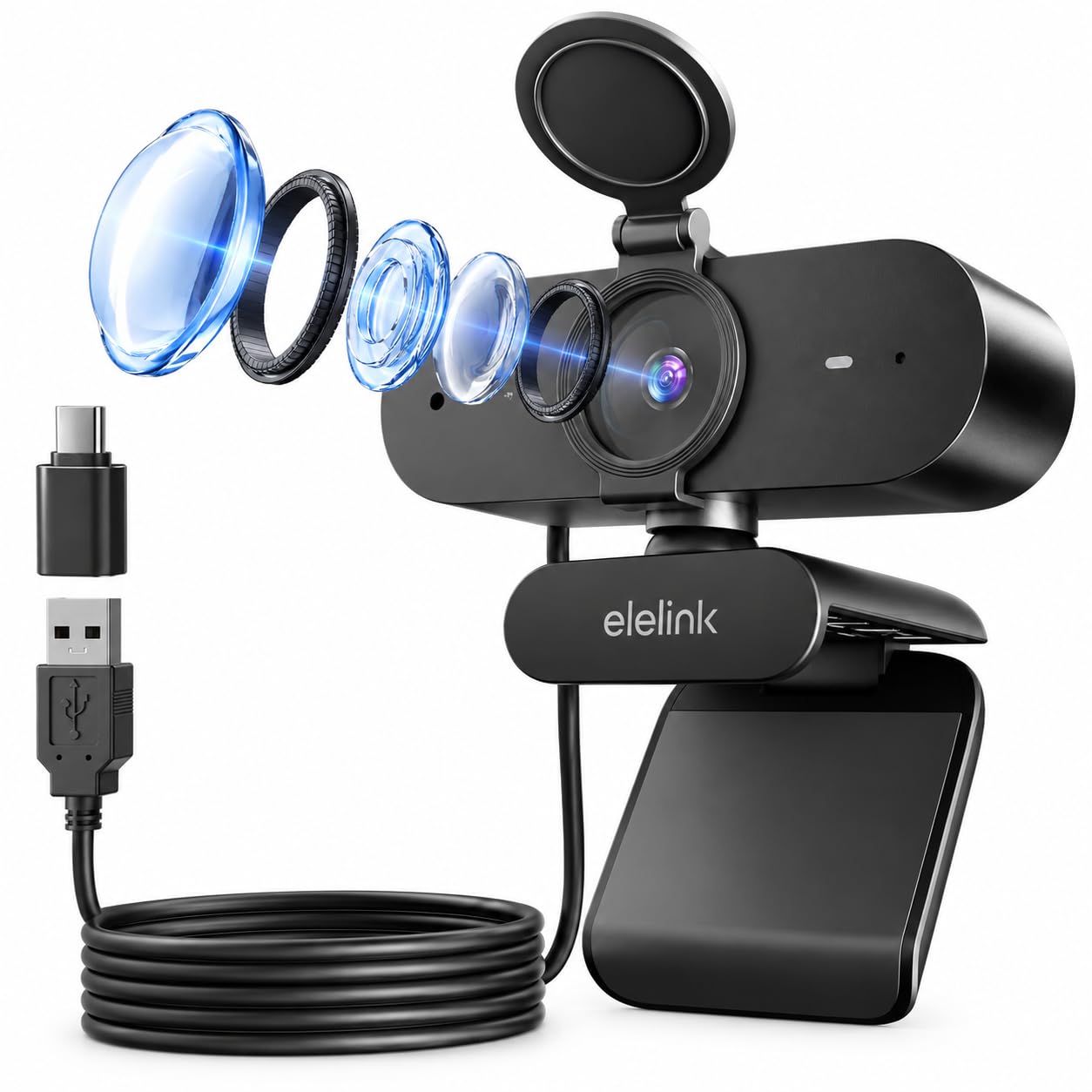
- 【USB A & C Web cam and Wide Compatibility】 The 1080p webcam works with USB A or USB C with included Adapter. Plug and play,No additional driver required.The facecam is compatible with Windows XP/7/8/10/11, Mac OS, Android V5.0 above, Linux,Chrome OS, Ubuntu etc.Perfect for Zoom, Skype, Facetime, Facebook, YouTube, Microsoft Teams, and any other popular video calling software.
- 【Enhanced Control with Angetube Webcam Software】 You can download software from Angetube’s official website to modify camera property such as exposure, resolution, white balance, etc., and choose different filters to video effects through the software. Adjusted video effects to other video software such as ZOOM, MS Teams, etc. via the “Angetube virtual camera”.
Why You'll Love It
- Delivers smooth 1080p video at 60 frames per second with real-time autofocus
- Built-in ring light features three color temperatures and stepless brightness control via rotating bezel
- RF 360-degree remote lets you mute, zoom, and adjust settings from across the room
- Dual omnidirectional noise-canceling microphones capture clear audio from all directions
- Includes physical privacy shutter and software toggle to block video feeds when not in use
- USB-A and USB-C compatibility offers plug-and-play setup across major operating systems
Pros
- +Smooth 1080p video at 60 FPS
- +Hardware rotating bezel for light control
- +Handy 360-degree RF wireless remote
- +Built-in physical privacy cover
- +Includes USB-A to USB-C adapter
Cons
- -5X digital zoom only works below 1080p
- -Requires proprietary software for advanced virtual camera filters
- -No 4K resolution support
Detailed Review
The Angetube 862Pro is an all-in-one USB streaming webcam engineered for creators, remote professionals, and gamers who need clear picture quality and adjustable lighting in one package. It outputs high-definition 1080p video at 60 frames per second, handling fast motion smoothly while real-time autofocus and automatic low-light correction work together to keep you clear and visible in changing room conditions.
Lighting control is integrated directly onto the camera body. The built-in ring light features three distinct color temperatures that you can cycle through with a single press of a touch button. Brightness adjustments do not require digging into system settings: a physical rotating bezel lets you dial in the exact light level smoothly, providing softer, glare-free illumination to enhance portrait quality.
For convenience during presentations or casual streaming, the camera includes an RF 360-degree omnidirectional remote control. The remote lets you adjust brightness, tweak white balance, alter field of view, mute the dual noise-canceling microphones, or disable the video feed even when away from your desk. You can also utilize 5X digital zoom when running at resolutions below 1080p, while the optional downloadable Angetube software lets you manage exposure and run virtual camera filters in apps like Zoom and Microsoft Teams.
There are a few limitations to keep in mind. The maximum resolution tops out at 1080p, and the digital 5X zoom is unavailable when streaming at full 1080p resolution. In addition, taking full advantage of custom filters and virtual camera properties requires downloading the dedicated utility from the manufacturer.
Verdict: The Angetube 862Pro is a versatile choice for streamers, remote workers, and online instructors who want fluid 60 FPS video, hardware-controlled lighting, and wireless remote functionality. It provides an all-in-one desktop setup without demanding complex driver installations.
Who Should Buy It
A great fit if you:
- Stream on platforms like OBS or game on Xbox One and want fluid 60 FPS video
- Need adjustable face lighting without setting up separate desk lamps
- Want to mute audio, disable video, or adjust zoom from across the room using a remote
- Use both USB-A and USB-C ports across Windows, Mac, Chrome OS, or Linux setups
Consider something else if you:
- Require native 4K video recording for ultra-high-definition production
- Rely heavily on digital zoom while maintaining full 1080p resolution
FAQ
How do you adjust the built-in ring light?
You can switch between the three color temperatures by pressing the touch button, while brightness is adjusted smoothly by turning the physical rotating bezel directly on the camera.
Does this webcam work on both Mac and Windows?
Yes. It is plug-and-play compatible with Windows XP/7/8/10/11, Mac OS, Android V5.0 and above, Linux, Ubuntu, and Chrome OS, requiring no extra drivers for standard use.
What connection types are supported?
The webcam supports standard USB-A connections and includes a USB-C adapter in the package for modern laptops and devices.
What privacy features are included?
It comes with a built-in physical privacy cover to block the lens, along with a remote control button that lets you disable the video feed instantly.
Product Details
| Brand | Angetube |
| ASIN | B09QKR8P6T |