Best Webcams for Streaming: What Actually Matters in 2026
Disclosure: We may earn a commission when you buy through links on this page, at no extra cost to you. As an Amazon Associate I earn from qualifying purchases. Learn more
What actually separates a good streaming webcam from a disappointing one.
A laptop's built-in camera is fine for the occasional video call, but it falls apart fast once you're actually streaming, where lighting, framing, and consistent quality matter to an audience watching for an hour or more. The best webcams for streaming aren't necessarily the ones with the highest megapixel count on the box, since resolution alone doesn't determine how good you actually look on screen. This guide covers what genuinely separates a solid streaming webcam from a disappointing upgrade.






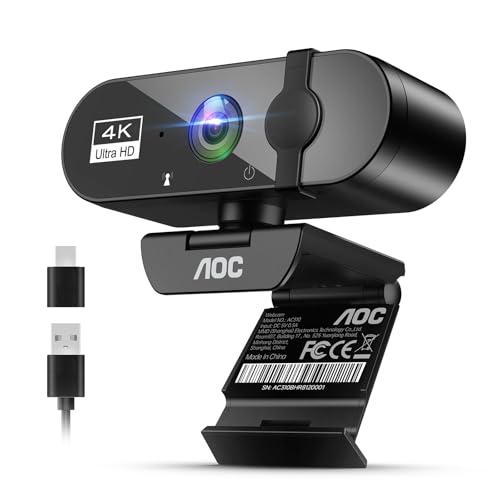


Resolution and Frame Rate: What You Actually Need
1080p at 30fps is the practical baseline for streaming, delivering clean, sharp video without pushing bandwidth or CPU encoding load too high for most streaming setups. 1080p at 60fps looks noticeably smoother for anything with movement, which matters more for reaction content or physically active streams than for someone sitting mostly still talking to chat.
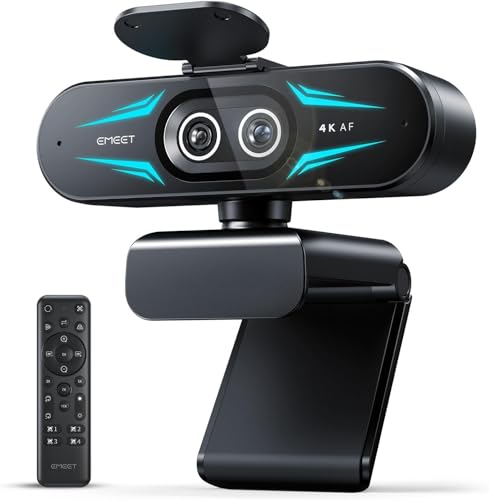
4K webcams sound impressive but rarely add real value for live streaming, since most viewers watch at 1080p or lower anyway and platforms often downscale higher resolutions regardless. The extra resolution matters more for anyone who also records separately for higher-quality video-on-demand content afterward.
Low-Light Performance
Most streaming setups don't have professional lighting, which makes a webcam's low-light performance one of the most practically important specs, even though it's rarely advertised prominently. A larger image sensor gathers more light and produces a cleaner image in dim rooms, while cheaper webcams with small sensors get grainy and noisy the moment room lighting isn't ideal.
Checking for a genuinely large sensor size, rather than trusting marketing terms like "HDR" or "low-light enhanced" without real specs behind them, avoids ending up with a webcam that looks fine in a bright product demo but grainy in your actual room.
Field of View and Framing Control
Field of view determines how much of your background shows up in frame, and different streaming setups benefit from different amounts. A wider field of view suits streamers who want their setup or a wider desk visible, while a narrower field of view keeps focus tightly on your face and works better for smaller rooms or busy backgrounds you'd rather crop out.
Some webcams offer adjustable field of view through software cropping, giving flexibility without needing to physically reposition the camera every time you want a different framing. Digital zoom and pan features add convenience for fine-tuning framing after the camera is already mounted.
Autofocus vs Manual Focus
Reliable continuous autofocus keeps you sharp even if you lean forward, gesture, or shift position during a stream, which matters more than it sounds like for anyone who moves around while talking. Cheaper webcams often have slower or less accurate autofocus that hunts visibly, drifting in and out of focus in a distracting way.
Manual focus lock is a useful secondary feature for streamers with a fixed, unchanging camera distance, since it eliminates any risk of the camera refocusing on something in the background instead of your face. For most people though, fast and reliable autofocus matters more than manual override options.
Built-In Microphone vs External Audio
A webcam's built-in microphone is rarely good enough for serious streaming, picking up room echo, keyboard noise, and inconsistent volume compared to even a basic external USB microphone. Audio quality affects viewer retention more than most new streamers expect, since choppy or muddy video is more forgivable to viewers than genuinely bad audio.
Treat a webcam's built-in mic as a backup option rather than your primary audio source, and budget for a dedicated microphone separately if streaming is more than a casual hobby. This separation also gives more flexibility to upgrade audio and video independently as your setup grows.
Mounting and Desk Setup
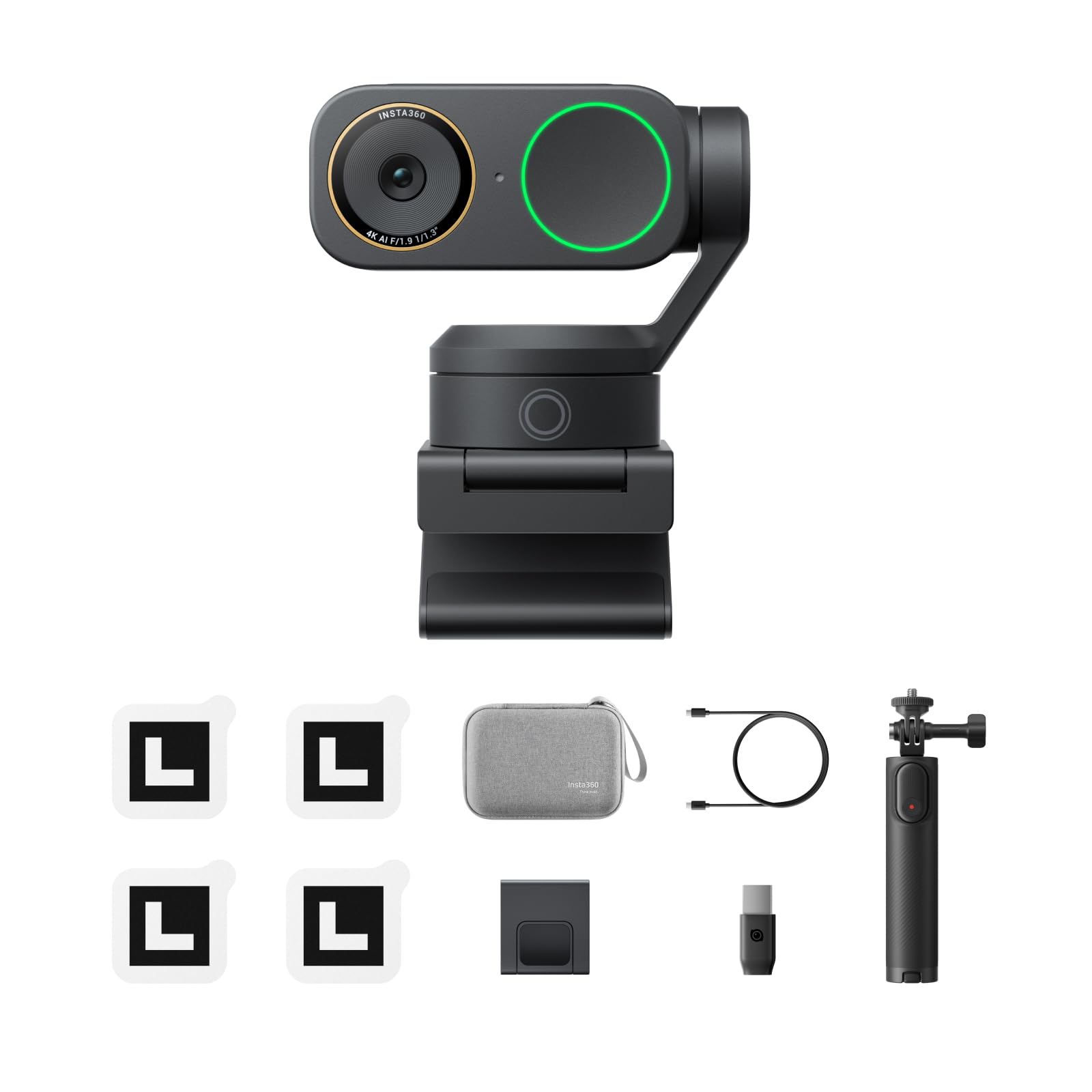
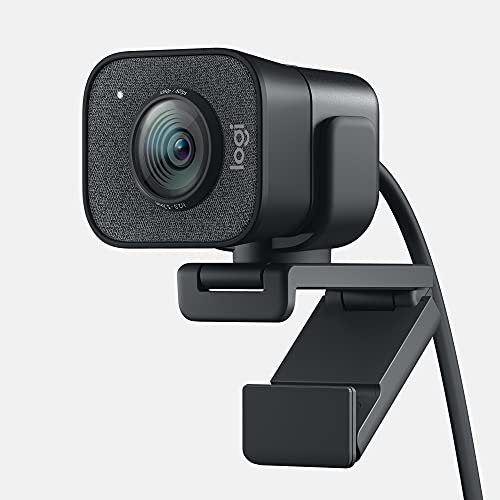
A sturdy monitor clip or tripod mount affects framing consistency more than people expect, since a wobbly or poorly balanced mount can shift position slightly every time you bump your desk. Checking the mount's compatibility with your specific monitor thickness, especially with thin modern displays or curved monitors, avoids an awkward fit that leaves the camera pointed at an odd angle.
A dedicated small tripod offers more flexibility than a monitor clip for anyone who wants precise camera height and angle control, particularly useful for streamers running a dual-monitor setup where a clip-on position might not give the best angle. Choosing the right webcam for streaming setup includes thinking through where and how it will actually sit on your desk, not just the camera specs alone.
Frequently Asked Questions
Do I need 4K resolution for streaming?
Not for live streaming specifically, since most viewers watch at 1080p and platforms often downscale higher resolutions anyway. 4K matters more if you separately record content for higher-quality video-on-demand use afterward.
Why does my webcam look grainy even though it's a decent resolution?
Grainy footage in dim rooms usually points to a small image sensor rather than a resolution problem, since sensor size determines how well a camera performs in low light regardless of the megapixel count. Improving room lighting also helps significantly with any webcam.
Is 30fps or 60fps better for streaming?
60fps looks noticeably smoother for content involving movement, while 30fps is perfectly fine for mostly stationary talking-head streams. Higher frame rate also increases bandwidth and encoding load, worth considering if your streaming PC is already working hard.
Should I rely on a webcam's built-in microphone?
Treat it as a backup rather than your main audio source, since even good webcam microphones tend to sound worse than a basic dedicated USB microphone. Audio quality has a bigger impact on viewer retention than most people expect.
What field of view is best for streaming?
It depends on your setup: wider field of view suits streamers who want their desk or room visible, while narrower field of view keeps focus tightly on your face, better for busy or small backgrounds. Some webcams offer adjustable framing through software cropping.
Final Thoughts
The right streaming webcam comes down to reliable low-light performance and autofocus more than chasing the highest resolution number available. A solid 1080p webcam with a genuinely large sensor and dependable autofocus will look better on stream than a 4K camera with poor low-light handling. Pair it with even a basic external microphone, since audio quality affects how viewers perceive your whole stream more than video resolution alone.
Related reading: best stream deck for streaming and best cpu air coolers.