
Best Stream Deck for Streaming: A Complete 2026 Buying Guide
Disclosure: We may earn a commission when you buy through links on this page, at no extra cost to you. As an Amazon Associate I earn from qualifying purchases. Learn more
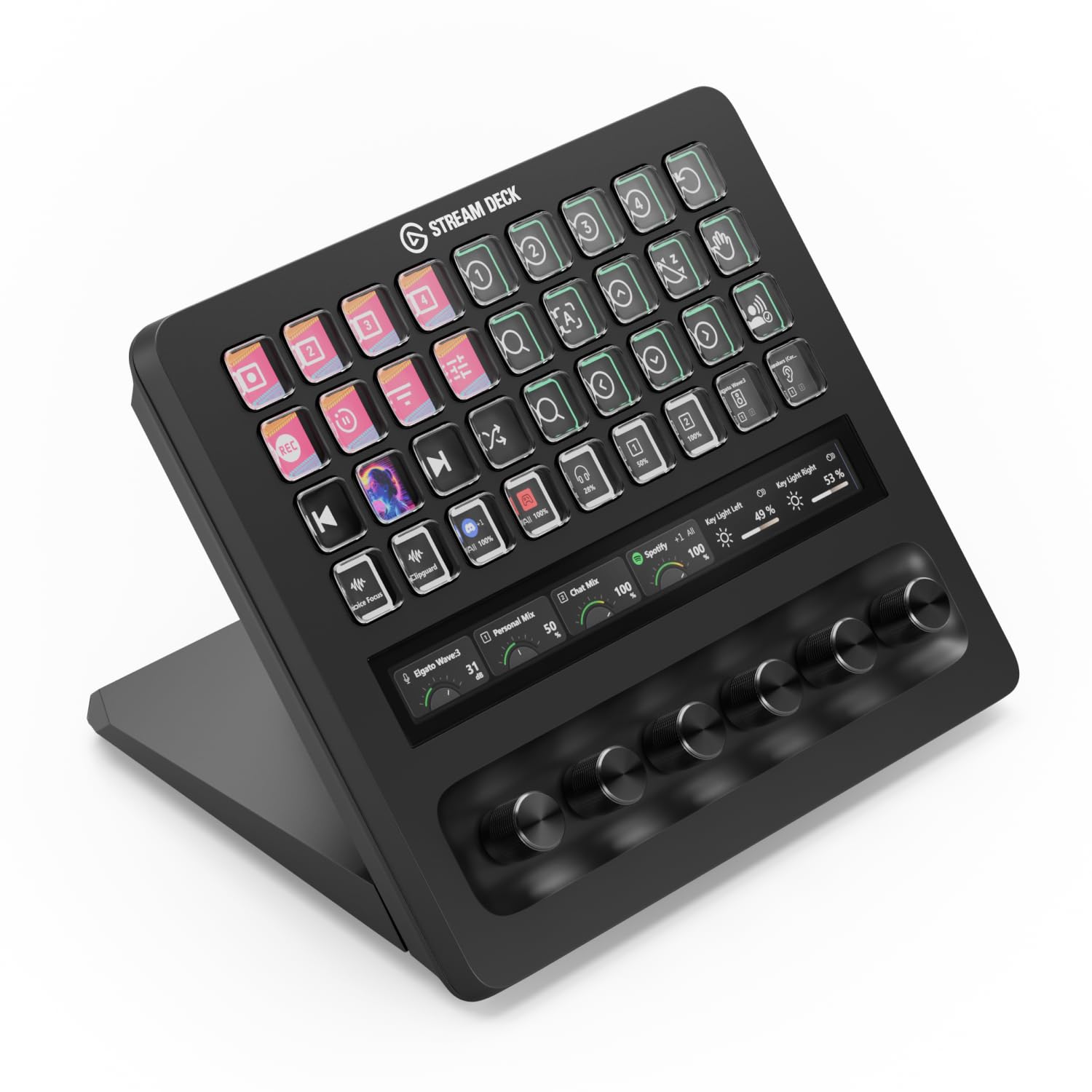
What actually matters when choosing a stream deck for streaming: key count, software compatibility, build quality, and desk footprint.
Switching scenes, muting your mic, and launching an overlay in the middle of a live broadcast is hard to do with a keyboard alone, which is exactly why so many streamers add a dedicated macro keypad to their desk. The best stream deck for streaming turns a dozen or more actions into a single tap, so you can focus on your audience instead of hunting for hotkeys. Whether you are just starting a channel or running a full multi-scene production, picking the right unit comes down to a handful of practical factors: how many keys you actually need, how the software integrates with your streaming tools, and how it fits into your existing setup. This guide breaks down what matters before you buy one.





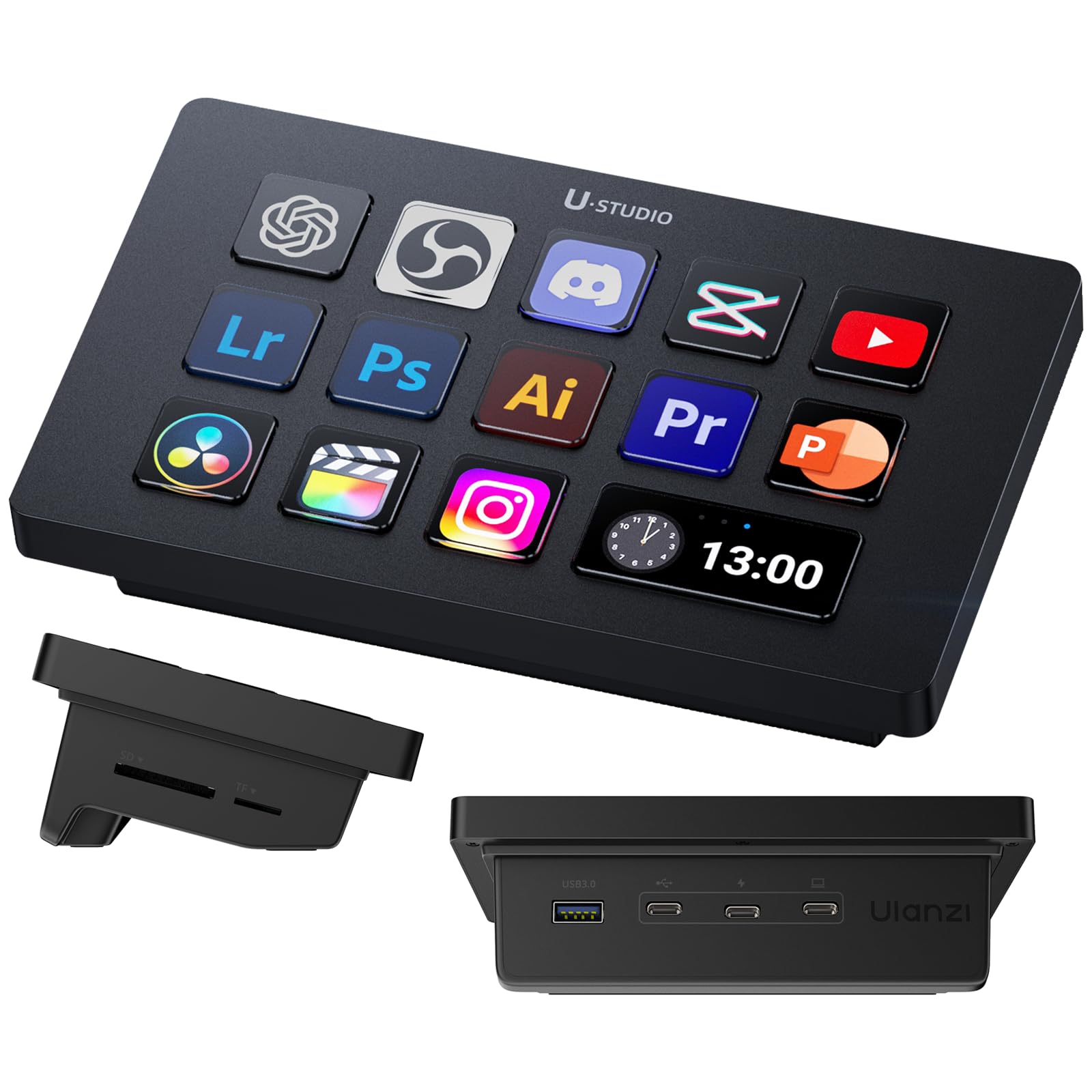
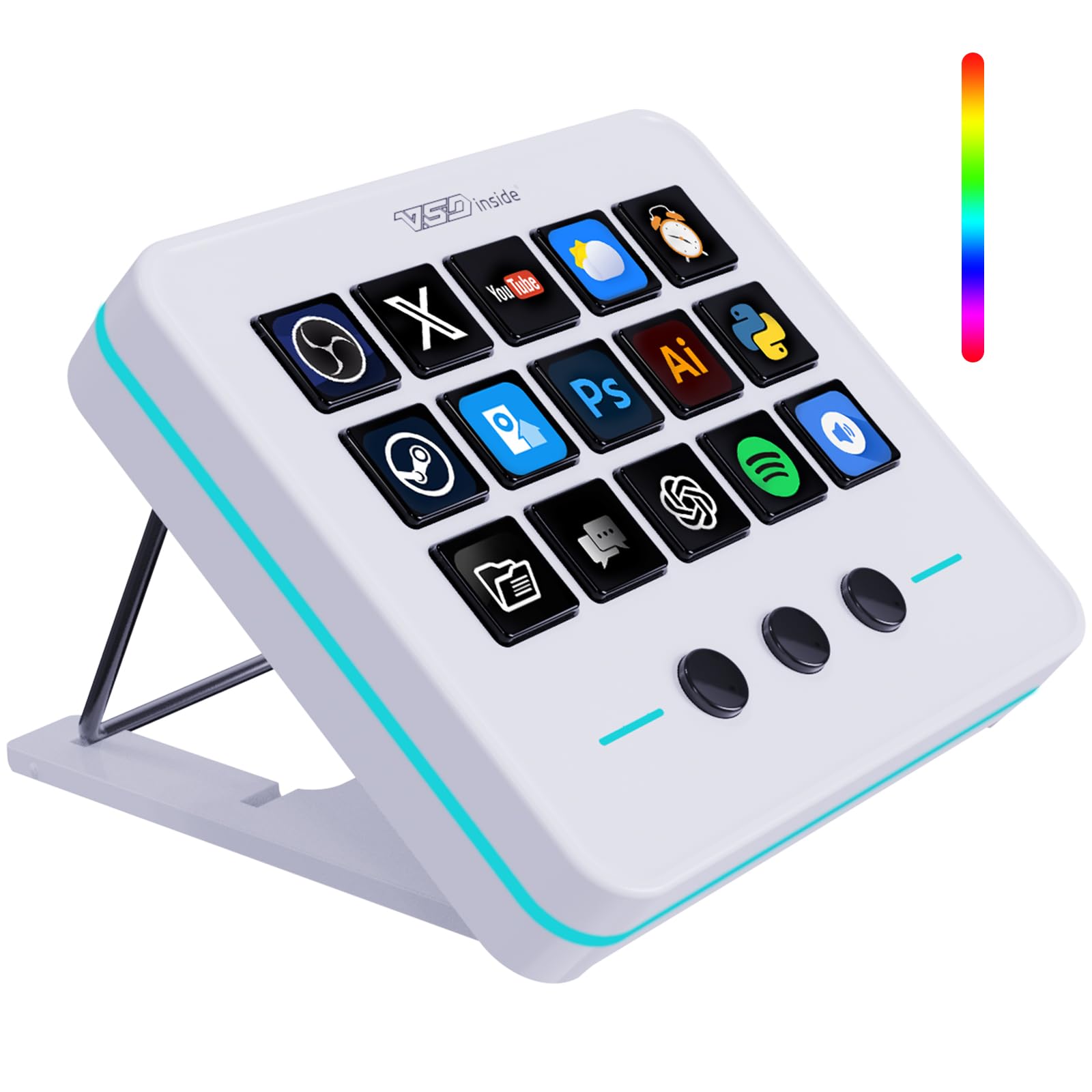
What a Macro Keypad Actually Does for a Streamer
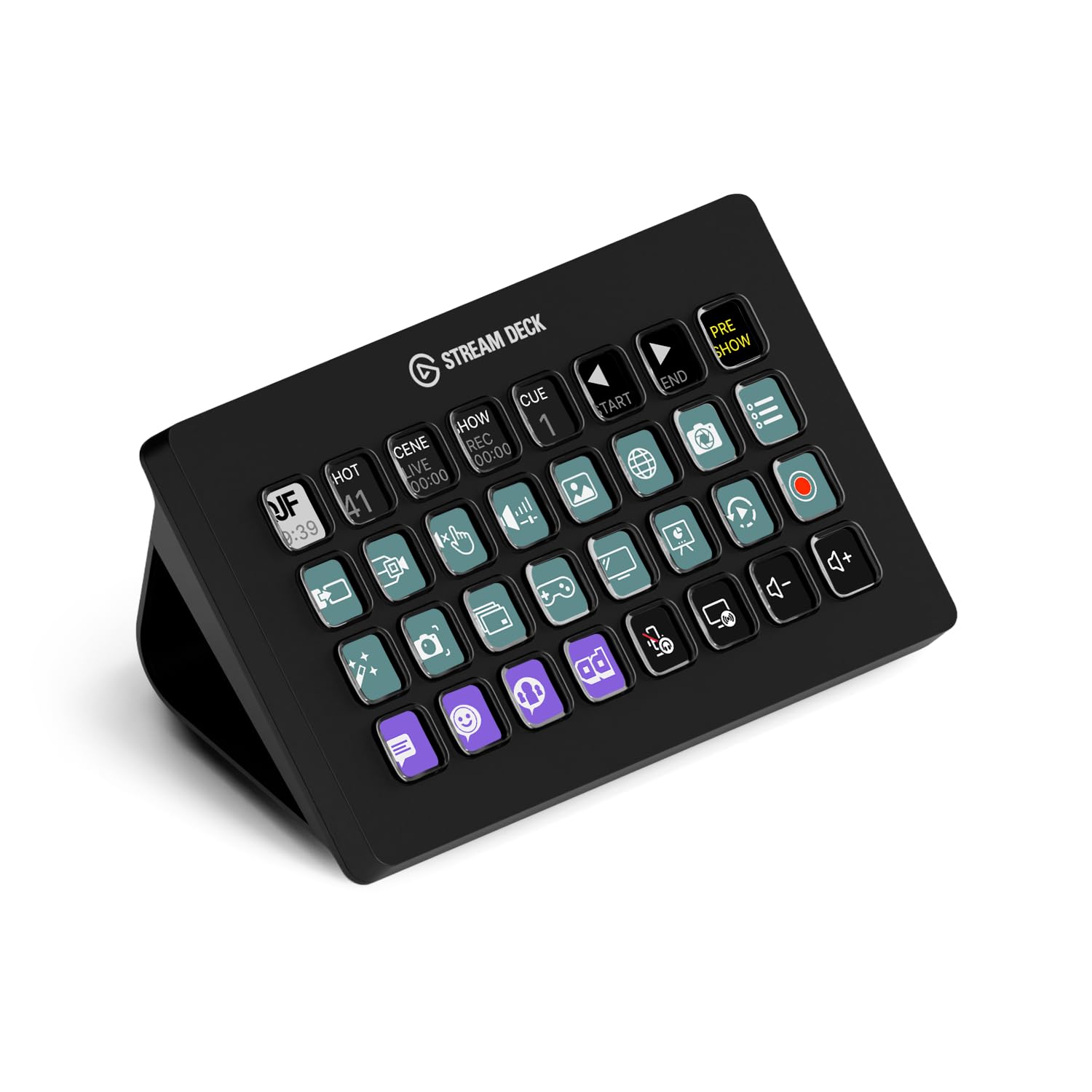
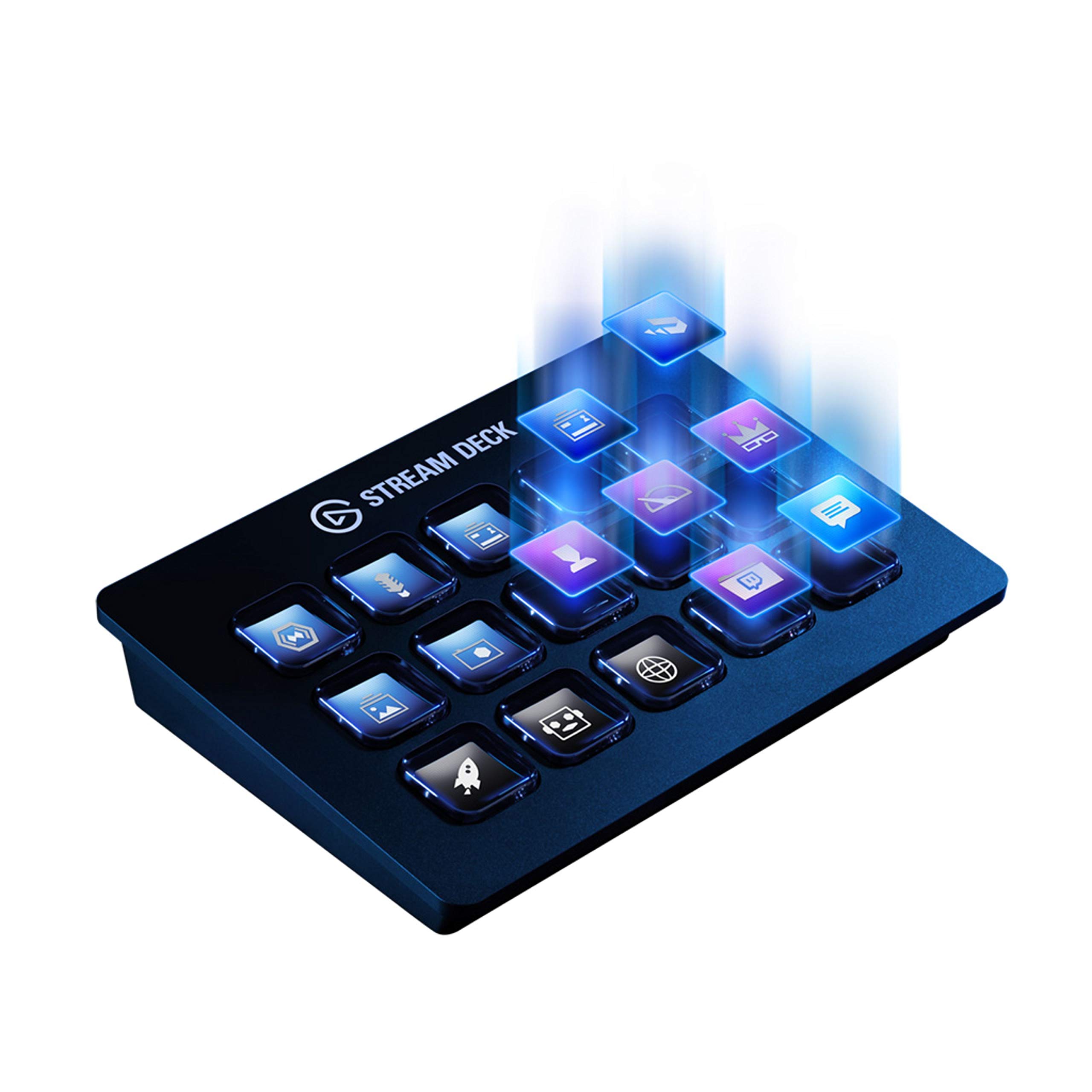
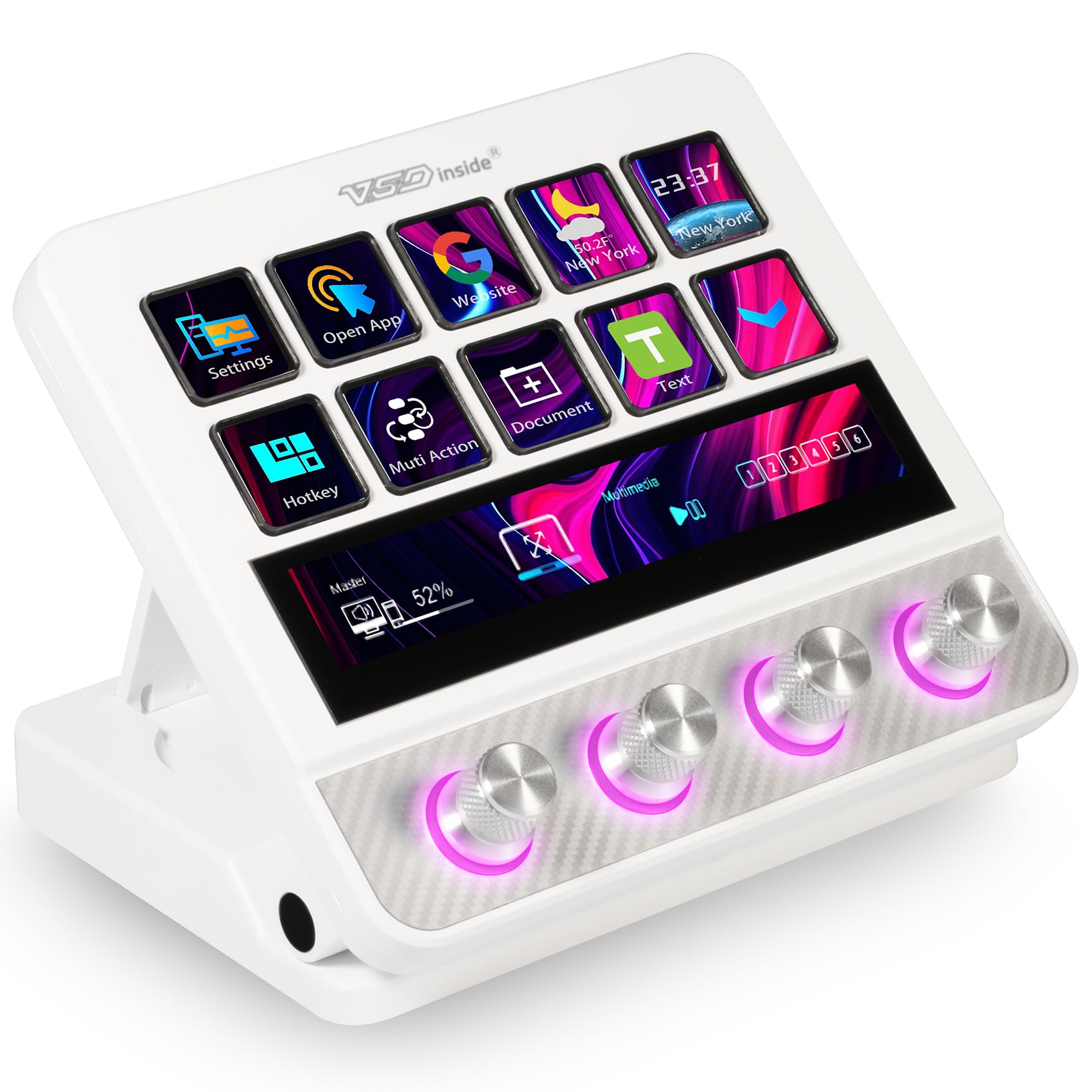
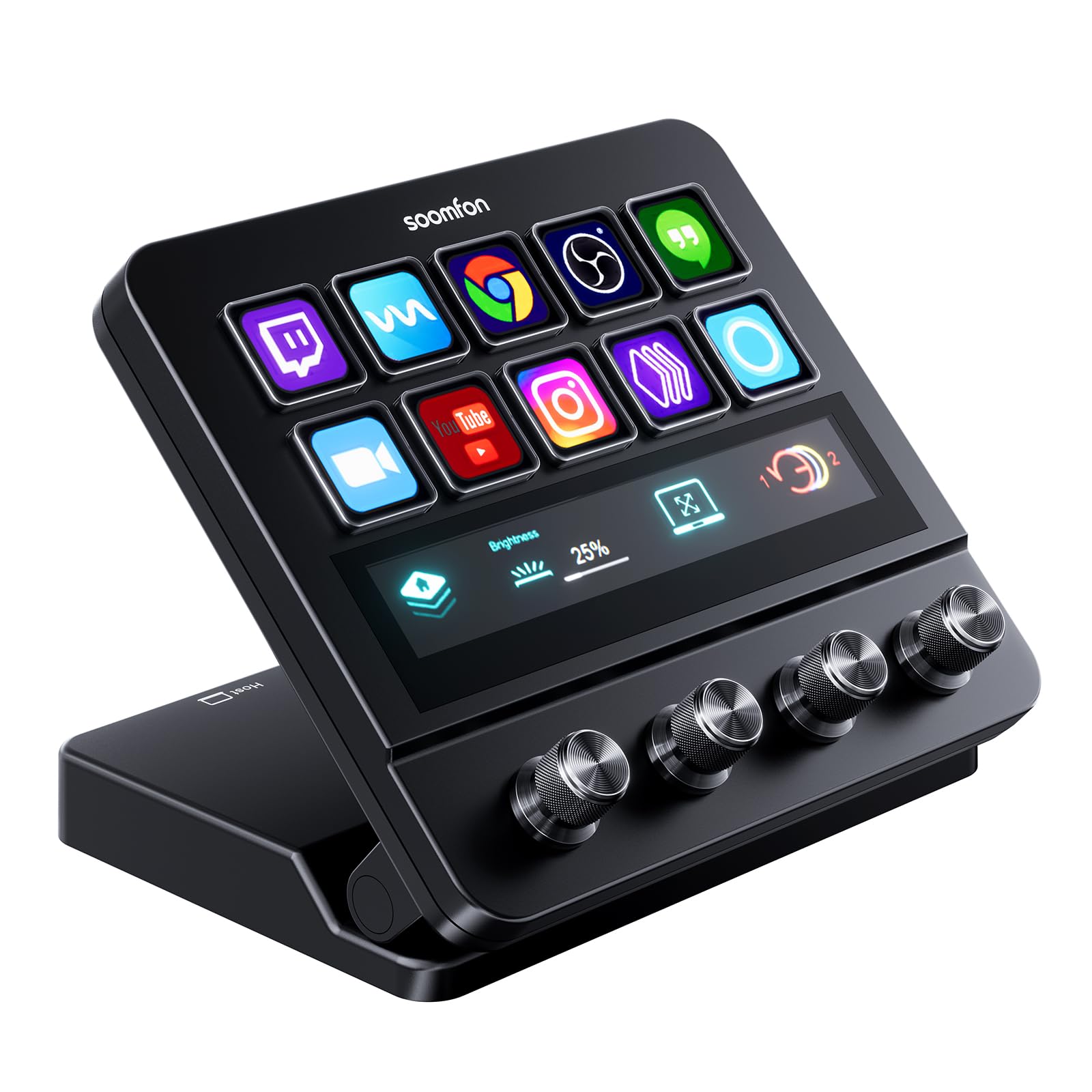
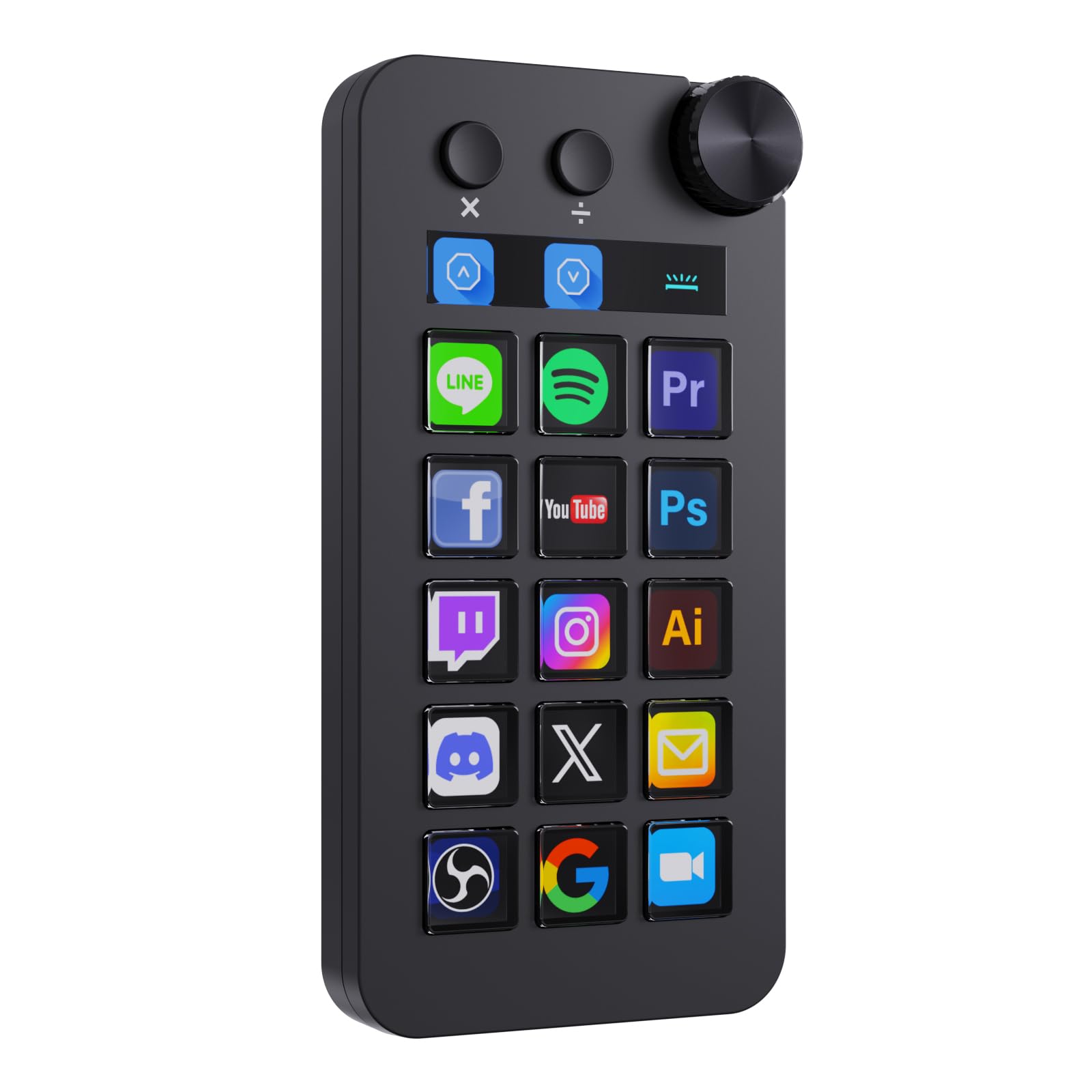
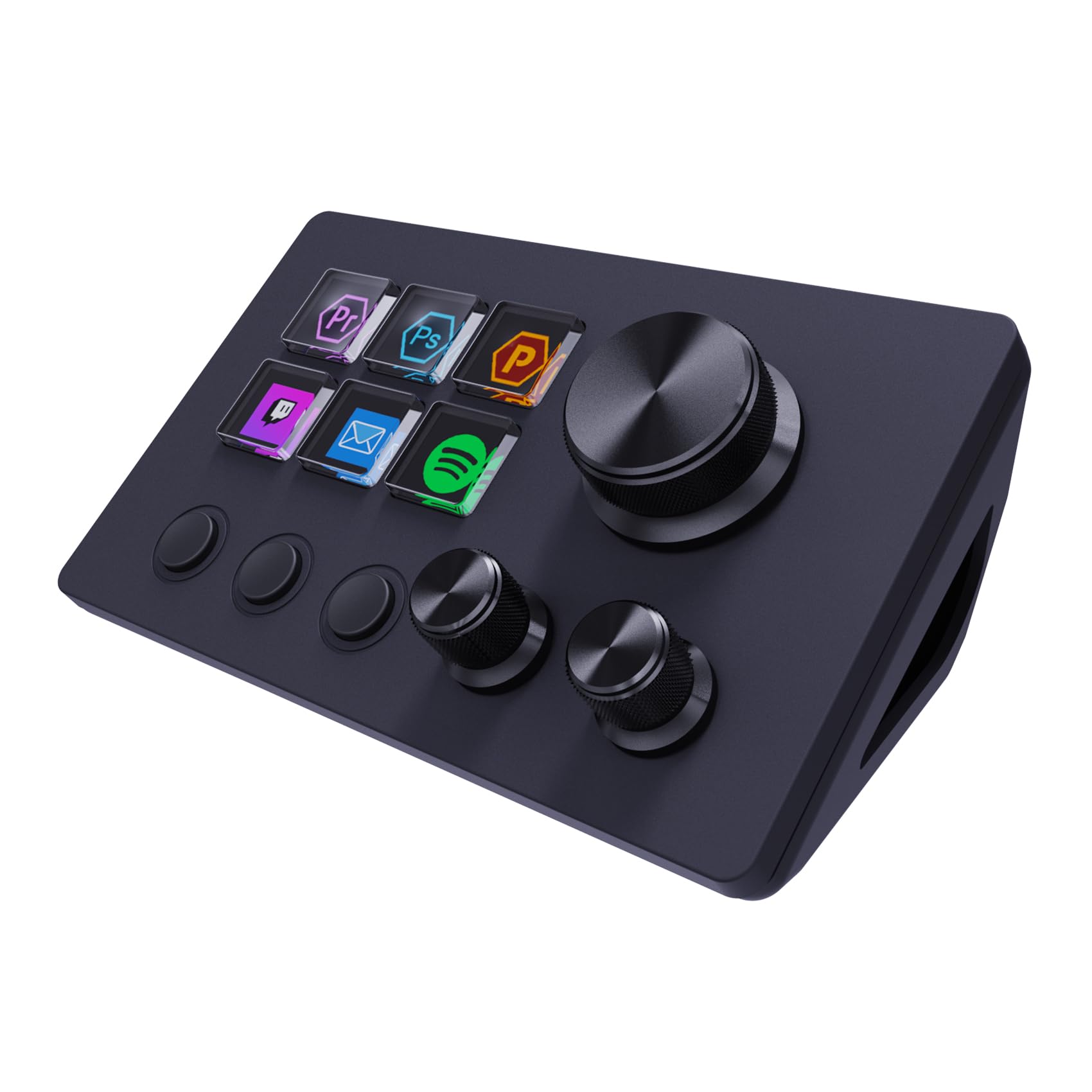
A streaming macro keypad is a small panel of programmable buttons, usually paired with software that lets you assign an action to each key: switching a scene, starting a clip, adjusting audio levels, or triggering an alert. Instead of memorizing keyboard shortcuts or alt-tabbing between windows, you press one labeled key. Many models use small LCD or icon screens under each button so you always know what it does, and some support multiple pages of controls that you can flip between depending on what you are doing, like gameplay versus a just-chatting segment.
This matters more than it sounds. A missed mute during a rant, a scene that does not switch in time, or fumbling for the right hotkey during a raid all break the flow of a stream. A dedicated keypad removes that friction, which is the whole reason a good stream deck for streaming earns a permanent spot on so many creators' desks.
Key Count and Layout: How Many Buttons Do You Need?
Keypads range from compact six-key units to full grids of 32 or more. A smaller layout is fine if you mainly need scene switching and a mute button, and it also takes up less desk space next to a keyboard and mouse. A larger grid makes sense if you run a heavily produced stream with multiple overlays, sound effects, chat commands, and stream alerts you want on standby at all times.
Think about how you actually stream before buying the biggest option available. Many creators start with a compact model, get comfortable with macros, and later add a second unit or an expansion module rather than over-buying capacity they never use.
Software Compatibility With Your Streaming Stack
Before buying, confirm the keypad's software plays well with the broadcasting software, chat bots, and lighting or audio gear already on your desk. Most modern macro keypads support the major streaming applications directly, along with plugin ecosystems built by the community for things like text-to-speech alerts, Spotify controls, or Discord mute toggles. If you run a niche setup, check whether the software supports custom scripting or third-party plugins so you are not stuck with only the built-in actions.
Also check whether the software runs quietly in the background without hogging CPU or RAM, since that resource competes directly with your game and encoder during a live broadcast.
Build Quality and Desk Footprint
You will be pressing these keys constantly, sometimes hundreds of times per stream, so key feel and durability matter. Look for keypads rated for a high number of button presses and a stable base that will not slide around when you tap it quickly mid-game. A detachable USB cable is a nice touch if you travel with your setup or need to route cables cleanly.
Desk footprint is worth measuring in advance too. Streaming setups already juggle a keyboard, mouse, microphone arm, and often a second monitor, so a keypad that eats too much space can end up creating more friction than it solves. Some streamers mount a compact unit on an arm or a small stand to free up desk real estate entirely.
What Price Range Actually Buys You More Functionality
Entry-level keypads with a handful of keys are affordable and cover the basics well: scene switching, mute, and one or two alert triggers. Mid-range models typically add more keys, better screens on each button, and support for multi-page profiles so you can switch between a gameplay layout and a chat-focused layout without unplugging anything.
Higher-tier options usually bring in extras like adjustable stands, brighter or higher-resolution key displays, and companion mobile apps that let you trigger macros from a phone as a backup. None of these upgrades matter if you never use more than four or five shortcuts, so match your spend to your actual workflow rather than the longest feature list on the box.
Setting Up Your Keypad for a Smoother Stream
Once you have chosen a unit, spend real time building your profile before you go live. Group related actions together, for example keeping all your scene switches on one row and your audio controls on another, so muscle memory develops quickly. Label keys clearly, and do not be afraid to leave a few blank at first. You can always add more macros over time, once you know which actions you reach for most during a broadcast.
It also helps to test every macro during a private, unlisted stream or a dry run before relying on it live. A misassigned hotkey during an actual broadcast is far more disruptive than the few minutes it takes to check everything beforehand.
Frequently Asked Questions
Do I need a stream deck to start streaming?
No. Plenty of streamers start with keyboard hotkeys alone. A macro keypad becomes genuinely useful once you are managing multiple scenes, alerts, and audio sources at the same time and need faster, more reliable control than a keyboard shortcut allows.
Can I use a stream deck for gaming shortcuts, not just streaming?
Yes. Many people assign in-game macros, app shortcuts, or productivity commands to their keypad outside of streaming sessions, since the software usually supports custom profiles per application.
How many keys should a beginner get?
A compact layout of six to fifteen keys covers the essentials for most new streamers: scene switching, mute, and a couple of alert triggers. You can always add a second unit later if your needs grow.
Does a macro keypad slow down my computer?
A well-built one uses minimal system resources, but always check user reviews for reports of background CPU usage, especially if you are already running an encoder and a demanding game at the same time.
Can I customize the icons on each key?
Most modern keypads with LCD or icon-based keys let you upload custom images or use built-in icon packs, which makes it much easier to remember what each button does at a glance.
Is a bigger keypad always better?
Not necessarily. A larger grid gives you more shortcuts at once, but it also takes more desk space and takes longer to memorize. Match the size to how complex your actual stream production is.
Making Your Decision
Choosing the best stream deck for streaming comes down to matching key count and software flexibility to how you actually broadcast, not to buying the largest grid on the shelf. Start by listing the actions you repeat most during a live session, confirm the software integrates cleanly with your streaming setup, and pick a build that will hold up to constant daily use.
Related reading: best cpu air coolers and best gaming desks.


