Best CPU Air Coolers in 2026: Sizing, Compatibility, and Real-World Performance
Disclosure: We may earn a commission when you buy through links on this page, at no extra cost to you. As an Amazon Associate I earn from qualifying purchases. Learn more
How heatsink size, TDP rating, and case clearance determine whether an air cooler is actually enough for your CPU.
Liquid cooling gets most of the attention in build videos, but a well-chosen air cooler remains one of the most reliable and lowest-maintenance ways to keep a CPU running cool. The best CPU air coolers combine enough heatsink surface area for your specific CPU's heat output with fans that move air efficiently without excessive noise. Choosing based on looks or brand recognition alone often leads to disappointing thermal performance under sustained load.
This guide covers what actually determines whether an air cooler keeps pace with your CPU, along with the practical fit and installation details that get overlooked until the parts arrive.







TDP Rating and Matching a Cooler to Your CPU
Every air cooler is rated for a maximum thermal design power, or TDP, it can handle effectively, and pairing an undersized cooler with a high-output CPU is the most common source of thermal throttling in air-cooled builds. Checking your specific CPU's TDP against a cooler's rated capacity, with some headroom rather than an exact match, avoids running right at the cooler's limit under sustained load.
Why Headroom Matters
A cooler rated exactly at your CPU's TDP often struggles during extended high-load tasks like gaming sessions or video encoding, where sustained heat output pushes past the cooler's comfortable operating range. Buying a cooler rated meaningfully above your CPU's actual TDP gives quieter operation at idle and more consistent performance under load.
Single Tower vs Dual Tower Design
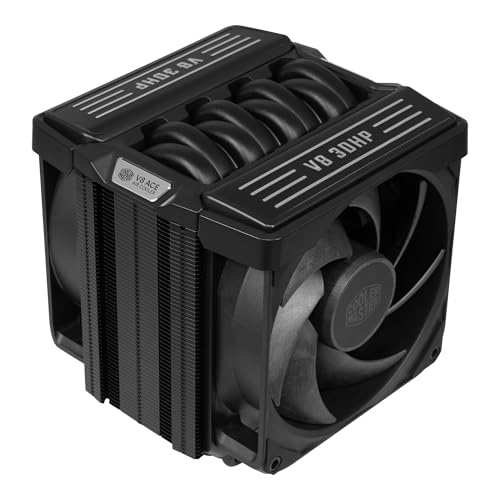
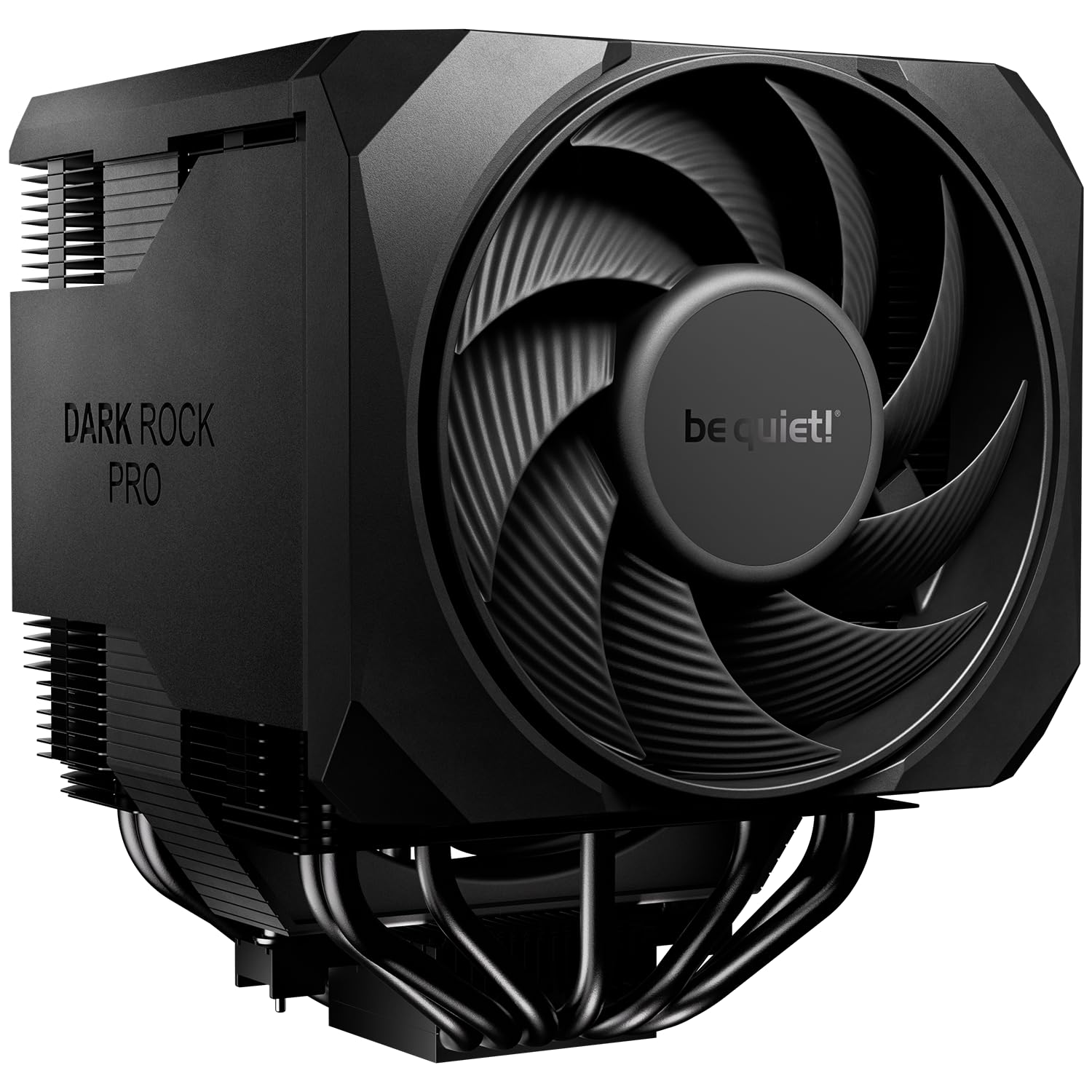
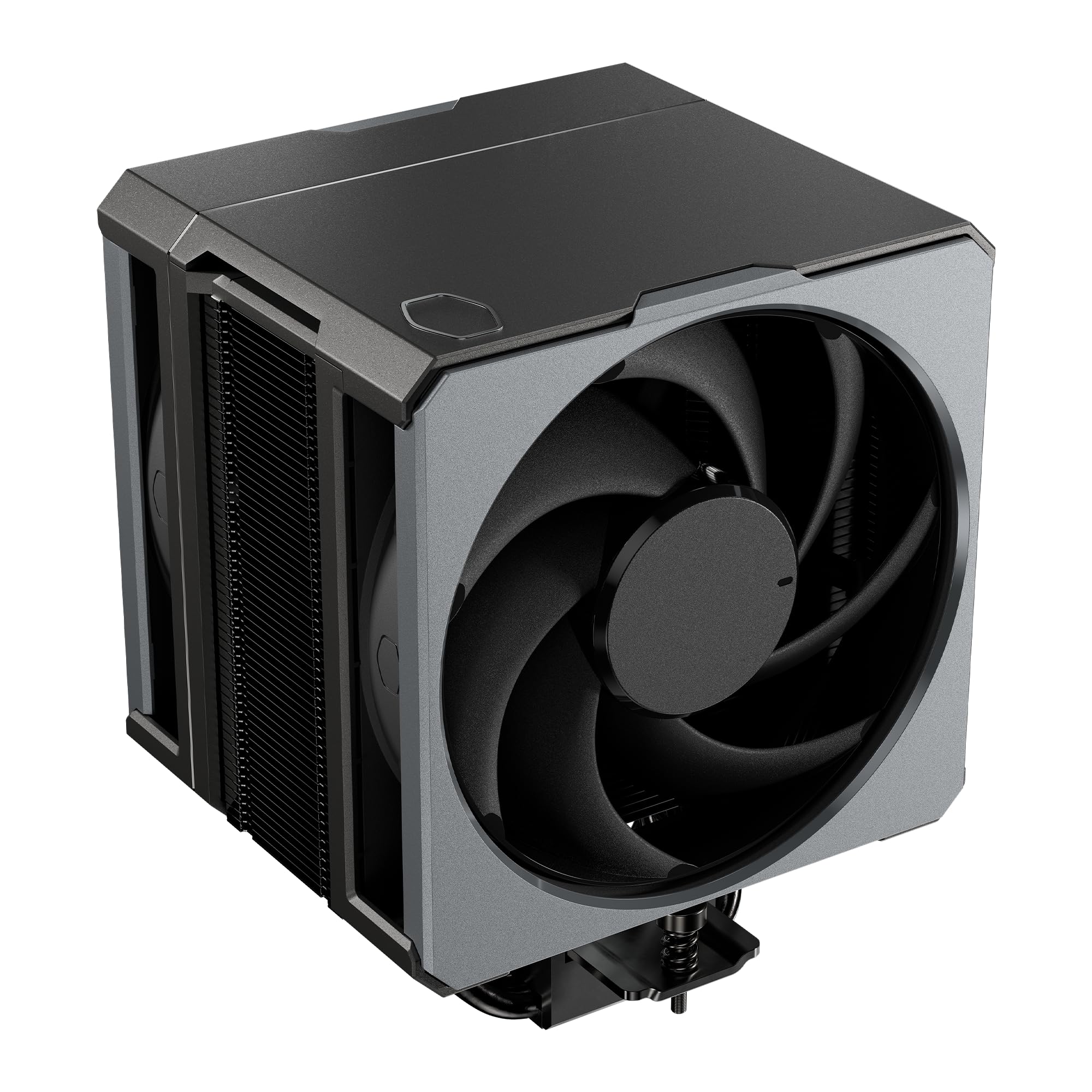
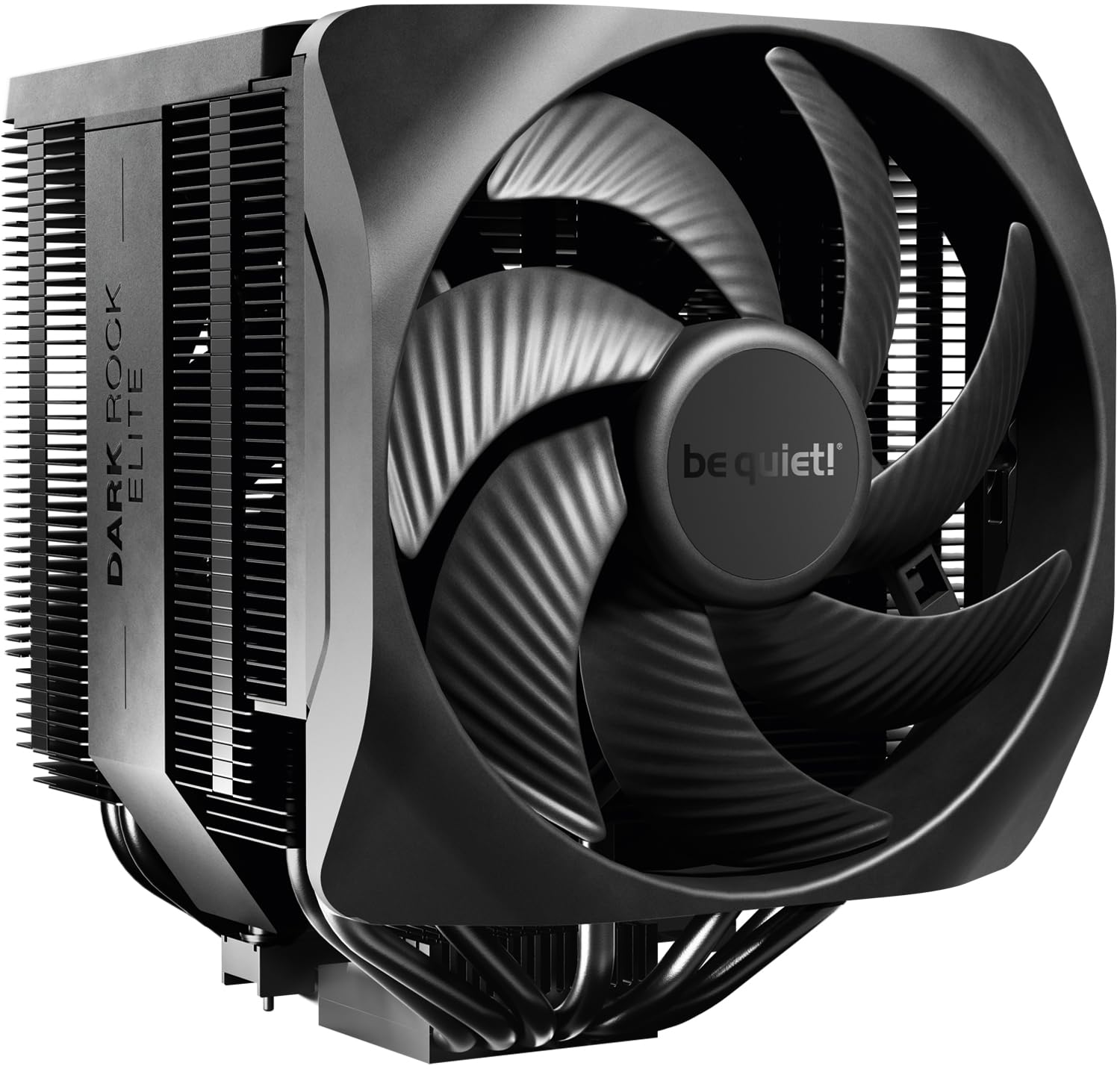
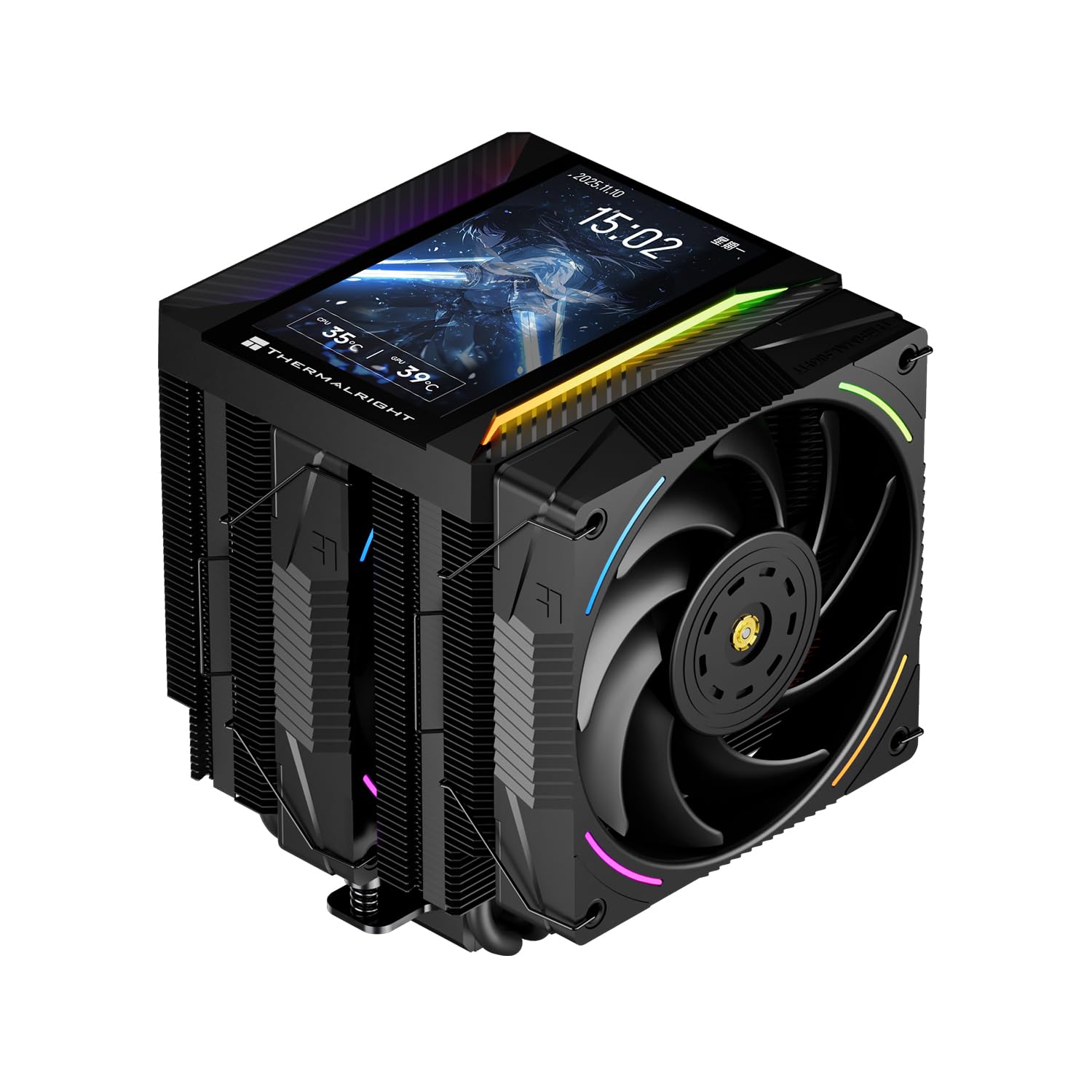
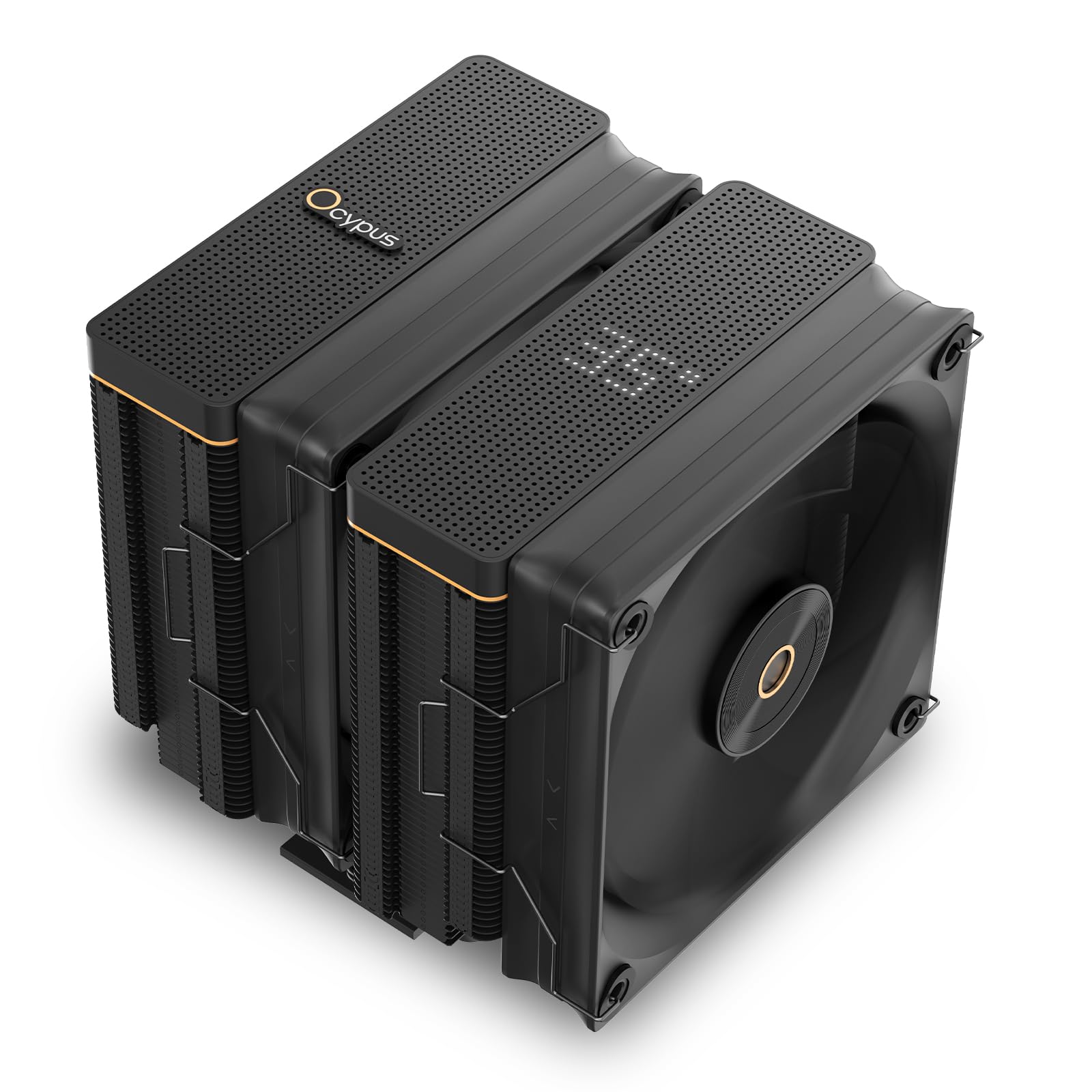
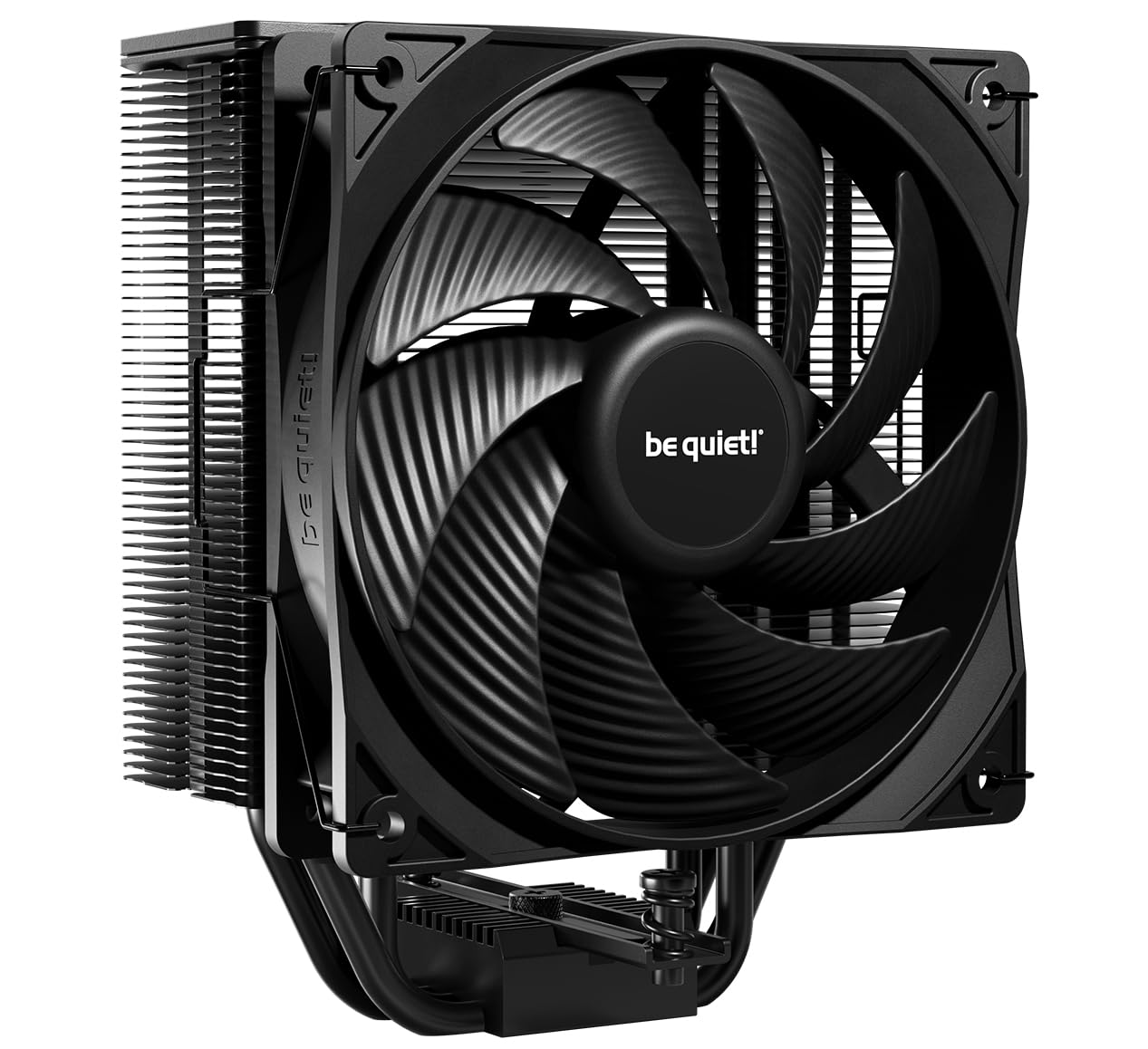
Air coolers generally come in single tower and dual tower configurations, with dual tower designs offering significantly more heatsink surface area and cooling capacity at the cost of substantially more size and weight. Single tower coolers handle mid-range CPUs comfortably and fit in more cases without clearance concerns, while dual tower coolers are built for higher TDP CPUs that genuinely need the extra capacity.
Case Clearance: The Detail That Gets Skipped
Large air coolers can conflict with tall RAM modules, case side panels, or even the top of the case itself, and this is one of the most common installation problems buyers discover only after the parts have already arrived. Checking a cooler's height specification against your case's maximum CPU cooler clearance, and its width against your RAM slot layout, prevents a frustrating return or last-minute compatibility scramble.
RAM Clearance Specifically
Larger air coolers often overhang the first RAM slot closest to the CPU socket, which can physically block tall RAM modules with large heat spreaders from fitting at all. Checking a cooler's specific RAM clearance height against your chosen memory kit avoids this particular and easily overlooked conflict.
Fan Noise and Airflow
Cooling performance and noise level are directly linked, since moving more air generally requires either larger fans spinning slower or smaller fans spinning faster and louder. Larger, well-designed fans can move the same amount of air more quietly than smaller fans working harder to achieve similar airflow.
Fan curve customization through your motherboard's BIOS or software lets you tune how aggressively the cooler ramps up under load, trading some thermal headroom for quieter operation during lighter tasks like browsing or general desktop use.
Installation and Mounting
Air coolers vary in how straightforward their mounting hardware is to install, and this matters more than it might seem for anyone building their first PC or working in a cramped case. Coolers with backplate-based mounting systems generally offer more even, consistent pressure than simpler mounting methods, which translates into better contact with the CPU and more consistent thermal performance.
Thermal Paste Application
Most quality air coolers include pre-applied thermal paste or a separate tube in the box, and proper application matters enough that following the manufacturer's specific recommended method, rather than assuming any amount works equally well, meaningfully affects cooling performance.
When Air Cooling Beats Liquid Cooling
Air coolers have no pump to eventually fail, no tubing to worry about, and no risk of a coolant leak, making them the simpler and generally more reliable long-term option for most builds. For CPUs that do not push into the highest TDP tiers, a quality air cooler often matches or comes close to liquid cooling performance at a lower price and with less long-term maintenance concern.
Frequently Asked Questions
Is air cooling enough for a high-end gaming CPU?
Often yes, particularly with a quality dual tower cooler rated with headroom above your CPU's TDP. Only the very highest TDP CPUs under sustained heavy load genuinely benefit from liquid cooling's extra capacity.
How do I know if an air cooler will fit my case?
Check the cooler's rated height against your case manufacturer's maximum CPU cooler clearance specification, which is usually listed in the case's official specs.
Do bigger air coolers always cool better?
Generally yes in terms of raw capacity, but only if your case has room for it and your CPU's actual heat output benefits from the extra capacity in the first place.
How often should thermal paste be reapplied?
Every few years for most users, or sooner if you notice temperatures climbing unexpectedly, since thermal paste can dry out and lose effectiveness gradually over time.
Are dual tower coolers too big for compact builds?
Often yes, since compact cases frequently cannot accommodate a dual tower's height and width. Single tower coolers are usually the more realistic choice for smaller builds.
Does fan orientation matter for air cooler performance?
Yes, fans should generally be oriented to work with your case's overall airflow direction rather than against it, which can meaningfully affect both cooling performance and case temperatures overall.
Can I add a second fan to a single tower cooler?
Many single tower coolers support adding a second fan for push-pull configuration, which can improve cooling performance modestly if the heatsink itself has room for the airflow improvement to matter.
Final Thoughts
The best CPU air cooler for your build comes down to matching rated capacity to your CPU's actual TDP with genuine headroom, then confirming it physically fits your case and RAM without conflict. A well-matched air cooler delivers reliable, low-maintenance performance that rivals liquid cooling for the vast majority of builds without the added complexity.
Related reading: best ai laptop for business and best laptop for ai engineer.