
Best Lamps for Desks: Every Type Explained Side by Side
Disclosure: We may earn a commission when you buy through links on this page, at no extra cost to you. As an Amazon Associate I earn from qualifying purchases. Learn more

Monitor light bars, compact LED lamps, clamp lamps, charging lamps and premium task lights compared for home offices.
Good lighting changes how a desk feels to work at. The right lamp reduces eye strain, keeps you alert during long sessions and makes video calls look better, while the wrong one creates glare on your monitor or harsh shadows on your notes. Desk lamps now come in many forms, from slim monitor light bars and compact LED lamps to clamp on architect lamps and premium task lights. This guide to the best lamps for desks compares every type side by side so you can choose the right light for your workspace.
The short answer: most home office users should choose an LED desk lamp with adjustable brightness and color temperature, a high color rendering index of 90 or more and a flexible arm or head, which costs around $30 to $80; people with limited desk space should use a monitor light bar like the BenQ ScreenBar Pro, and those who read and write for hours can invest in a premium task lamp like the BenQ e-Reading Desk Lamp.


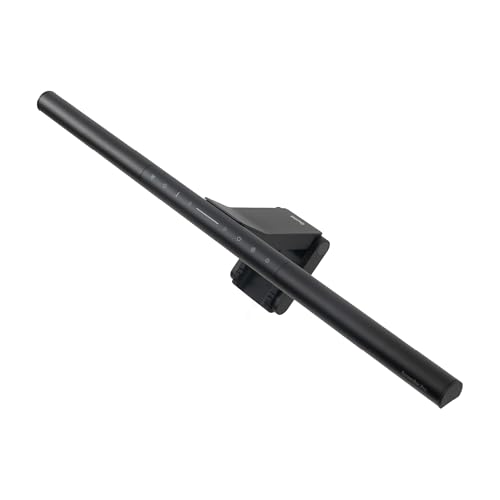

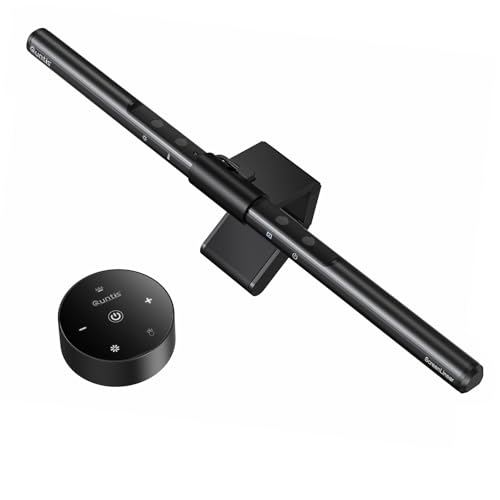
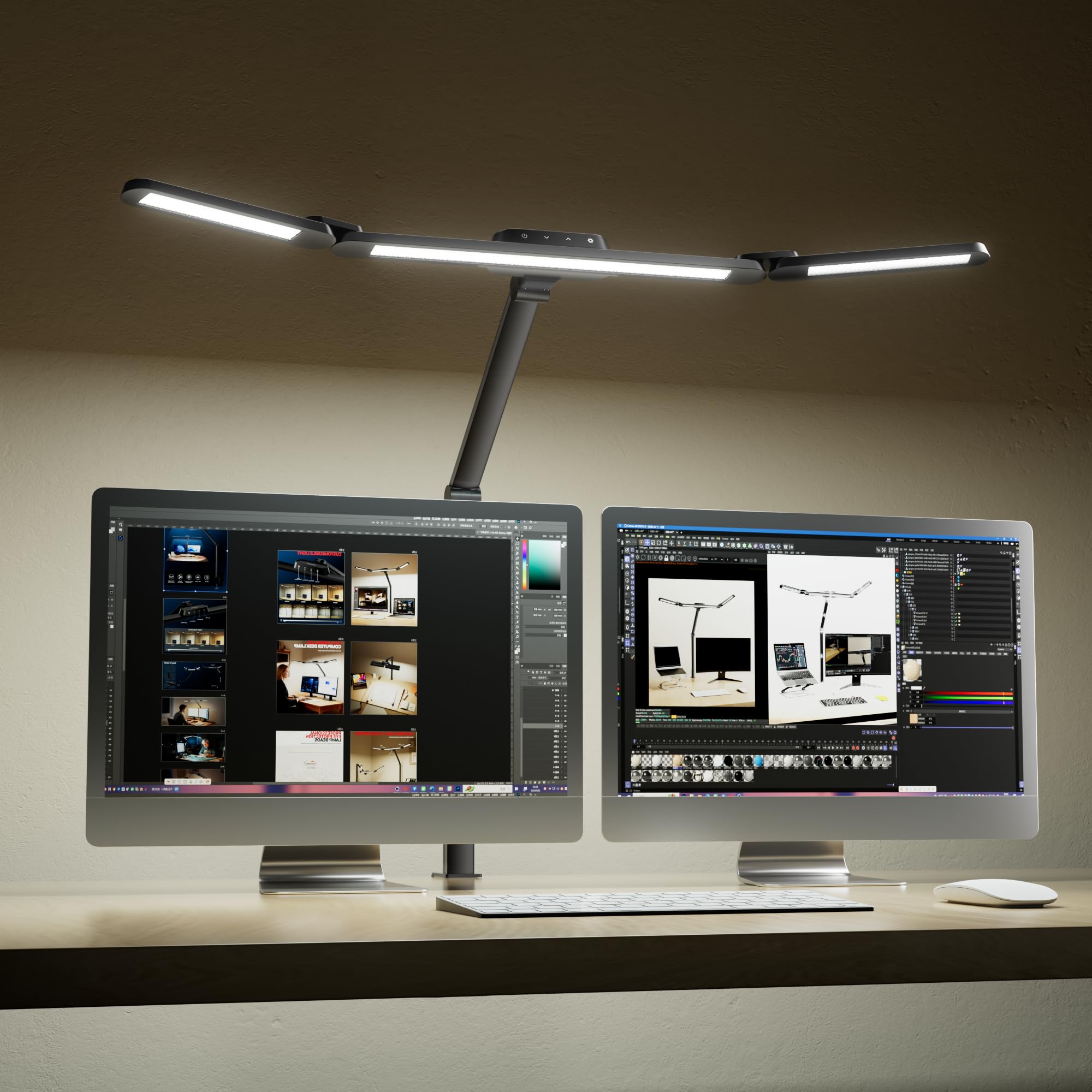


Top 3 Picks at a Glance
These three lamps from the product table above cover premium reading light, budget value and space saving monitor lighting.


Types of Lamps Compared
The table below summarizes the main desk lamp types.
| Type | Best For | Pros | Cons | Typical Price |
|---|---|---|---|---|
| Monitor light bar | Computer users, small desks | No desk footprint, no screen glare | Lights a limited area | around $40 to $200 |
| Compact LED desk lamp | Students, home offices | Affordable, adjustable, often has USB or wireless charging | Smaller light spread | around $25 to $60 |
| Clamp and architect lamp | Large desks, crafts, drafting | Long reach, bright, frees desk space | Needs clamp edge | around $60 to $100 |
| Premium task lamp | Readers, writers, long workdays | Wide even light, high quality LEDs, smart features | Expensive | around $150 to $650 |
Compact and Space Saving Models
Monitor light bars clip onto the top of your monitor and shine light downward onto the desk without reflecting on the screen. They take up zero desk space and often include auto dimming sensors and color temperature controls. The BenQ ScreenBar Pro and Quntis monitor lamp are popular examples. Compact LED desk lamps with small bases and folding arms also suit tight spaces.
These options suit computer focused workers, gamers and anyone with limited desk area. Light bars illuminate keyboards and documents well but cover a narrower area than full lamps.
Budget Models
Budget LED desk lamps around $25 to $40 deliver adjustable brightness, multiple color modes and features like USB ports or wireless phone charging pads. They are ideal for students, dorms and home offices on tight budgets. Trade offs include less even light, plastic builds and lower color accuracy than premium lamps.
Look for flicker free LEDs and a color rendering index of 85 or higher for comfortable reading and natural colors.
Premium and Executive Models
Premium task lamps like the BenQ e-Reading Desk Lamp spread wide, even light across large desks, with high color rendering and auto dimming that adjusts to ambient light. High end designs like the Dyson Solarcycle Morph adjust color temperature to match daylight throughout the day. Clamp architect lamps offer long reach and bright output for drafting and crafts.
These lamps suit writers, designers and professionals who work long hours and want the best light quality.
Monitor Light Bars vs Traditional Desk Lamps: Which Should You Choose?
- Desk space: Light bars use no desk space; lamps need a base or clamp.
- Glare: Light bars are designed to avoid screen glare; lamps need careful positioning.
- Coverage: Lamps light larger areas for reading paper and crafts.
- Flexibility: Lamps can be aimed anywhere; light bars stay above the monitor.
- Price: Budget lamps cost less than premium light bars.
Choose a light bar for computer work on small desks. Choose a desk lamp for paper based work, reading and larger desks.
How to Choose the Right Lamp
Ergonomics and Adjustability
Adjustable arms, rotating heads and tilting shades let you aim light where you need it without shining into your eyes. Position the lamp on the opposite side of your writing hand to avoid shadows. Look for lamps that reach far enough to cover your work area.
Brightness and Color Temperature
Brightness is measured in lumens; 400 to 800 lumens suits most desks, while 1,000 lumens or more helps large desks and detailed work. Color temperature, measured in Kelvin, ranges from warm 2700K to cool 6500K. Neutral 4000K to 5000K light suits focused work, while warmer light helps evenings. Adjustable lamps let you switch through the day.
Color Rendering and Eye Comfort
A color rendering index of 90 or more shows colors accurately, important for art, design and reading. Flicker free LEDs reduce eye strain, and diffused or asymmetric light prevents glare on screens and glossy paper.
Size and Placement
Measure your desk and check lamp base size, arm reach and height. Clamp lamps need a desk edge between about 0.5 and 2.5 inches thick. Light bars need a monitor bezel that fits their clip.
Features That Matter for Desks
USB charging ports and wireless charging pads keep phones topped up. Touch controls, memory functions and timers add convenience. Auto dimming sensors adjust brightness to the room. Smart lamps integrate with apps and voice assistants.
Warranty and Return Policy
LED lamps should last years, so look for at least a one year warranty. Premium brands often offer longer coverage. Check return policies in case the light color, brightness or arm reach does not suit your desk.
Lighting for Different Desk Activities
Reading and Writing
Paper based work needs wide, even light across the page without hot spots or glare. Position the lamp to the side opposite your writing hand and slightly in front, so shadows fall away from your work. Premium reading lamps with asymmetric light spread illuminate large areas evenly, reducing eye fatigue during long study sessions.
Computer Work
Screens emit their own light, so the goal is to light the desk around the monitor and reduce contrast between the bright screen and a dark room. Monitor light bars do this without reflecting on the display. Bias lighting behind the monitor also reduces eye strain in the evening.
Crafts, Drawing and Hobbies
Detailed work like drawing, model building, sewing and electronics repair needs bright, accurate light. Choose lamps with high lumens, a CRI of 90 or more and flexible arms or clamp mounts that position light directly over your work. Magnifier lamps help with tiny parts.
Gaming Desks
Gamers benefit from monitor light bars and bias lighting that reduce glare and eye strain during long sessions. RGB accent lighting adds atmosphere, but use a neutral task light for reading notes or setting up equipment.
LED vs Traditional Bulbs
Nearly all modern desk lamps use LEDs, and for good reason. LEDs use far less energy than incandescent or halogen bulbs, produce little heat and last tens of thousands of hours. Many offer adjustable color temperature and dimming. Integrated LED lamps cannot replace bulbs, but they rarely need replacement during their lifetime. If you prefer a classic lamp with replaceable bulbs, choose high CRI LED bulbs with the right color temperature.
Eye Strain and Healthy Lighting Habits
Good lighting is one part of reducing eye strain. Balance light levels so your desk is not much darker or brighter than your screen. Use warmer, dimmer light in the evening to help your body wind down. Follow the 20 20 20 rule: every 20 minutes, look at something 20 feet away for 20 seconds. Position your monitor slightly below eye level, and clean your screen to reduce glare.
How to Make Your Lamp Last Longer
Dust lamp heads and diffusers regularly with a dry cloth to maintain brightness. Avoid bending arms beyond their range, which can loosen joints. Use the lamp's dimmer rather than running at maximum brightness all the time, which reduces heat and extends LED life. Keep lamps away from moisture, and use surge protectors for premium smart lamps to guard their electronics.
Common Mistakes When Buying a Desk Lamp
- Choosing too much brightness. Overly bright light can cause glare and fatigue; adjustable brightness is key.
- Ignoring color rendering. Low CRI lamps make colors look dull and can tire your eyes.
- Placing the lamp behind you. Light from behind causes screen glare and shadows on your work.
- Buying flickering lamps. Cheap LEDs with visible flicker cause headaches; look for flicker free claims.
- Forgetting desk space. Large bases crowd small desks; consider clamp lamps or light bars.
Smart Desk Lamps
Smart desk lamps connect to apps and voice assistants like Alexa, Google Assistant and Apple Home. You can schedule brightness changes, set color temperature automatically through the day and control lights hands free. Some premium lamps track local daylight and adjust color to support natural sleep and wake cycles. Smart features are convenient but not essential; a good manual lamp with dimming and color control covers most needs.
Lighting Tips for Video Calls
Good desk lighting improves how you look on camera. Place a lamp or light bar slightly in front of you rather than behind, and aim it to softly light your face. Avoid strong overhead light that creates shadows. Neutral color temperature around 4000K to 5000K looks natural on most webcams. If a window is behind you, add front lighting to balance the brightness.
How Much to Spend on Lamps for Desks
Around $25 to $40 buys capable LED lamps with adjustable brightness and charging features. Around $60 to $140 covers clamp architect lamps and monitor light bars. Around $150 to $650 brings premium task lamps with wide coverage, high color accuracy and smart features. For most people, the best lamps for desks cost between $30 and $140.
Lamps: Your Questions Answered
What features matter most in lamps for desks?
Adjustable brightness, color temperature and flicker free light matter most. High color rendering keeps colors natural, and an adjustable arm or head lets you aim light precisely without glare.
How long should a good lamp last?
A quality LED desk lamp can last 25,000 to 50,000 hours. That is many years of daily use. Mechanical parts like joints may wear sooner on cheap lamps.
How do I choose the right size lamp?
Choose a lamp whose arm reach and light spread cover your work area. Small desks suit compact lamps or light bars, while large desks need clamp lamps or wide premium lamps.
Is an expensive lamp worth it?
An expensive lamp is worth it if you read, write or design for long hours. Premium lamps provide wider, more even light and better color accuracy, reducing eye strain. Casual users do well with budget LED lamps.
What light color is best for working?
Neutral white light around 4000K to 5000K is best for focused work. It keeps you alert without feeling harsh. Switch to warmer light in the evening to wind down.
Are monitor light bars better than desk lamps?
Monitor light bars are better for computer work on small desks, while desk lamps are better for reading and paper work. Light bars save space and avoid glare, but lamps cover larger areas and can be aimed freely.
Do desk lamps help with productivity?
Yes, good desk lighting can improve focus and comfort. Bright, neutral light keeps you alert during work, while reduced glare and shadows lower eye fatigue. Adjustable lamps let you match lighting to different tasks throughout the day.
Final Thoughts
The right desk lamp makes work more comfortable and productive. Choose a monitor light bar for computer focused desks, a budget LED lamp for students and home offices, a clamp lamp for large workspaces and a premium task lamp for long reading and writing sessions. Prioritize adjustable brightness, color temperature and eye comfort, and position the light to avoid glare on your screen.
Compare the best lamps for desks in the product table above to find the right light for your workspace.


